With this note-taking app, you can create, edit, and organize memos with tabs for remarks and history, and attach images to remarks. Includes folder management, security lock, and history recovery features.
AppRecs review analysis
AppRecs rating 4.2. Trustworthiness 72 out of 100. Review manipulation risk 22 out of 100. Based on a review sample analyzed.
★★★★☆
4.2
AppRecs Rating
Ratings breakdown
5 star
80%
4 star
11%
3 star
4%
2 star
1%
1 star
3%
What to know
✓
Low review manipulation risk
22% review manipulation risk
✓
Credible reviews
72% trustworthiness score from analyzed reviews
⚠
Ad complaints
Many low ratings mention excessive ads
About Simple Notepad -BestNote-
As a characteristic feature of "BestNote", the memo creation page is divided into three tabs.
It is "memo" "remarks" "history".
"Memo" tab is the same function as normal memo pad.
"Remarks" "History" is a feature of this application's commitment.
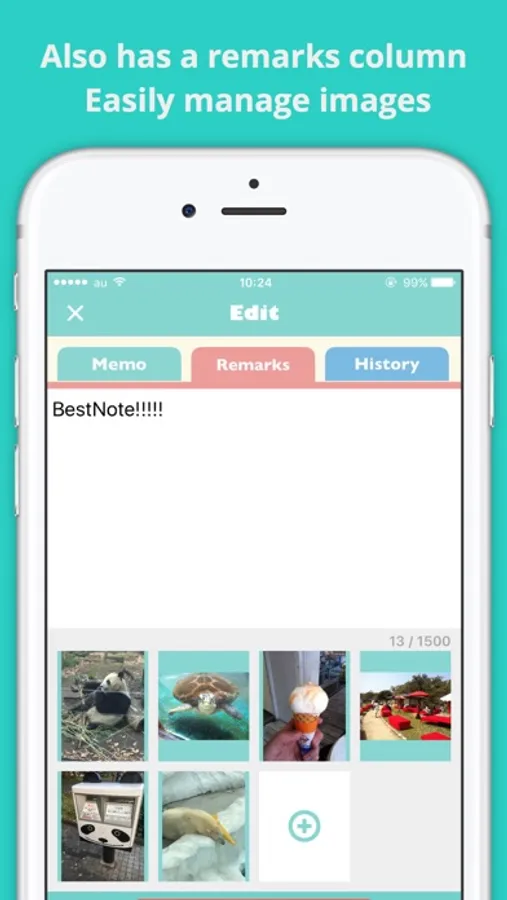
In the "Remarks" tab, there is another character input field in addition to the memo, so you can use it in various ways, such as writing a simple draft when writing a note or using it as a remarks column.
In addition, it is also possible to attach images on the "Remarks" tab, and it is possible to use it beyond the frame of Notepad depending on the ingenuity.
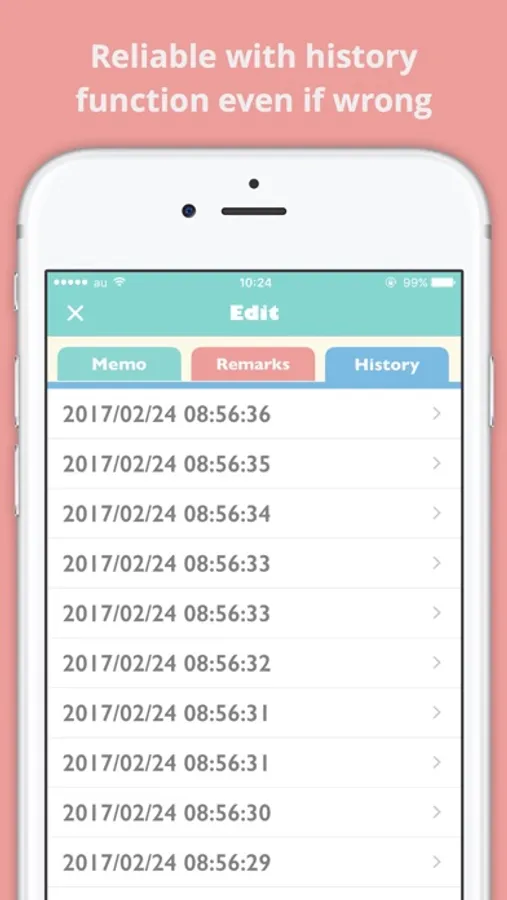
Although it is the "history" tab, contents written in the "memo" tab are accumulated in the history as the name does. (It will be written to the history when you press save button on memo page)
With this function, it is possible to recover promptly even in unforeseen circumstances such as mistakenly editing important information accidentally.
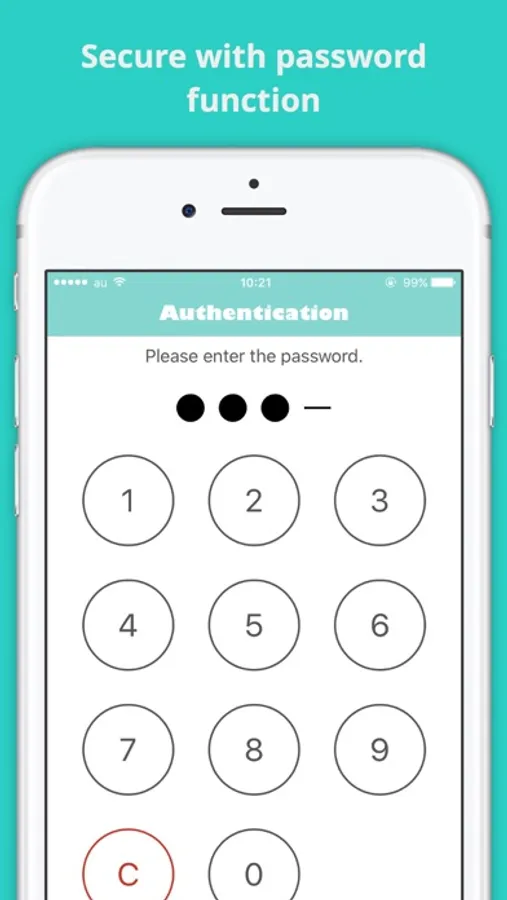
In addition to the security lock password function.
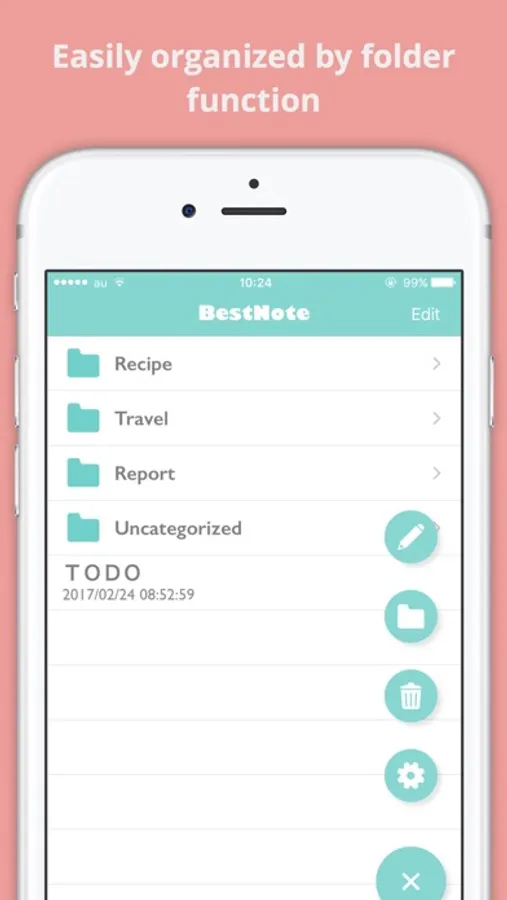
Various functions such as folder division function to make memo easier to manage are carried.
Please try downloading it once by all means.
・Terms of Use
https://eeggs.jp/terms-of-use-en
Simple Notepad -BestNote- Screenshots
Tap to Rate:
Reviews for Simple Notepad -BestNote-
Danak03
The new ads ruined it
I used to love this app and use it all day every day but now it’s got these new ads with sound that interrupt your background videos - so you have to stop what you are doing and go restart your video then when you get back to the note pad again it does it again!!! And constantly!! repeatedly! I could see if I have closed the app, and then re-opened it, I could deal with that, but I’m writing notes to a teaching on a video and this is freaking maddening that it keeps stopping my video! I have to go find a different note pad. This will not work for me like this. I will check back one day and see if it’s back to normal so I can use it again because I really loved it until this started. I don’t mind ads - but ads with sound is way too much to deal with when you are literally trying to take notes…on a notepad. That’s what it’s for. 🙈😩😭
PYY01
至開發者.
如果能自行拍照將更完美。非常實用.