AppRecs review analysis
AppRecs rating 4.4. Trustworthiness 80 out of 100. Review manipulation risk 21 out of 100. Based on a review sample analyzed.
★★★★☆
4.4
AppRecs Rating
Ratings breakdown
5 star
77%
4 star
0%
3 star
15%
2 star
0%
1 star
8%
What to know
✓
Low review manipulation risk
21% review manipulation risk
✓
Credible reviews
80% trustworthiness score from analyzed reviews
✓
High user satisfaction
77% of sampled ratings are 4+ stars (4.4★ average)
About Dragonframe Tether
Use your iPhone, iPod Touch or iPad as a capture source in Dragonframe 4 stop motion animation software.
Instructions:
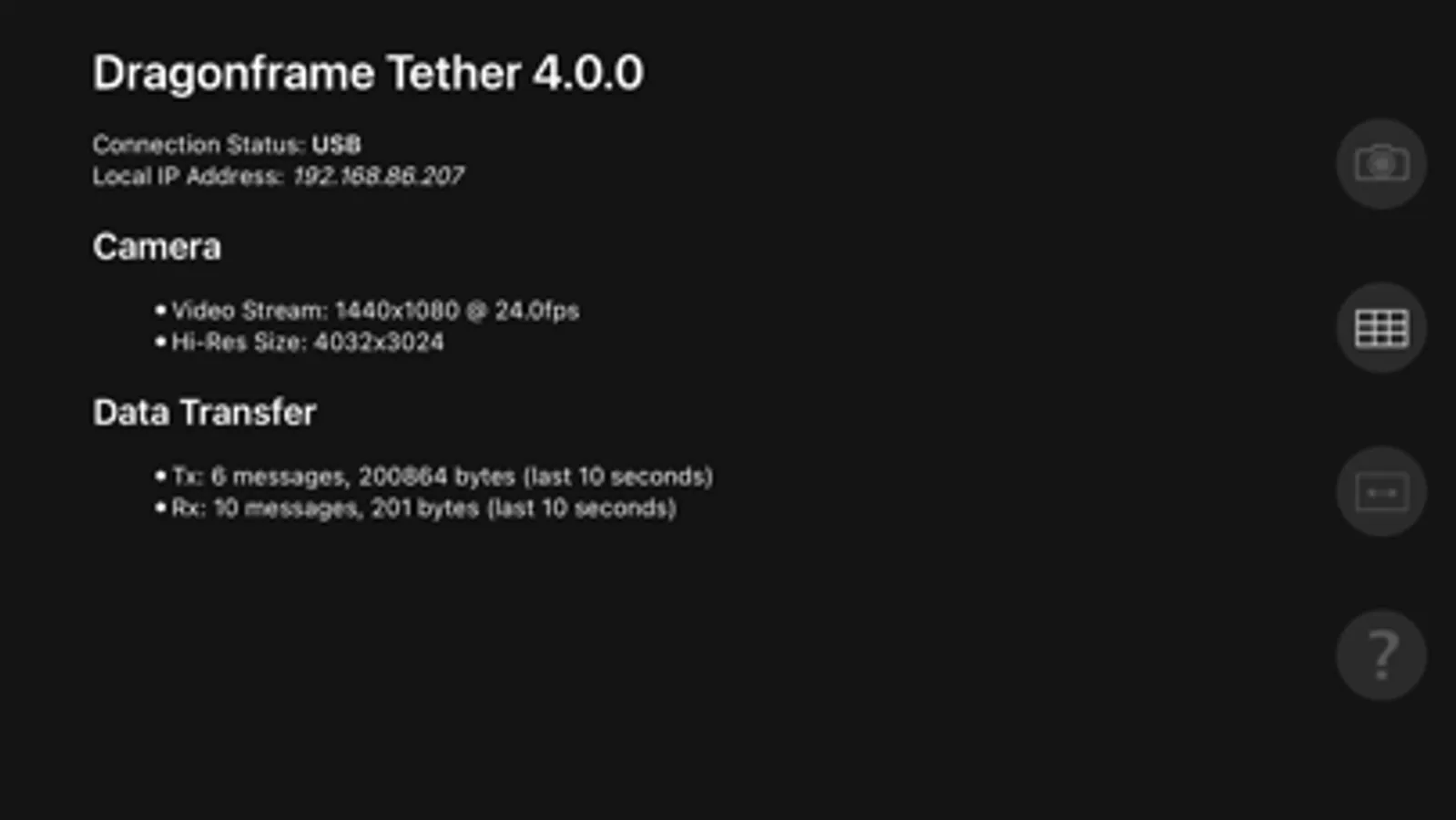
1. Connect your iOS device to your computer via a USB cable.
2. Launch Dragonframe software on the computer.
3. Launch DF Tether on your device.
Dragonframe will automatically detect it and connect to it.
Once connected:
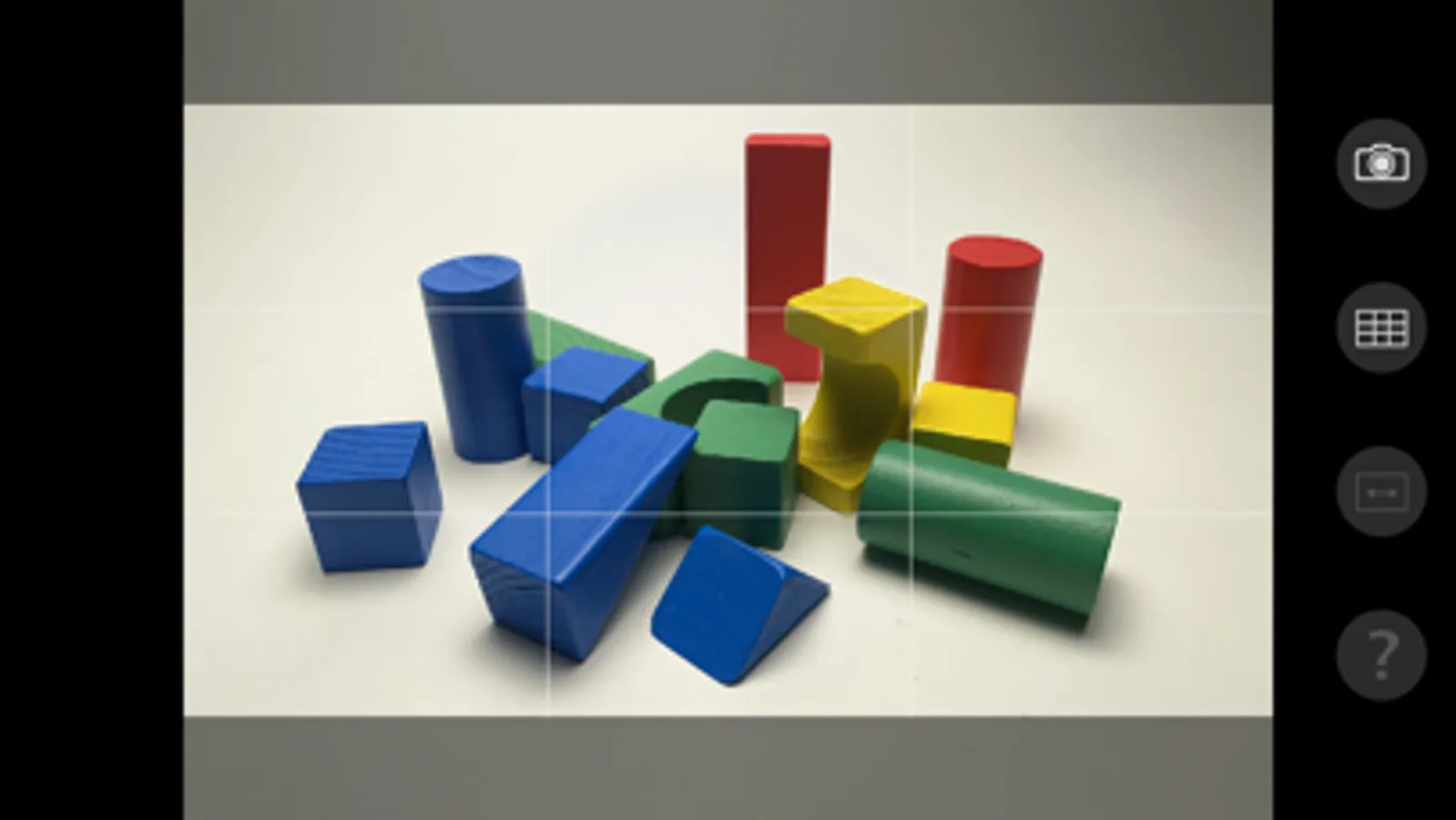
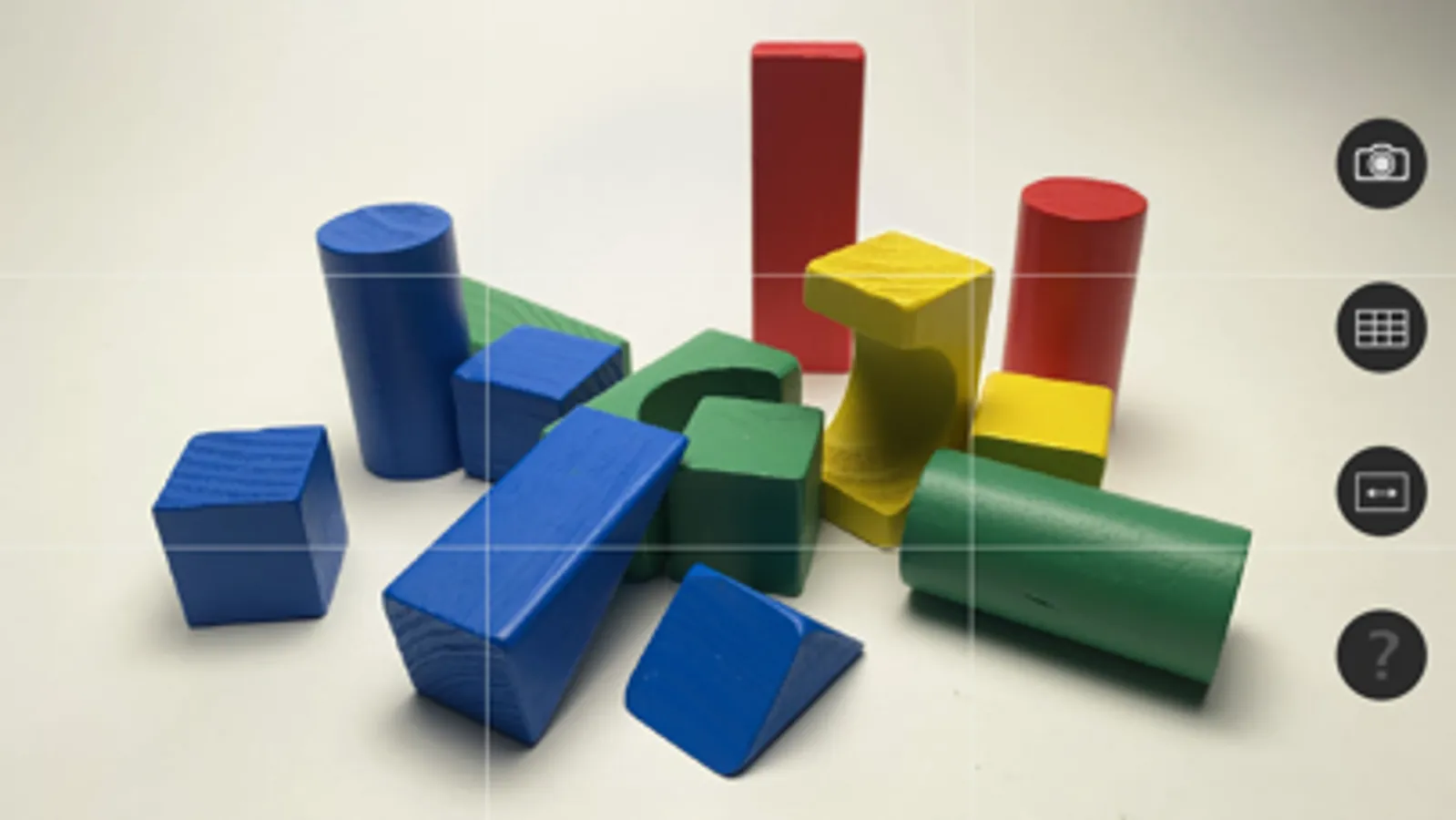
* Dragonframe will show a video preview using the iOS camera.
* You can control shutter speed, ISO, focus and white balance.
* Capture JPG or DNG images directly to the computer.
(The specific functionality varies by camera.)
NOTE: Requires Dragonframe 4 or newer on a macOS, Windows, or Linux desktop system. Dragonframe 4 is a separate purchase, and not included with this app. See http://www.dragonframe.com for more details.
NOTE: Windows users must install iTunes.
Instructions:
1. Connect your iOS device to your computer via a USB cable.
2. Launch Dragonframe software on the computer.
3. Launch DF Tether on your device.
Dragonframe will automatically detect it and connect to it.
Once connected:
* Dragonframe will show a video preview using the iOS camera.
* You can control shutter speed, ISO, focus and white balance.
* Capture JPG or DNG images directly to the computer.
(The specific functionality varies by camera.)
NOTE: Requires Dragonframe 4 or newer on a macOS, Windows, or Linux desktop system. Dragonframe 4 is a separate purchase, and not included with this app. See http://www.dragonframe.com for more details.
NOTE: Windows users must install iTunes.
Dragonframe Tether Screenshots
Tap to Rate:
Reviews for Dragonframe Tether
Great Sajj
Monochrome Live preview!
Everything works fine but when I use my iPhone (16 pro) the live preview is monochrome and it’s so frustrating! Can someone tell me how can I fix it?
Bdog_54
Why can’t a zoom in
It won’t let me zoom in