In this photo editing app, you can split images into grids, adjust their position, and post directly to Instagram. Includes high-resolution splitting, multiple grid options, and direct sharing to Instagram.
AppRecs review analysis
AppRecs rating 4.2. Trustworthiness 78 out of 100. Review manipulation risk 29 out of 100. Based on a review sample analyzed.
★★★★☆
4.2
AppRecs Rating
Ratings breakdown
5 star
91%
4 star
4%
3 star
2%
2 star
1%
1 star
3%
What to know
✓
Low review manipulation risk
29% review manipulation risk
✓
Credible reviews
78% trustworthiness score from analyzed reviews
⚠
Pricing complaints
Many low ratings mention paywalls or pricing
About PhotoSplit for Instagram
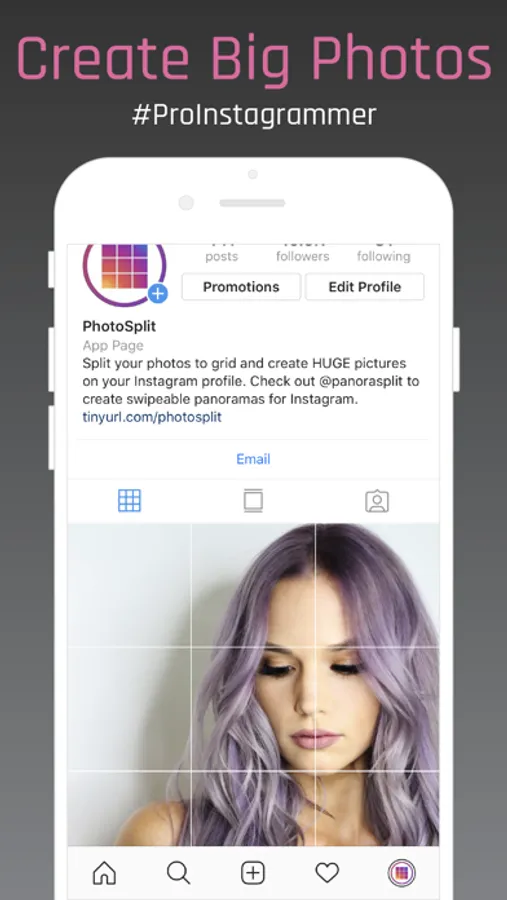
PhotoSplit is the most popular app for splitting your photos into a grid and posting them directly to Instagram.
PhotoSplit lets you slice any photo into a 1x2, 1x3, 2x3, 3x3, 4x3 or 5x3 grid while keeping its high resolution and quality. It then enables you to post the split images to Instagram to show them as one big photo on your profile. Elevate your Instagram game by giving your profile a professional look.
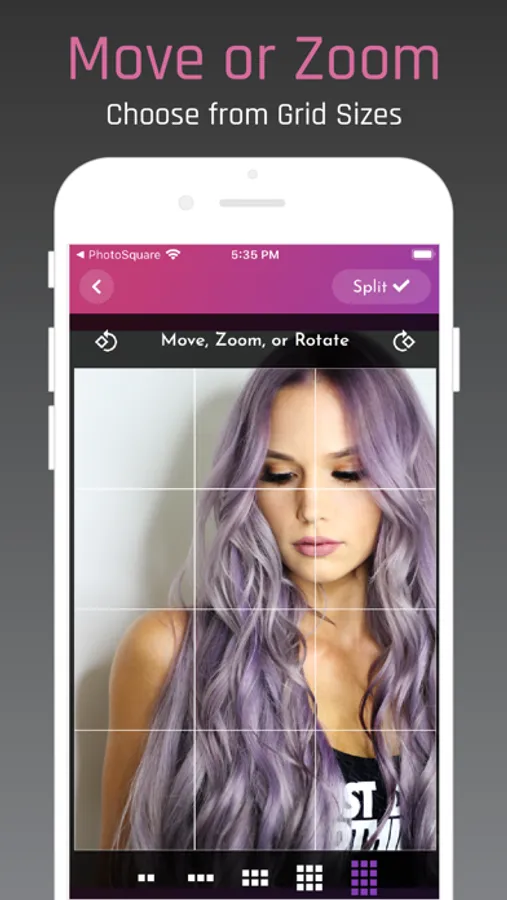
In PhotoSplit, you can zoom in, move, or even rotate your photo to instantly see how it will look on your Instagram profile.
Why PhotoSplit?
• Choose from a variety of grid options: 1x2, 1x3, 2x3, 3x3, 4x3 & 5x3
• Move, Zoom or Rotate to get the perfect fit.
• Keeps images in high resolution. Will not reduce quality after splitting. Will not blur the image.
• Option to split photos in Instagram's new Portrait aspect ratio OR stay with older Square aspect ratio.
• Zoom out the photo as much as you like and choose a background color.
• Use our advanced camera within the app to take stunning photos and split them right away.
• Share images directly to Instagram without having to save them first.
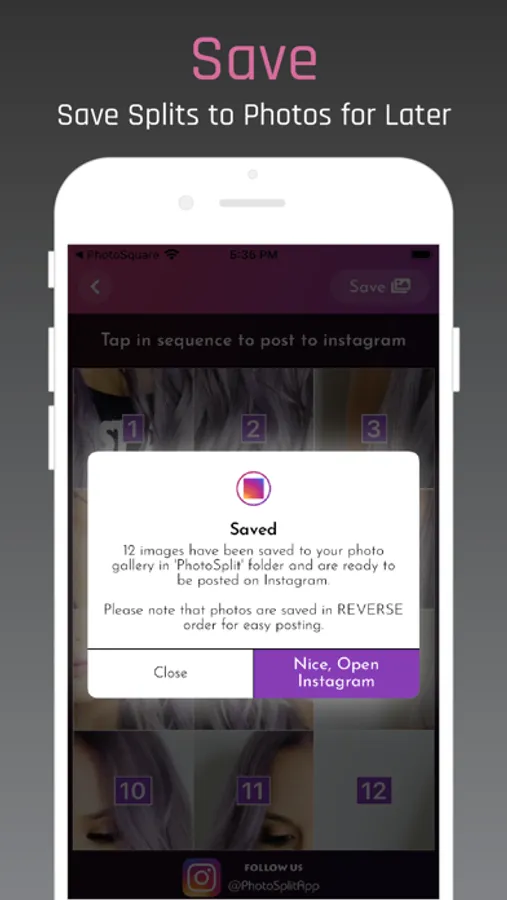
• If you prefer, save split images to the Photo library and post from within the Instagram app.
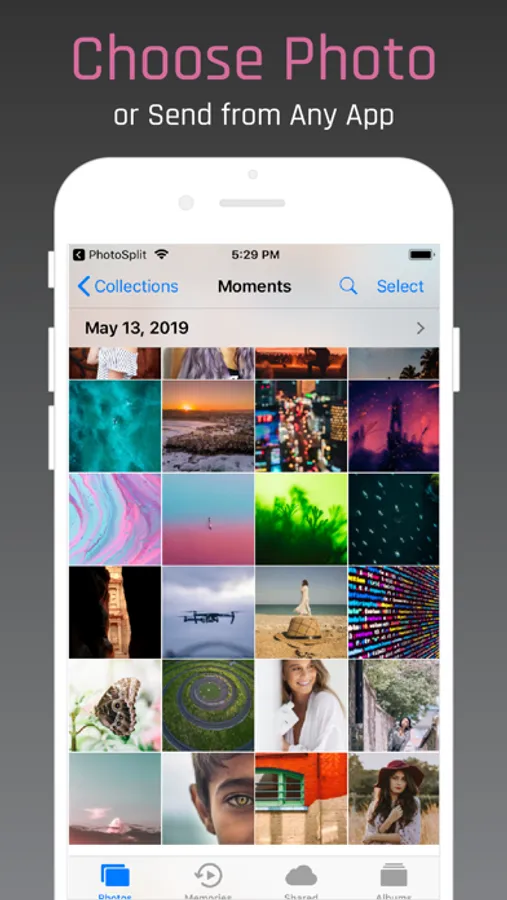
• Send any photo to the PhotoSplit app from the iPhone Photo Gallery and other apps directly through the Share widget.
• No login, No subscriptions, No ads ever.
• Over 100,000 5-Star Ratings on the App Store.
• Trusted by over 2.5 Million Instagram lovers
PhotoSplit lets you slice any photo into a 1x2, 1x3, 2x3, 3x3, 4x3 or 5x3 grid while keeping its high resolution and quality. It then enables you to post the split images to Instagram to show them as one big photo on your profile. Elevate your Instagram game by giving your profile a professional look.
In PhotoSplit, you can zoom in, move, or even rotate your photo to instantly see how it will look on your Instagram profile.
Why PhotoSplit?
• Choose from a variety of grid options: 1x2, 1x3, 2x3, 3x3, 4x3 & 5x3
• Move, Zoom or Rotate to get the perfect fit.
• Keeps images in high resolution. Will not reduce quality after splitting. Will not blur the image.
• Option to split photos in Instagram's new Portrait aspect ratio OR stay with older Square aspect ratio.
• Zoom out the photo as much as you like and choose a background color.
• Use our advanced camera within the app to take stunning photos and split them right away.
• Share images directly to Instagram without having to save them first.
• If you prefer, save split images to the Photo library and post from within the Instagram app.
• Send any photo to the PhotoSplit app from the iPhone Photo Gallery and other apps directly through the Share widget.
• No login, No subscriptions, No ads ever.
• Over 100,000 5-Star Ratings on the App Store.
• Trusted by over 2.5 Million Instagram lovers
PhotoSplit for Instagram Screenshots

Tap to Rate:
Reviews for PhotoSplit for Instagram
Merlinnnn the Wizard
Insane Pricing
There’s no free trial. $20 right off the bat.
ScarletAssassin
Only pro
I didn’t even get to use it once till it told me I’ve used all my free trials and must now pay $20 to use it