AppRecs review analysis
AppRecs rating 4.5. Trustworthiness 75 out of 100. Review manipulation risk 16 out of 100. Based on a review sample analyzed.
★★★★☆
4.5
AppRecs Rating
Ratings breakdown
5 star
67%
4 star
17%
3 star
17%
2 star
0%
1 star
0%
What to know
✓
Low review manipulation risk
16% review manipulation risk
✓
Credible reviews
75% trustworthiness score from analyzed reviews
✓
High user satisfaction
67% of sampled ratings are 5 stars
About CricketScorer
Main feature include:
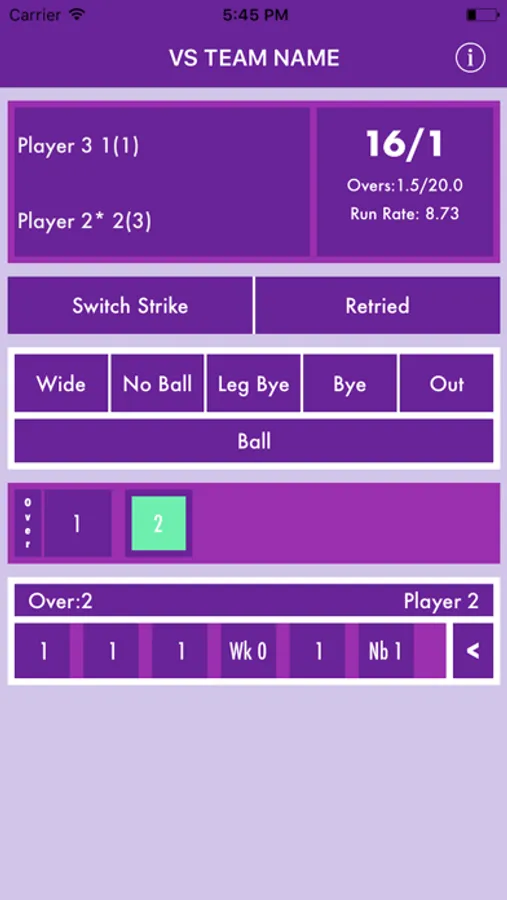
- Overview of the score
- Each ball is displayed with scored runs or extras, makes it easy to get glance of each over.
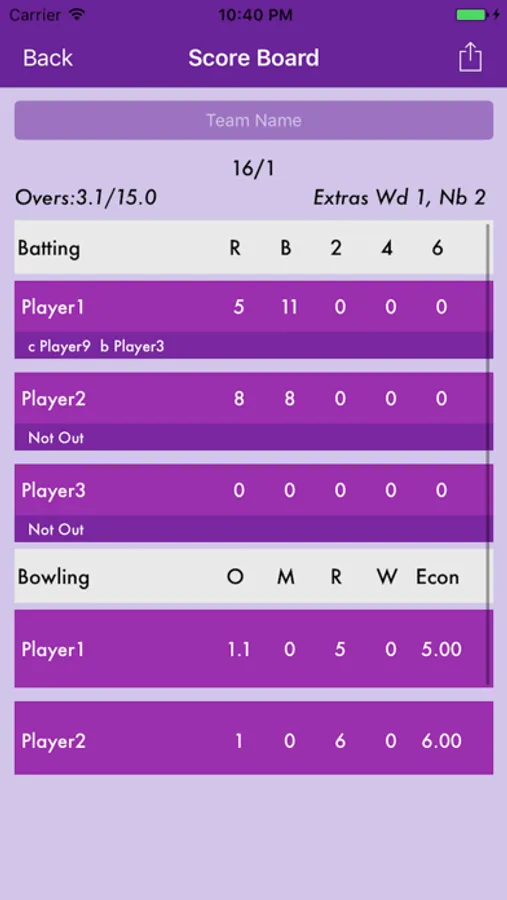
- Tap on score takes you to the over all team score card. Screenshot option helps to save the team score card to your album.
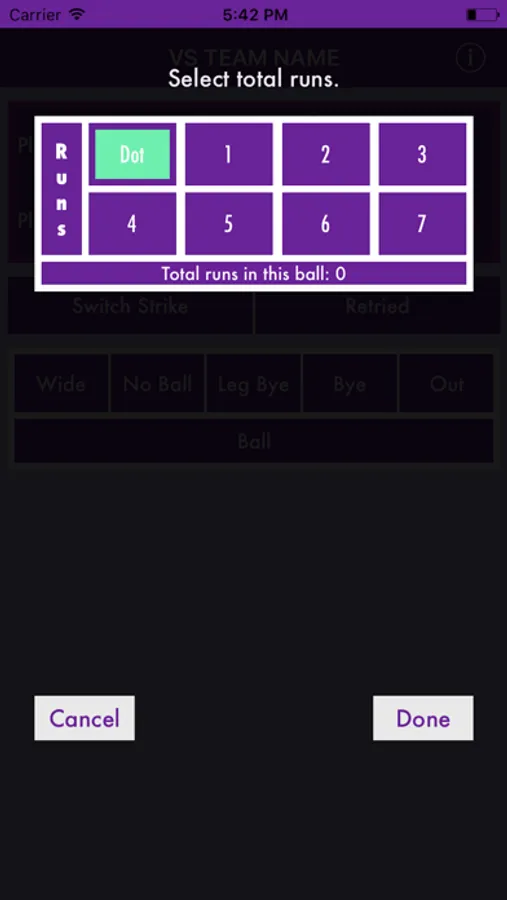
- Use “Ball” for all dot balls or runs.
- Use “Out(wk)” for any type of wicket.
- Use “Wide(wd)” option for any wide ball. Select the runs score including the extra run for wide and bye’s.
- Use “No Ball(nb)” option for No Ball’s. Select the runs scored including the extra runs for no ball.
- Use “Leg Bye(lb)” option for any valid ball with leg bye’s.
- Use “Bye(b)” option for any valid ball with bye runs.
- Option to delete ball.
This is first version of our app, we will be adding more features in coming versions that makes this app more useful towards managing the tournaments and team.
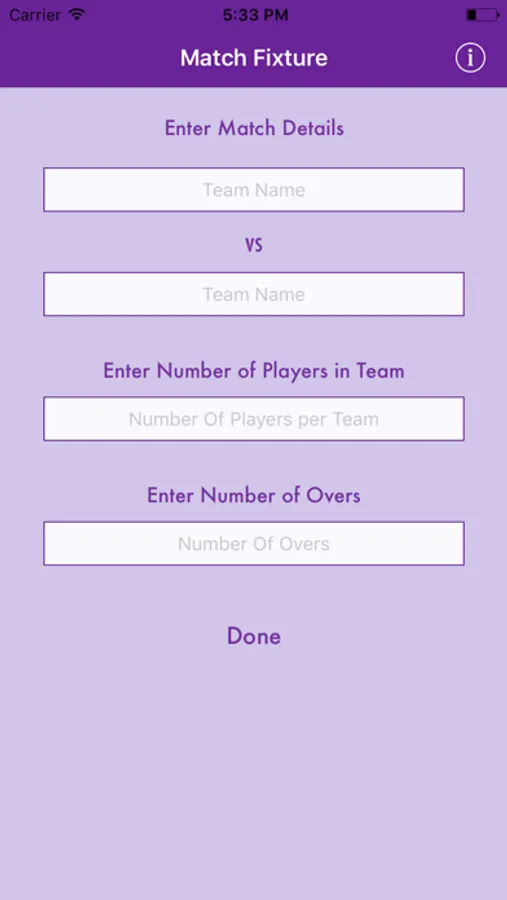
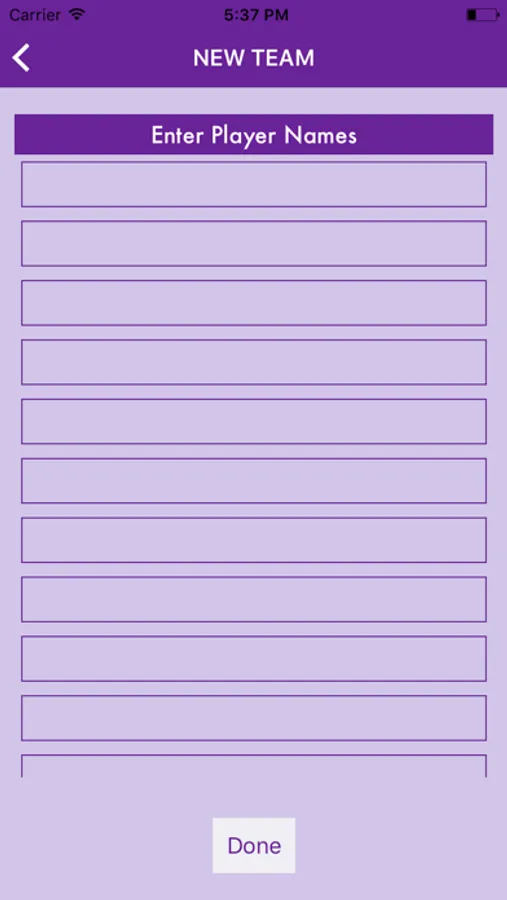
CricketScorer Screenshots
Tap to Rate:
Reviews for CricketScorer
Advith Sejpal
Love the App and it’s Simplicity
Excellent user interface. We need options to add more than 11 players. We need an option to edit the number of overs in case the game is reduced due to rain or weather or time constraints.
Rafiullah Ihsas
Excellent App with Performance and Accessibility Issues
I find this app to be excellent overall. However, there are a few issues that need attention. The app is quite laggy, particularly when starting a match. If you exit the app during a match, you can't reopen it without deleting and reinstalling. Additionally, the app sometimes opens and closes automatically when Guided Access is enabled, and the touch screen becomes unresponsive.