Dictation Pro - Voice to Text
Christian Neubauer
4.5 ★
509 ratings
$44.99
Use this voice-to-text app to transcribe speech, translate, and save files across Apple devices. Includes support for multiple languages, AI-powered transcription, and file synchronization.
AppRecs review analysis
AppRecs rating 4.6. Trustworthiness 76 out of 100. Review manipulation risk 28 out of 100. Based on a review sample analyzed.
★★★★☆
4.6
AppRecs Rating
Ratings breakdown
5 star
75%
4 star
16%
3 star
3%
2 star
3%
1 star
4%
What to know
✓
Low review manipulation risk
28% review manipulation risk
✓
Credible reviews
76% trustworthiness score from analyzed reviews
✓
High user satisfaction
75% of sampled ratings are 5 stars
About Dictation Pro - Voice to Text
Speak. Transcribe. Translate — instantly.
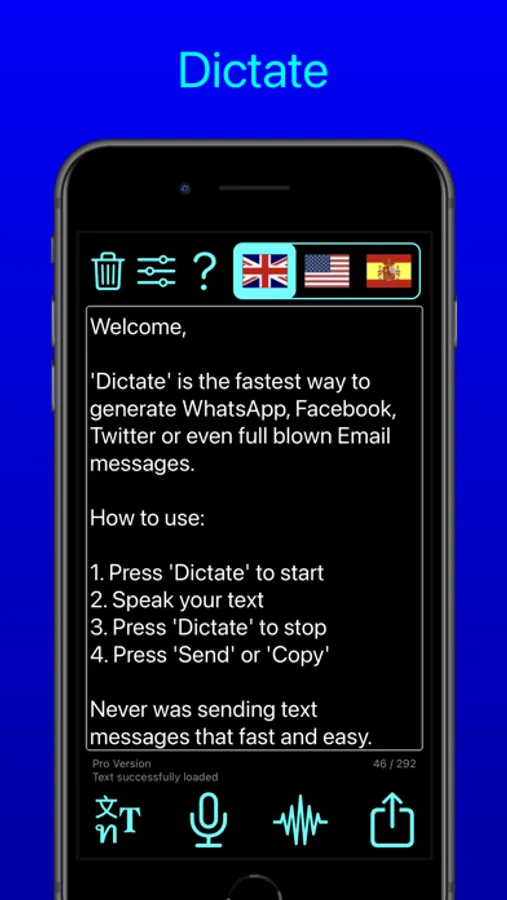
Turn your voice into text, transcribe audio and video (even YouTube!), and translate speech in real time — all with just your voice. Save time, type less, and stay productive across all your Apple devices.
Key Features:
Smart Voice Dictation
• Dictate in real time instead of typing—perfect for writing, notes, journaling, and messaging
• Configure three independent language zones for multilingual projects
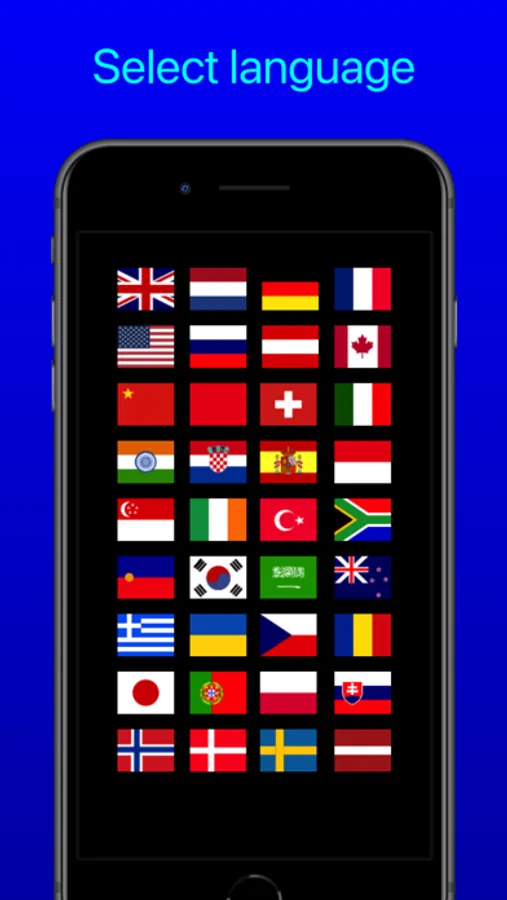
• Supports more than 40 dictation languages
AI-Powered Transcription
• Convert voice memos, audio recordings, videos, and YouTube links into accurate text
• Uses advanced AI speech recognition for fast, high-quality results
• Supports over 100 transcription languages
Built-In Translation
• Instantly translate spoken or written text into over 40 languages
• Easily share translations across your favorite apps
Powerful File Handling and Sync
• Save and access audio and text files via the Apple Files app
• Organize, store, or export your dictation as text files or PDFs
• Seamlessly sync across iPhone, iPad and Apple Watch with iCloud
Quick Export and Sharing Options
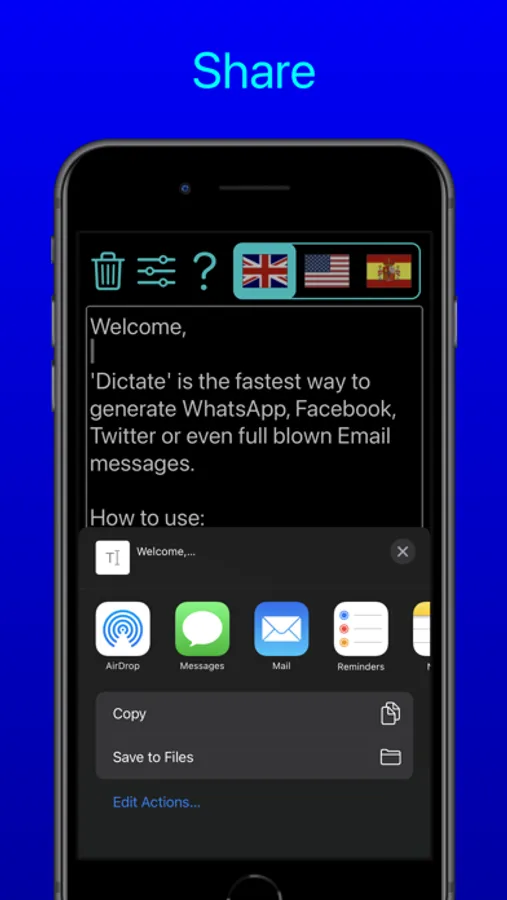
• Share transcripts and translations via Mail, WhatsApp, Facebook, X, and more
• Use one-tap export to streamline your workflow
Accessibility Support
• Fully compatible with VoiceOver for visually impaired users
• Customize font sizes and button layout for better readability and ease of use
Additional Features:
• Apple Shortcuts support
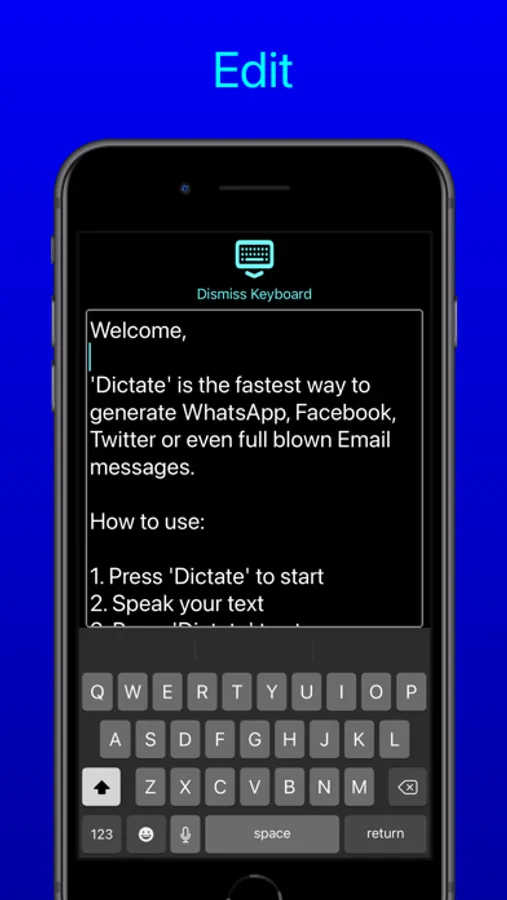
• Undo manager for text edits
• Custom user dictionary
• Audio replay of recorded dictations
• Apple Watch integration
• Built-in backup tools
• Adjustable text sizes
• Optional dictation privacy mode (depending on device capabilities)
Turn your voice into text, transcribe audio and video (even YouTube!), and translate speech in real time — all with just your voice. Save time, type less, and stay productive across all your Apple devices.
Key Features:
Smart Voice Dictation
• Dictate in real time instead of typing—perfect for writing, notes, journaling, and messaging
• Configure three independent language zones for multilingual projects
• Supports more than 40 dictation languages
AI-Powered Transcription
• Convert voice memos, audio recordings, videos, and YouTube links into accurate text
• Uses advanced AI speech recognition for fast, high-quality results
• Supports over 100 transcription languages
Built-In Translation
• Instantly translate spoken or written text into over 40 languages
• Easily share translations across your favorite apps
Powerful File Handling and Sync
• Save and access audio and text files via the Apple Files app
• Organize, store, or export your dictation as text files or PDFs
• Seamlessly sync across iPhone, iPad and Apple Watch with iCloud
Quick Export and Sharing Options
• Share transcripts and translations via Mail, WhatsApp, Facebook, X, and more
• Use one-tap export to streamline your workflow
Accessibility Support
• Fully compatible with VoiceOver for visually impaired users
• Customize font sizes and button layout for better readability and ease of use
Additional Features:
• Apple Shortcuts support
• Undo manager for text edits
• Custom user dictionary
• Audio replay of recorded dictations
• Apple Watch integration
• Built-in backup tools
• Adjustable text sizes
• Optional dictation privacy mode (depending on device capabilities)
Dictation Pro - Voice to Text Screenshots
Tap to Rate:
Reviews for Dictation Pro - Voice to Text
TxBSNurse
This app, does not allow you to back up so it doesn’t work as well as an old-time tape recorder
Marginally useful
R.E.J. #1947
Good News
Great app does as advertised, easy to ise.