
AppRecs review analysis
AppRecs rating 3.2. Trustworthiness 76 out of 100. Review manipulation risk 21 out of 100. Based on a review sample analyzed.
★★★☆☆
3.2
AppRecs Rating
Ratings breakdown
5 star
39%
4 star
13%
3 star
4%
2 star
13%
1 star
30%
What to know
✓
Low review manipulation risk
21% review manipulation risk
✓
Credible reviews
76% trustworthiness score from analyzed reviews
About Workforce Mobile
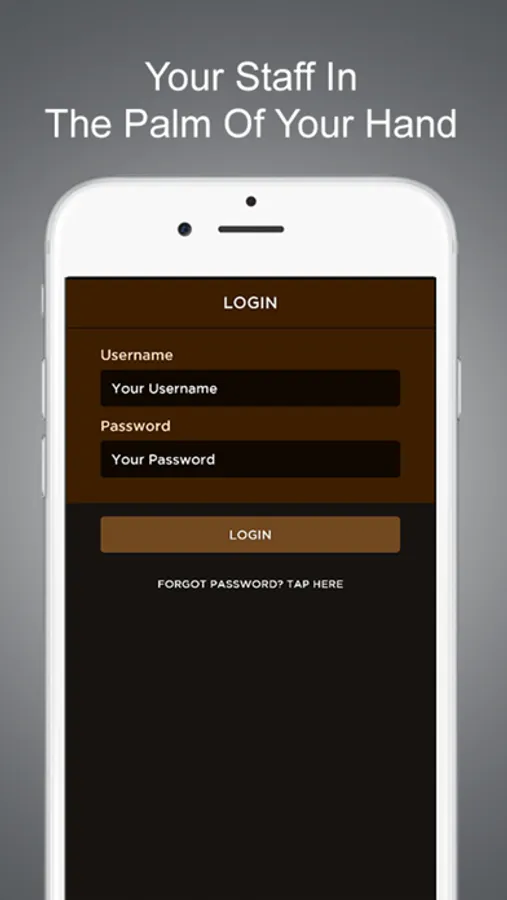
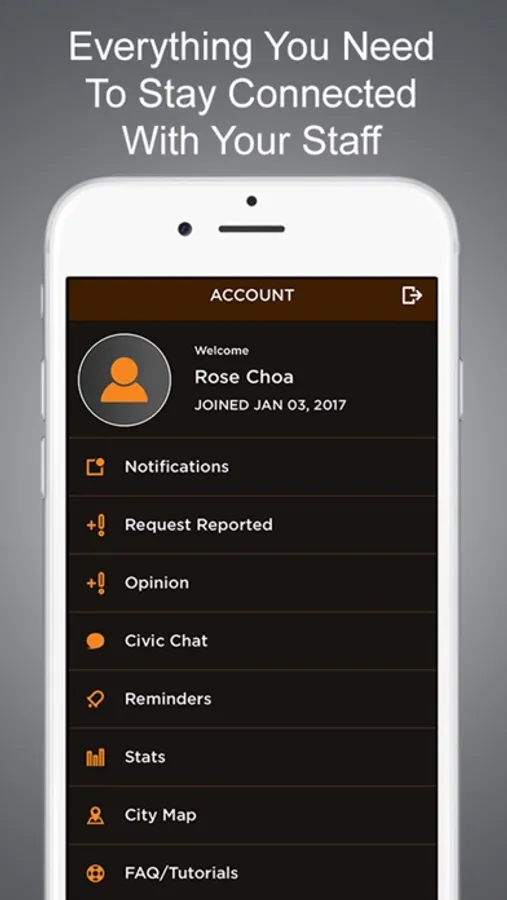
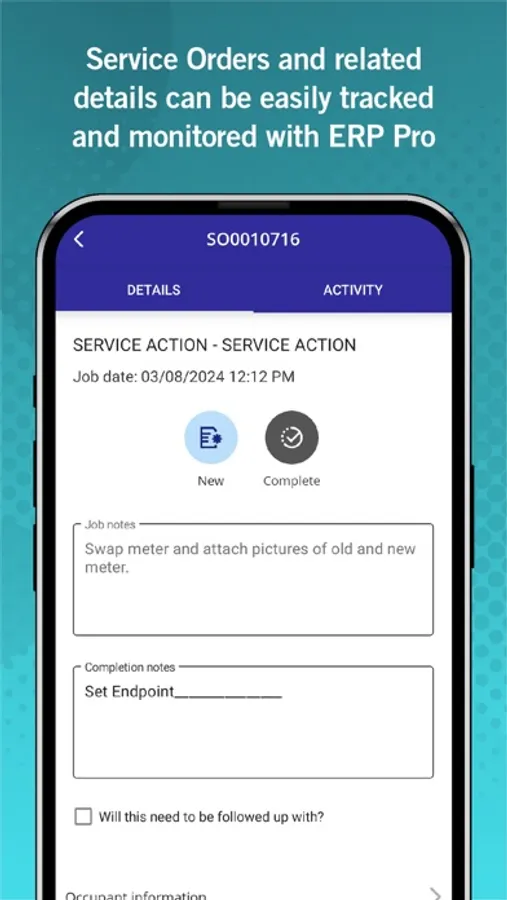
Update issues status, assign issues to staff members, add notes or request more information from the individual who submitted the issue right from your phone.
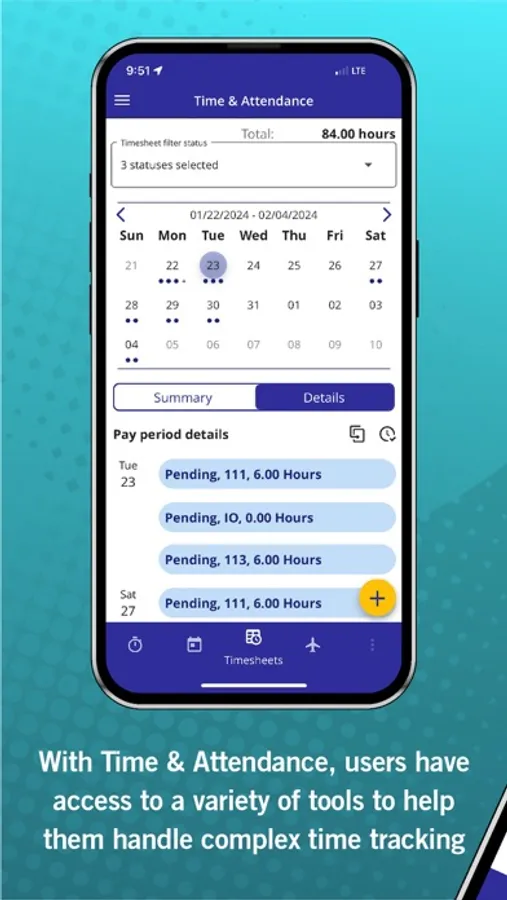
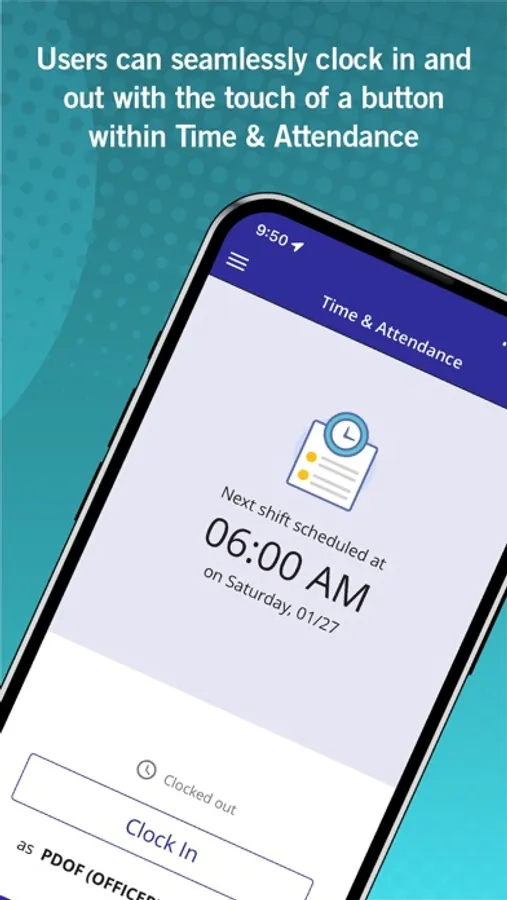
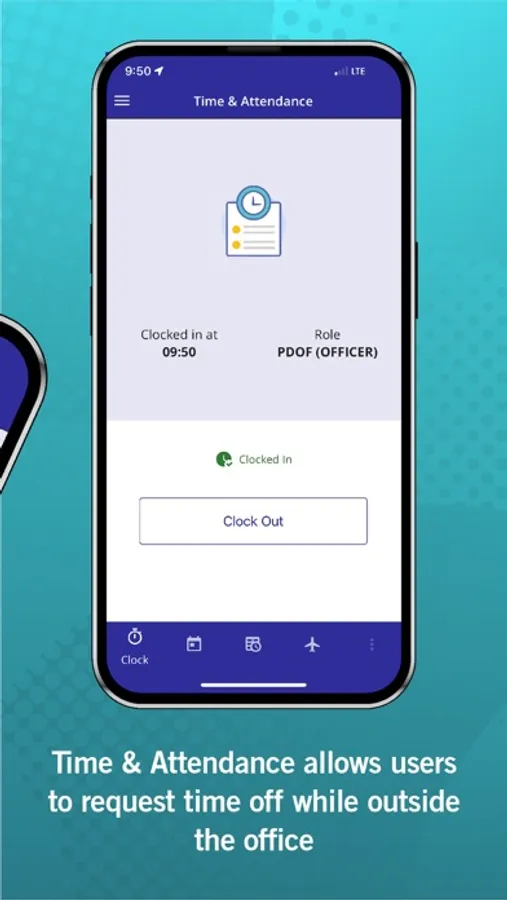
Workforce Mobile Screenshots
Tap to Rate:
Reviews for Workforce Mobile
HSD1000
Clocking in and out is now more cumbersome than ever
The app works….kinda. I’m sitting in my office and the app (with precise location tracking) has my location 300 feet away on the front steps. Logging in is a multi step process that should only be a single step. Finally, it’s 2025….LANDSCAPE orientation please!
JMeyers81
Good app. One thing I would change
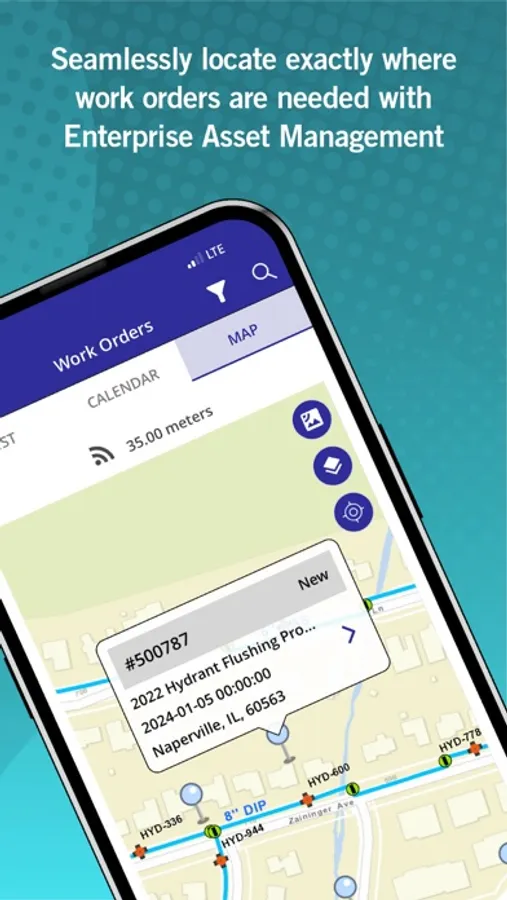
Overall the app is good for what it is, the one thing I would change is the pins on the map. I think the pins should be different colors for different jobs to make it easier to differentiate the jobs that need to be done