About King Leo,Stickers for iMessage
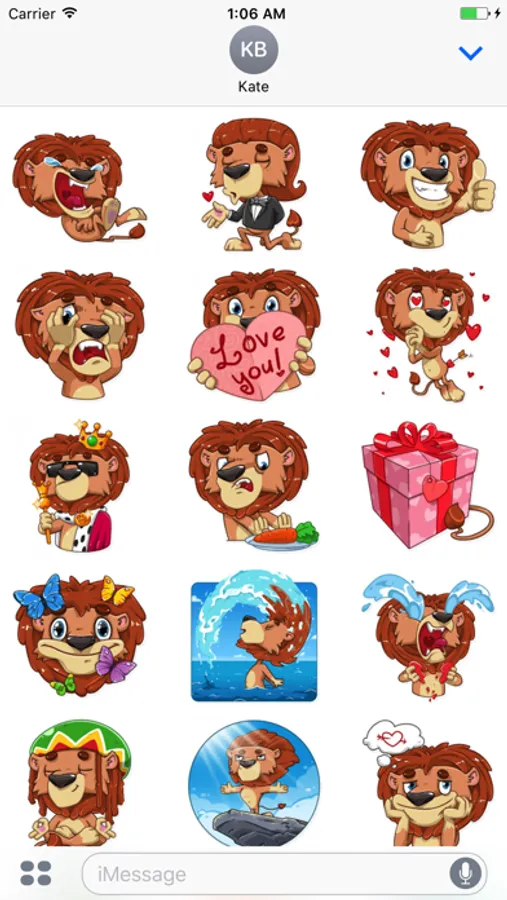
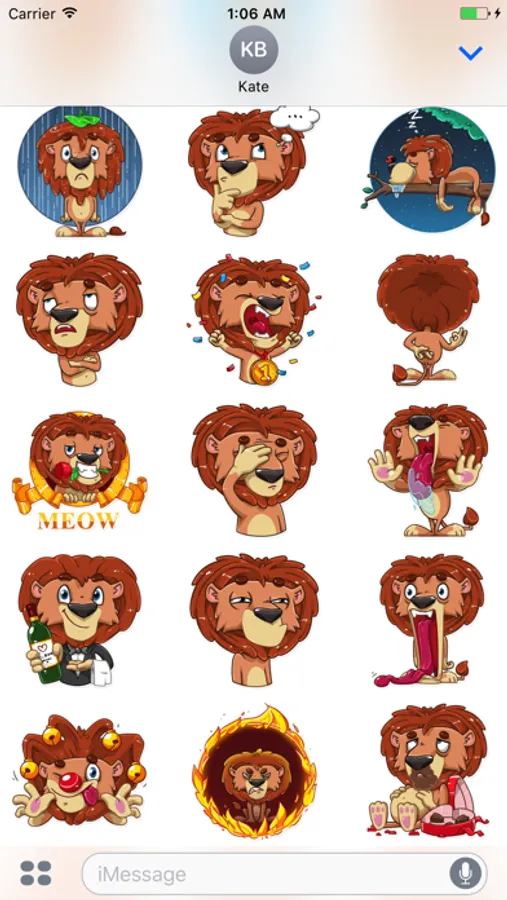
This Stickers pack includes 35 stickers.
Awesome cute Stickers for your daily conversations.
Download this amazing stickers pack for your chats and text messages, express your feeling and mood with your close ones. Enjoy..!!
HOW TO ACCESS STICKERS AFTER INSTALLING:
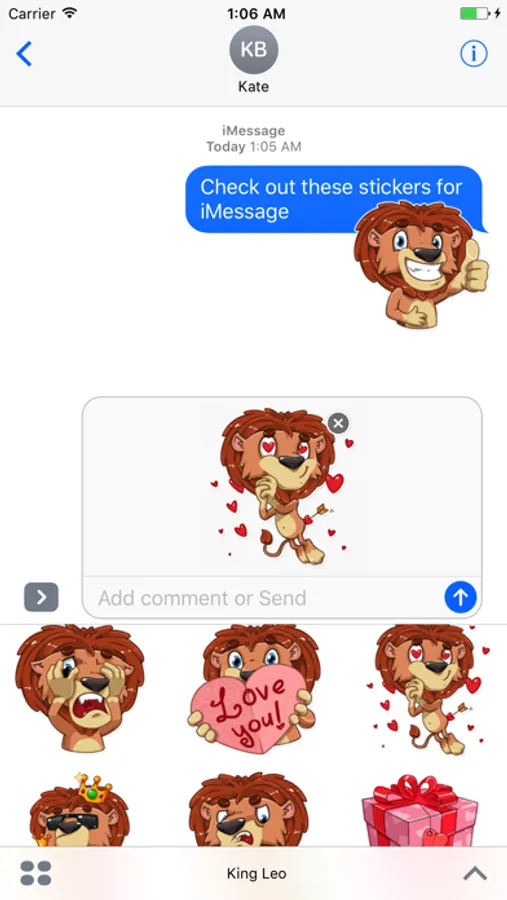
Step 1: Open a message with a friend and tap the ">" button to the left of the text box.
Step 2: Tap the App Store button that appears (it looks like an "A"), then tap the button that looks like four circles in the lower left of your screen to open the iMessage app menu.
Step 3: Tap the Louie iMessage Stickers icon and start sending stickers!
Awesome cute Stickers for your daily conversations.
Download this amazing stickers pack for your chats and text messages, express your feeling and mood with your close ones. Enjoy..!!
HOW TO ACCESS STICKERS AFTER INSTALLING:
Step 1: Open a message with a friend and tap the ">" button to the left of the text box.
Step 2: Tap the App Store button that appears (it looks like an "A"), then tap the button that looks like four circles in the lower left of your screen to open the iMessage app menu.
Step 3: Tap the Louie iMessage Stickers icon and start sending stickers!
King Leo,Stickers for iMessage Screenshots
Tap to Rate: