With this health tracking app, you can monitor daily steps, distance, calories, sleep, and heart rate. Includes activity goal setting, weather updates, and personal data management.
AppRecs review analysis
AppRecs rating 2.7. Trustworthiness 74 out of 100. Review manipulation risk 26 out of 100. Based on a review sample analyzed.
★★☆☆☆
2.7
AppRecs Rating
Ratings breakdown
5 star
24%
4 star
15%
3 star
14%
2 star
14%
1 star
34%
What to know
✓
Low review manipulation risk
26% review manipulation risk
⚠
Mixed user feedback
Average 2.8★ rating suggests room for improvement
⚠
High negative review ratio
47% of sampled ratings are 1–2 stars
About iTOUCH Legacy
• iTouch Air & Air 2 (Legacy Devices)
• iTouch Curve
• iTouch Pulse
• iTouch Classic
Please note: This app will ONLY work with the above devices and no other items. If you find your device is not on the list above, please read the manual for your device online or refer to the quick start guide found in your product packaging.
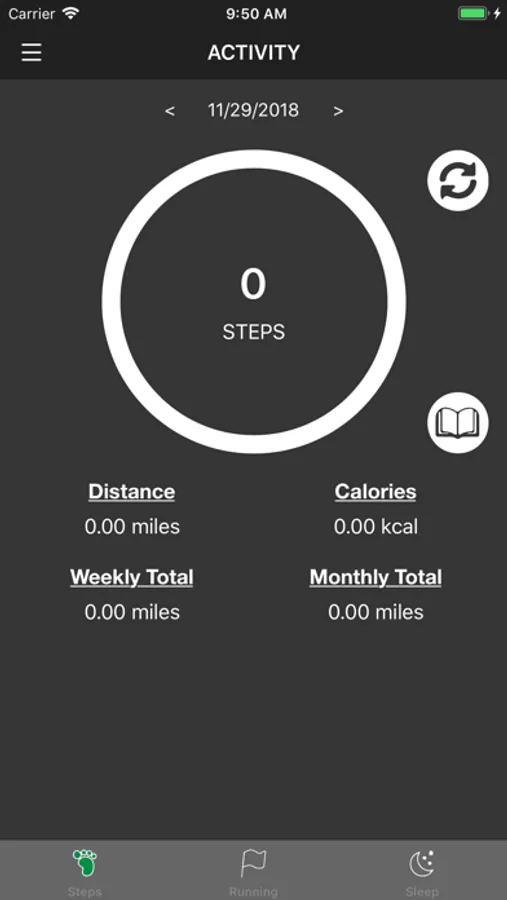
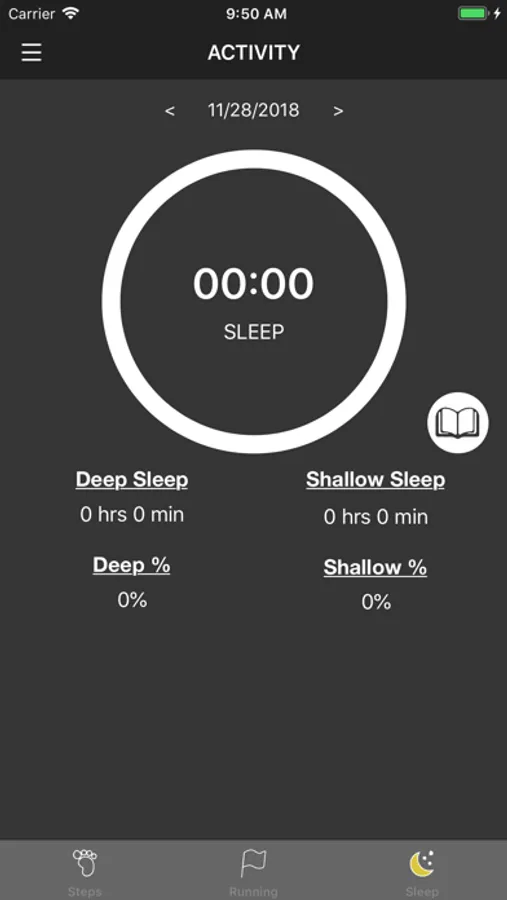
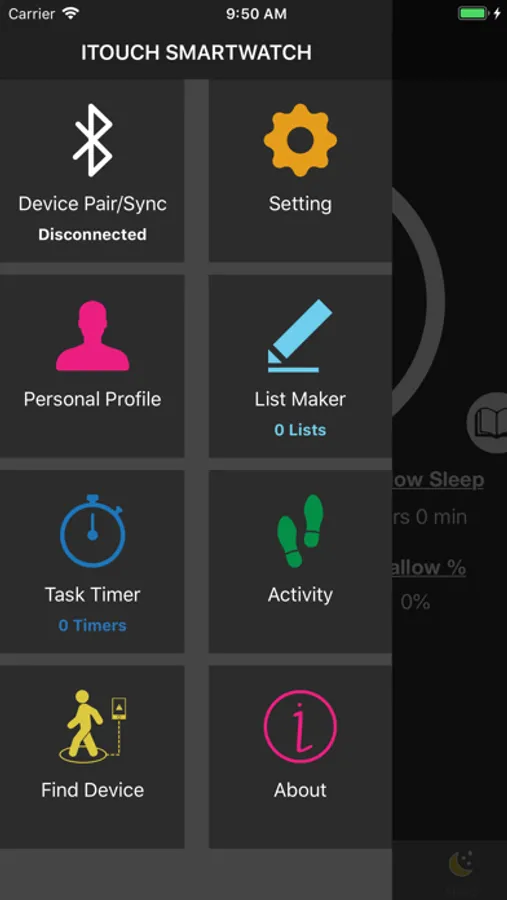
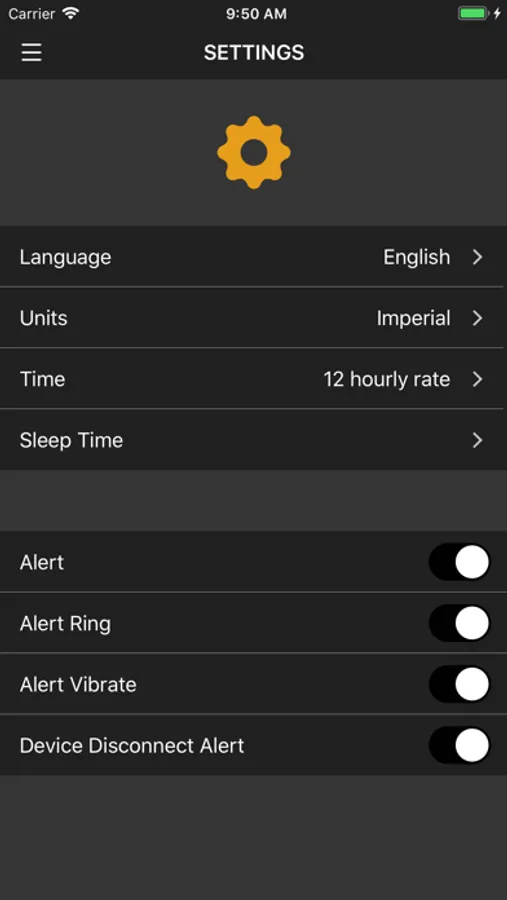
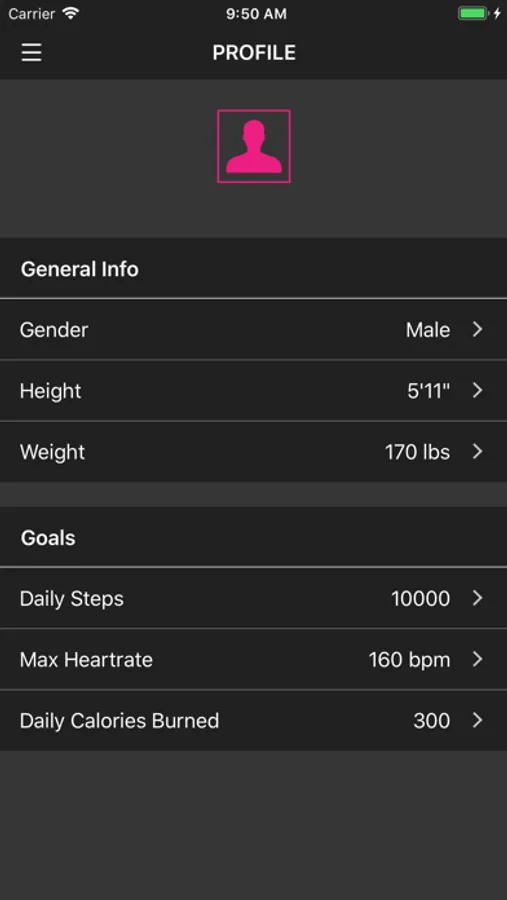
After connecting your iTouch device to this app on your phone, you’ll be able to enjoy the following features:
- Set daily activity goals
- Track your daily steps
- Track your daily distance traveled
- Track the calories you’ve burned for the day
- Monitor your sleep
- Keep track of personal information data
- Allow your watch to access local weather information
- Track your heart rate (for select iTouch watches)
iTOUCH Legacy Screenshots
Tap to Rate:
Reviews for iTOUCH Legacy
buddyowl
Won’t let me do anything
After connecting my watch (Air 4) as I can’t download the newer itouch app on my iPad, I chose this thinking it would work. When I went to the profile I was going to set up my height when it said no Bluetooth connected o check my watch, it shows the Bluetooth logo and I check the iPad’s Bluetooth. It says that it’s connected, I check the app and it says it’s connected. So I try again same error, I try every option and I STILL get the same error message.
Kimkim256
Won’t sink
Won’t sink to my fuse model.