AppRecs review analysis
AppRecs rating 3.3. Trustworthiness 81 out of 100. Review manipulation risk 21 out of 100. Based on a review sample analyzed.
★★★☆☆
3.3
AppRecs Rating
Ratings breakdown
5 star
33%
4 star
25%
3 star
8%
2 star
17%
1 star
17%
What to know
✓
Low review manipulation risk
21% review manipulation risk
✓
Credible reviews
81% trustworthiness score from analyzed reviews
About VBAN Receptor Lite
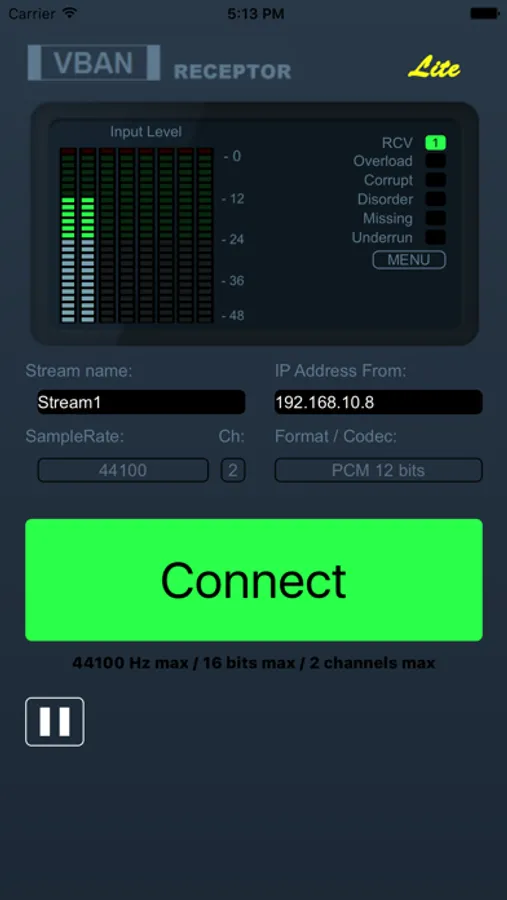
VBAN protocol is made to transport native audio in PCM format on any local network (LAN or WLAN). VBAN Stream can be generated by Voicemeeter Application, the Virtual Audio Device Mixer (www.voicemeeter.com) or the VBAN-Talkie application!
HELP: How to send VBAN Stream to Mobile Devices:
https://forum.vb-audio.com/viewtopic.php?f=6&t=443
Additional Features:
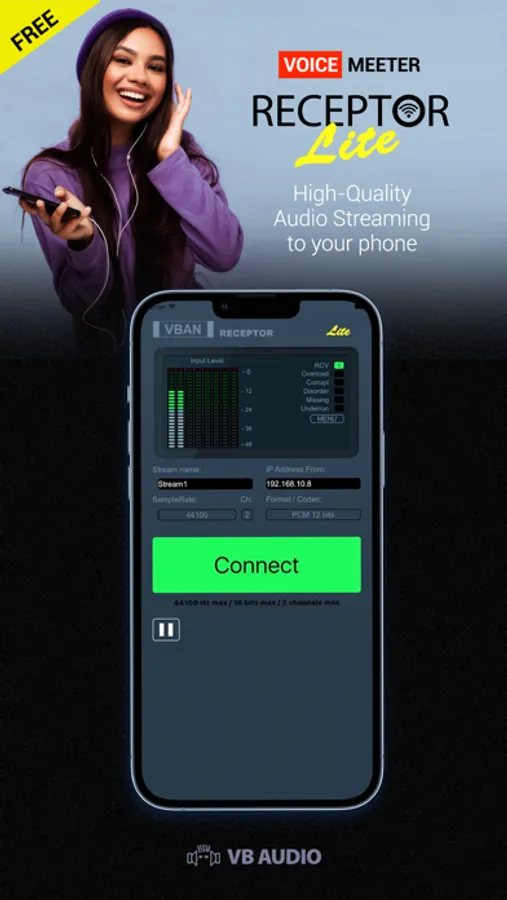
- Play / Stop Streaming.
- "Connect" Button plays the first incoming detected stream called "Stream1".
Other functions in menu:
- Display mobile device IP-Address.
- Setup VBAN Protocol UDP port.
- Network Quality parameters (Medium per default), for latency optimisation.
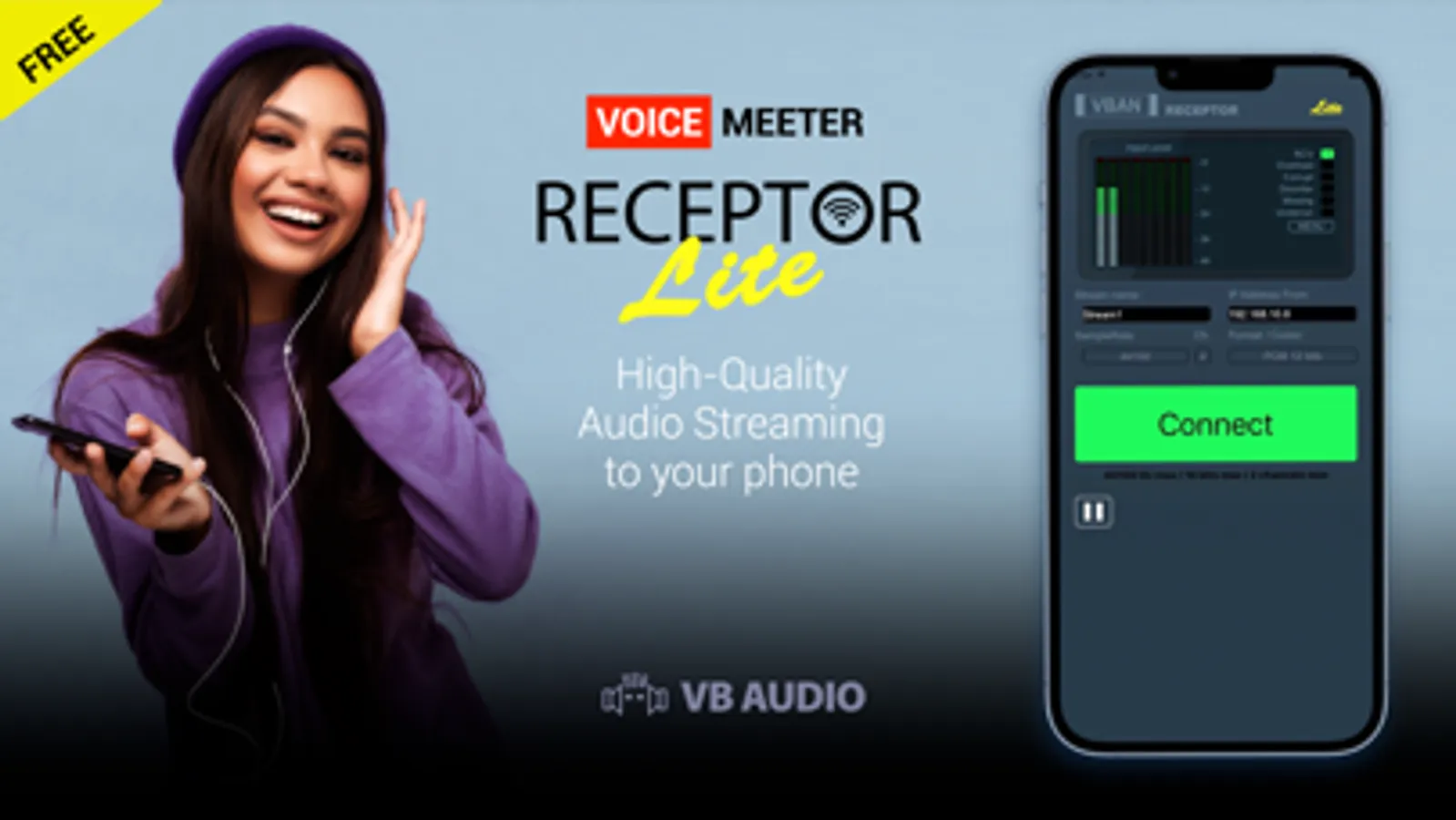
VBAN Receptor Lite Screenshots
Tap to Rate:
Reviews for VBAN Receptor Lite
mumu6292926281
Read this if you have a red Connect button
Press “VBAN” button on the desktop app. A new window should pop up. Click “VBAN is OFF” to change it to “VBAN is ON.” Then under where it says “Outgoing Streams:” click “On” next to Stream1 so that the “On” button turns green. Now on the mobile app, locate the “Menu” button and click to get your IP Address. Back on the desktop app, under “IP Address To:” type in the IP address that you get from the mobile app. Also, make sure to set the sample rate to 44100 Hz because the mobile app only supports that frequency. Now you should have a green “Connect” button on the mobile app.
sapphiresky83
Completely unusable
App installs but you can’t tap in anything except “connect” button and that just brings up an error that it cannot connect to the stream. Well of course not because none of the areas you tap to config are working…