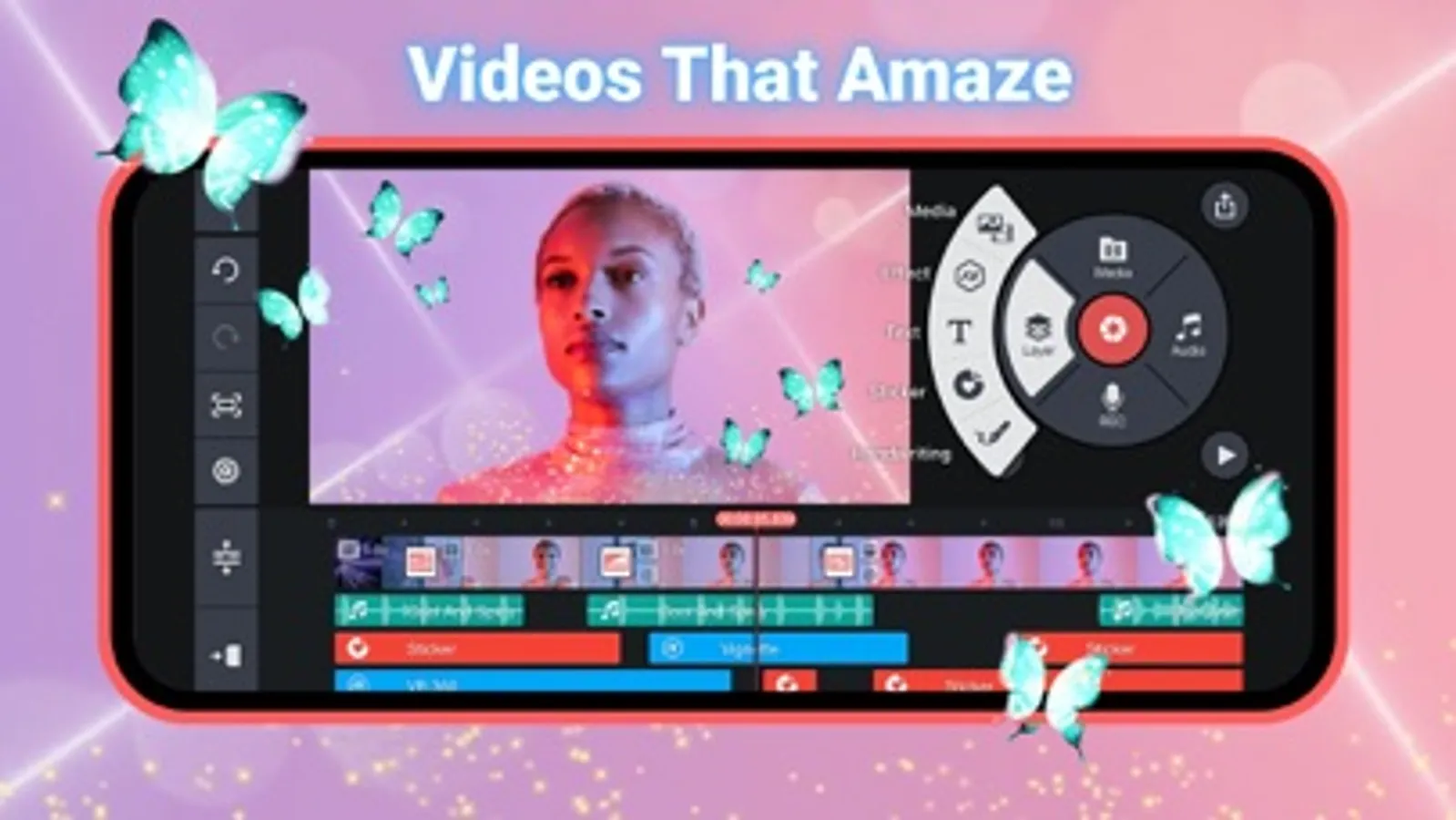
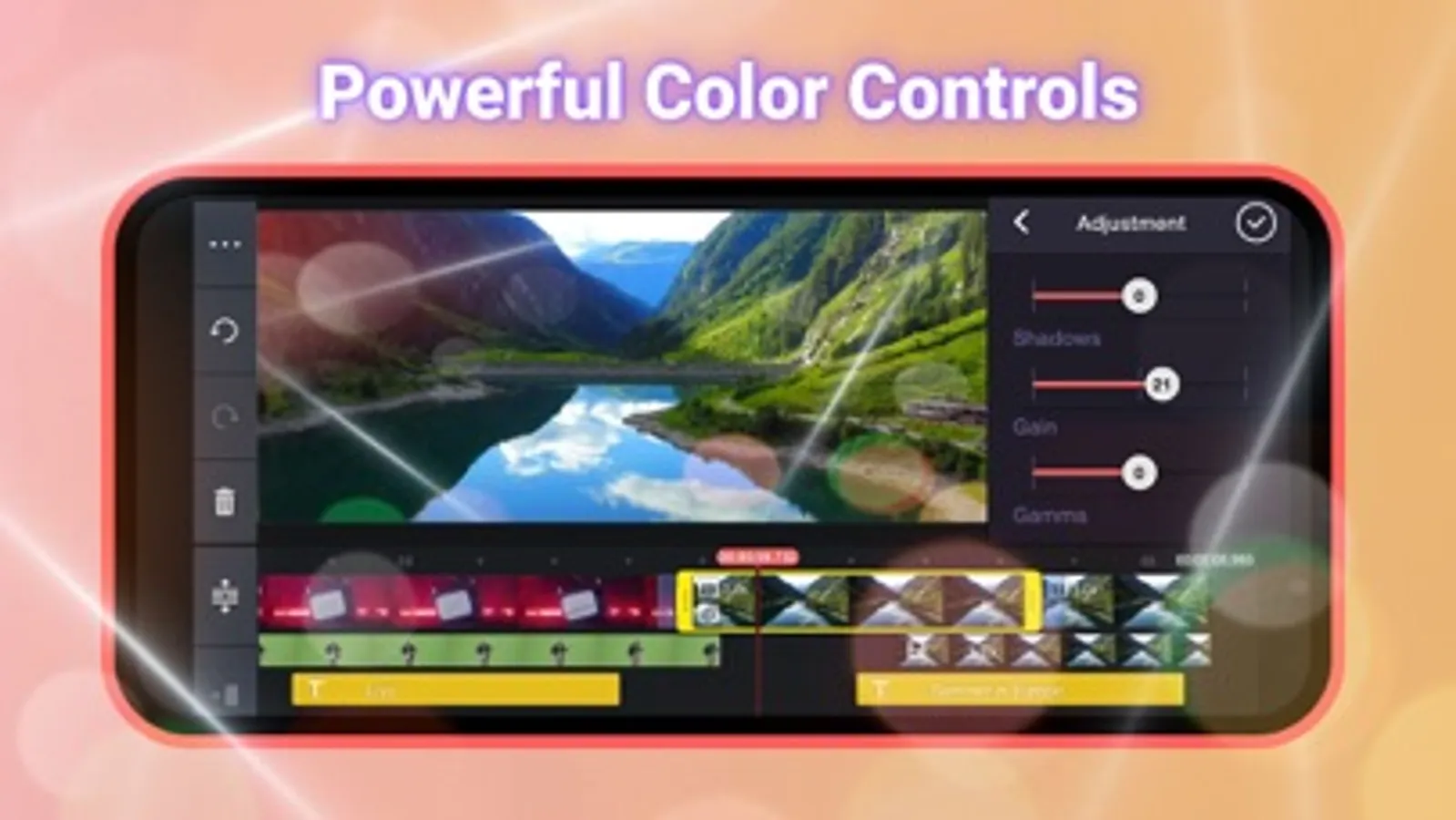
In this video editing app, you can trim, crop, add effects, and insert transitions into your videos. Includes downloadable templates, stickers, fonts, and 4K export options.
AppRecs review analysis
AppRecs rating 4.7. Trustworthiness 59 out of 100. Review manipulation risk 39 out of 100. Based on a review sample analyzed.
★★★★☆
4.7
AppRecs Rating
Ratings breakdown
5 star
84%
4 star
8%
3 star
3%
2 star
1%
1 star
3%
What to know
✓
High user satisfaction
84% of sampled ratings are 5 stars
About KineMaster (OLD)
Do more with your videos! Search for and download the newer version of KineMaster on the App Store now!
KineMaster makes it easy to create incredible videos:
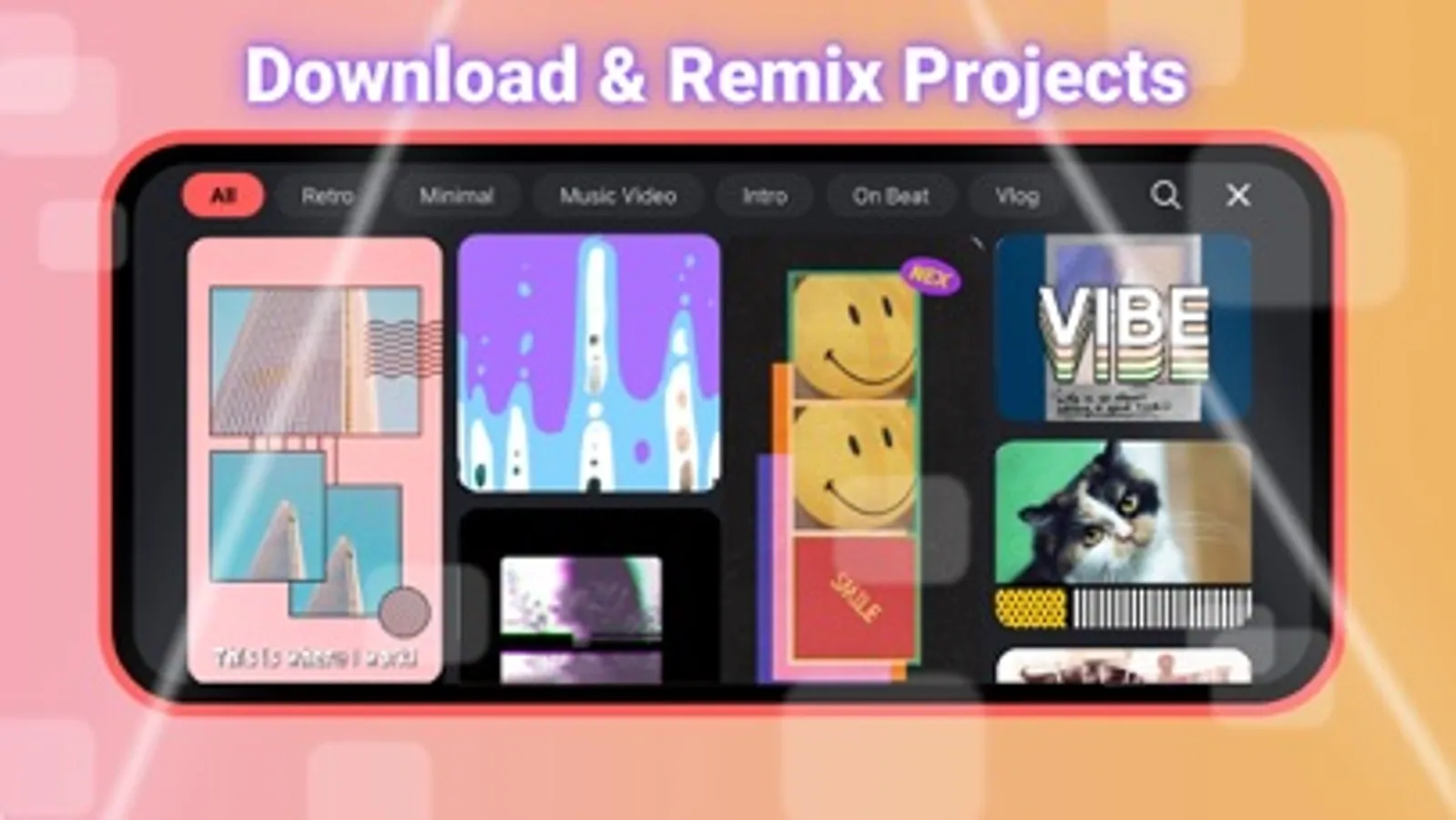
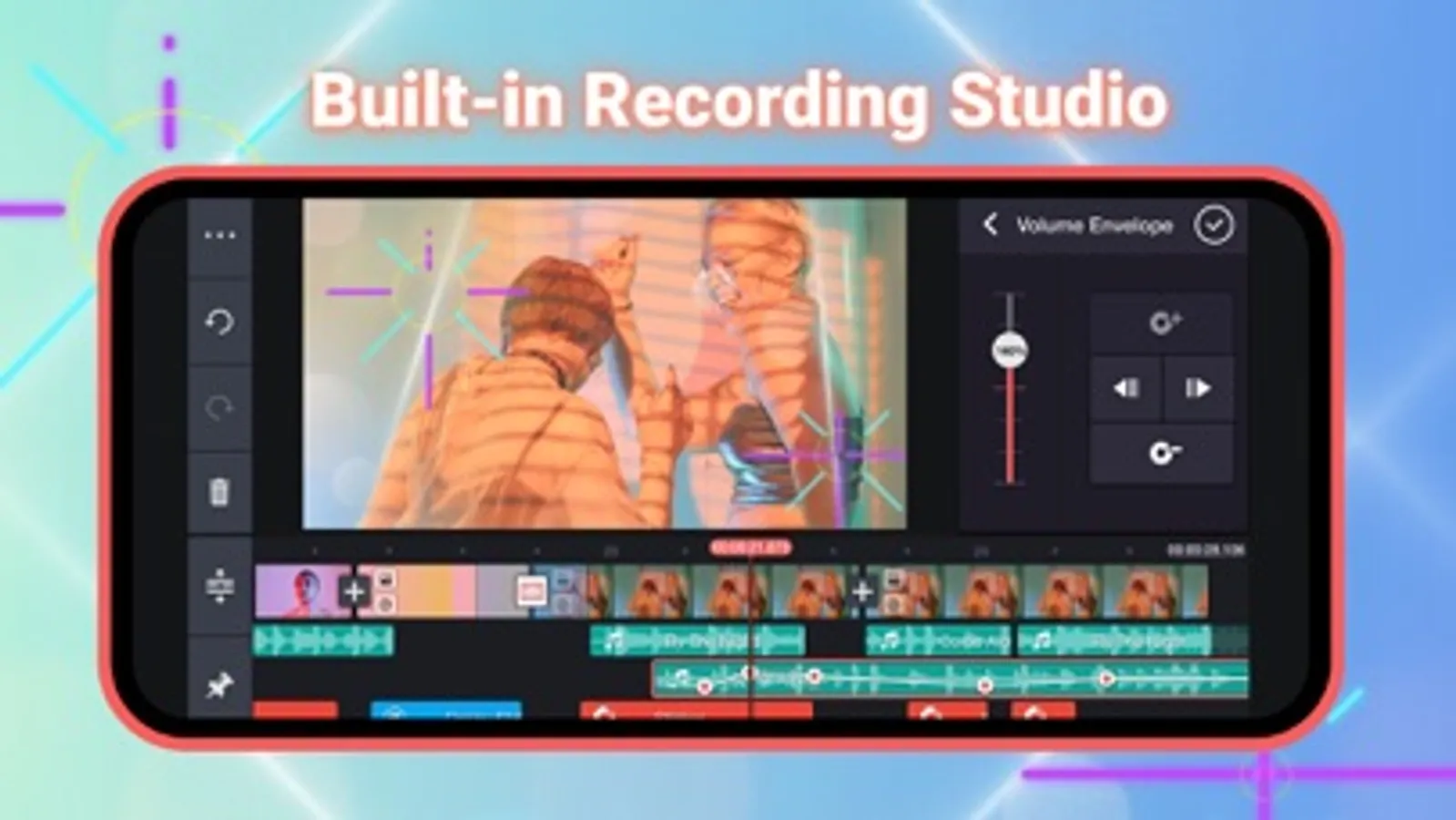
• Download and re-edit video templates
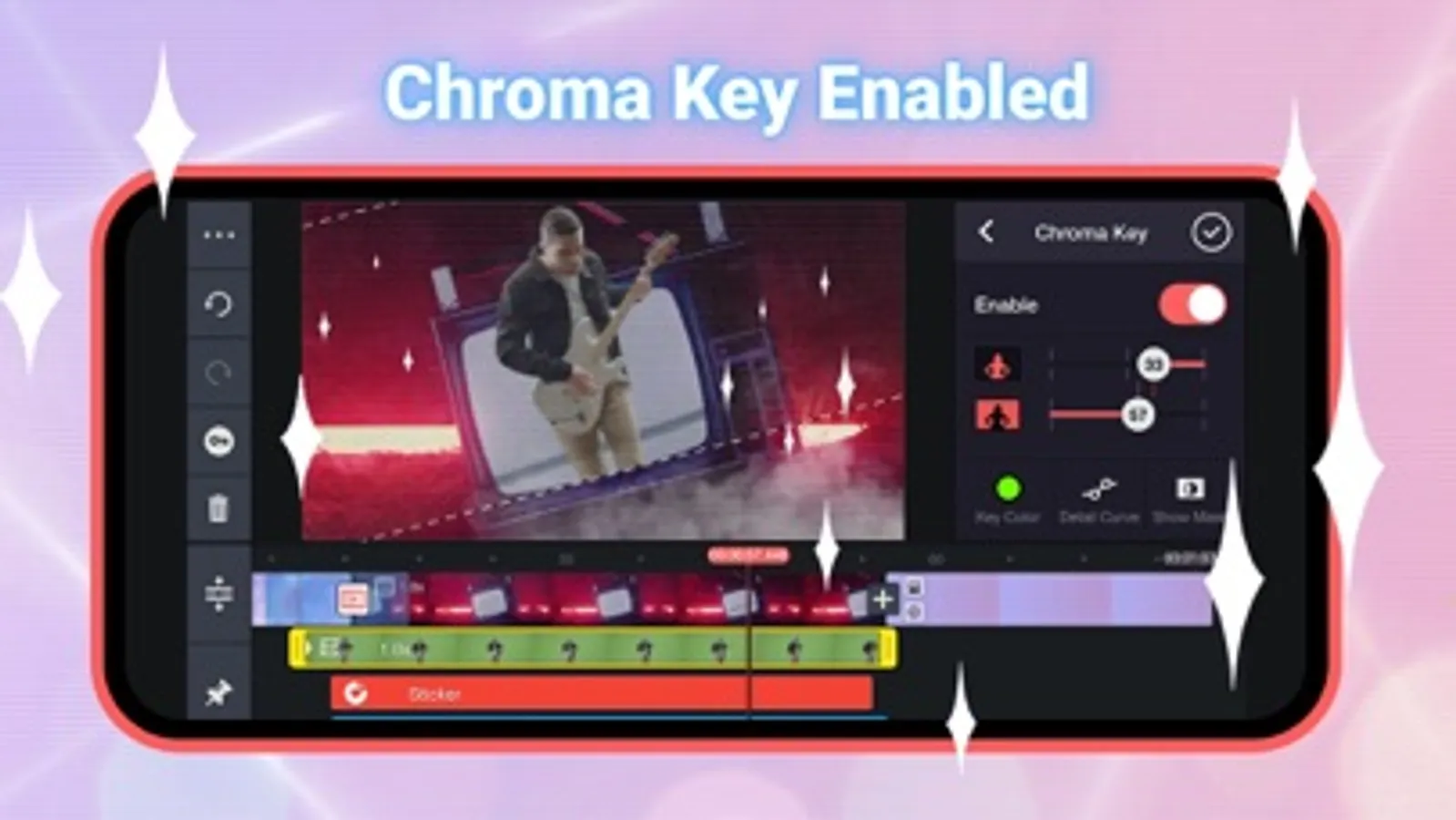
• Tools to cut, crop, and zoom your videos and images
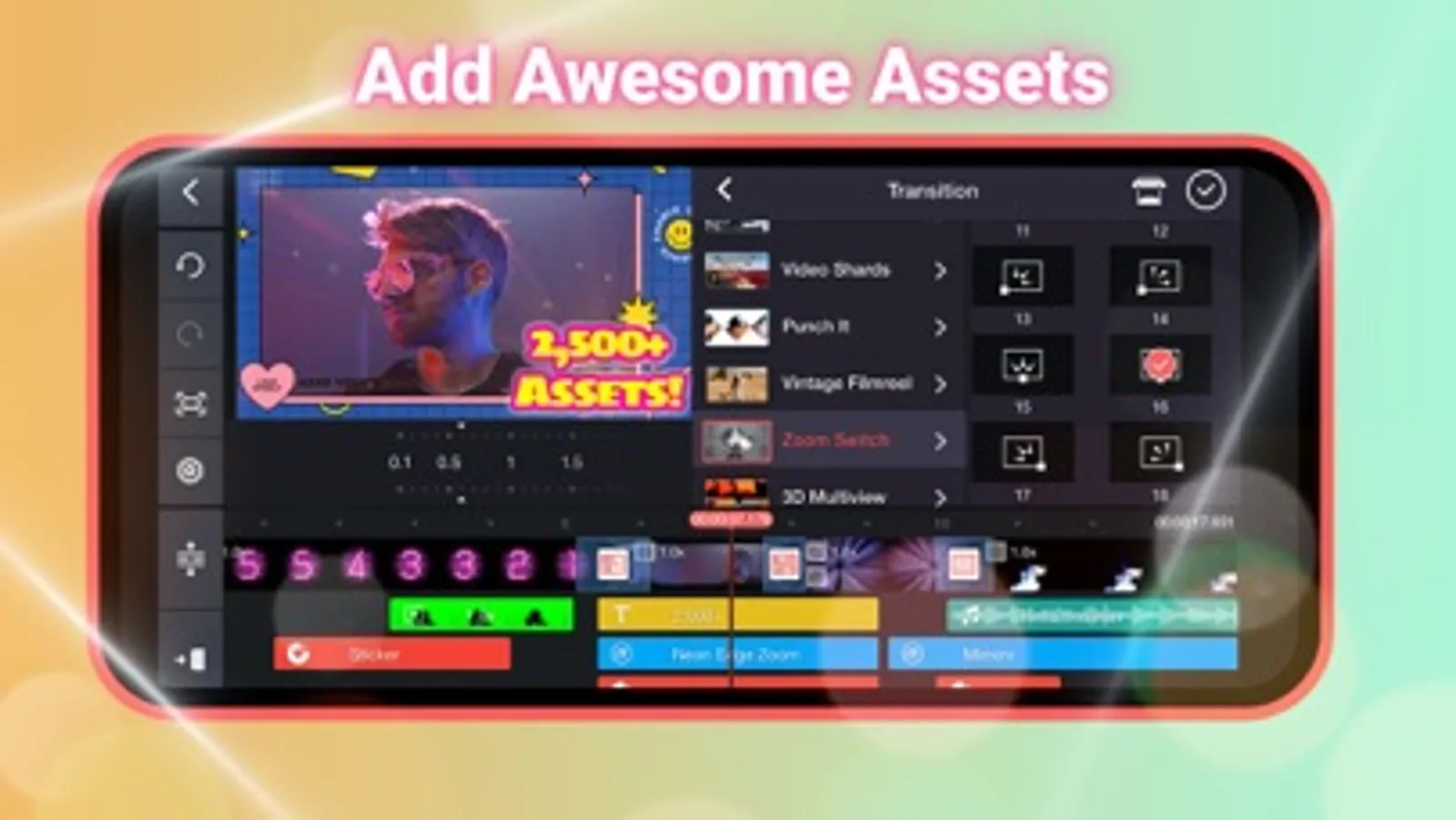
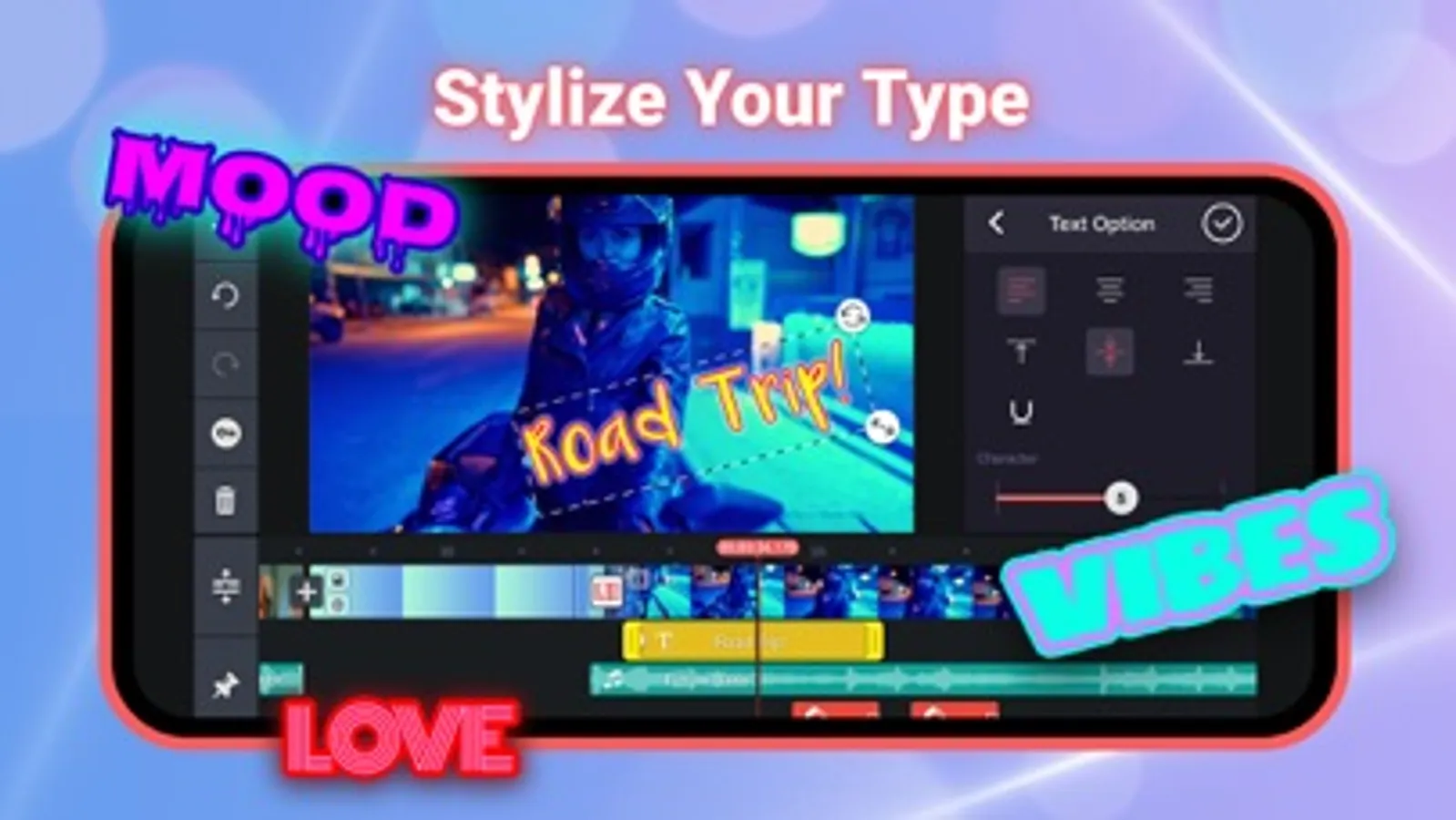
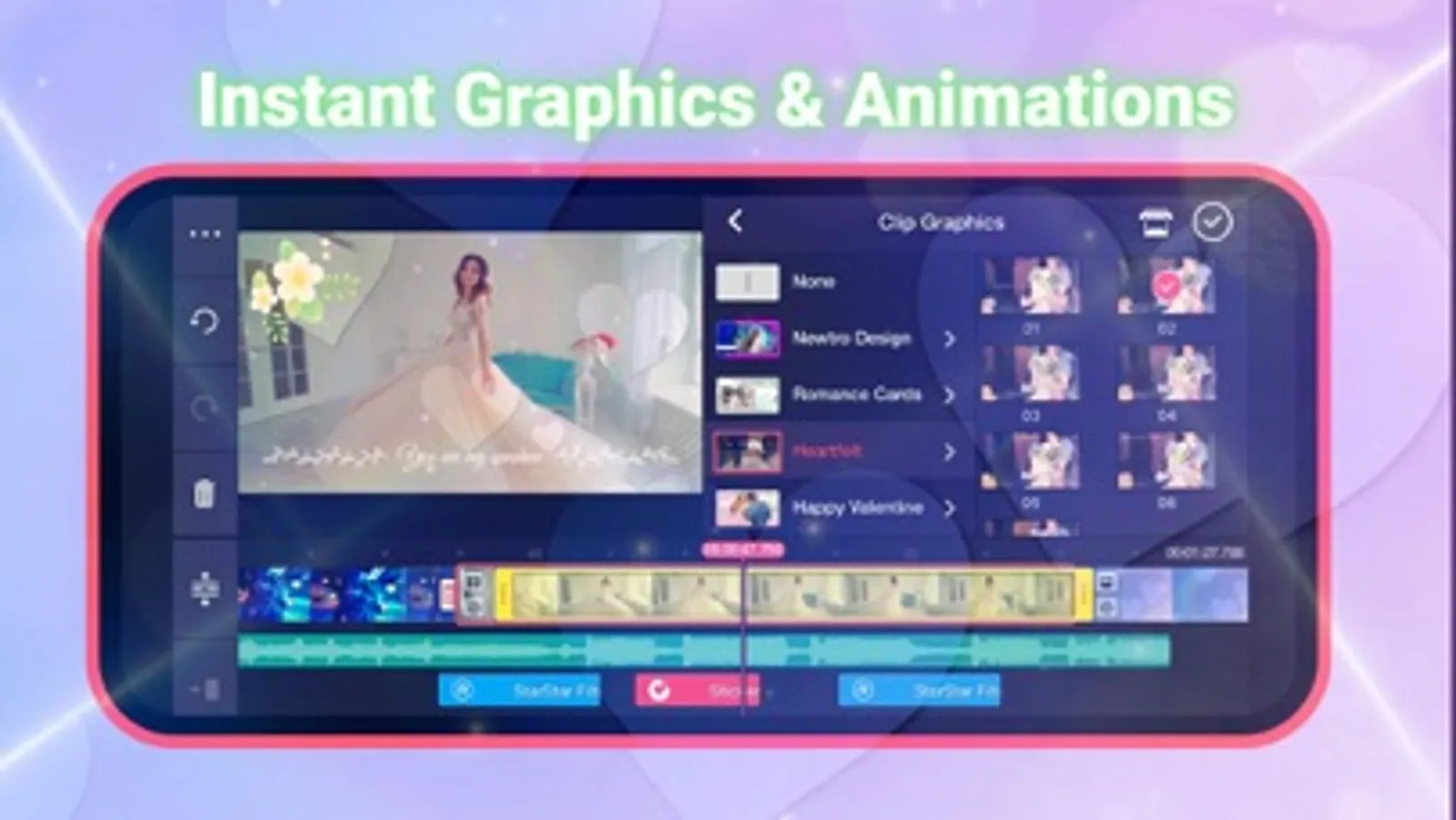
• Lots of searchable, downloadable transitions, effects, videos & images, stickers, fonts, and animations from the KineMaster Asset Store
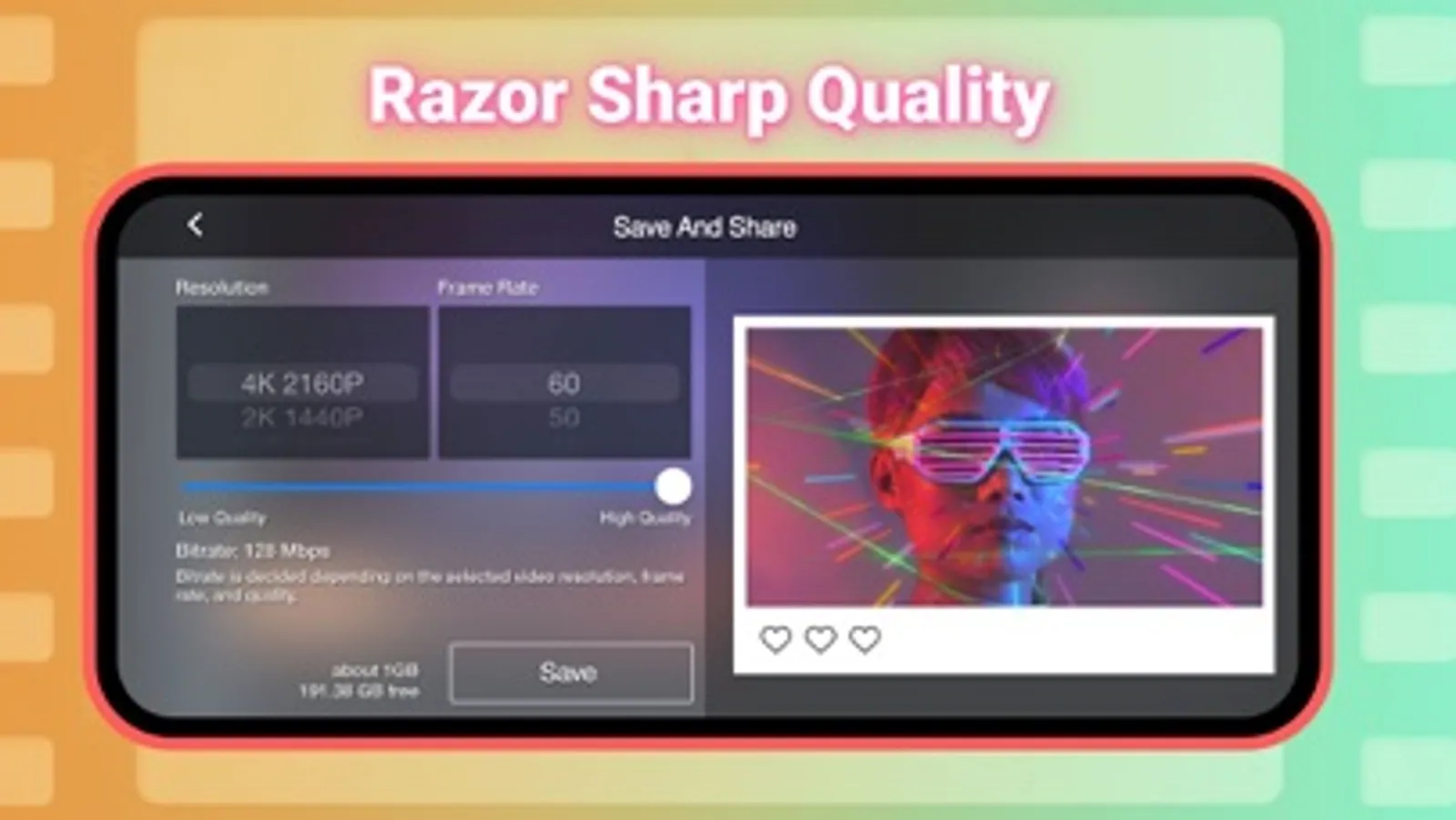
• Save your video in 4K at 60FPS
• Many, many more features, options, and settings!
Want even more? Just search for the new KineMaster on the App Store!
Find out why creators love KineMaster for YouTube, TikTok, and Instagram and why journalists, educators, marketers, and vloggers use it professionally! Download the new KineMaster to edit and share your own amazing videos!
KineMaster is completely free to use, but you can unlock even more with a KineMaster Premium subscription! A subscription removes the KineMaster watermark, offers an ad-free experience and gives you unlimited access to the entire Asset Store. Learn more by tapping the crown button on the main screen.
Subscriptions to KineMaster Premium automatically renew, unless auto-renew is turned off in Account Settings at least 24 hours before the end of the current payment period.
KineMaster and KineMaster Asset Store Terms of Service: https://www.kinemaster.com/tos/ios
Learn more about the latest version of KineMaster at KineMaster.com!
For more information, please tap the FAQ button on the KineMaster main screen. If you cannot find the solution you're looking for, contact KineMaster by tapping the E-mail Support button at the bottom of any FAQ article.
KineMaster makes it easy to create incredible videos:
• Download and re-edit video templates
• Tools to cut, crop, and zoom your videos and images
• Lots of searchable, downloadable transitions, effects, videos & images, stickers, fonts, and animations from the KineMaster Asset Store
• Save your video in 4K at 60FPS
• Many, many more features, options, and settings!
Want even more? Just search for the new KineMaster on the App Store!
Find out why creators love KineMaster for YouTube, TikTok, and Instagram and why journalists, educators, marketers, and vloggers use it professionally! Download the new KineMaster to edit and share your own amazing videos!
KineMaster is completely free to use, but you can unlock even more with a KineMaster Premium subscription! A subscription removes the KineMaster watermark, offers an ad-free experience and gives you unlimited access to the entire Asset Store. Learn more by tapping the crown button on the main screen.
Subscriptions to KineMaster Premium automatically renew, unless auto-renew is turned off in Account Settings at least 24 hours before the end of the current payment period.
KineMaster and KineMaster Asset Store Terms of Service: https://www.kinemaster.com/tos/ios
Learn more about the latest version of KineMaster at KineMaster.com!
For more information, please tap the FAQ button on the KineMaster main screen. If you cannot find the solution you're looking for, contact KineMaster by tapping the E-mail Support button at the bottom of any FAQ article.
KineMaster (OLD) Screenshots
Tap to Rate:
Reviews for KineMaster (OLD)
Better block than ever
I LOVE THIS
Bring this back i like it and so so so so SO MUCH NOSTALGIC bring this back.
EditorIsZane
Good, but one problem.
Every time I sign in, it doesn’t want me to sign in from google. Now I have to type. It shows up Email not registered. I turned down the tracking safari thingy. But still not showing up. Developer please respond thanks