AppRecs review analysis
AppRecs rating 2.9. Trustworthiness 78 out of 100. Review manipulation risk 18 out of 100. Based on a review sample analyzed.
★★☆☆☆
2.9
AppRecs Rating
Ratings breakdown
5 star
27%
4 star
13%
3 star
17%
2 star
13%
1 star
30%
What to know
✓
Low review manipulation risk
18% review manipulation risk
✓
Credible reviews
78% trustworthiness score from analyzed reviews
⚠
Mixed user feedback
Average 2.9★ rating suggests room for improvement
About GTW - Markdown & Text Editor
FEATURES:
------------------------------
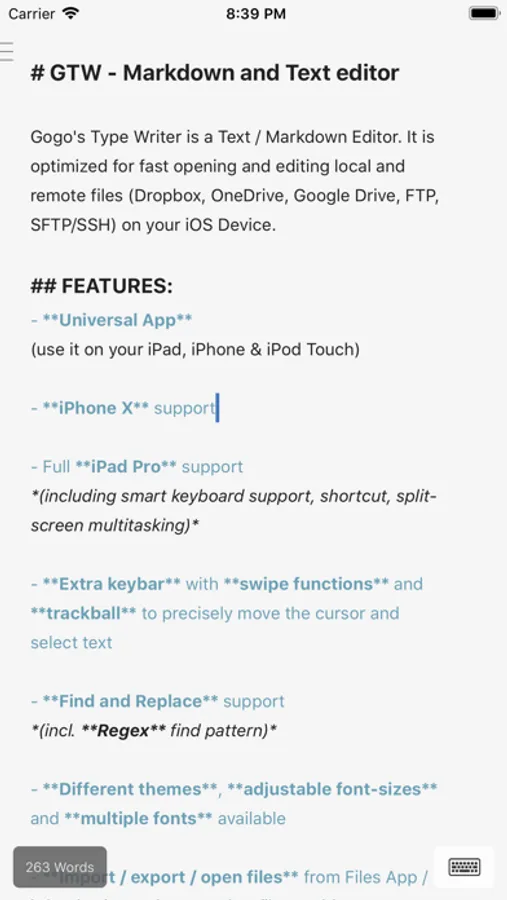
• Universal App (use it on your iPad, iPhone & iPod Touch)
• No in app purchases / no subscriptions
• Full iPad Pro support (including smart keyboard support, shortcut, split-screen multitasking)
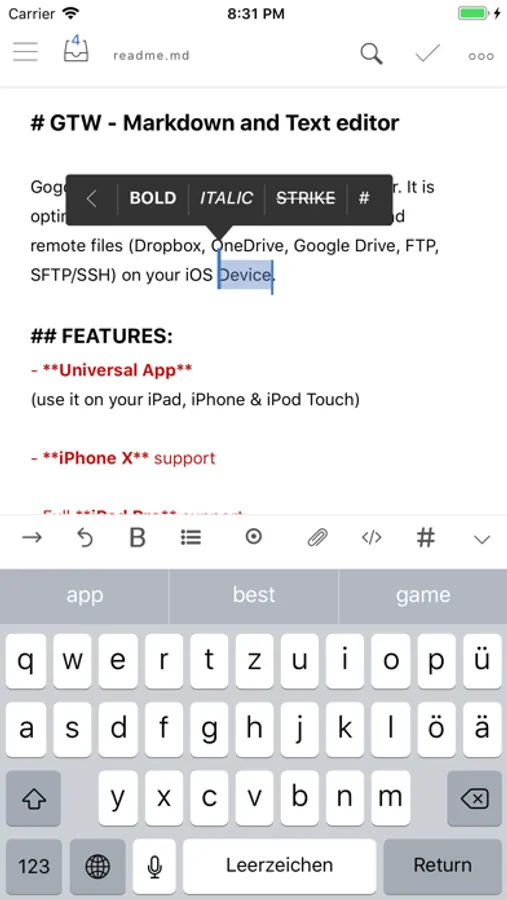
• Extra keybar with swipe functions and trackball to precisely move the cursor and select text
• Find and Replace support (incl. Regex find pattern)
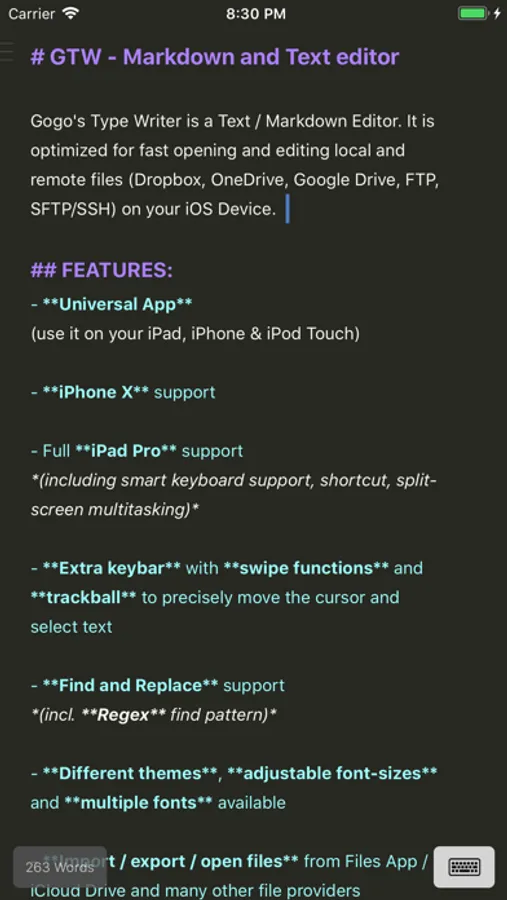
• Different themes and adjustable font-sizes
• NEW! Focus Mode / fade out alle other lines and keep focused
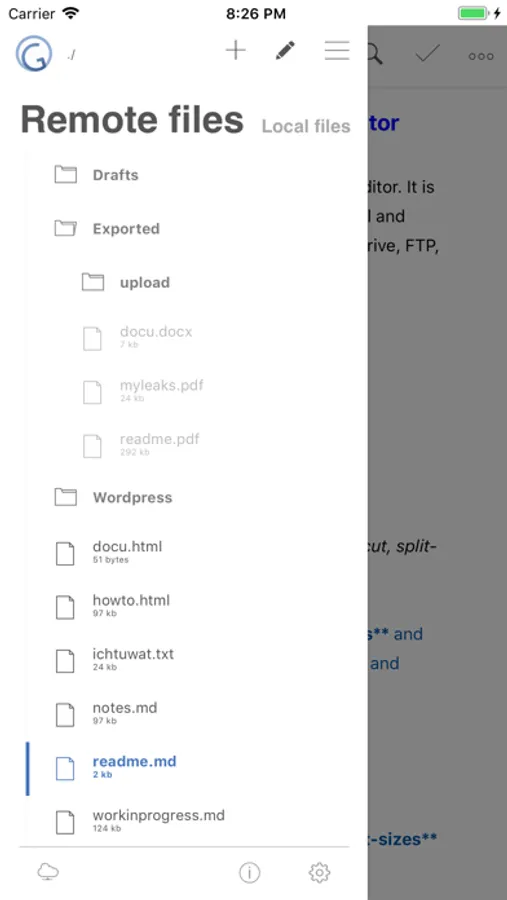
• Import / export / open files from iCloud Drive and other file providers
• Snippets -- use short fragments of text again and again
( with filed and placeholders support )
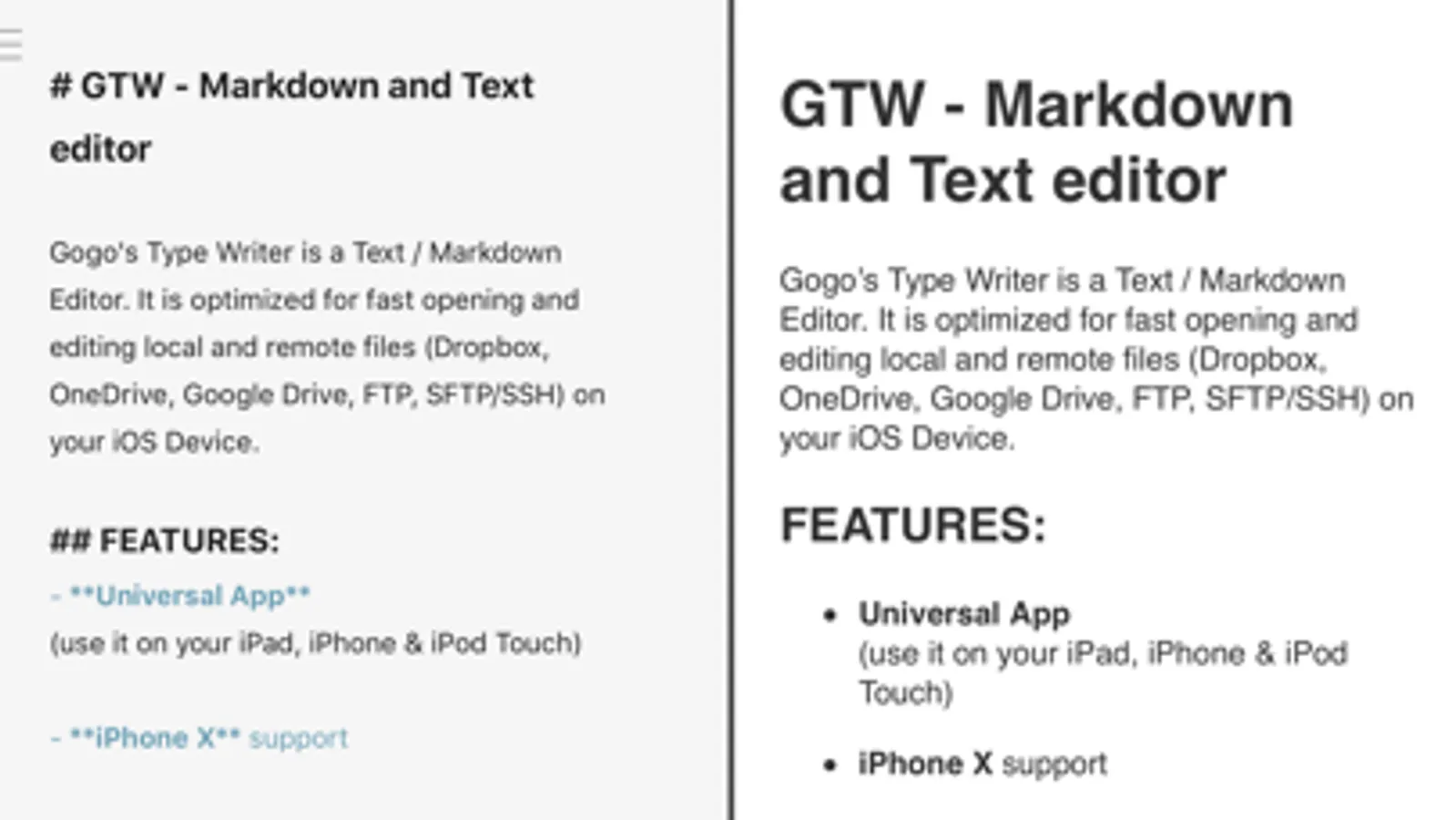
• Markdown Preview, Convert & Export
( PDF / DOCX / HTML Export )
• Preview Browser (for images / websites)
• Connect to your servers via SFTP, FTP, ONEDRIVE or DROPBOX
New with OneDrive 365 and OneDrive for Business support
• Upload and Download files/folders
• Very fast reconnect and recover of open files after restart
• Live editing - edit files directly on your Server/Dropbox/Onedrive without download
• Supporting features like textselection by cursor, Splitview, Slide-Over and Drag & Drop
• 3D Touch support
- Show/move cursor by 3D touch the keyboard
• Taptic Feedback
( on devices with Taptic Engine )
• External/Bluetooth keyboard support
( all iOS shot-cut keys are supported + lots of shortcuts available )
• Syntax highlighting
for the most popular coding languages / also in Markdown codeblocks
(css, fortran, html, javascript, latex, mathematica, markdown, orgmode, perl, php, python, sql, xml, yaml)
GTW - Markdown & Text Editor Screenshots
Tap to Rate:
Reviews for GTW - Markdown & Text Editor
jfoshee
No Pencil Support
Doesn't work with Apple Pencil
dustinvtran
Works well with Google Drive. But beware of sync conflicts!
This editor works fantastic with cloud services like Dropbox and Google Drive. I haven’t found a markdown editor with that functionality elsewhere. CAUTION: Be wary of saving your files in GTW if you haven’t synced them with any new changes to the Google Drive file, e.g., if you updated them on another device. GTW silently saves the file and overwrites non-synced changes. I almost lost hours of writing before I caught this and found a file backup.