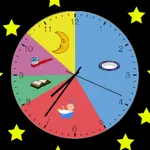
Use this clock app to display scheduled activities for children with visual cues and multiple clock modes. Includes customizable backgrounds, activity scheduling, and different clock display options.
AppRecs review analysis
AppRecs rating 2.8. Trustworthiness 74 out of 100. Review manipulation risk 20 out of 100. Based on a review sample analyzed.
★★☆☆☆
2.8
AppRecs Rating
Ratings breakdown
5 star
18%
4 star
18%
3 star
27%
2 star
0%
1 star
36%
What to know
✓
Low review manipulation risk
20% review manipulation risk
✓
Credible reviews
74% trustworthiness score from analyzed reviews
⚠
Mixed user feedback
Average 2.8★ rating suggests room for improvement
About Kids Activity Clock
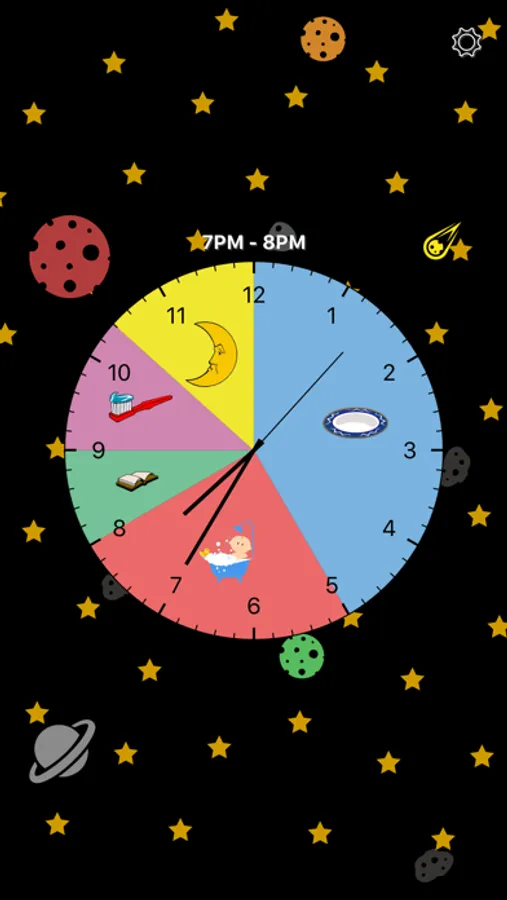
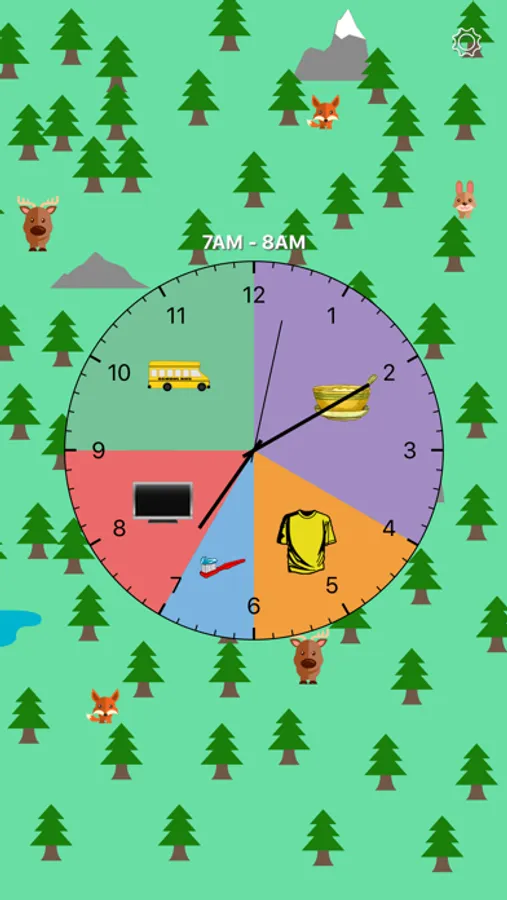
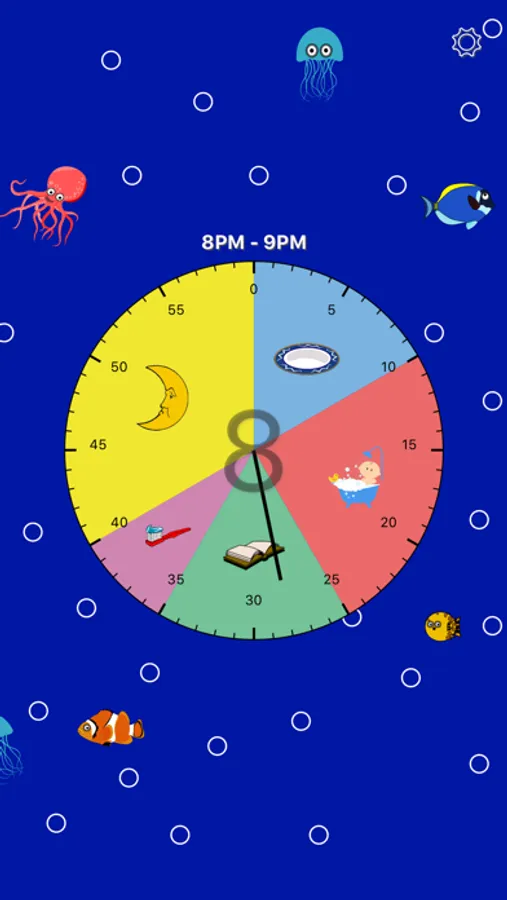
Kids Activity Clock has several clock modes to fit your needs:
• Classic Hour Clock - This is the default clock mode, and will display activities that occur during the current hour.
• Hour Clock - A simplified clock that displays the hour in the middle of the clock, and the minutes listed on the tick marks. This mode will display activities that occur during the current hour.
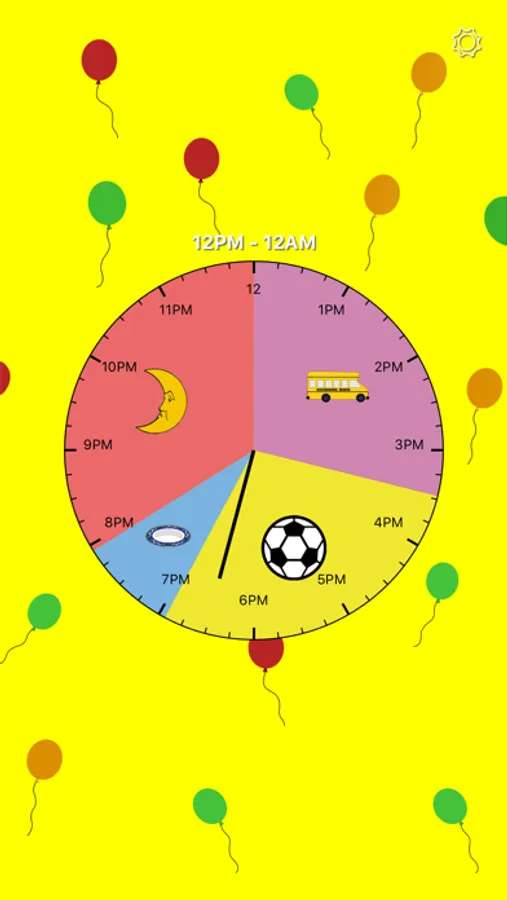
• 12 Hour Clock - This mode displays activities that occur 12AM to 12PM if the current time is in that range, or otherwise displays activities that occur 12PM to 12AM, if the current time is in that range.
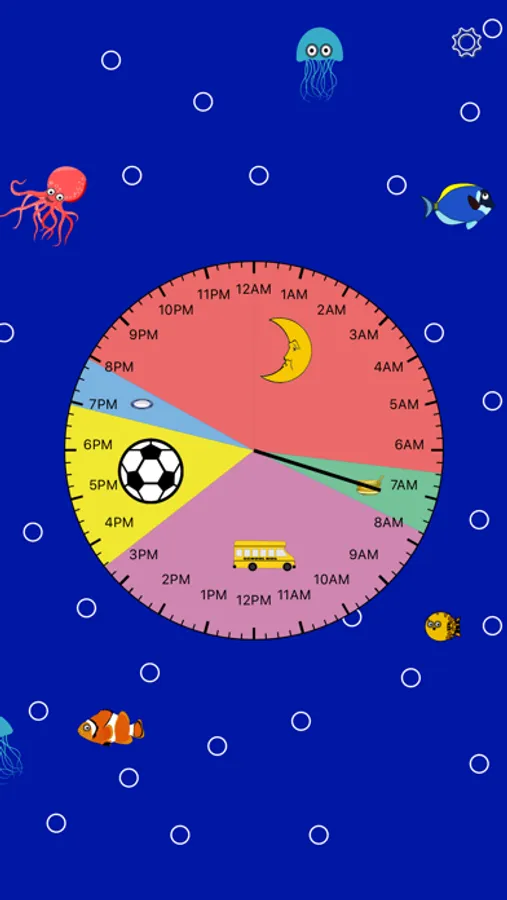
• 24 Hour Clock - This mode displays all activities that are scheduled for the day. In this mode activities with short ranges may be hard to see.
Kids Clock has several fun clock backgrounds for kids to choose from including a space theme, a forest theme, and an ocean theme. Or choose a solid background color or custom image.
With Kids Clock you can set schedules for activities such as
◦ Wake up
◦ Breakfast
◦ Getting dressed
◦ School
◦ Lunch
◦ Play Time
◦ Dinner
◦ Homework
◦ Bathtime
◦ Brushing teeth
◦ Bedtime
◦ And More!
It is recommended that the device is charging while the Kids Clock app is in use.
Kids Activity Clock Screenshots
Tap to Rate:
Reviews for Kids Activity Clock
trygfhbvn
Doesn’t work
It doesn’t show the activity on the clock
123abc456defgRandomName
Good app, needs ability to add other schedules
Just got this app. It looks nice, but I don’t know how useful it will be since our schedule changes regularly (between days, kids, holidays, etc.) Please add the option to add more schedules without re-doing everything. A copy pate feature (for creating new events) would be nice as well.