In this storage access app, you can unlock your storage unit using your smartphone. Includes remote entry control and usage logs.
AppRecs review analysis
AppRecs rating 4.5. Trustworthiness 66 out of 100. Review manipulation risk 28 out of 100. Based on a review sample analyzed.
★★★★☆
4.5
AppRecs Rating
Ratings breakdown
5 star
93%
4 star
5%
3 star
1%
2 star
0%
1 star
1%
What to know
✓
Low review manipulation risk
28% review manipulation risk
✓
High user satisfaction
93% of sampled ratings are 5 stars
About Storage Smart Entry by Nokē
Storage Smart Entry by Nokē Screenshots
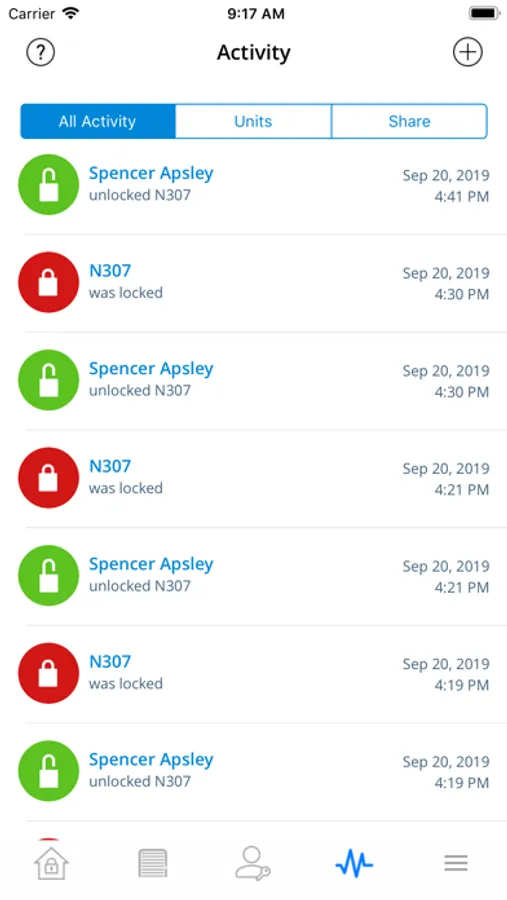
Tap to Rate:
Reviews for Storage Smart Entry by Nokē
mountain_lover
98% perfect design!
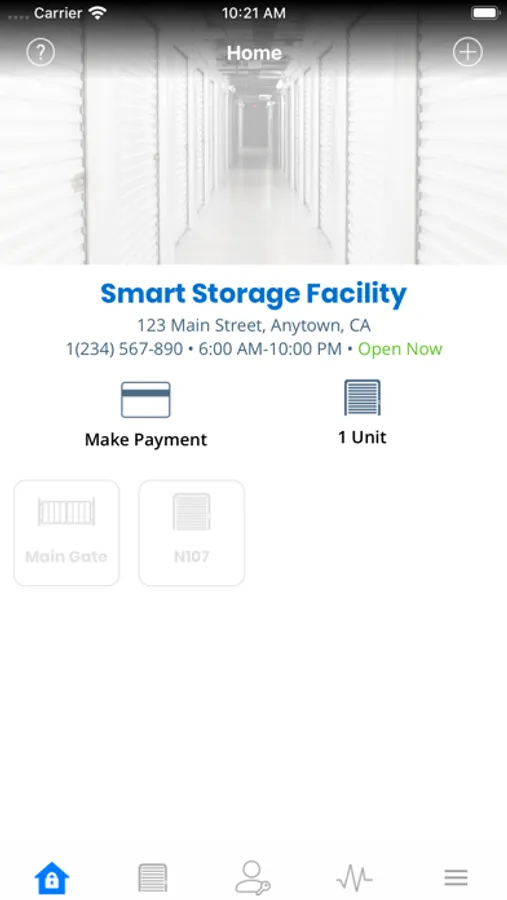
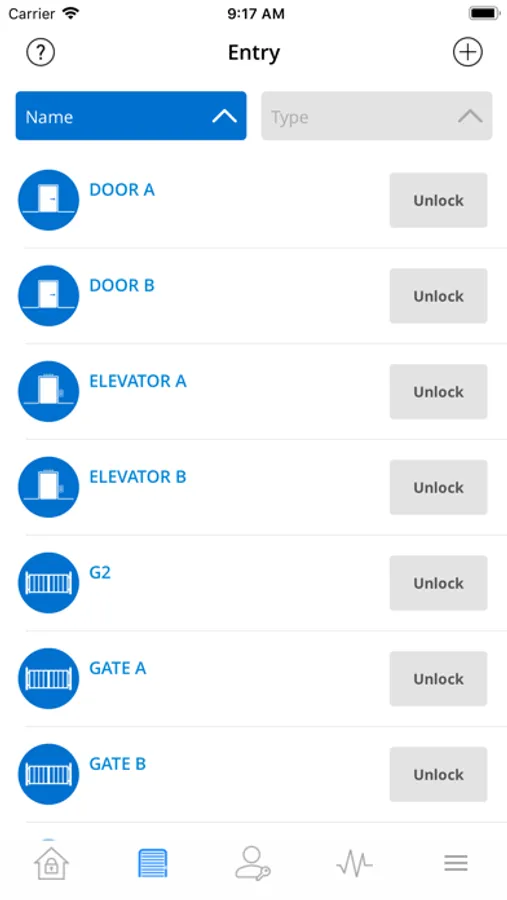
I’ve used other storage facility apps, and i much prefer this design. I have come to appreciate not needing an access code or keeping track of keys during a move. It’s well thought thru, from details like an address that links to your map app, to the main use case: car access to entry/exit gates, then building doors, elevator, restrooms and individual storage units. It’s intuitive — as long as you have a >6” display. It displays icons for each gate, building door, elevator, office, restroom and then icons for each of your own unit number(s). Whatever is nearby lights up in red, showing that it’s available to unlock. You tap, 2-3 sec later it turns green and the gate opens or door unlocks. Easy! You can also authorize/manage keyless access to family or roommates. And I think one can give temporary access to movers. When needed, those features really help. (The latter is also way more secure than giving a gate code to random movers). Minor flaws: 1. Sometimes a door or gate icon doesn’t light up till you’re quite close. 2. The UI does not adjust for smaller displays. On phones like iPhone SE or 12/13 mini, the 2nd building’s doors and your unit door’s icons are at the bottom, off the main screen. Invisible without scrolling. Scrolling never mentioned on screen, in the help or the posted instructions, making it very confusing. 3. Given the omission above, i wonder if the red and green shades were chosen to be distinct for the 10% of men who are red-green color blind.
Papioso55
Love this place
Best I’ve ever rented!!!…and I’ve rented a few in over 5 different states. Best by far. From customer service to storage lockers. Excellent quality top to bottom!!!