In this data collection app, users scan barcodes, NFC tags, or capture images to transfer data to desktop applications. Includes real-time connectivity, custom forms, and encryption for secure data transfer.
AppRecs review analysis
AppRecs rating 4.2. Trustworthiness 80 out of 100. Review manipulation risk 23 out of 100. Based on a review sample analyzed.
★★★★☆
4.2
AppRecs Rating
Ratings breakdown
5 star
89%
4 star
6%
3 star
2%
2 star
0%
1 star
2%
What to know
✓
Low review manipulation risk
23% review manipulation risk
✓
Credible reviews
80% trustworthiness score from analyzed reviews
✓
High user satisfaction
89% of sampled ratings are 5 stars
About Scan-IT to Office
VERSATILE
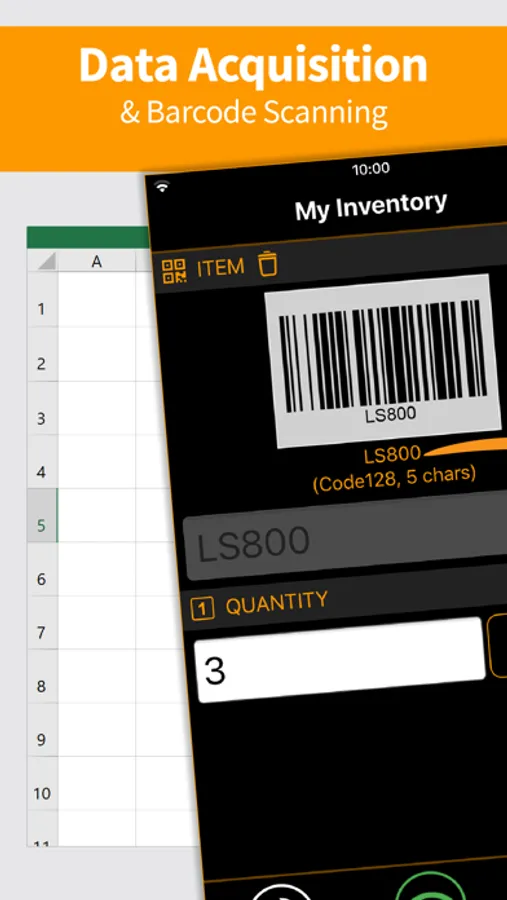
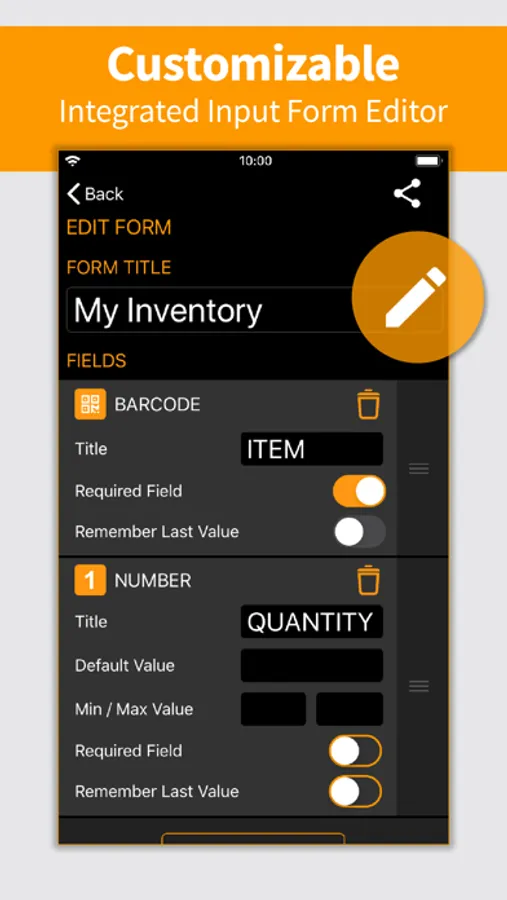
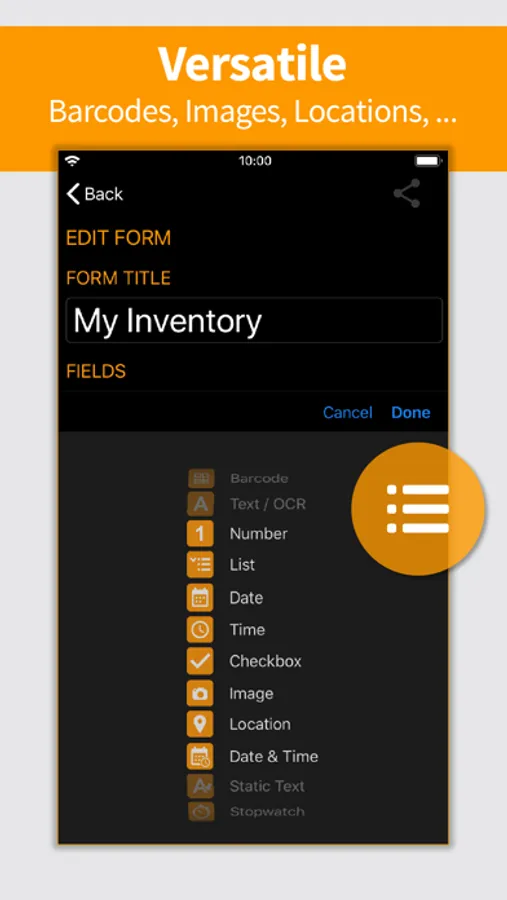
Data is captured into clearly structured input forms on the smartphone or tablet. Users can select from predefined standard forms or create their own input forms if required.
EASY TO USE
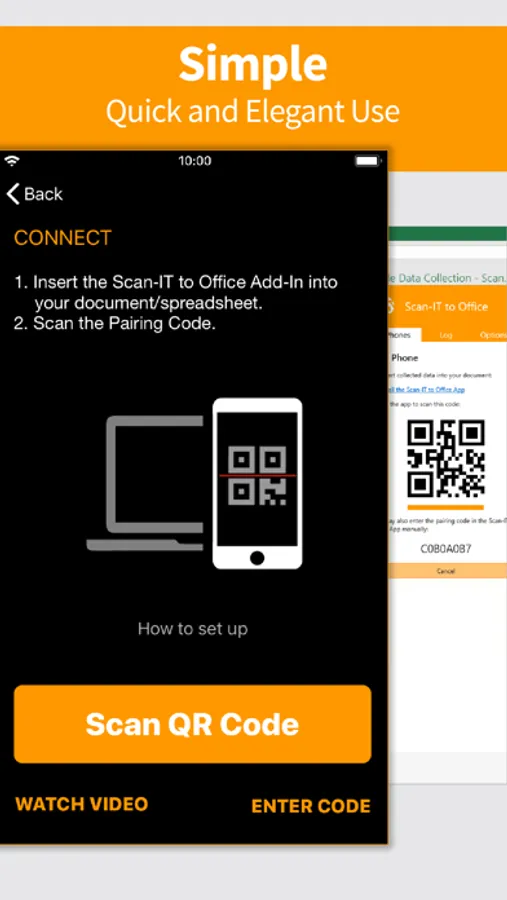
Scan-IT to Office is ready to use in just a few steps: This data acquisition app is paired with the corresponding target by scanning a QR code. Now the data transfer works on its own: captured bar-codes, pictures, manual inputs, timestamps or location data are automatically sent to their destination.
FEATURES
• Mobile data collection app for smartphones and tablets
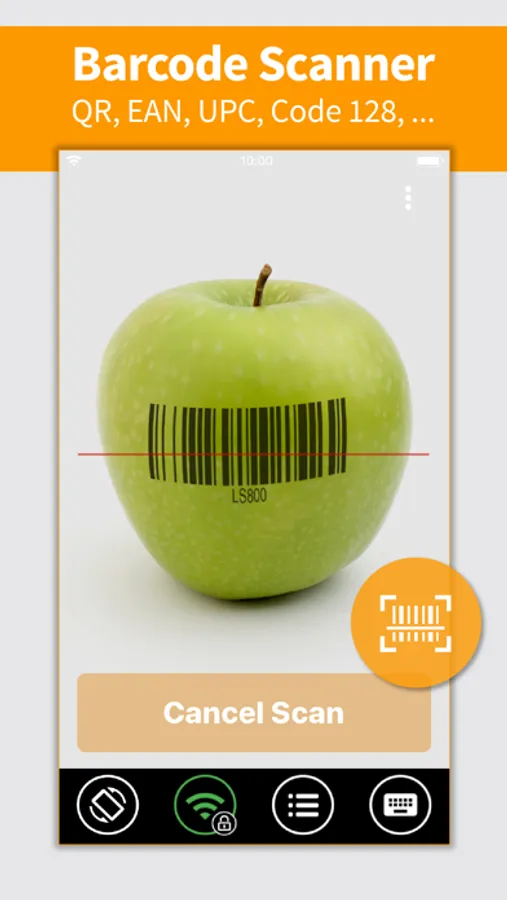
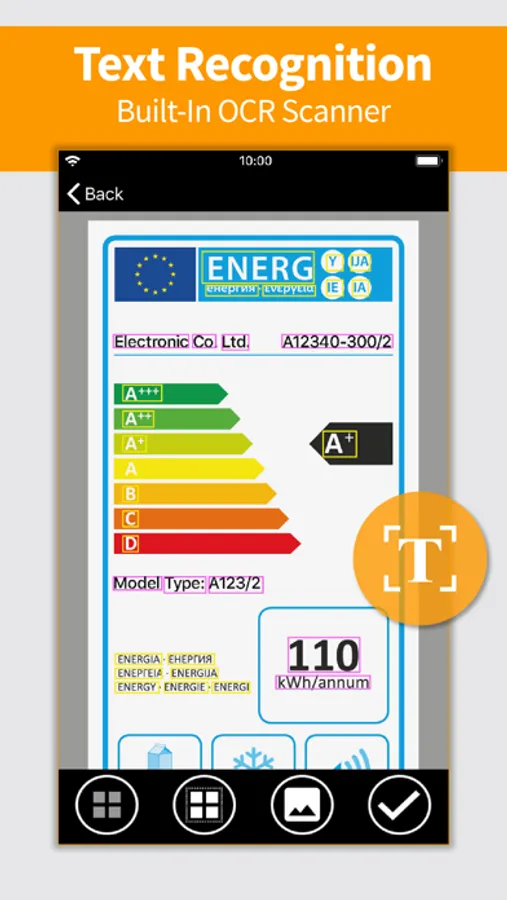
• Captures barcodes, NFC tags, images, timestamps, texts, location data and numbers
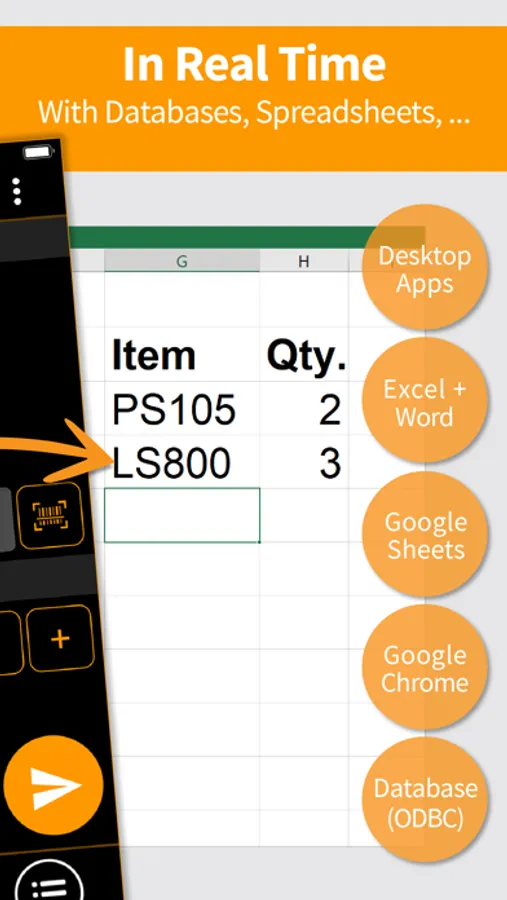
• Real-time data transfer to any PC or Mac application
• Store data in any database accessible via ODBC
• Insert data directly into Word, Excel, Google Sheets or Google Chrome
• Custom and predefined data acquisition forms
• End-to-end encryption guarantees maximum privacy & security
• Works worldwide, independent of time and place
• For single and multi-user scenarios
FREE DEMO
The app is available as free trial, a paid subscription unlocks all functions. Without a subscription, the app replaces collected data at random intervals with a demo text and/or a notification is displayed.
IMPORTANT NOTICE
To use this app, you need to install the additionally required Scan-IT to Office software (available for free) on your desktop computer:
Scan-IT to Office Tools enable arbitrary PC or Mac applications and ODBC-databases to receive data collected with the app. Download the tools using this link: https://www.tec-it.com/stodownload
Scan-IT to Office Add-Ins are dedicated Add-Ins for Microsoft Word, Microsoft Excel, Google Sheets and Google Chrome, which provide optimized and seamless data acquisition functionality. Install the desired Add-In directly in the host application or from the respective store:
• Microsoft Word / Microsoft Excel: https://appsource.microsoft.com/product/office/wa104381026
• Google Sheets: https://chrome.google.com/webstore/detail/scan-it-to-office/oeggkbdldochacapfbnbmhghcfinaehh
• Google Chrome: https://chrome.google.com/webstore/detail/scan-it-to-office/ijemakhbbjajapbmdonhjmfkkcpliafp
FREE SUPPORT
In case of questions, please contact us at support@tec-it.com (E-Mail), TECITSupport (Skype) or visit https://www.tec-it.com/sto.
SUBSCRIPTION POLICY
• Monthly, quarterly or yearly subscriptions are available
• When buying a subscription, payment will be charged to your iTunes Account at confirmation of purchase.
• Subscription automatically renews unless auto-renew is turned off at least 24-hours before the end of the current period.
• Account will be charged for renewal within 24-hours prior to the end of the current period, and identify the cost of the renewal.
• You may also manage your subscriptions via App Store.
• Auto-renewal of a subscription may be turned off by going to your Account Settings in the App Store after purchase.
Terms of use and privacy: https://www.tec-it.com/download/PDF/TEC-IT_AGB_EN.pdf
Scan-IT to Office Screenshots
Tap to Rate:
Reviews for Scan-IT to Office
Manavatuwc
Images are not transmitted
I have a paid subscriptions and the images are not being transmitted to my google sheets. It was happening earlier but not any more. … need help, I deliver packages using this app.. get the images and signature of the people. Although the url and the contents of the signature column are there but no image.. Need help
WWReviewz
General Manager
Great product. Easy to use and reliable.