
In this vocabulary learning app, you can create personalized word lists and practice through different learning functions. Includes pronunciation audio in 40 languages and customizable study groups for efficient memorization.
AppRecs review analysis
AppRecs rating 4.7. Trustworthiness 65 out of 100. Review manipulation risk 21 out of 100. Based on a review sample analyzed.
★★★★☆
4.7
AppRecs Rating
Ratings breakdown
5 star
83%
4 star
9%
3 star
2%
2 star
3%
1 star
3%
What to know
✓
Low review manipulation risk
21% review manipulation risk
✓
High user satisfaction
83% of sampled ratings are 5 stars
✓
Authentic reviews
No red flags detected
About Onevoca - Flashcards
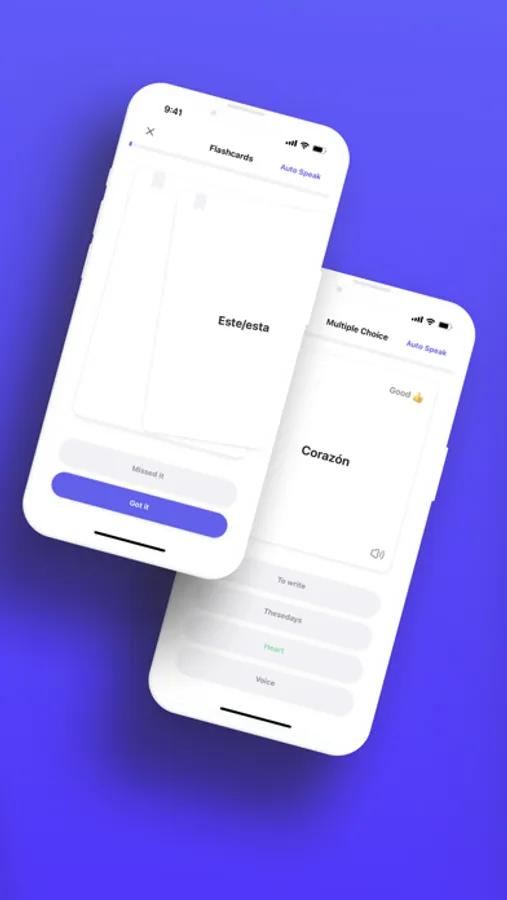
Study the words you want to learn comfortably through the fun and efficient learning functions selected by Onevoca..We have prepared various learning functions for you who are studying multiple words. In particular, you can study those words while listening to the correct pronunciation through TTS, artificial intelligence that reads with the natural and attractive voices of locals.
Onevoca can play the voices of artificial intelligence in 40 countries around the world:
Arabic, Bengali, Chinese, Czech, Danish, Dutch, English (US, UK), Filipino, Finnish, French, German, Greek, Gujarati, Hebrew, Hindi, Hungarian, Indonesian, Italian, Japanese, Kannada, Korean, Malay, Malayalam, Marathi, Norwegian, Polish, Portuguese, Punjabi, Romanian, Russian, Slovak, Spanish, Swedish, Tamil, Telugu, Thai, Turkish, Ukrainian, Vietnamese
Those who use Onevoca study these words:
English, Japanese, Chinese, medical terms, chemical terms, Bible verses, language arts, history, Chinese characters..
“In fact, there are so many words so I don't know how many different kinds of words you are studying. Onevoca is designed to memorize any word or phrase.
Especially as a developer, I am studying English vocabulary and liberal arts vocabulary with Onevoca."
If you download Onevoca, you can:
Create your own safe and permanent vocabulary list by registering words to study:
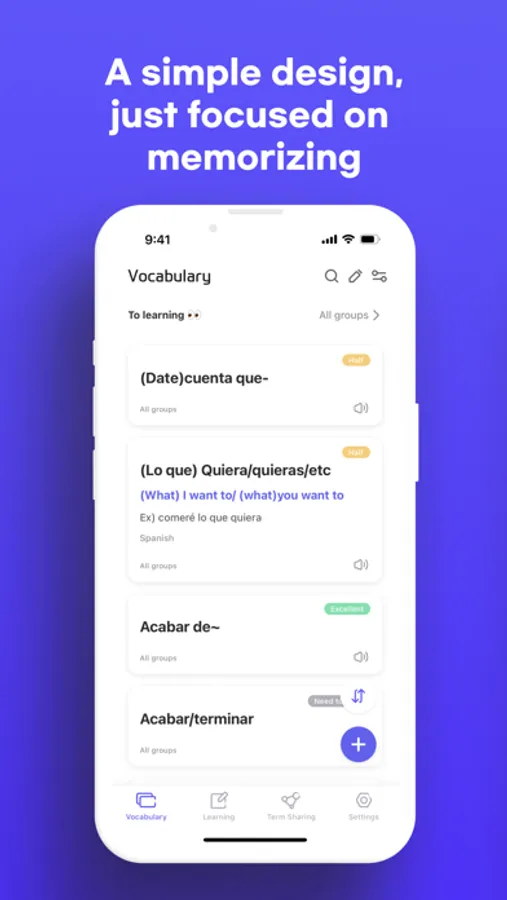
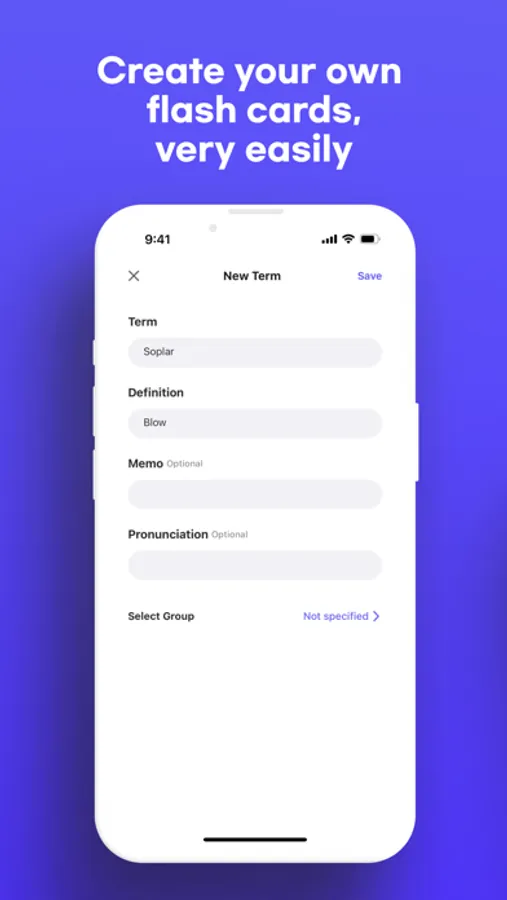
You can register the words you want to study by grouping them. For example, you can register English words in the English group and Chinese words in the Chinese group.Notebooks are also great, but the best advantage of smart devices is that you can easily find, change, and delete words once registered at any time, and also neatly sort them, right?
Choose a learning game that fits the words you're studying and learn:
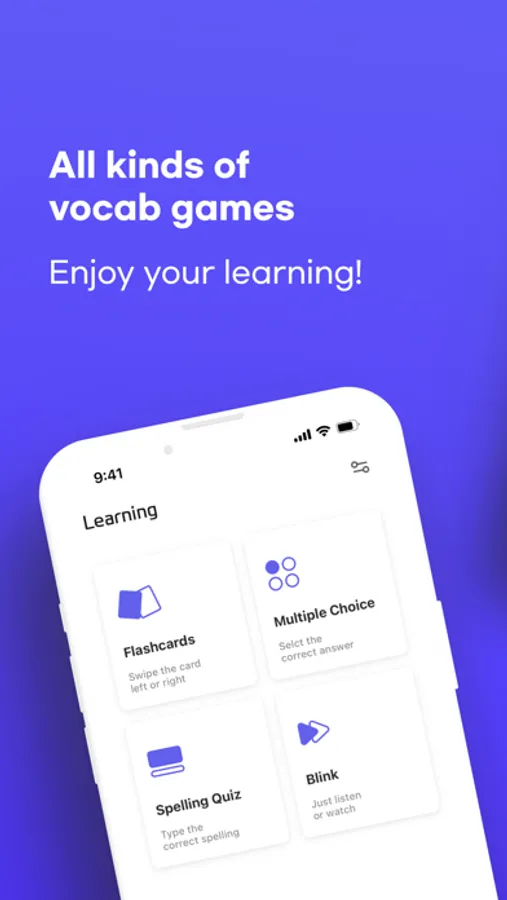
Onevoca includes a variety of learning functions for you to study various words. You can study by choosing the learning function that best suits you. When I study English vocabulary, I use a mix of flashcards and guessing spelling. When I study liberal arts vocabulary, I use a mix of flashcards and four-choice learning.
Word Sharing:
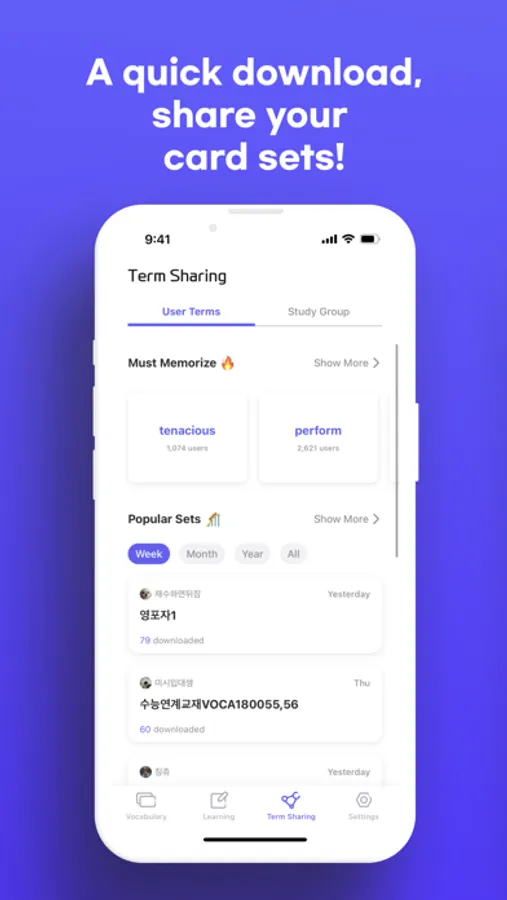
Onevoca includes a word sharing feature that allows you to reveal your elaborately written vocabulary list so that everyone can download, or privately reveal words only for people you study with, such as friends, team members, and teachers. Share your word list with people you don't know, or learn words with friends.
Learn without mental energy consumption by using notifications:
You can set notifications at any time interval to receive notifications of words you need to learn. If you hear a notification sound even while reading a book, take only 3 seconds to see the notification pop-up on your cell phone facing down. If you hear a notification sound even while walking, take only 3 seconds to see the notification pop-up on your mobile phone in your hand. These little three-second actions are piled up and piled up, so you'll be able to learn more than you think!
----------------
If you find an uncomfortable matters or errors while using the app, or if you have any feedback that you would like to give to the developer, please send it to us by email through the 'Contact Us' button in the app.
If the in-app 'Contact Us' button is not available, please send an email directly to the developer email below.
• Email: zak1ller.kr@gmail.com
• Instagram: https://www.instagram.com/onevoca_kr/
Privacy Policy: http://onevoca.org/onevoca/privacy_policy
Onevoca - Flashcards Screenshots
Tap to Rate:
Reviews for Onevoca - Flashcards
Mia_Joo
너무 좋아요
중국에 있는 국제학교에서 영어를 가르치고 있는 교사입니다. 개인적으로 한국에서 공부할 때 사용하던 앱이고 너무 좋아서 외국인 학생들에게 해당 앱 추천해주고 사용할 수 있도록 독려하고 있습니다. 그런데 중국에선 VPN을 사용하지 않으면 쓸 수가 없네요.. 다행히 학교 자체에 VPN이 있어서 수업중에는 사용이 가능하지만, 집에 VPN이 없는 학생들은 사용하지 못하고 있어요. 그래서 몇몇 학생들은 다른 프로그램으로 바꾸었네요.. 오프라인 기능 추가해주시면 너무너무 좋을 것 같아요. 개인적으로 LEARN 탭의 기능이 단어외우는데에는 너무 좋아서 학생들이 짬짬이 사용할 수 있으면 해서요.
twhsnsn
6 stars!! Excellent!
Best flash cards. Perfect. You thought of everything.