In this network management app, you can view your entire network, monitor connection status, and identify connected devices. Includes device control, network status, and parental controls.
AppRecs review analysis
AppRecs rating 4.1. Trustworthiness 72 out of 100. Review manipulation risk 24 out of 100. Based on a review sample analyzed.
★★★★☆
4.1
AppRecs Rating
Ratings breakdown
5 star
71%
4 star
9%
3 star
4%
2 star
2%
1 star
13%
What to know
✓
Low review manipulation risk
24% review manipulation risk
✓
Credible reviews
72% trustworthiness score from analyzed reviews
✓
High user satisfaction
81% of sampled ratings are 4+ stars (4.2★ average)
About D-Link Wi-Fi
Managing your home network can get complicated. That's why we made the new D-Link Wi-Fi app more friendly and functional. Packed with a range of smart features, the D-Link Wi-Fi app gives you the power to setup and manage your D-Link wireless network effortlessly using your smartphone or tablet.
Network Management, Made Smarter.
WONDERING WHAT'S UP WITH YOUR WI-FI?
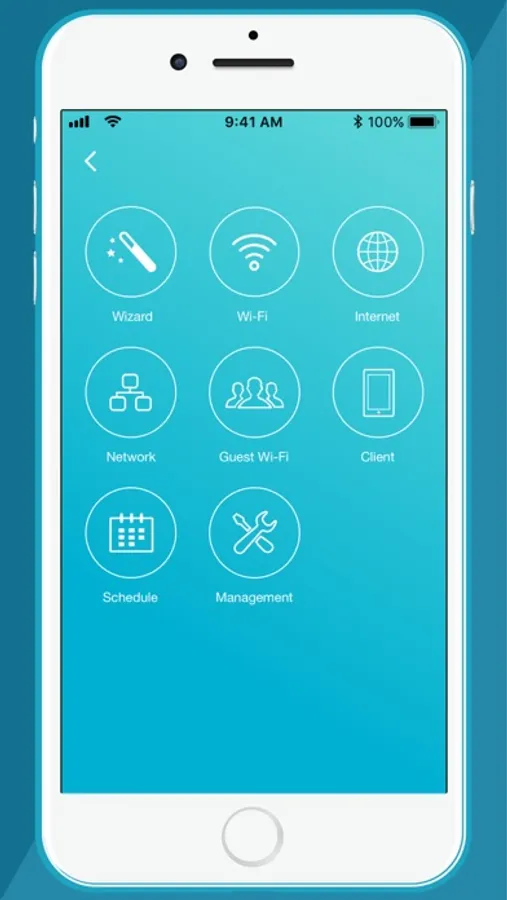
• View your entire network at a glance
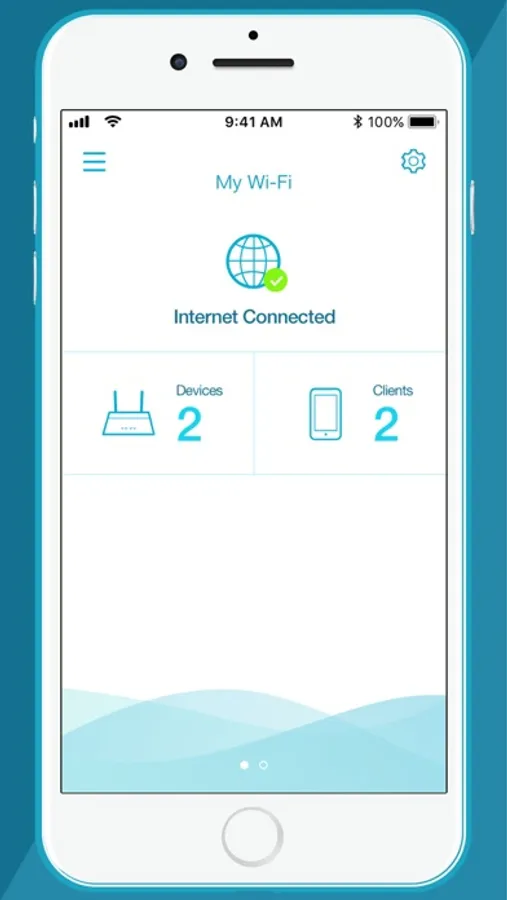
• Check your connection status
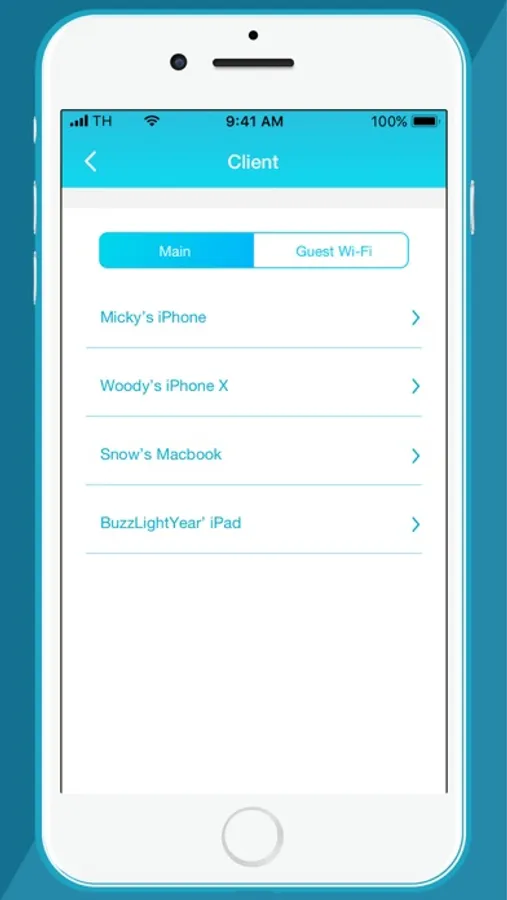
• Find out who/what is connected to your network instantly
NETWORK MANAGEMENT IN THE PALM OF YOUR HAND
• The new D-Link Wi-Fi makes it easy to setup and control your home network without having to turn on your computer
• Intuitive interface lets you find what you need quickly
• Find out who's on your network with your mobile device
• Instantly block unauthorized devices with one tap
INTERNET INTERFERING WITH FAMILY CONNECTIONS?
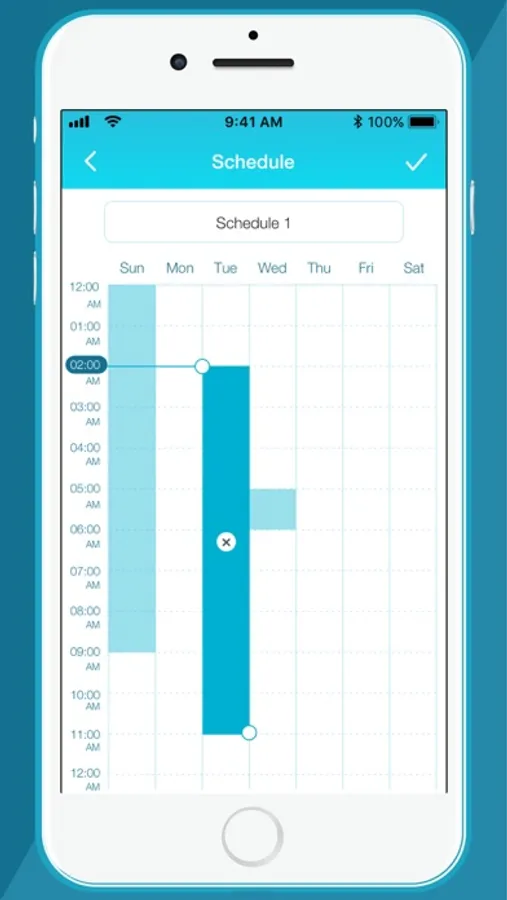
• Make room for more family time with access Schedules
• Restrict your kids' device access with Parental Controls
GUESTS COMING OVER?
• Enable Guest-Wi-Fi without exposing your main Wi-Fi password
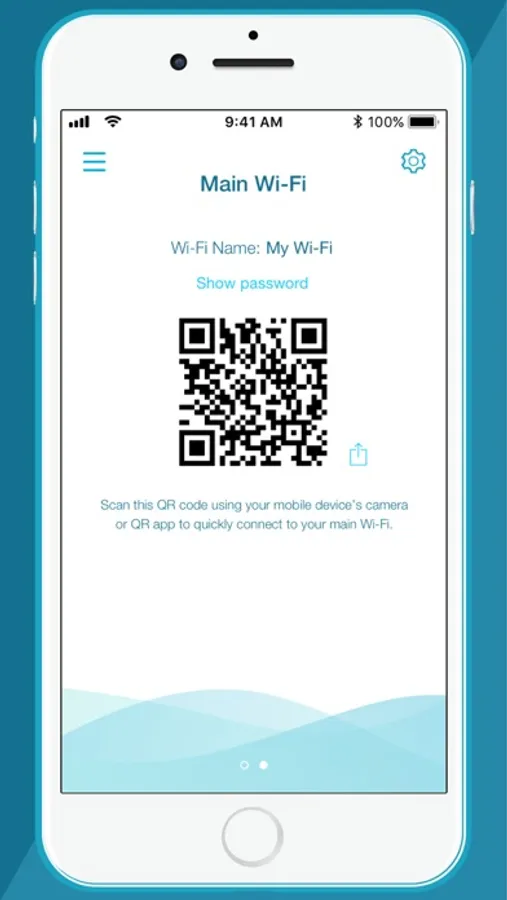
• Tap and share your Guest Wi-Fi instantly with QR Code or messaging apps
FIRMWARE UPGRADES WON'T AFFECT YOUR DAILY USAGE
• Device firmware upgrades are scheduled at less active times to let you fully enjoy streaming, online gaming, and fast file transfers.
For other D-Link router products, refer to the QRS Mobile app.
Notes:
The D-Link Wi-Fi app is for local access only. Your smartphone or tablet must be connected to your Wi-Fi system to use this app.
To access advanced features of the Wi-Fi System, you should use the web interface by going to http://covr.local./ or http://dlinkrouter.local./ from a computer or mobile device connected to the system.
System Requirements:
iOS 11.0 or later.
If you are experiencing issues, contact mydlinksupport@dlinkcorp.com.
Network Management, Made Smarter.
WONDERING WHAT'S UP WITH YOUR WI-FI?
• View your entire network at a glance
• Check your connection status
• Find out who/what is connected to your network instantly
NETWORK MANAGEMENT IN THE PALM OF YOUR HAND
• The new D-Link Wi-Fi makes it easy to setup and control your home network without having to turn on your computer
• Intuitive interface lets you find what you need quickly
• Find out who's on your network with your mobile device
• Instantly block unauthorized devices with one tap
INTERNET INTERFERING WITH FAMILY CONNECTIONS?
• Make room for more family time with access Schedules
• Restrict your kids' device access with Parental Controls
GUESTS COMING OVER?
• Enable Guest-Wi-Fi without exposing your main Wi-Fi password
• Tap and share your Guest Wi-Fi instantly with QR Code or messaging apps
FIRMWARE UPGRADES WON'T AFFECT YOUR DAILY USAGE
• Device firmware upgrades are scheduled at less active times to let you fully enjoy streaming, online gaming, and fast file transfers.
For other D-Link router products, refer to the QRS Mobile app.
Notes:
The D-Link Wi-Fi app is for local access only. Your smartphone or tablet must be connected to your Wi-Fi system to use this app.
To access advanced features of the Wi-Fi System, you should use the web interface by going to http://covr.local./ or http://dlinkrouter.local./ from a computer or mobile device connected to the system.
System Requirements:
iOS 11.0 or later.
If you are experiencing issues, contact mydlinksupport@dlinkcorp.com.
D-Link Wi-Fi Screenshots
Tap to Rate:
Reviews for D-Link Wi-Fi
Bama Beau
Easy install
Took 10 minutes to install. Never had good internet downstairs, but now 4 devices and a TV working great.
Qwedfqa
.
Podria ser mas rapifo y mas facil de gestionar