AppRecs review analysis
AppRecs rating 3.8. Trustworthiness 78 out of 100. Review manipulation risk 23 out of 100. Based on a review sample analyzed.
★★★☆☆
3.8
AppRecs Rating
Ratings breakdown
5 star
61%
4 star
6%
3 star
0%
2 star
17%
1 star
17%
What to know
✓
Low review manipulation risk
23% review manipulation risk
✓
Credible reviews
78% trustworthiness score from analyzed reviews
✓
Good user ratings
67% positive sampled reviews
About RepairSolutionsPRO
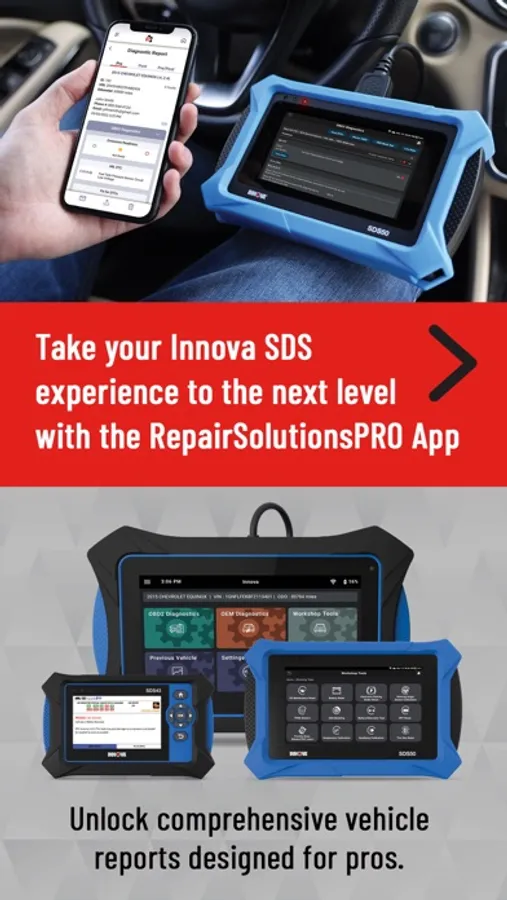
Have an SDS43 or SDS50 tablet? Take your Innova SDS tablet experience to the next level with our RepairSolutionsPRO app!
**** IMPORTANT ****
The app is free to install but requires the purchase of INNOVA’s new SDS series tablets.
This app will NOT work with other INNOVA branded tools or dongles.
**********************
RSPRO is designed to work seamlessly with our latest SDS50 and SDS43 diagnostic tablets. It’s ideal for automotive technicians who want to keep track of vehicle performance and troubleshooting information. Download our app today!
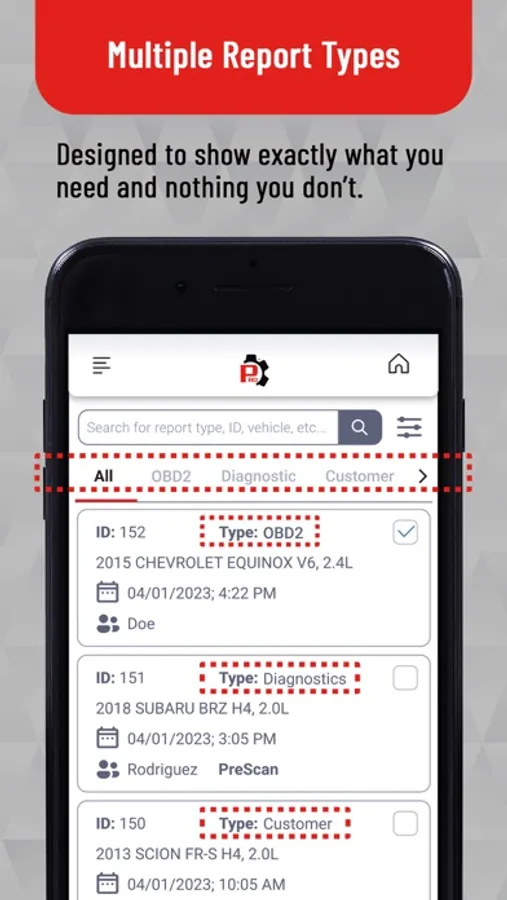
Multiple Report Types
You can view four different types of reports (Diagnostic, Customer, Collision, and OBD2) submitted from your SDS tablet. We designed each report type to show exactly what you need and nothing you don't.
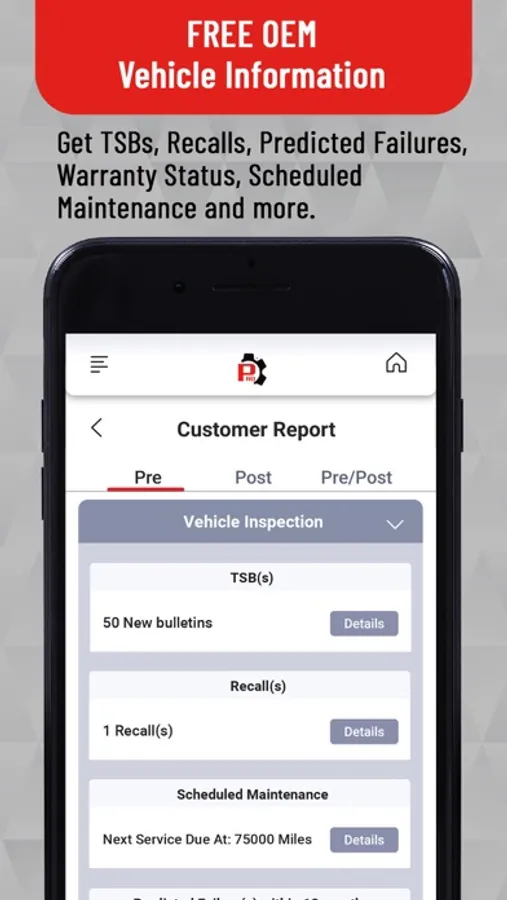
Free OEM Vehicle Information
Get MIL DTC, TSBs, Recalls, Predicted Failures, Warranty Status, Scheduled Maintenance, and More!
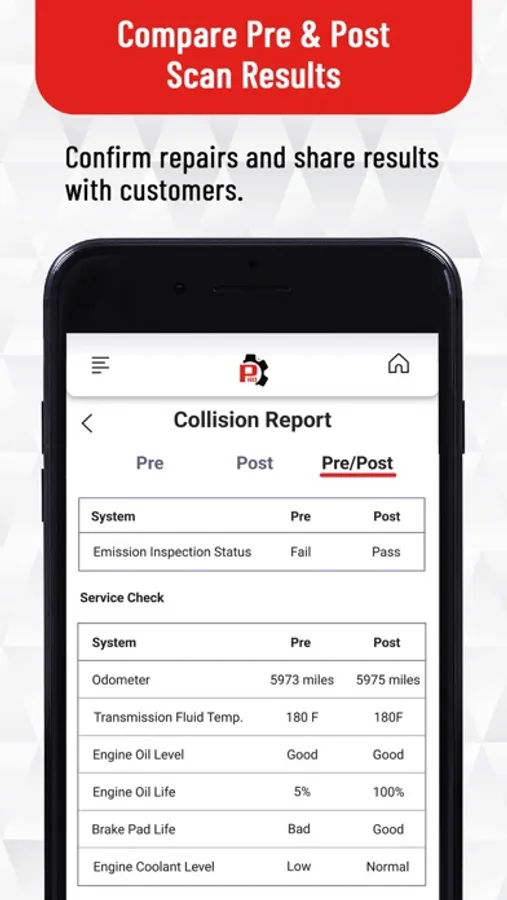
Compare Pre & Post Scan Results
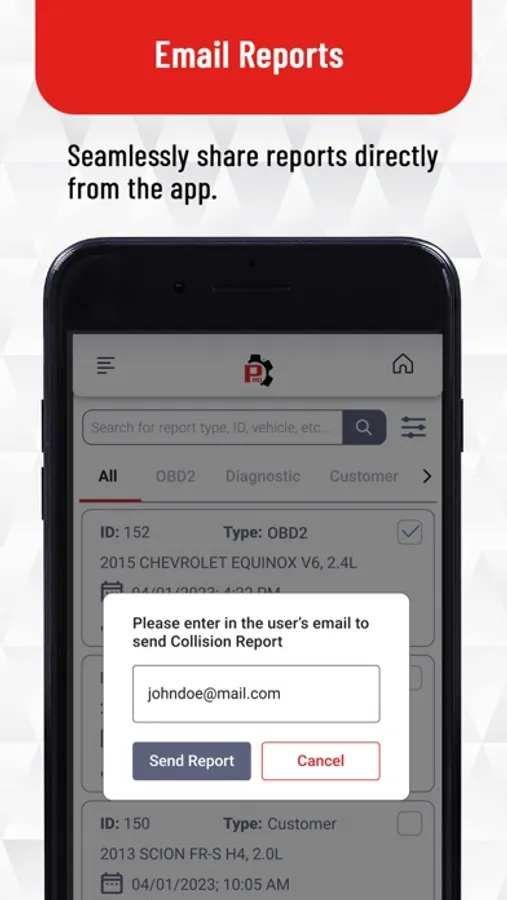
Once the report is in the app, you can generate Pre and Post Scan reports for each vehicle and share results with customers.
RepairSolutionsPRO Screenshots
Tap to Rate:
Reviews for RepairSolutionsPRO
devaro6
Pairing with the sds43 tool useless
It took forever and a day to actual connect the tool to wifi trough the app. After pairing, no reports available . Also app shows a tool software available, but the tool itself gives you “no updates available “ Also , BMW support for 2029 x5 model Not really available ..
Dddjjddhdj
Great app for SDS tool
I just recently bought a SDS tool from Auto zone and the tool recommended downloading the app . I like how it was easy to link to the app and was able to see all my reports in the app . To connect the tool to the app you would need to connect the tool to Wi-Fi and the app will automatically connect the tool to the app .