Visual Countdown Timer - Edu
Fehners Software LLP
4.6 ★
242 ratings
$3.99
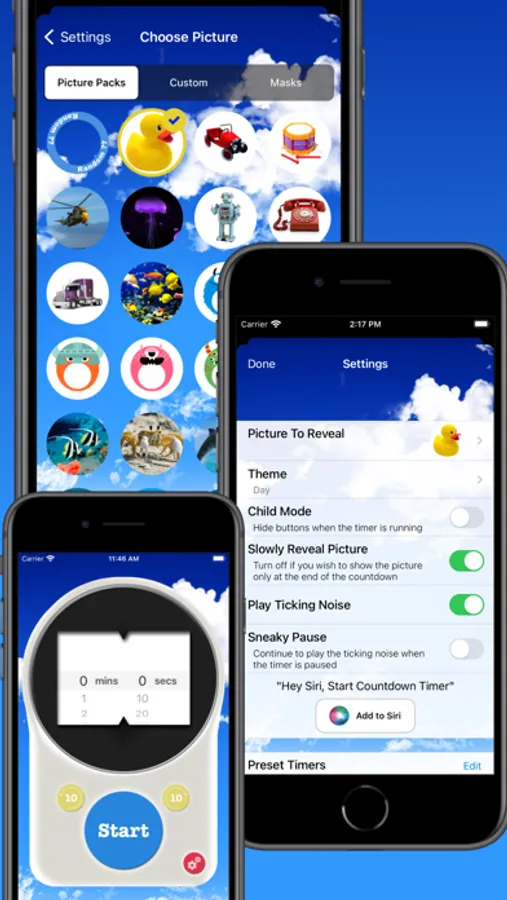
In this visual timer app, you can set customized countdowns for various daily tasks and observe the color change from green to red. Includes options for personalized images, background themes, and sound effects.
AppRecs review analysis
AppRecs rating 4.1. Trustworthiness 60 out of 100. Review manipulation risk 38 out of 100. Based on a review sample analyzed.
★★★★☆
4.1
AppRecs Rating
Ratings breakdown
5 star
77%
4 star
12%
3 star
7%
2 star
2%
1 star
2%
What to know
✓
High user satisfaction
77% of sampled ratings are 5 stars
✓
Authentic reviews
Natural distribution, no red flags
About Visual Countdown Timer - Edu
Is it a battle to get your child to do something quickly?
This visual countdown App was designed for my 2 year old son to help him get his reward chart star for getting dressed quickly.
Getting him dressed used to take forever with many stalling strategies being deployed. Now he runs upstairs asking for the "Countdown".
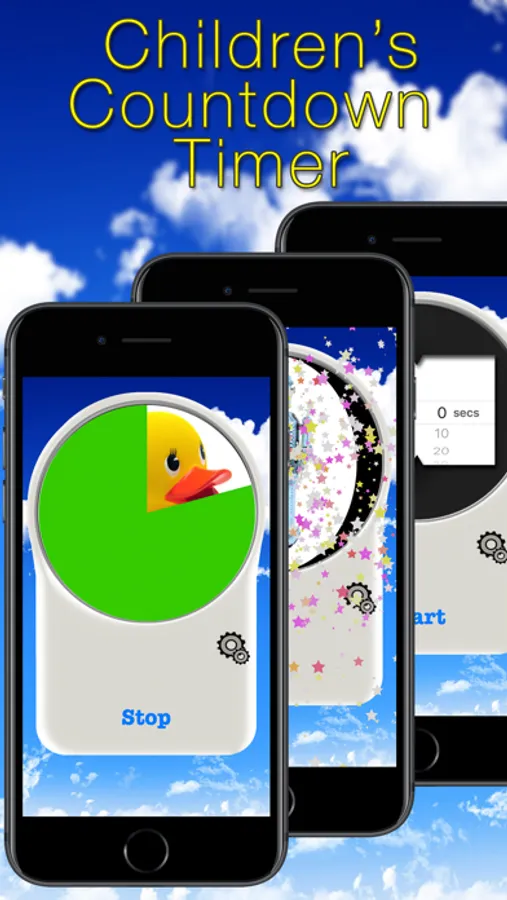
Watch as the timer runs from green to amber to red, helping the child understand that time is running out.
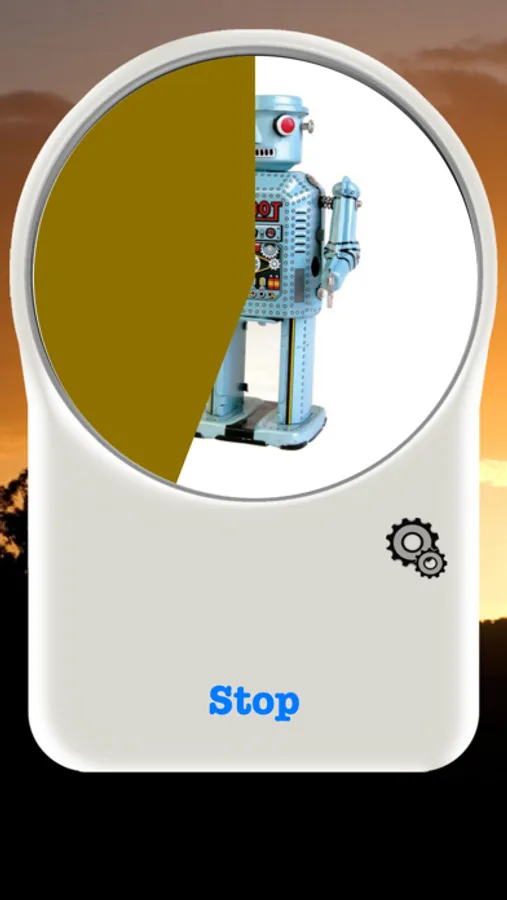
A fun picture is slowly revealed as the time runs down and when the time is up the child is rewarded with an exciting sound and the picture spins.
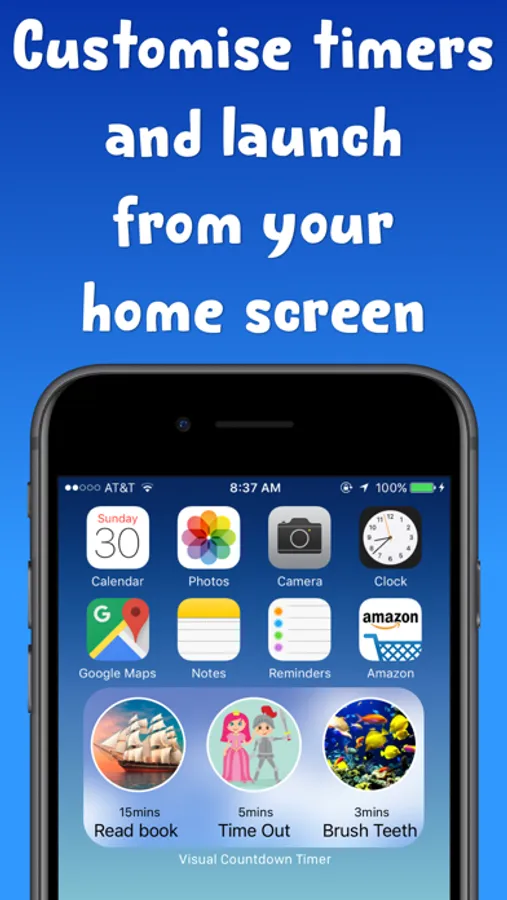
Background image changes to match the time of day, so that your child is given subtle hints as to what time of day the task they are being asked relates to.
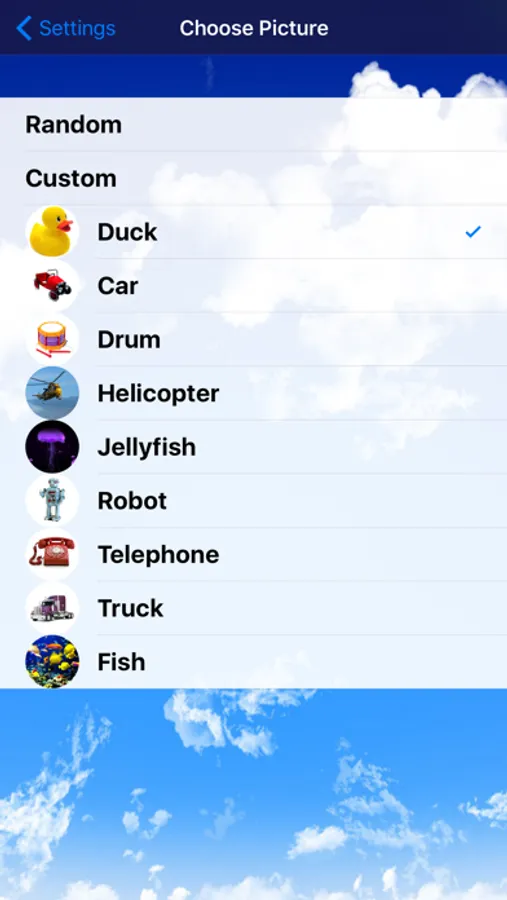
Choose your own image to reveal from your iPhones photo library to really surprise your child.
Endless possible uses:
* Getting dressed
* Getting out the door (shoes and coats on)
* Tidying
* Brushing teeth
* Sharing toys
Turns daily struggles into fun time!
Visual Countdown Timer - Edu Screenshots


Tap to Rate:
Reviews for Visual Countdown Timer - Edu
review person nuber 345829
Kids love it
So clear you and your kids will love it. And cats and dogs.
Love EC
EC Educator
A friend who is one of the specialists working with our students showed me this app. It is great for working with children on the autism spectrum. My only problem with this version is that there is no way to pause the timer. If I tap stop, it goes back to the beginning. If anyone knows of a fix for this, I would love to hear about it. The friend who showed it to me had the free version, and she was able to pause hers.