In this survival simulator, you can gather resources, craft items, build defenses, and defend yourself against hostile animals and players. Includes multiplayer support, resource collection, crafting systems, and realistic graphics.
AppRecs review analysis
AppRecs rating 3.5. Trustworthiness 77 out of 100. Review manipulation risk 22 out of 100. Based on a review sample analyzed.
★★★☆☆
3.5
AppRecs Rating
Ratings breakdown
5 star
46%
4 star
17%
3 star
11%
2 star
6%
1 star
20%
What to know
✓
Low review manipulation risk
22% review manipulation risk
✓
Credible reviews
77% trustworthiness score from analyzed reviews
✓
Good user ratings
63% positive sampled reviews
About Survival Simulator
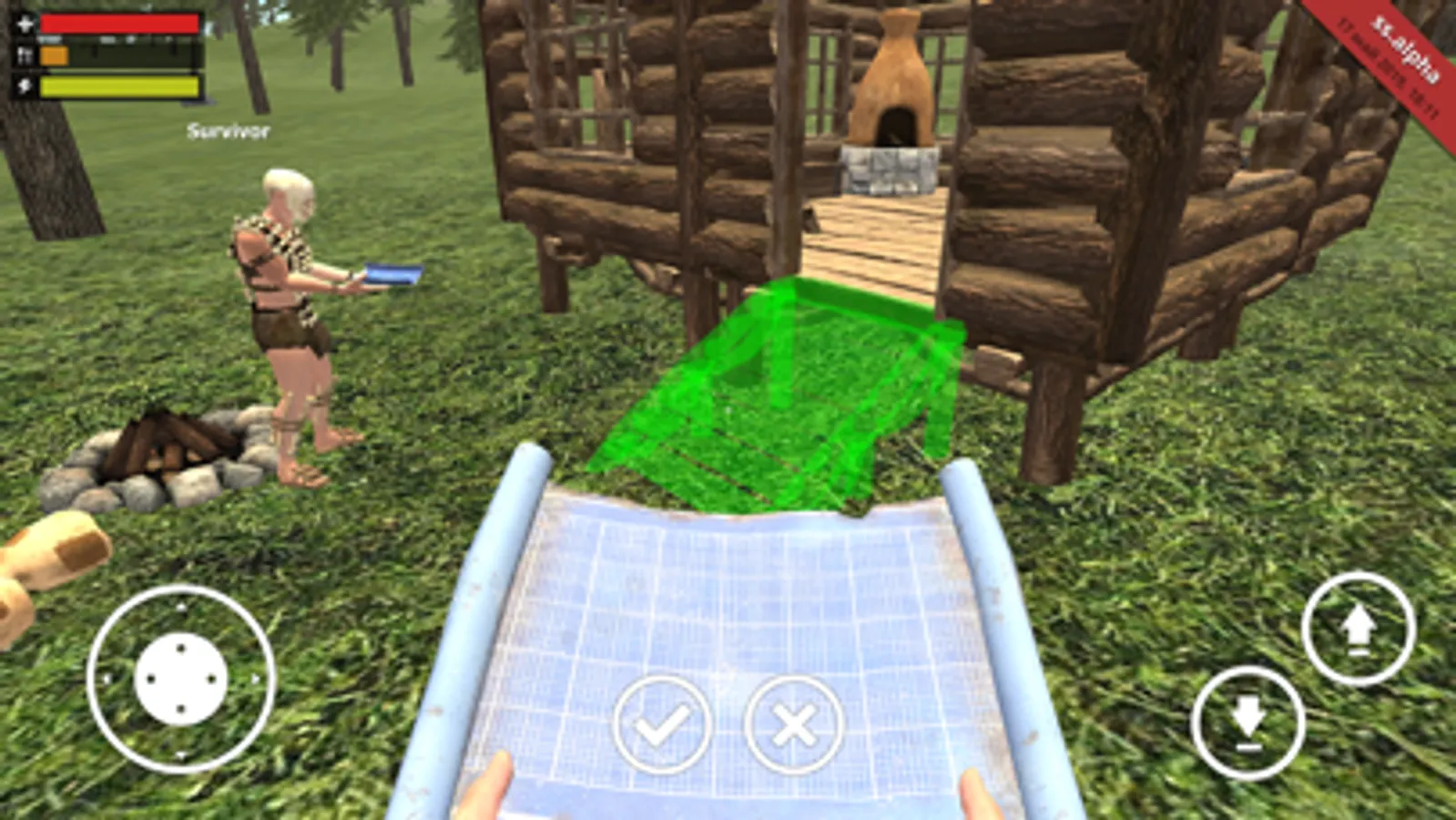
Exploit environment, place a camp, gather resources for crafting, defend yourself, improve your weapons and tools.
Could you survive in the place where everybody wants you to die? High time to check it out!
Key features:
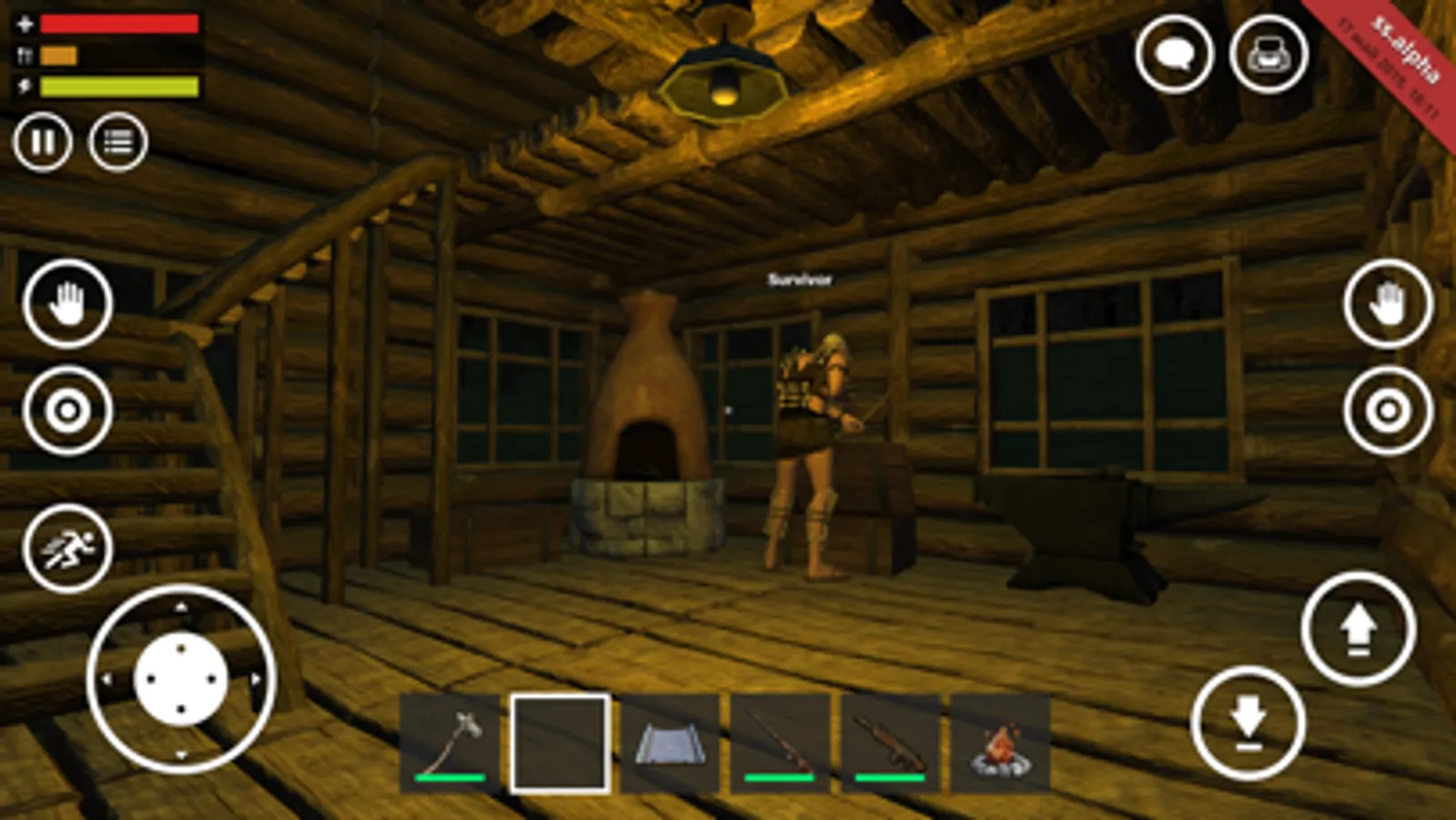
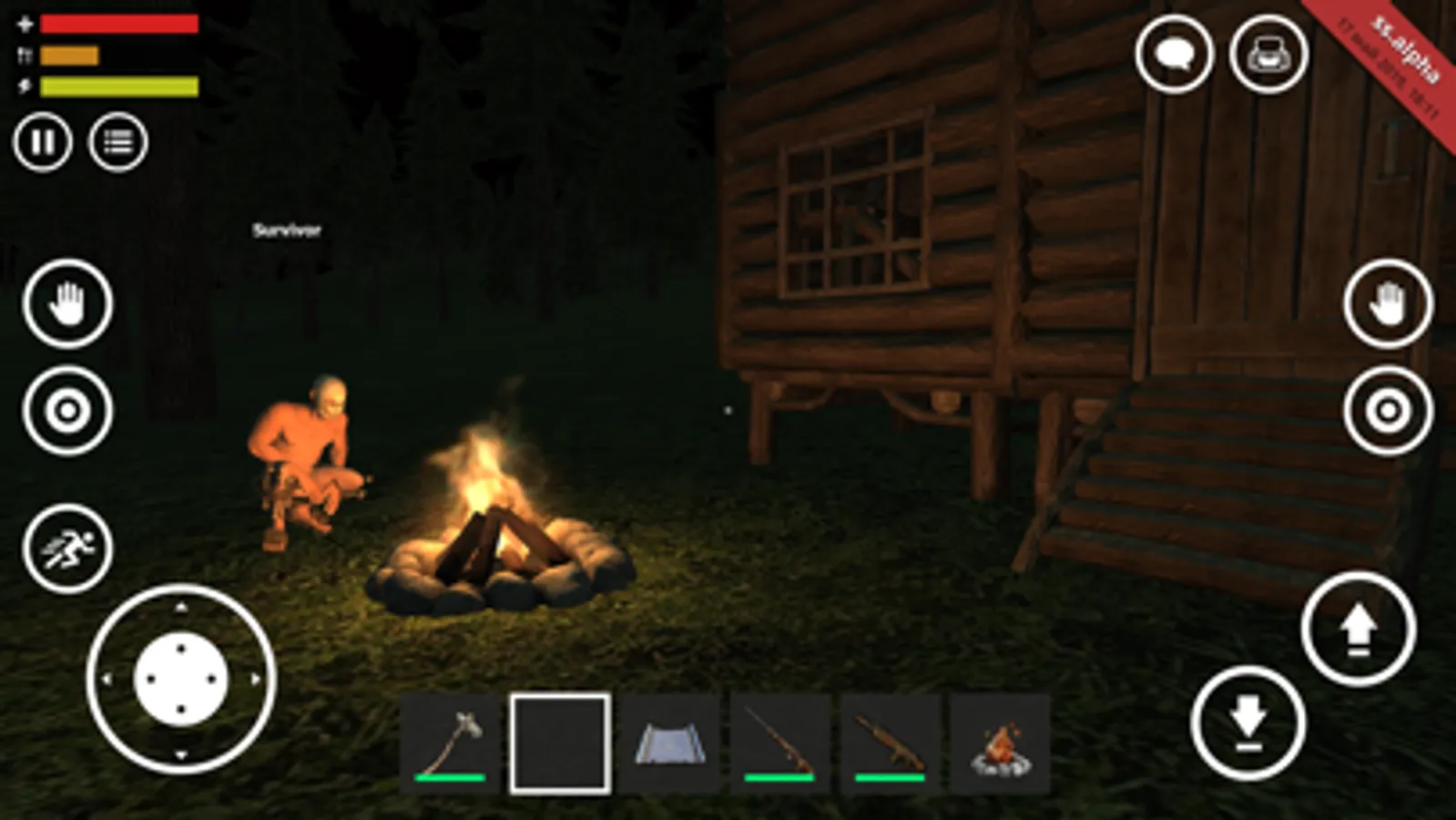
- Multiplayer. Create your own server or join another one. Make everything on your own or build a like-minded team. It is up to you to decide. Since the goal is to survive. Whatever the way.
- Realistic graphics. Feel the pure survival game. Be ready to face many challenges. Plus the other players you will encounter will make it really difficult.
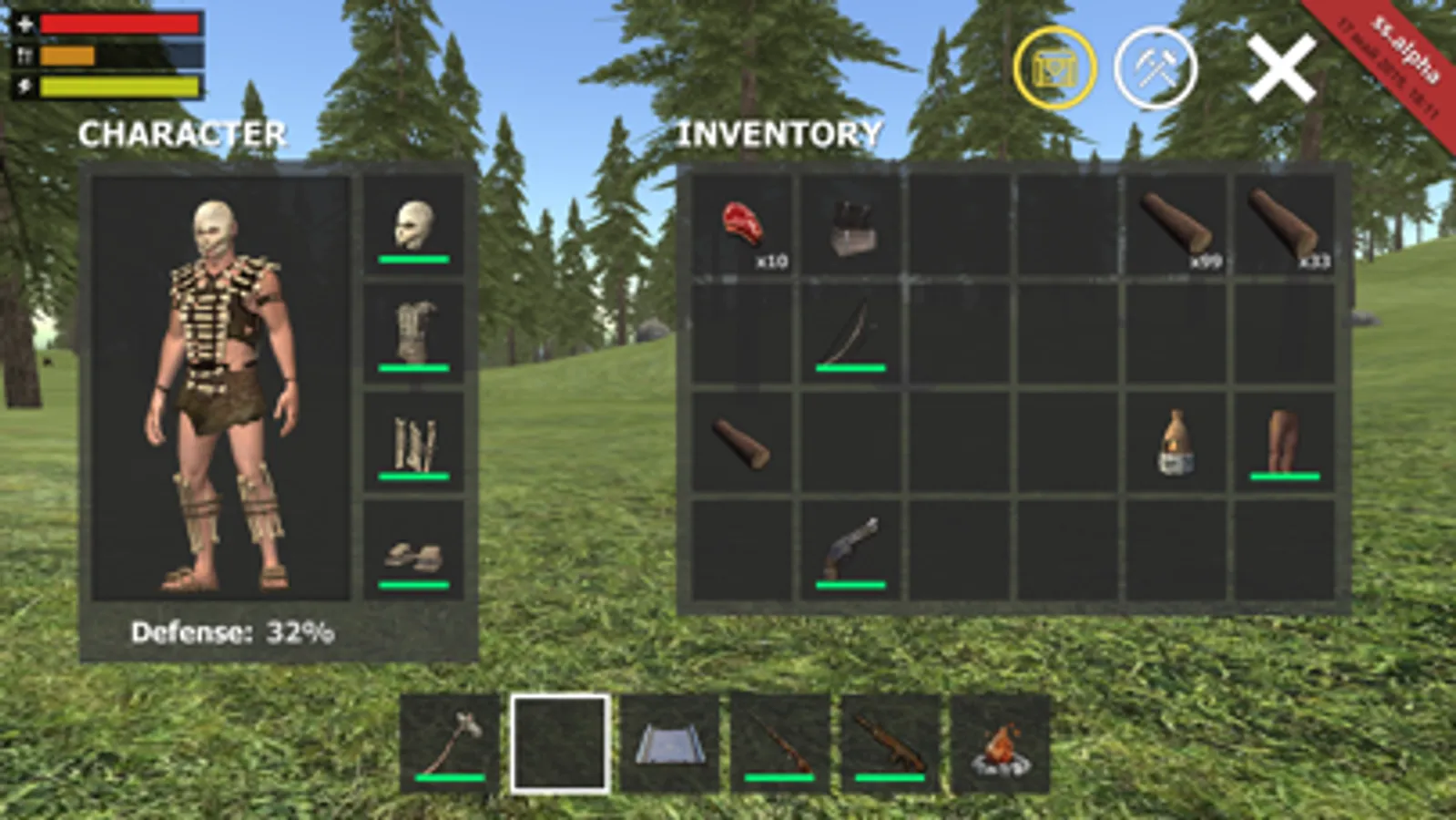
- Variety of tools and weapons.
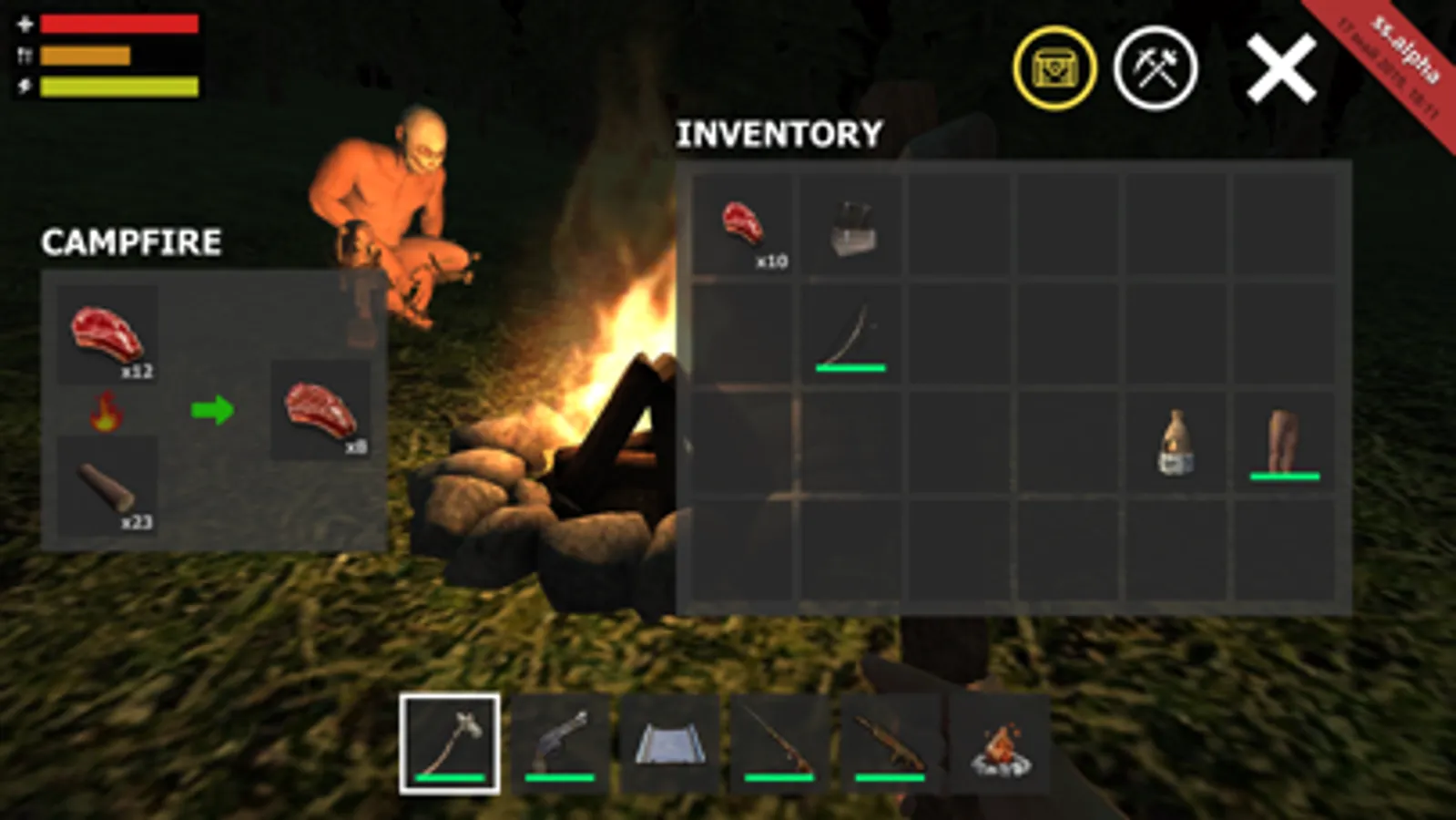
- Gathering resources (logs, stone, ore)
- Hunting animals
- Building and crafting systems.
Survival Simulator Screenshots
Tap to Rate:
Reviews for Survival Simulator
Lost spider
Game loading
I hate this games so much It takes forever to load the servers and when you do you get kicked and keep dieing on the server would not recommend
TRHAGG
How to fix the “MaxCcuReached” issue :D
If you’ve been playing survival simulator recently, you’ve probably booted up the game and encountered a message that said “MaxCcuReached” and you couldn’t play the game at all. I’ve been experimenting with the game for a bit, and I’ve found a way to get the game working. No files, no extra apps, just the vanilla game. To start off, find where the “search” button and the “create game” button are. Next exit out of the app completely and make sure nothing else is open. Then put 2 fingers exactly where the “search” and “create game” buttons would be if you were to go on survival simulator. Then open back up the game. Once the Catbits logo pops up start repeatedly tapping extremely fast on where you put your 2 fingers. If you did it correctly, it should allow you to see current open servers and play on them. Then reason the MaxCcuIssue pops up is most likely because the server runner and the whole ui layout is from some unity template. The reason I know this is because the exact ui and server renderers are in other unity app store games. (Example: Sandbox 3d). The reason the template is bugging out is because the template’s server system is most likely out dated and bugged out with the current system. Causing it to do stuff like give you false errors. Anyway, hope this helped and the devs will fix the problem From, a supportive fan :D