AppRecs review analysis
AppRecs rating 4.2. Trustworthiness 74 out of 100. Review manipulation risk 22 out of 100. Based on a review sample analyzed.
★★★★☆
4.2
AppRecs Rating
Ratings breakdown
5 star
8%
4 star
2%
3 star
8%
2 star
12%
1 star
70%
What to know
✓
Low review manipulation risk
22% review manipulation risk
⚠
Pricing complaints
Many low ratings mention paywalls or pricing
⚠
High negative review ratio
82% of sampled ratings are 1–2 stars
About Subtitles AI: Video & Audio
Subtitles AI – Transcribe, Caption & Translate
Create accurate subtitles, captions, and transcripts in seconds — or start instantly with your own subtitle files.
Built for creators, professionals, and the Deaf & Hard-of-Hearing community.
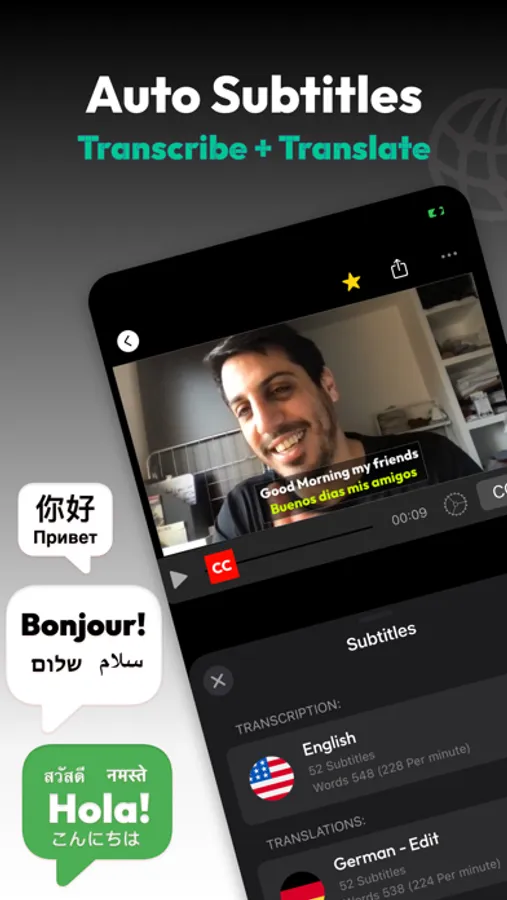
Subtitles AI helps you transcribe, subtitle, translate, and edit video or audio with powerful AI — or manually, your way.
AI Transcription & Smart Analysis
• Transcribe video and audio with industry-leading accuracy
• Automatic summaries for long recordings
• AI insights: key topics, keywords, and important quotes
• Smart punctuation and sentence detection
• Automatic language detection
• Supports dozens of languages
Subtitles, Captions & Translation
• Create professional subtitles with precise timing
• Import existing subtitle files (SRT / VTT)
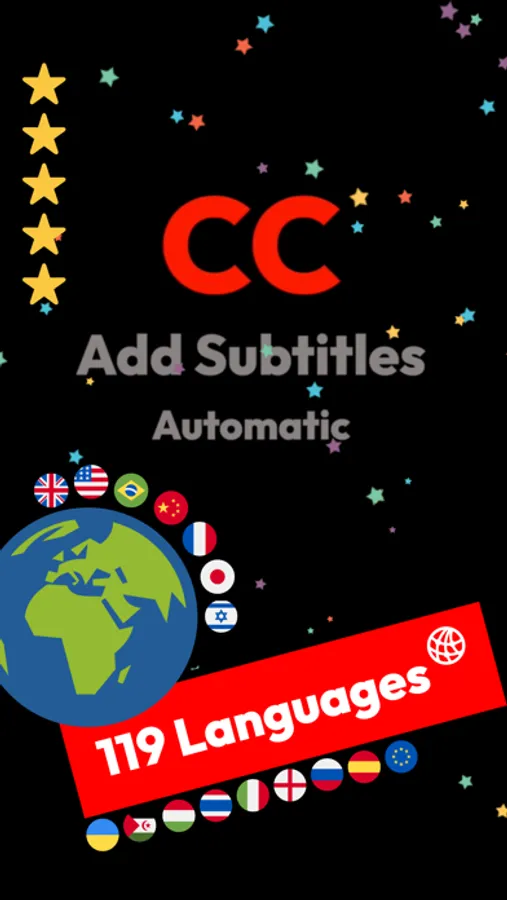
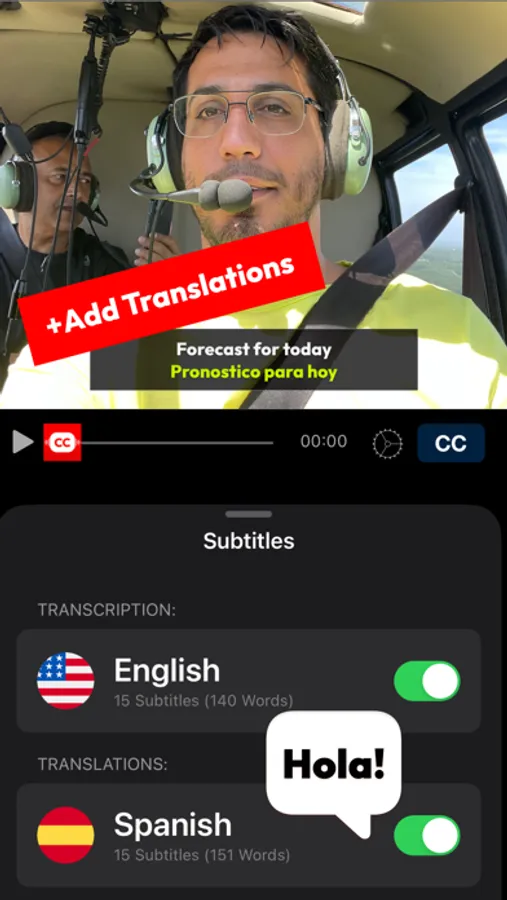
• Translate subtitles into 100+ languages
• Display dual subtitles for bilingual videos
• Perfect for social media, education, business, and accessibility
Manual Subtitles (Accessibility First)
• Create subtitles manually, from scratch
• Designed to support the Deaf & Hard-of-Hearing community
• No audio required
• Free manual subtitle creation
• Full control over timing and text
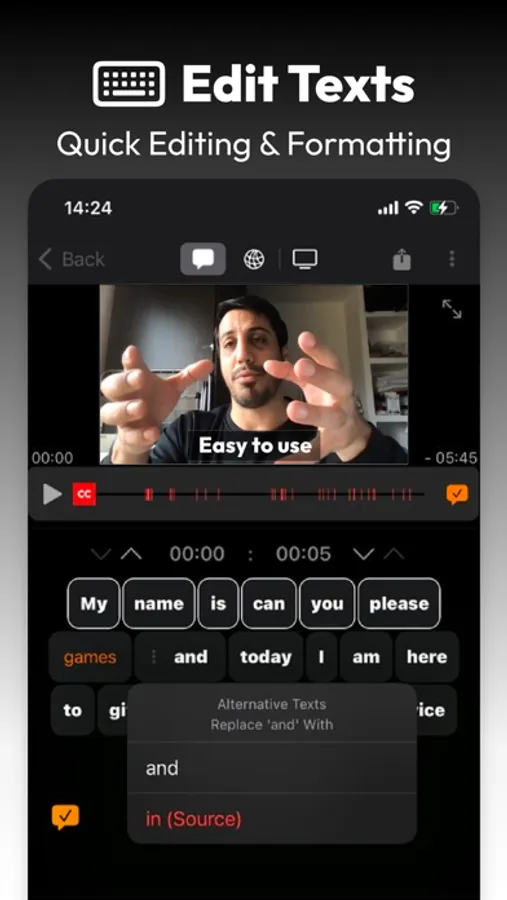
Powerful Subtitle Editor
• Edit, trim, split, merge, and reorder subtitles
• Zoom and swipe for frame-accurate control
• Visual warnings help clean timing issues faster
• Optimized for speed and clarity
Export & Video Output
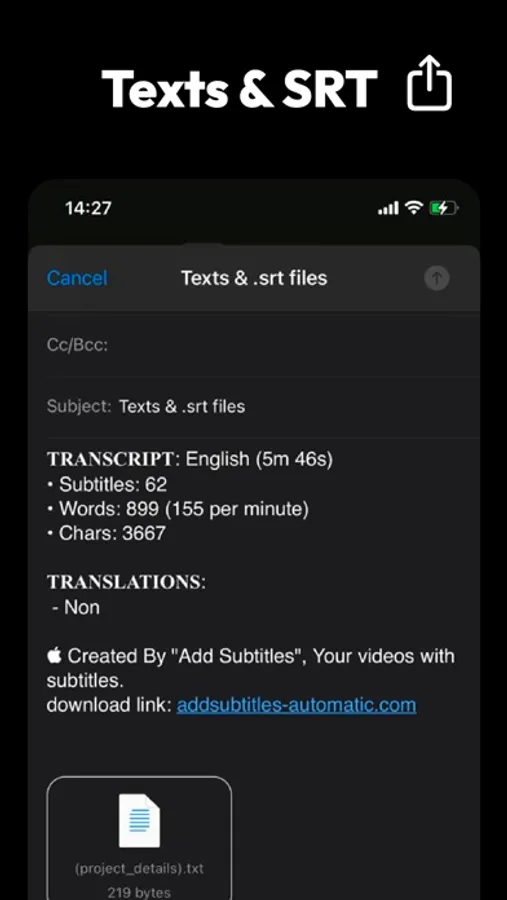
• Export SRT, VTT, or plain text
• Burn subtitles directly into your video
• Supports MP4, MOV, H.265, and more
• Export up to 4K resolution
• Add your logo or watermark
Batch, Privacy & Control
• Translate and export multiple files at once
• Upload only with your permission
• Clear privacy controls and consent before upload
• Your content stays yours
Supported Transcription Languages
English, Spanish, French, German, Arabic, Hebrew, Chinese (Simplified & Traditional), Japanese, Korean, Portuguese (Brazil & Portugal), Italian, Dutch, Russian, Ukrainian, Turkish, Hindi, Vietnamese, Thai, Polish, Swedish, Greek, Hungarian — and many more.
Subscription Information
• Subscriptions auto-renew unless canceled at least 24 hours before the end of the current period
• Manage or cancel anytime in your App Store account settings
• Terms of Use: https://bit.ly/2DuOiFs
• Privacy Policy: https://bit.ly/2GsI0Jn
Subtitles AI — a powerful, inclusive tool for transcription, captions, translation, and accessibility.
Built with care. Built for everyone.
#subtitles #captions #transcription #SRT #VTT #accessibility #deaf #hardofhearing #translate
Create accurate subtitles, captions, and transcripts in seconds — or start instantly with your own subtitle files.
Built for creators, professionals, and the Deaf & Hard-of-Hearing community.
Subtitles AI helps you transcribe, subtitle, translate, and edit video or audio with powerful AI — or manually, your way.
AI Transcription & Smart Analysis
• Transcribe video and audio with industry-leading accuracy
• Automatic summaries for long recordings
• AI insights: key topics, keywords, and important quotes
• Smart punctuation and sentence detection
• Automatic language detection
• Supports dozens of languages
Subtitles, Captions & Translation
• Create professional subtitles with precise timing
• Import existing subtitle files (SRT / VTT)
• Translate subtitles into 100+ languages
• Display dual subtitles for bilingual videos
• Perfect for social media, education, business, and accessibility
Manual Subtitles (Accessibility First)
• Create subtitles manually, from scratch
• Designed to support the Deaf & Hard-of-Hearing community
• No audio required
• Free manual subtitle creation
• Full control over timing and text
Powerful Subtitle Editor
• Edit, trim, split, merge, and reorder subtitles
• Zoom and swipe for frame-accurate control
• Visual warnings help clean timing issues faster
• Optimized for speed and clarity
Export & Video Output
• Export SRT, VTT, or plain text
• Burn subtitles directly into your video
• Supports MP4, MOV, H.265, and more
• Export up to 4K resolution
• Add your logo or watermark
Batch, Privacy & Control
• Translate and export multiple files at once
• Upload only with your permission
• Clear privacy controls and consent before upload
• Your content stays yours
Supported Transcription Languages
English, Spanish, French, German, Arabic, Hebrew, Chinese (Simplified & Traditional), Japanese, Korean, Portuguese (Brazil & Portugal), Italian, Dutch, Russian, Ukrainian, Turkish, Hindi, Vietnamese, Thai, Polish, Swedish, Greek, Hungarian — and many more.
Subscription Information
• Subscriptions auto-renew unless canceled at least 24 hours before the end of the current period
• Manage or cancel anytime in your App Store account settings
• Terms of Use: https://bit.ly/2DuOiFs
• Privacy Policy: https://bit.ly/2GsI0Jn
Subtitles AI — a powerful, inclusive tool for transcription, captions, translation, and accessibility.
Built with care. Built for everyone.
#subtitles #captions #transcription #SRT #VTT #accessibility #deaf #hardofhearing #translate
Subtitles AI: Video & Audio Screenshots
Tap to Rate:
Reviews for Subtitles AI: Video & Audio
kmelsmels
The idea is good
The translating caption doesn’t work for the whole videos
yeraldyyyyyy
If you don’t pay you can’t use it
Do not download this app if you looking for a free one because this one charges you to be able to use it so it’s not worthy give them downloading if you going to uninstall it later on