
With this app, you can browse movies, check showtimes, and purchase tickets easily. Includes movie details, trailers, and reward points tracking.
AppRecs review analysis
AppRecs rating 4.3. Trustworthiness 81 out of 100. Review manipulation risk 19 out of 100. Based on a review sample analyzed.
★★★★☆
4.3
AppRecs Rating
Ratings breakdown
5 star
94%
4 star
3%
3 star
1%
2 star
1%
1 star
2%
What to know
✓
Low review manipulation risk
19% review manipulation risk
✓
Credible reviews
81% trustworthiness score from analyzed reviews
✓
High user satisfaction
94% of sampled ratings are 5 stars
About Starlight Cinemas
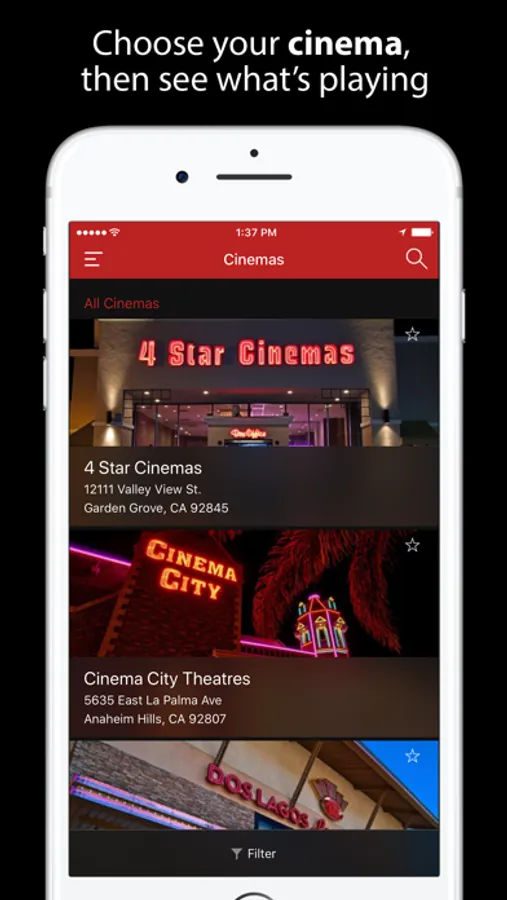
Starlight Cinemas has six premium locations across the greater Los Angeles area, so you can find the right cinema for you.
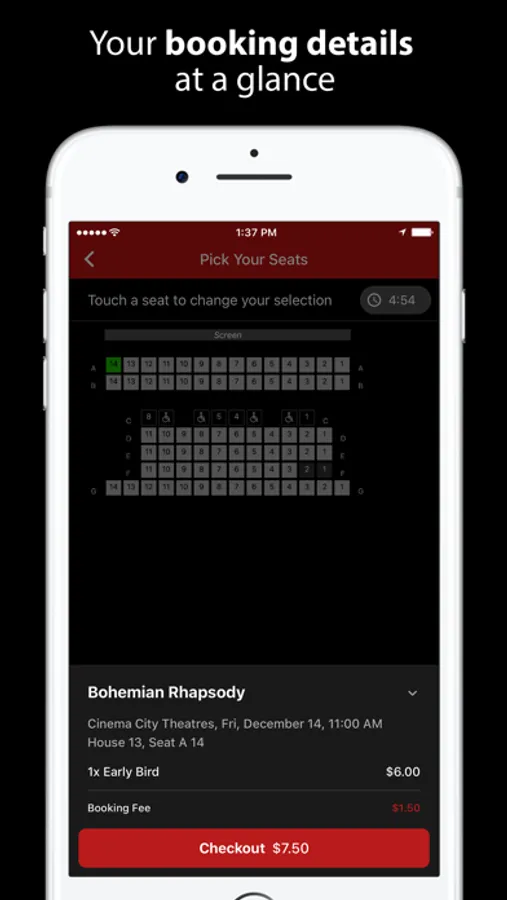
Browse movies to find the perfect showtime for you:
Find out where and when the movie you want to see is showing, using date and cinema filters.
Earn Starlight Rewards points:
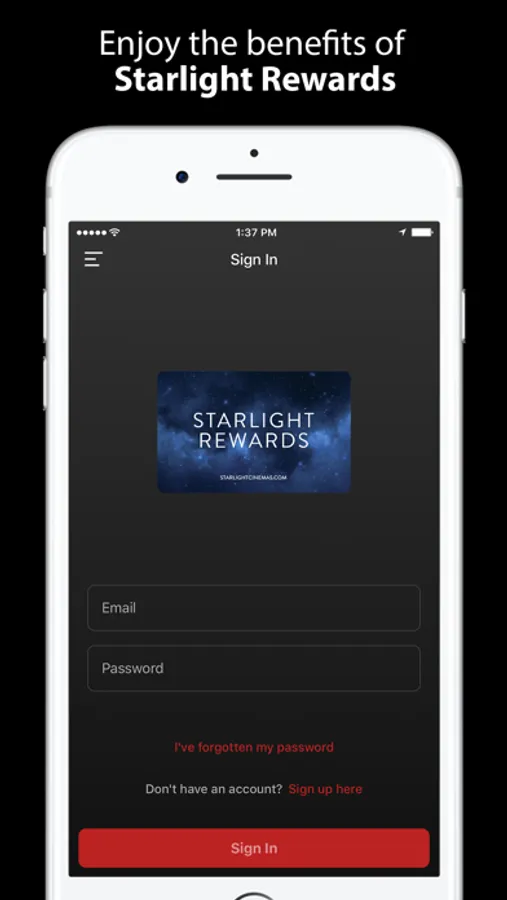
Simply log in to the app with your Starlight Rewards details to earn points on your purchases.
Browse movies by date and cinema:
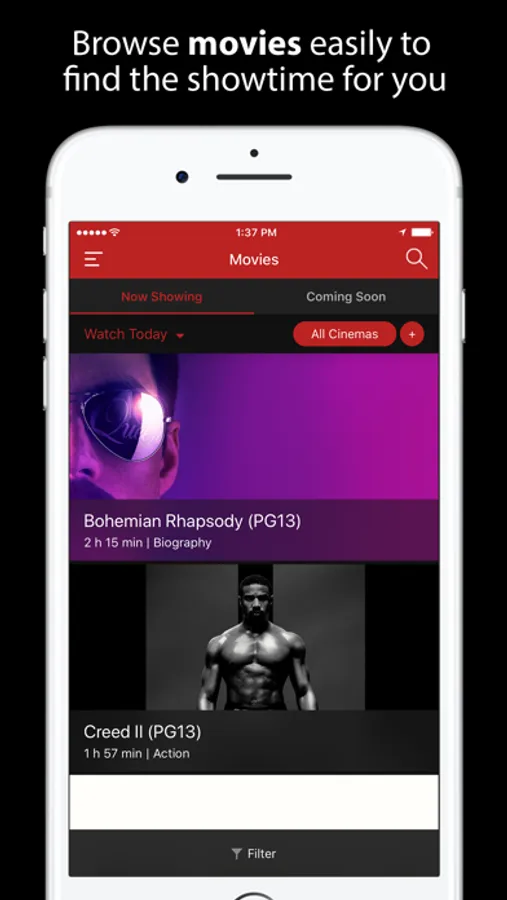
The Movies page features date and cinema filters so you can quickly find the movies and showtimes you want.
Now Showing and Coming Soon movies:
Easily navigate between current and upcoming releases using the tabs on the Movies page.
All you need to know about a movie:
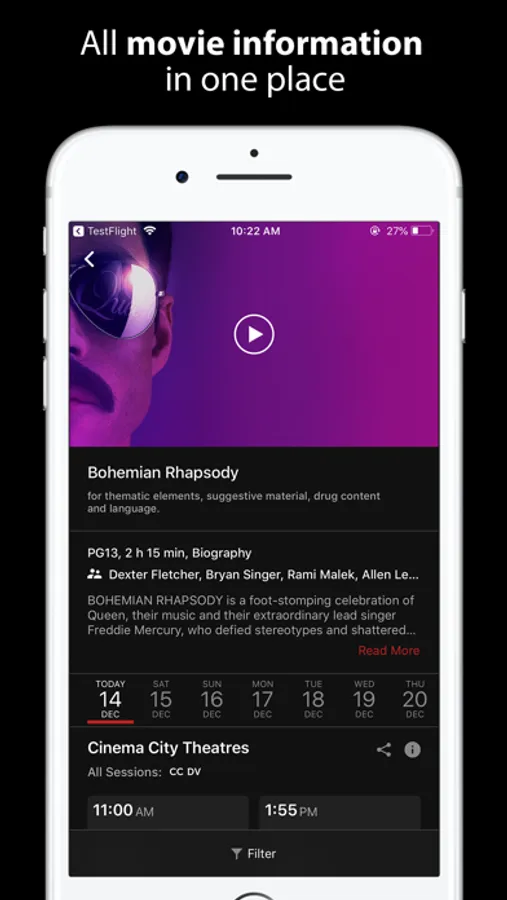
Movie information includes trailers and a full description.
Share your feedback :
You can let us know what you think about the app using the Leave Feedback option in the menu.
Starlight Cinemas Screenshots
Tap to Rate:
Reviews for Starlight Cinemas
Shake "N" bake
Won’t Let me add tickets to wallet
Liked the new interface but it won’t let me add my tickets to my apple wallet 👎🏼 plz update this
Tiger user
Preview sound doesn’t work when ringer is muted
Apparently the developers implemented the sound for the movie previews incorrectly. When the phone’s ringer has been muted, the preview doesn’t play any sound. This is unlike YouTube under Safari, and other video playing apps, which play sound regardless of whether the ringer is muted or not. Also, don’t try interacting with the video settings while the preview is playing, this usually crashes the app. I tried using the contact the developer functionality in the App Store, but of course this results in a page not found error on Starlight’s website. This is very easy to fix, and should be.