AppRecs review analysis
AppRecs rating 4.0. Trustworthiness 65 out of 100. Review manipulation risk 23 out of 100. Based on a review sample analyzed.
★★★★☆
4.0
AppRecs Rating
Ratings breakdown
5 star
0%
4 star
100%
3 star
0%
2 star
0%
1 star
0%
What to know
✓
Low review manipulation risk
23% review manipulation risk
✓
High user satisfaction
100% of sampled ratings are 4+ stars (4.0★ average)
About WiFi-106
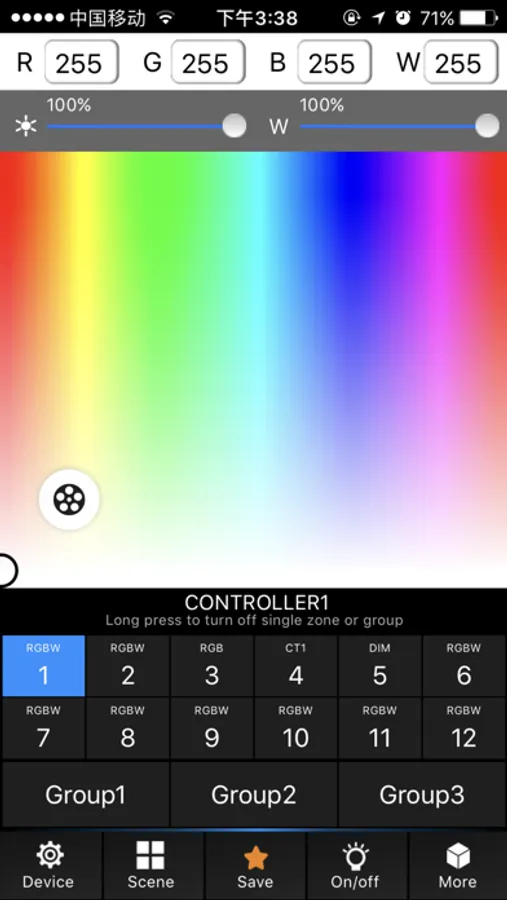
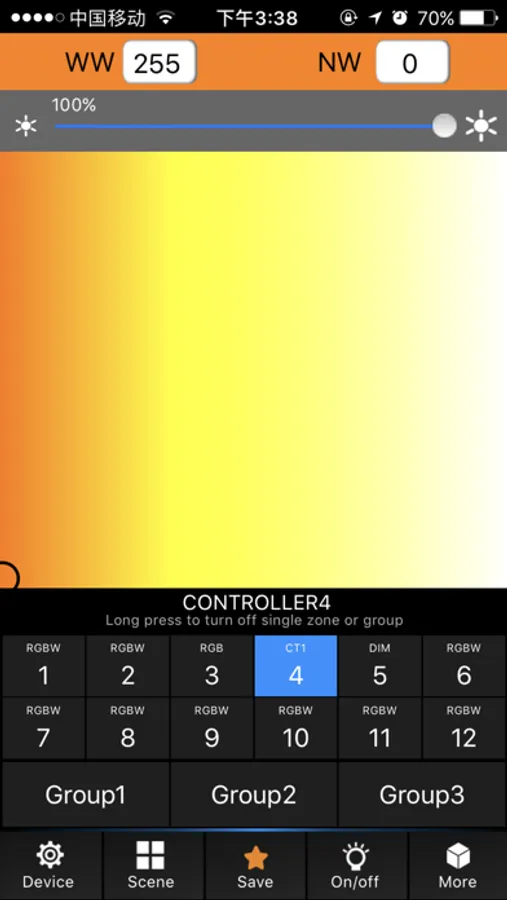
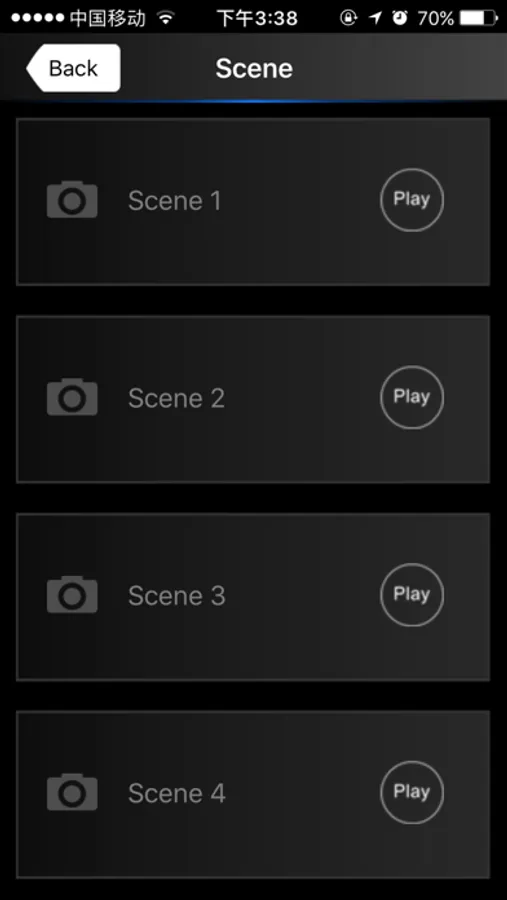
The software supports 12 zone control, Each zone can set to one of the five kinds of LED lights: DIM(W), CT1(NW+WW), CT2(NW+WW+CW), RGB and RGBW. Each zone can save or load maximum four scenes.
For DIM, CT1 and CT2 LED lights, the software only supports static brightness adjustment.
For RGB and RGBW LED lights, the software supports static color adjustment and many dynamic color effects. Users can also process dynamic color effects to make any color jump, strobe gradually or fade.
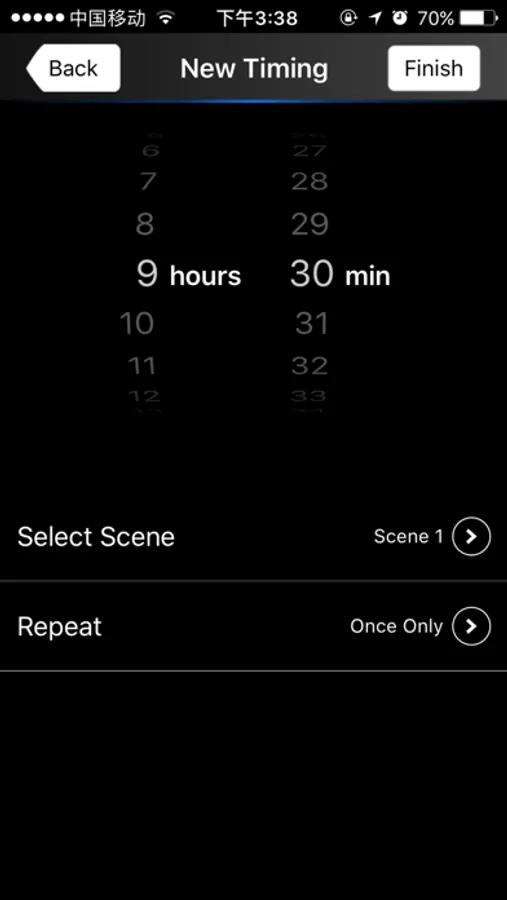
The software supports timing function which allows more flexible applications.
The lighting control system supports additional wireless control using wall panels for dimming, color temperature adjustment, RGB and RGBW.
WiFi-106 Screenshots
Tap to Rate:
Reviews for WiFi-106
AZ_RAS
Almost There
I want to love this app, but it has some ease-of-use issues. I have a relatively large application where I use 24 zones (2 Wi-Fi units). The user assigned zone names (Bedroom 1, Exercise Room...Dinning) should override the default zone labels (1,2,....12). Same for group labels. With so many zones in use, I can’t remember which zone is what. I have to first select the zone (ex Zone 1) to see its name. Doing that turns on the zone, then I have to long press it to turn it off, keep doing that till I find the right zone. ”RGBW Zone 1” is meaningless if the zone has a user assigned name. If there is no user assigned name, the default “Zone n” can be displayed. Can we also have more than 3 groups?