
AppRecs review analysis
AppRecs rating . Trustworthiness 84 out of 100. Review manipulation risk 28 out of 100. Based on a review sample analyzed.
★
AppRecs Rating
Ratings breakdown
5 star
50%
4 star
0%
3 star
0%
2 star
50%
1 star
0%
What to know
✓
Low review manipulation risk
28% review manipulation risk
✓
Credible reviews
84% trustworthiness score from analyzed reviews
About TRAVAA
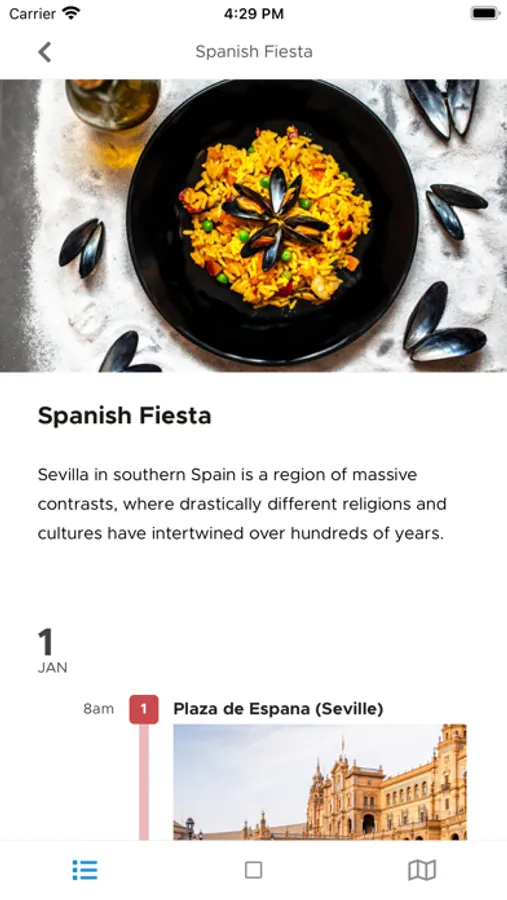
After you have created a trip on the TRAVAA.com website, you can take those trip itineraries with you anywhere (on your phone) with this TRAVAA app.
This app includes:
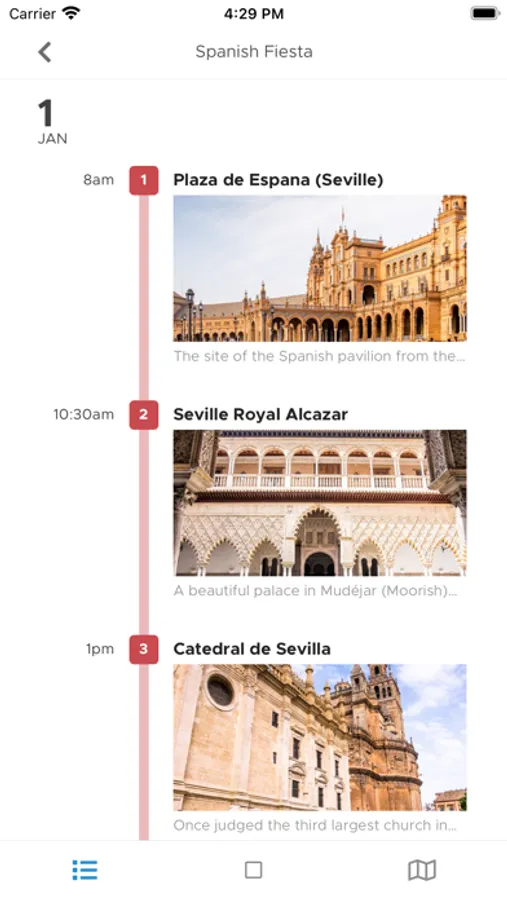
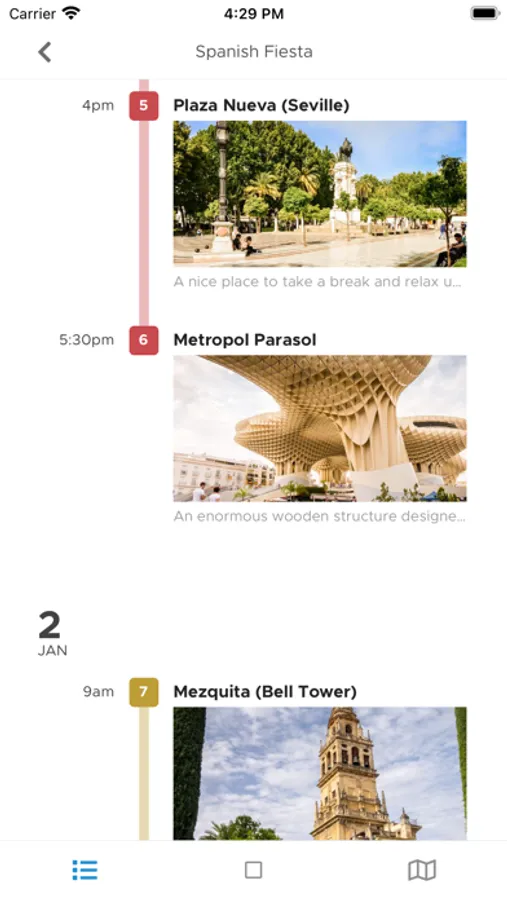
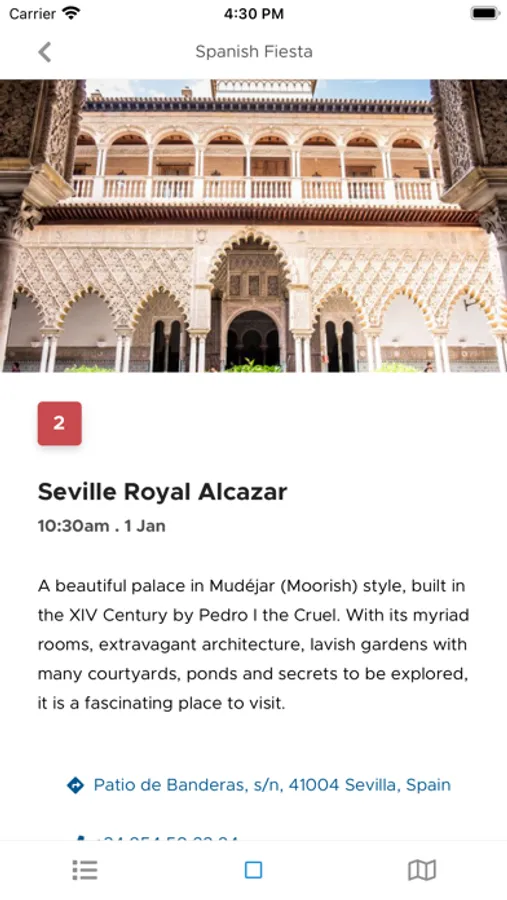
1. A clear day-by-day itinerary view of all the place-activities you have planned for your trip.
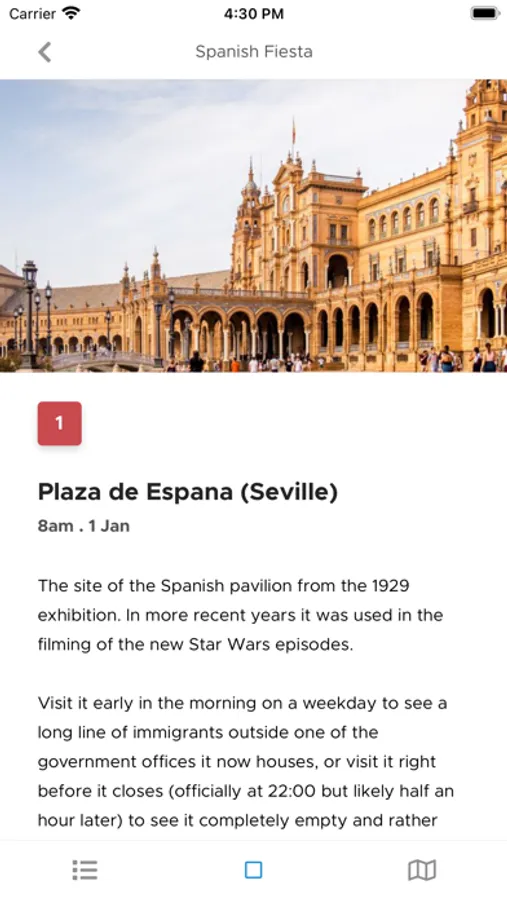
Activities are coloured by day. Your images and notes for all activities will all be here. Tap to open details for an activity and tap the links to launch map directions, dial phone numbers and/or open websites.
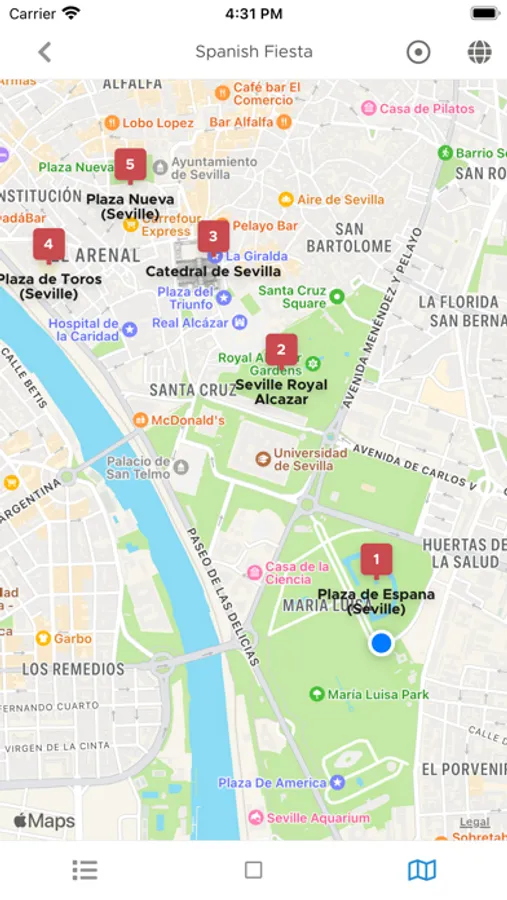
2. A large full-screen map showing markers for the place-activities on your trip. Tap a number-marker *on the map* (e.g. [1], [2], .. ) to bring up Map Directions to the place. Your current location is shown on the map (uses phone GPS, Internet not required).
This app works partially offline - after your initial sign-in, and itinerary plus images are loaded. In offline mode, the app's map will continue to show details cached/loaded prior to going offline. For the seperate (Apple/Google) Maps Directions feature, you will require Internet access.
We hope you enjoy using this app. Please feel free to email any questions/issues to us at support@travaa.com .
Happy travels!
-----
Additional information:
- Manually refresh all your itineraries by pulling down from the Trips or Trip view.
- Google Maps Directions support is available. Select your preferred map directions app in the Settings menu. Google Maps is installed separately from the App Store.
TRAVAA Screenshots


Tap to Rate:
Reviews for TRAVAA
chefboyarsteve10
What I’ve been searching for
Let me start by saying this is the first time I’ve ever written a review for an app; that’s how impressed I am. The user interface on the computer is unparalleled. I am a fairly detailed traveler in the sense that I like to have more planned then needed to minimize the “what’s next?” on any trip. This allows you to add the most popular attractions in a given area as you scroll a map or your own stops with the pinpoint feature. Being able to drag and drop on the itinerary is a life saver, I use to plan in maps, tripit, excel, etc and this is by far the easiest application yet. I have been searching for this solution for almost a year now and have gone as far as starting to develop my own site/app, I am thrilled to find a solution I didn’t have to develop. I would add that being able to update from the phone would be a great addition but it appears it is in the works. Furthermore, I think if there was an average time spent at each of the recommended locations that would be incredibly helpful. These are just minor nitpicks of an incredible designed and user friendly app. Great job!
N.O. Spam
Attractive interface for viewing itinerary
The website makes it easy (and fun) to plan your itinerary if you've got a bunch of locations to visit and want to plot your schedule efficiently. For the mobile app, you can only view your itinerary, but a killer feature would be ability to upload (securely) QR codes for various monuments and travel partners & attach them to your itinerary... Visiting attractions in multiple cities run by multiple agencies means lots of emails to keep track of. Ability to add & show walking routes or driving trips would also be nice.