Solving Pythagoras
Glindemann, Sennoun, Langer GbR
4.6 ★
222 ratings
Free
With this calculator app, you can input two edges of a right-angled triangle to compute the third using the Pythagorean theorem, view previous calculations, and share solutions. Includes history management, fraction support, and ad removal options.
AppRecs review analysis
AppRecs rating 4.6. Trustworthiness 65 out of 100. Review manipulation risk 32 out of 100. Based on a review sample analyzed.
★★★★☆
4.6
AppRecs Rating
Ratings breakdown
5 star
81%
4 star
10%
3 star
1%
2 star
2%
1 star
6%
What to know
✓
High user satisfaction
81% of sampled ratings are 5 stars
✓
Authentic reviews
No red flags detected
About Solving Pythagoras
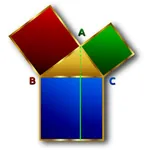
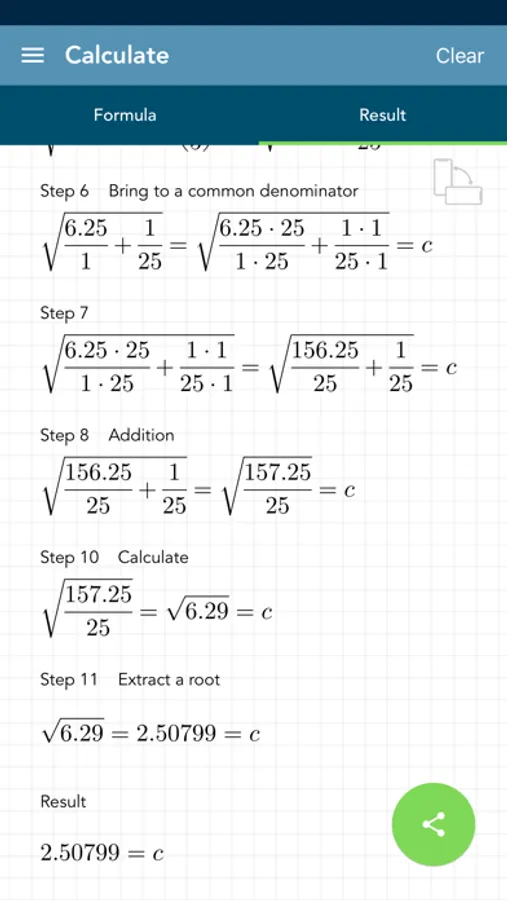
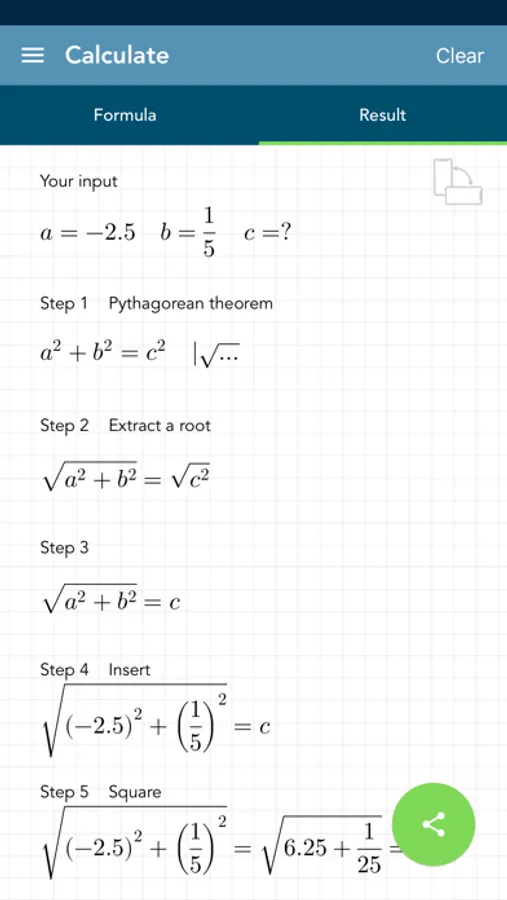
The calculation of a right-angled triangle is no longer a problem. All edges are calculated with the Pythagorean theorem. If you enter the value of two edges, the third is calculated. All calculations are stored in a history. The final solution can be shared.
[Contents]
- the edges a, b and c can be entered
- calculation of the third edge with the Pythagorean theorem
- history function that saves the input
- complete solution
- the entering of fractions is supported
- option to remove ads
[ Application ]
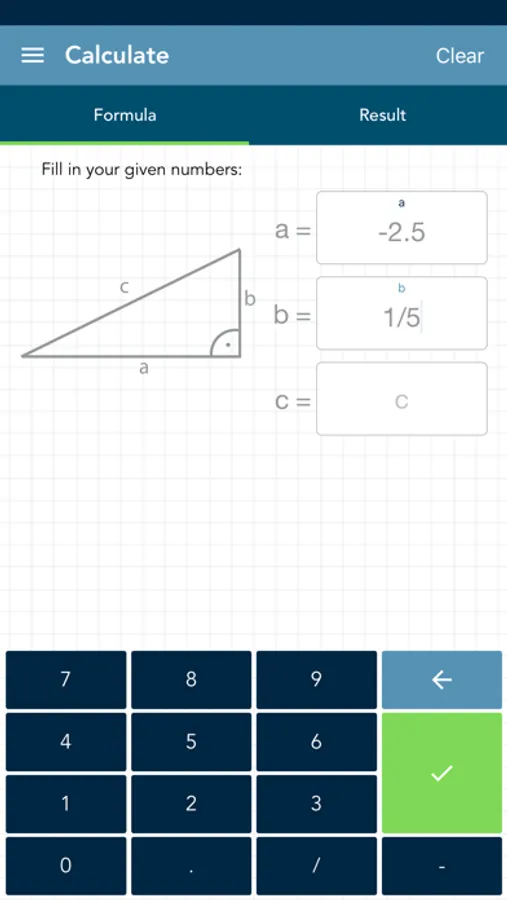
- there are 3 fields for entering the values using a modified keyboard
- if you have not entered enough values, the text fields are highlighted in yellow
- if you have entered invalid values, the corresponding text field is highlighted in red
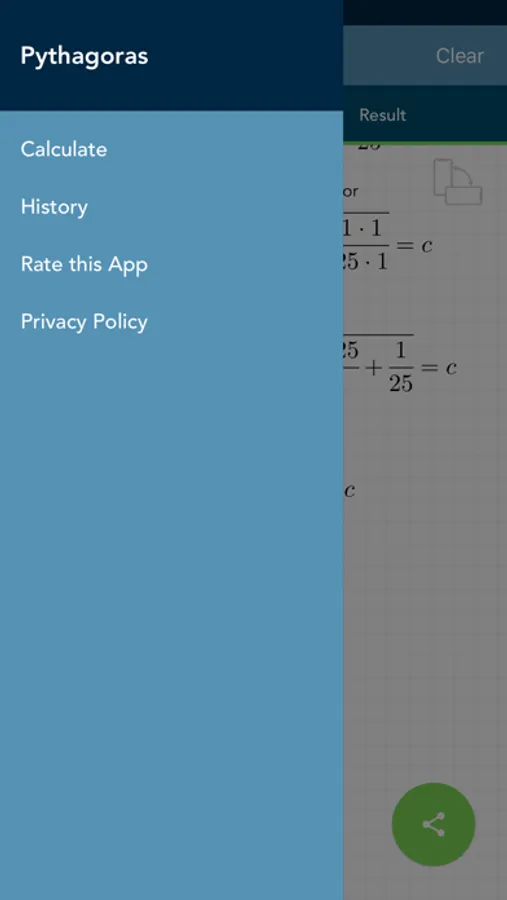
- you can switch between the solution view, the input view and the history by swiping and / or touching the buttons
- the entries in the history can be deleted or sorted manually
- if you select an entry in the history, it will be loaded automatically for the calculation
- the entire history can be deleted by pressing a key
[Contents]
- the edges a, b and c can be entered
- calculation of the third edge with the Pythagorean theorem
- history function that saves the input
- complete solution
- the entering of fractions is supported
- option to remove ads
[ Application ]
- there are 3 fields for entering the values using a modified keyboard
- if you have not entered enough values, the text fields are highlighted in yellow
- if you have entered invalid values, the corresponding text field is highlighted in red
- you can switch between the solution view, the input view and the history by swiping and / or touching the buttons
- the entries in the history can be deleted or sorted manually
- if you select an entry in the history, it will be loaded automatically for the calculation
- the entire history can be deleted by pressing a key
Solving Pythagoras Screenshots
Tap to Rate:
Reviews for Solving Pythagoras
Dandouchi
why not include the angles?
I wanted to know the angles of a triangle for a woodworking project, which is why I downloaded this app. Why on earth wouldn’t the designer include that in the answers? Irritating. $2 misspent.
jeanbean
Woohoo
Works great