In this navigation app, you can follow turn-by-turn directions along historic Route 66 and access offline maps. Includes notifications of points of interest and support for Apple Car Play.
AppRecs review analysis
AppRecs rating 2.9. Trustworthiness 81 out of 100. Review manipulation risk 25 out of 100. Based on a review sample analyzed.
★★☆☆☆
2.9
AppRecs Rating
Ratings breakdown
5 star
27%
4 star
16%
3 star
8%
2 star
13%
1 star
35%
What to know
⚠
Pricing complaints
Many low ratings mention paywalls or pricing
⚠
Mixed user feedback
Average 2.9★ rating suggests room for improvement
⚠
High negative review ratio
48% of sampled ratings are 1–2 stars
About Route 66 Navigation
MAIN FEATURES OF ROUTE 66 NAVIGATION APP:
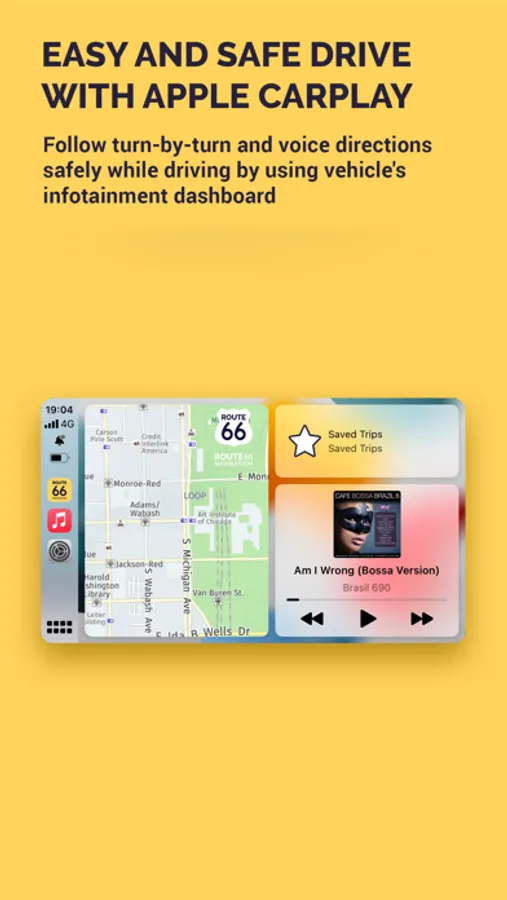
- NEW! APPLE CAR PLAY FEATURE AVAILABLE
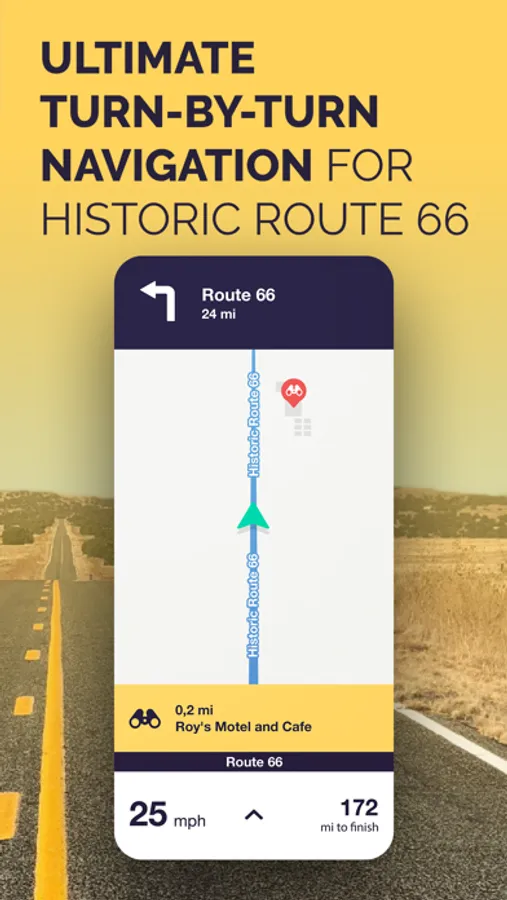
- turn-by-turn directions for historic Route 66 westbound as well as eastbound
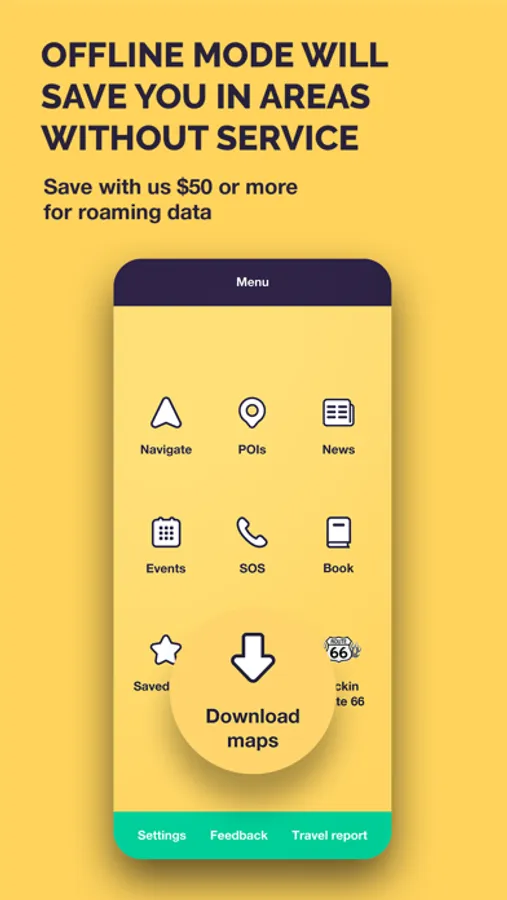
- full offline mode (no data roaming needed for navigation, just download the app data and maps to your iPhone and you are ready to go!)
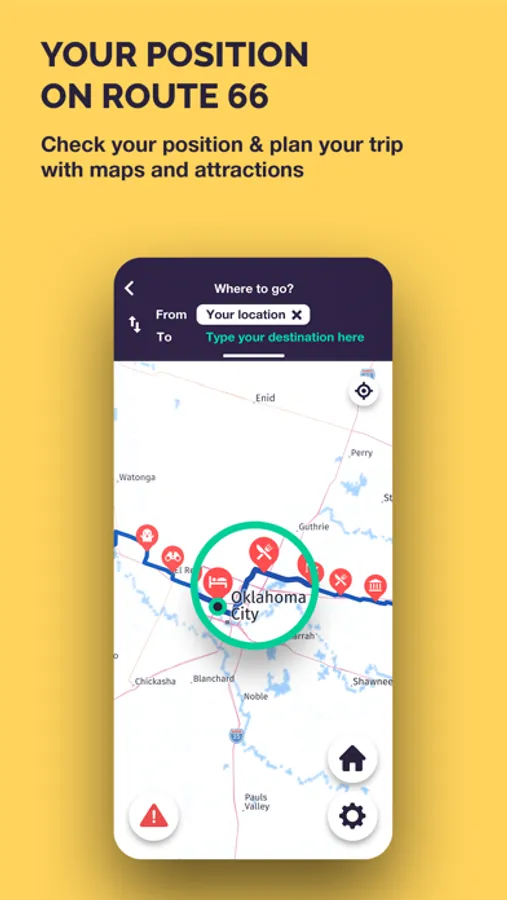
- simple use, find the destination on the map or select the city
- join Route 66 at any point and continue to your destination
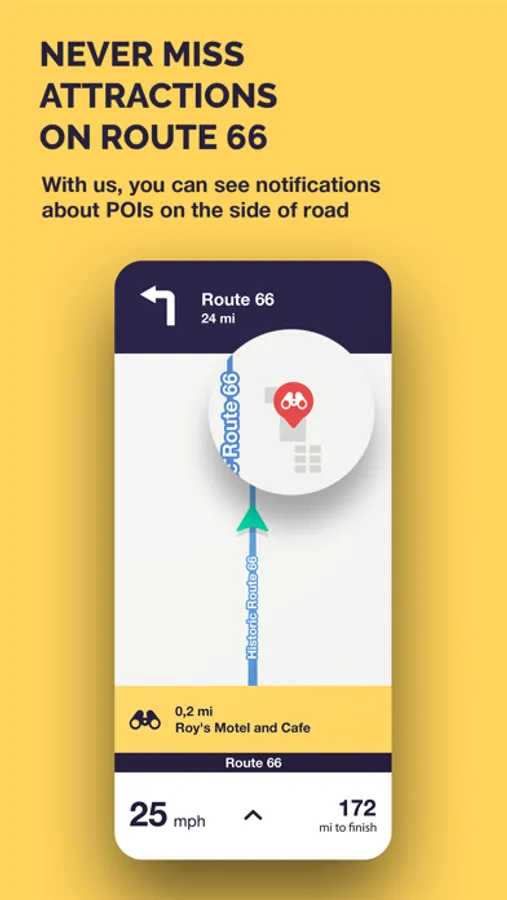
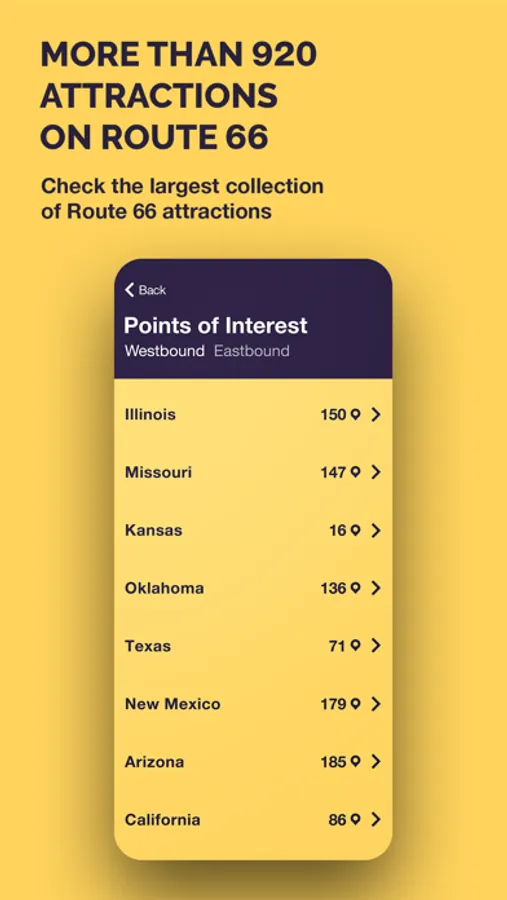
- 1300+ attractions along historic Route 66 with on-screen notifications
- plan with the map of Route 66 with all the points of interests
- enjoy new interactive dashboard
- up-to-date maps with any closure or detour noted
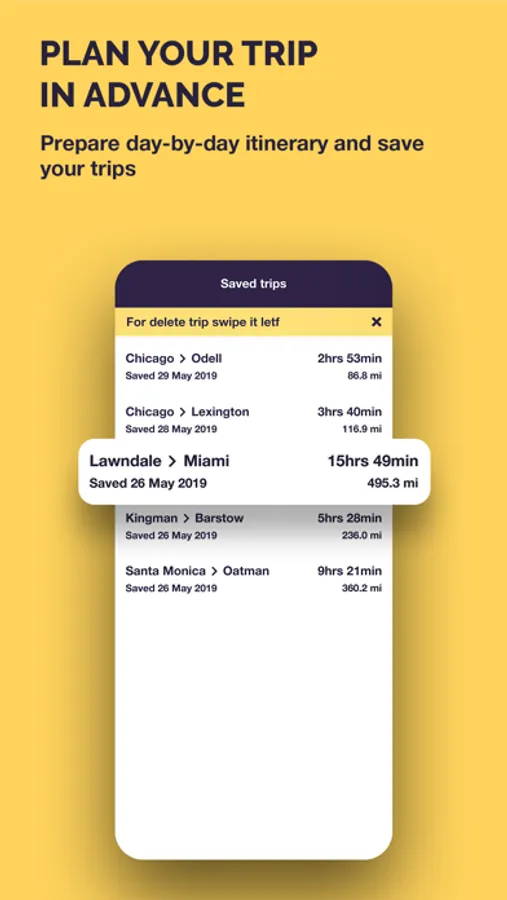
- plan and save your trip day-by-day
- designed for good visibility while riding your motorcycle or driving car
Thanks to Route 66 Navigation app you can fully enjoy your trip through Route 66 without stress and worry. Every mile of Route 66 has been carefully charted and considered as we chose the most beautiful and most interesting sections with thousands of POI attractions.
Our turn-by-turn navigation app has been developed so that you can choose the right path for you – whether you are a motorcycle rider, or drive a car. We have created routes to suite your preferred travel style.
During the trip it will display not only instrutions for navigation, but the application will continue to alert you about interesting POI along the route you have chosen.
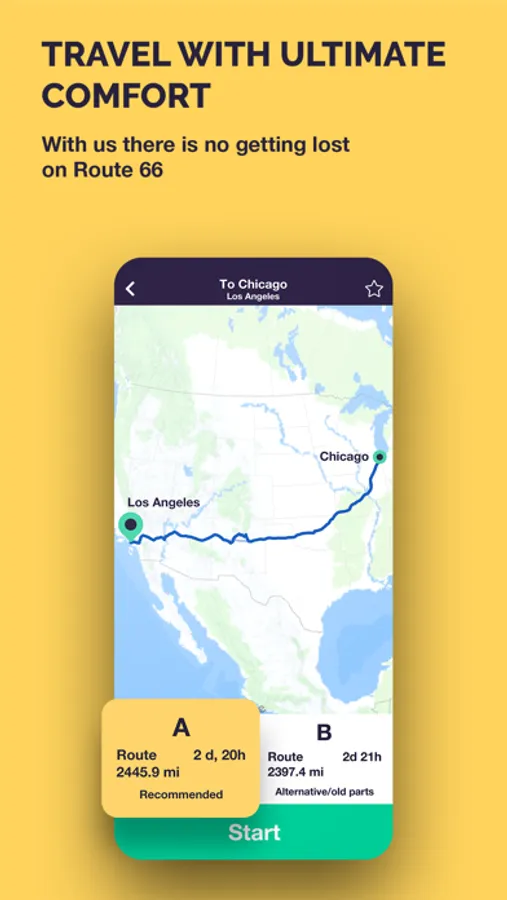
Route 66 Navigation offers two alternative routes when you are west or east bound. The main route in either direction contains the most widely known iconic parts of Route 66. The second route in eihter direction provides a path to explore and discoverers passages of the old Route 66 that existed in different periods of its operation.
The app allows you to navigate in both directions – from west to east or east to west. Route 66 Navigation app works fully when offline so thanks to our app you will be able to fully orientate yourself even in areas with limited telephone signal or mobile data coverage.
We are travellers who are committed to delivering superior services to you – our fellow travellers. We are constantly upgrading and improving the itinerary, constandly updating POI for the 66 Navigation app so you can choose the path you wish to take and customise your own unique experiences.
###
Route 66 Navigation is a free app with In-App Subscription for full navigation features. The free app allows you to view all the POI, events on Route 66, news, send your travel report or use S.O.S functionality.
Unlock the Route 66 navigation features with one-year or 7-day licence. Subscription will be charged to your credit card through your iTunes account.
Our subscriptions do not support the Family Sharing feature.
TERMS & CONDITIONS
https://www.route66navigation.com/terms-conditions-route-66-navigation/
PRIVACY POLICY
https://www.route66navigation.com/our-privacy-policy/
Route 66 Navigation Screenshots
Tap to Rate:
Reviews for Route 66 Navigation
jo]{€r
Overprised
It does give you a blip of your location but 20 dollars is a little high. Plus it only last 7 daays. Kind of arip off
ChrisSomethingSomething
Almost Perfect
I just took to the mother road at the beginning of December (2025) and originally used the ultimate guide (blue) app for navigation. It worked for the first day, but just overall sucked and I got fed up and paid the $20 for the week for this app. Immediately the trip was improved and everything that I wanted in the other app was here. It is a traditional style navigation (like Google Maps) that works with CarPlay. When you set your destination, it takes you through all the other attractions on the route along the way (since they are also on the route) and will have a banner pop up of what you are about to look at/pass by. I only have three Cons: (1) the App would crash half the time when trying to set a destination. (2) sometimes the app would take me to dead ends where the route no longer exists - this mostly happened in Oklahoma and a couple times in Texas and Missouri. Would have to turn around and get on the interstate so the app would reset. (3) I ended up changing my approach halfway on the trip to setting my destination to be the final city/town I was aiming to get to that day. The app would give an estimate of how long it would take - this estimate was pretty spot on. However, once initiating the navigation, the estimated arrival time and time left driving would be much less than was initially stated. It built a false confidence for gauging the day, and would lead to moments where the app would eventually “reset/re-route” you and just add on extra time in big chunks (30min to 1 hr added) until it eventually got to the original estimation before starting navigation in the morning. Like in Oklahoma, the estimated time until arrival at our final destination that day was around 2hr 45min for like 4 hours. So that’s just some weird bug. Other than those things, the app seemed perfect to me