
In this activity management app, you can organize kids' routines and track behavior with visual charts and turn trackers. Includes customizable charts, turn spinners, and a virtual bank for chores and rewards.
AppRecs review analysis
AppRecs rating 4.4. Trustworthiness 84 out of 100. Review manipulation risk 20 out of 100. Based on a review sample analyzed.
★★★★☆
4.4
AppRecs Rating
Ratings breakdown
5 star
74%
4 star
11%
3 star
6%
2 star
1%
1 star
8%
What to know
✓
Low review manipulation risk
20% review manipulation risk
✓
Credible reviews
84% trustworthiness score from analyzed reviews
✓
High user satisfaction
85% of sampled ratings are 4+ stars (4.4★ average)
About Kidlatta
Bring a little more order and fun into daily activities with Kidlatta's simple tools. Parents and caregivers can engage kids and stay organized with behavior, rewards and money tracking, as well as multiple turn-taking options.
Features:
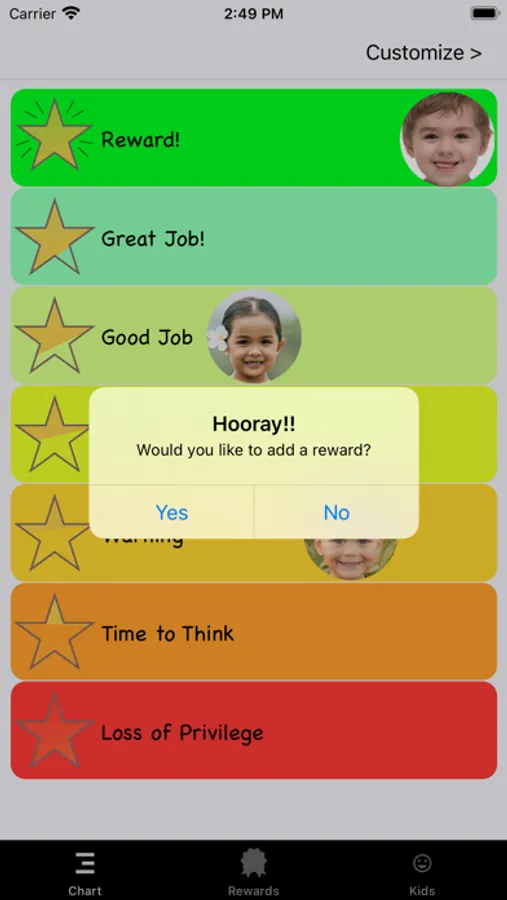
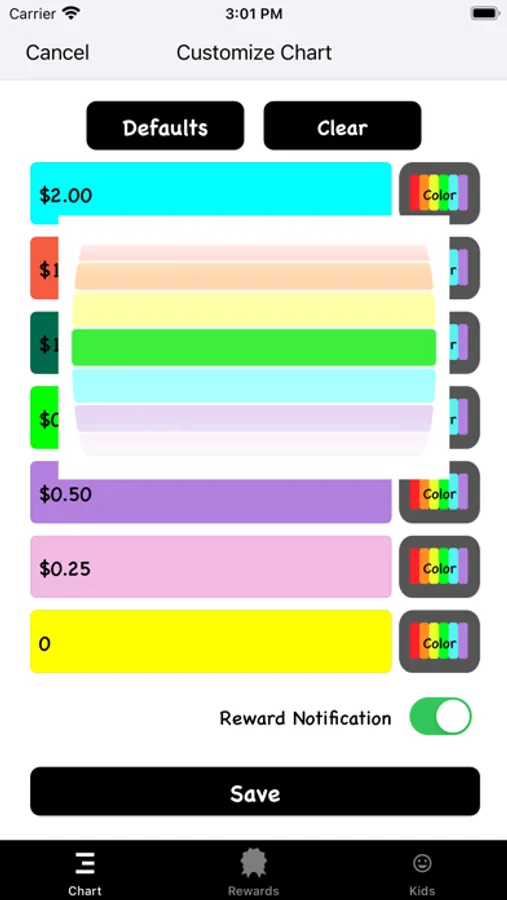
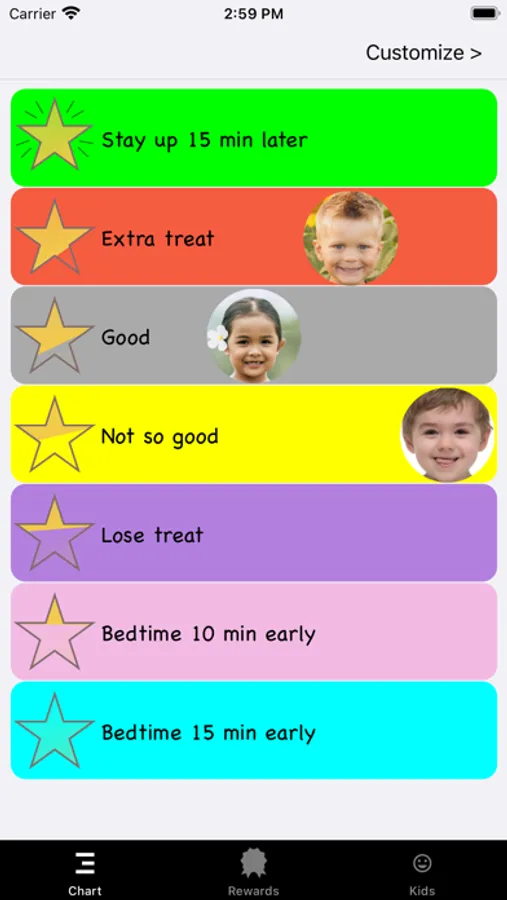
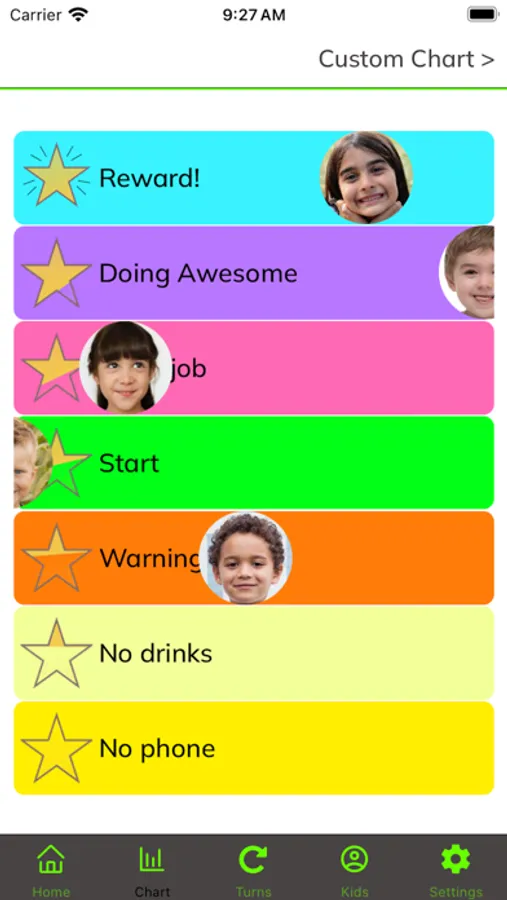
Visual chart with movable faces: move kids’ faces up and down on the chart during the day, making it easier for them to visualize their good or not so good choices. Kidlatta Platinum will enable the customize feature, giving endless chart possibilities when you input your own labels and change the colors.
Turn Spinner: Need to decide who goes first or whose turn it is? Our turn spinner can randomly select a child after a fun spin, adding excitement and fairness to turn-taking. Kidlatta Platinum will enable the ‘everyone gets a turn’ option, saving spins and landing on everyone once!
NEW, Quick Order: Set a random order quickly with just one tap.
Turn Order Tracker: Organize activities with ease by keeping track of who goes next. Perfect for games, chores, or any group activity, ensuring everyone gets their fair share of turns.
Random Turn Order Generator: Shuffle the order of kids to keep things interesting and unpredictable. Great for games, assigning tasks, or simply keeping things fair and fun.
Kid's Bank: Add transactions, whether it's for completing chores, good behavior, or other achievements. Track their balance and encourage goal-setting and saving.
Kidlatta is designed to make parenting and caregiving easier, more organized, and more fun. Whether you're managing chores, playtime, or rewards, Kidlatta provides a visual and interactive way to engage with your children, making daily routines more enjoyable for everyone.
Simple and fun kid organization!
Create an account to log in and access the chart, turns and bank on multiple devices.
Upgrade to Kidlatta Platinum to create a custom chart, have the turn wheel land on everyone and remove all ads. Monthly or yearly subscriptions are available.
How to Use:
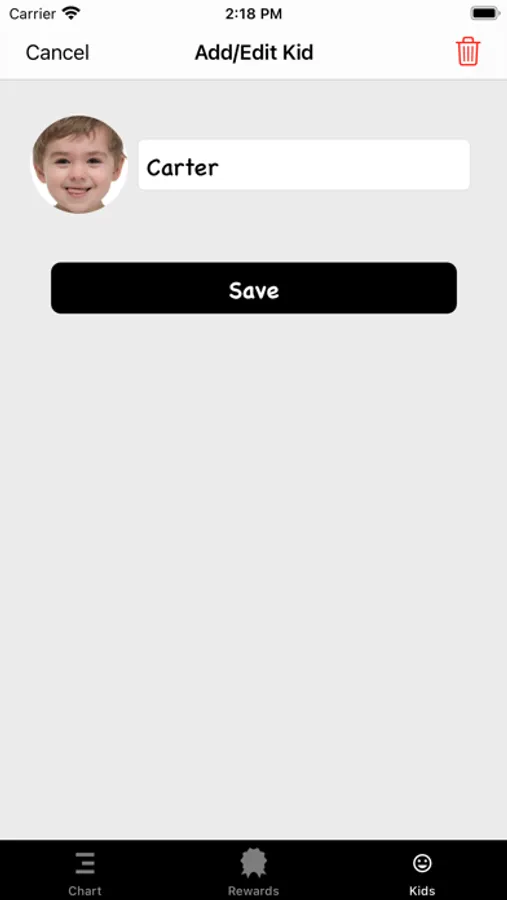
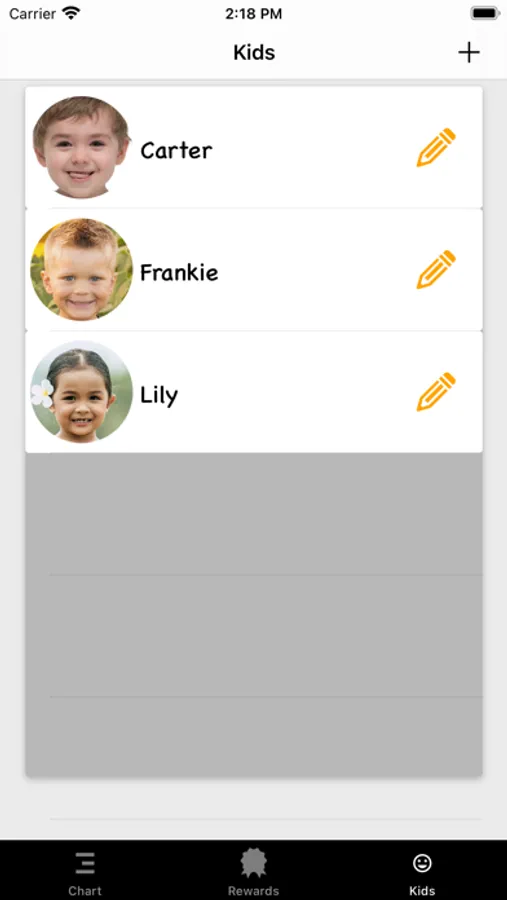
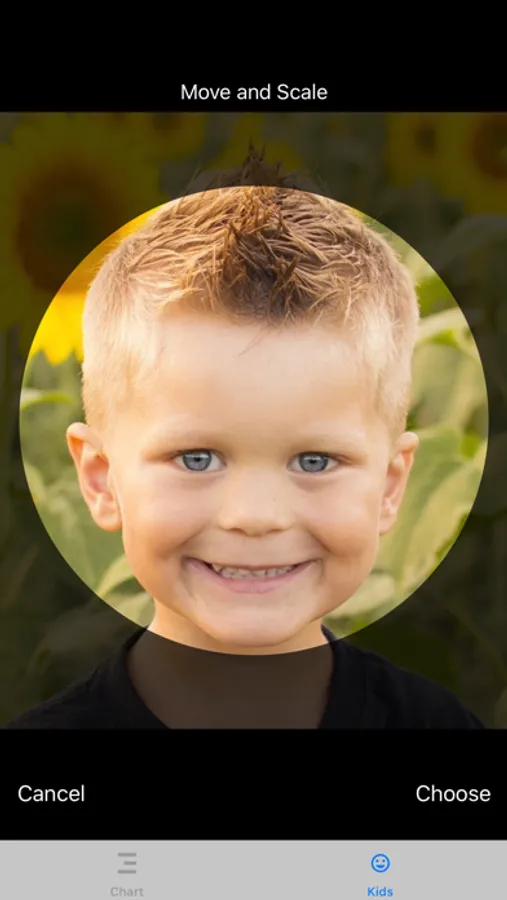
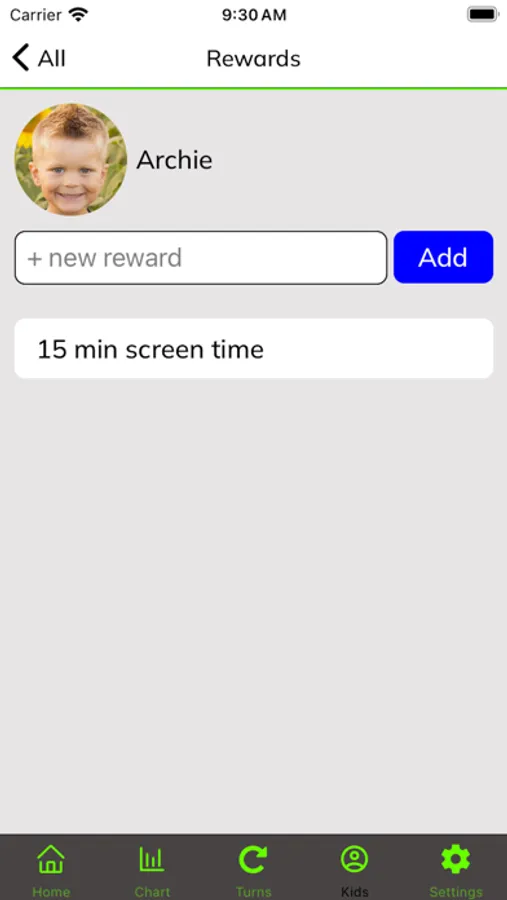
Choose a picture (zoom and crop the face for best results) and enter a name. The pictures will appear on the chart to move up and down as you see fit during the day and in the turn wheel to spin. Go to the “Kid”s tab to edit, delete and add new users and to see their rewards and bank balance.
This is the easiest organizer that parents and caregivers will ever use. Point to the chart and let the kid(s) know that they will be moved down or up based on their behavior. Let them tap spin to see who gets a turn. Add rewards. Set up a virtual bank. Perfect for at home or out in public! Works for parenting, preschool, grade school and daycare settings.
Terms of Use:
https://www.apple.com/legal/internet-services/itunes/us/terms.html
Portrait only.
Medal icon: Icon made by https://www.flaticon.com/authors/vectors-market
Refresh Page Icon: https://www.flaticon.com/free-icons/refresh" title="refresh icons" by Dave Gandy
Edit Icon: https://icons8.com
piggy_bank icon: https://www.flaticon.com/free-icons/piggy-bank title="piggy bank icons" created by Freepik - Flaticon
spinWheel icon: https://www.flaticon.com/free-icons/spinning-wheel" title="spinning wheel icons created by Aranagraphics - Flaticon
Clipboard icon: https://www.flaticon.com/free-icons/conclusion" title="conclusion icons" created by Kiranshastry - Flaticon
Star icon: https://www.flaticon.com/free-icons/commerce-and-shopping" title="commerce and shopping icons"created by Tanahcon - Flaticon
Girl face: Image by rawpixel.com on Freepik https://www.freepik.com/free-photo/worldface-french-girl-white-background_19085320.htm#fromView=search&page=2&position=6&uuid=de414fed-c966-4b34-88cb-92253ea15ff5
Music: fsm-team-happy-days by https://www.free-stock-music.com
Kidlatta Screenshots
Tap to Rate:
Reviews for Kidlatta
huzz collector
hoe behavior tracker
i use this to keep track of my hoes and which ones i like and are impressing me and why because i have so many i’ll forget otherwise. extremely useful tool with many potential use cases. free functions are excellent and sufficient for most things, ads aren’t distracting. i like that the turn selector is free it’s so helpful when choosing how to divide my attention between them.
Jjjjjj76767
Awesome app
I love how many screens there are, we use the turns all the time and keep track of the kids' money in the bank