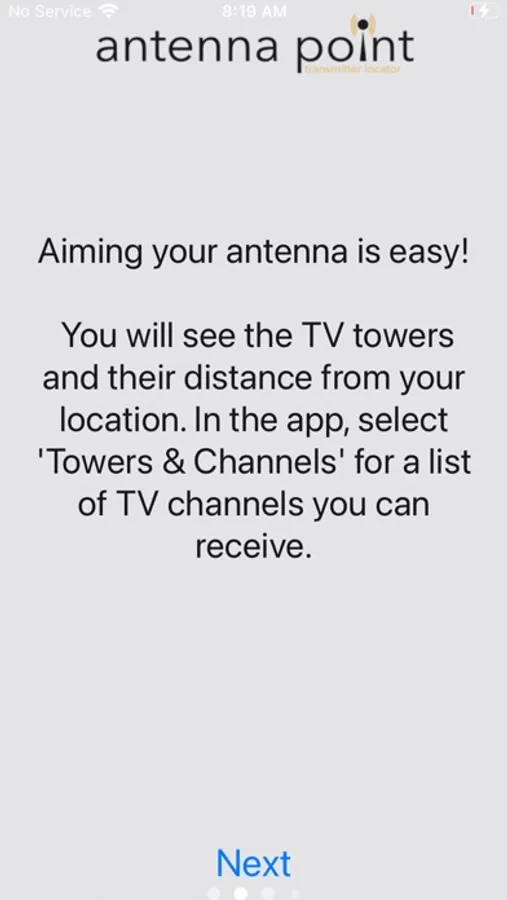
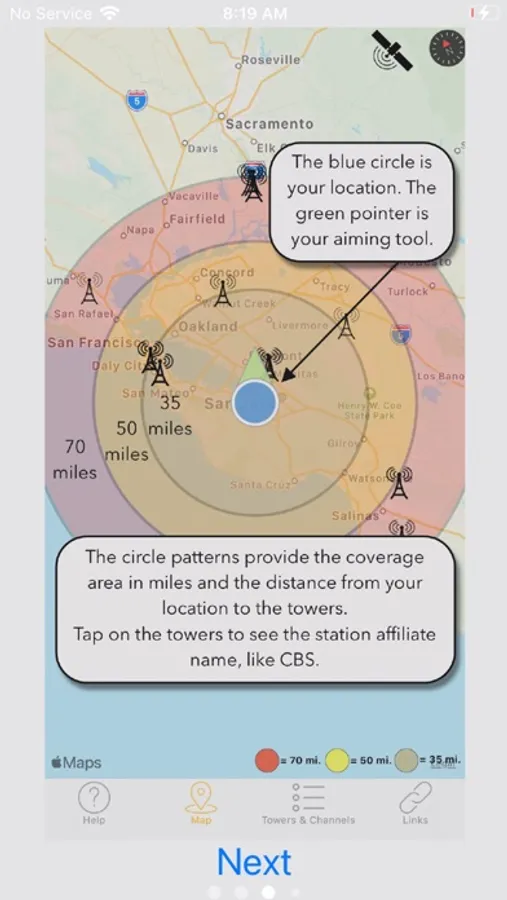
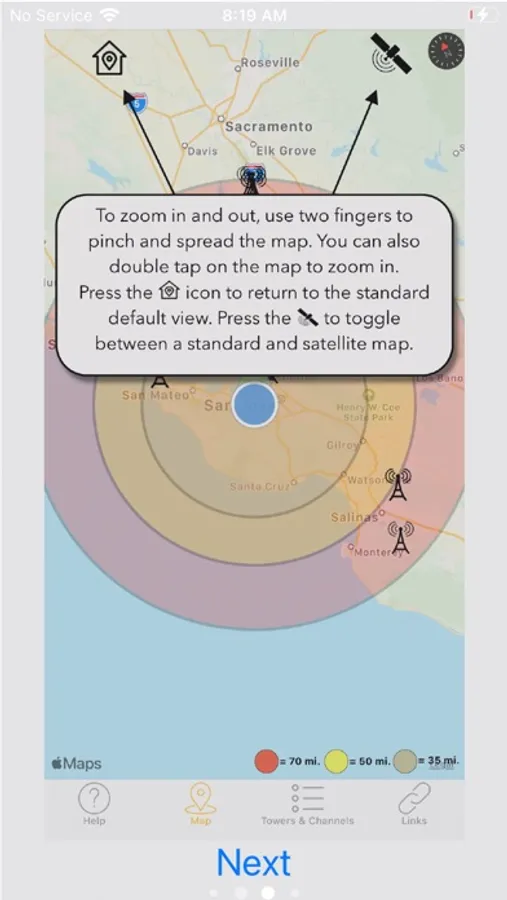
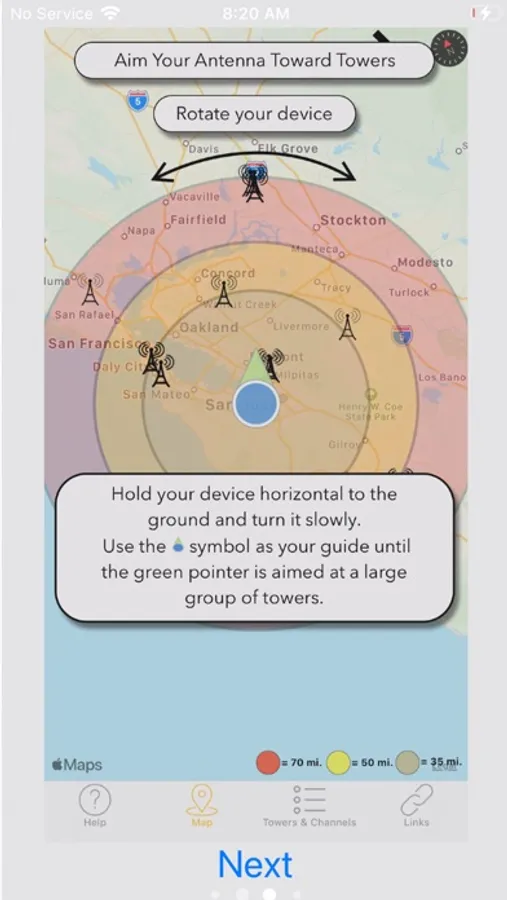
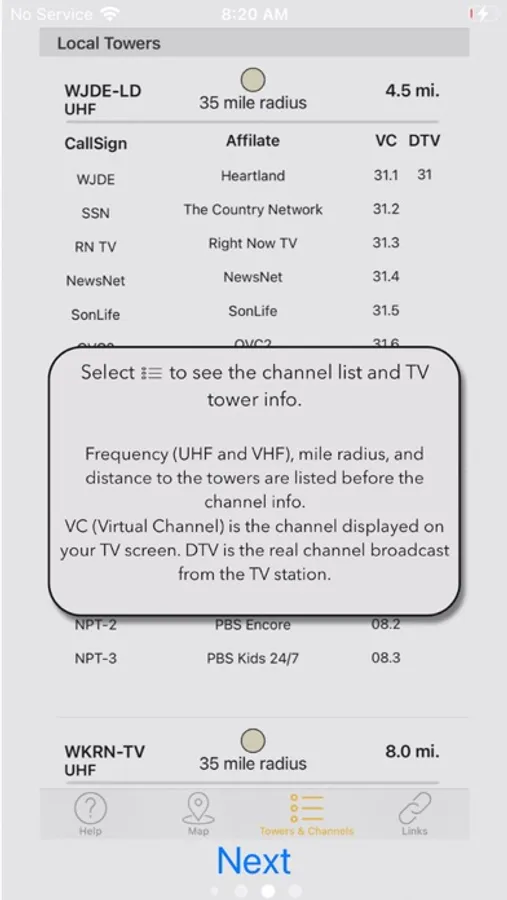
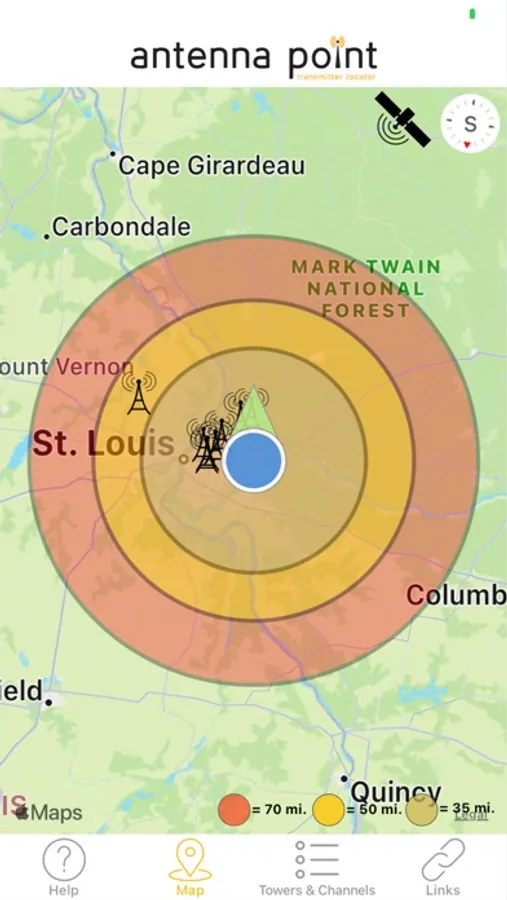
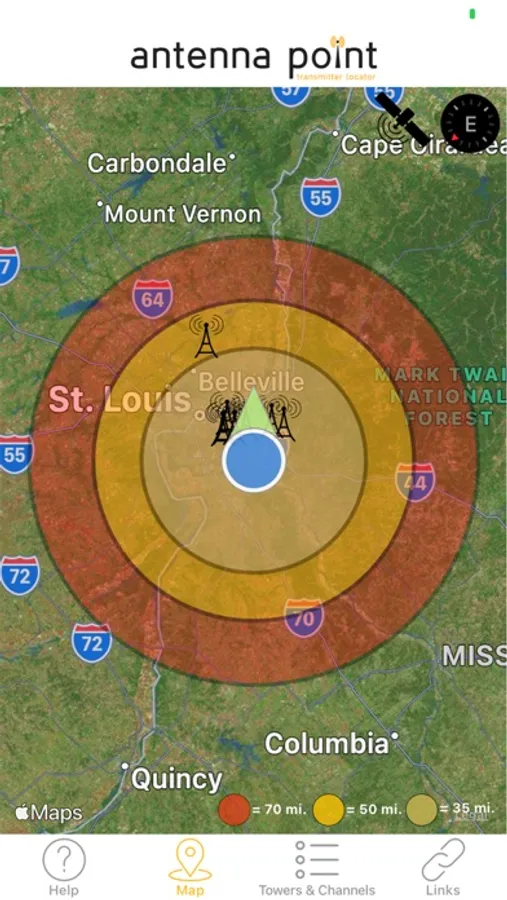
With this app, you can locate TV transmitting towers, view coverage areas, and identify optimal antenna aiming directions. Includes maps with tower locations, signal strength indicators, and a channel list for your area.
AppRecs review analysis
AppRecs rating 2.8. Trustworthiness 76 out of 100. Review manipulation risk 21 out of 100. Based on a review sample analyzed.
★★☆☆☆
2.8
AppRecs Rating
Ratings breakdown
5 star
28%
4 star
11%
3 star
10%
2 star
16%
1 star
34%
What to know
✓
Low review manipulation risk
21% review manipulation risk
⚠
Mixed user feedback
Average 2.8★ rating suggests room for improvement
⚠
High negative review ratio
51% of sampled ratings are 1–2 stars
About Antenna Point
Tips: After your initial channel scan, check the number of TV stations you are receiving. If you are not receiving all the available channels move your antenna to another spot and rescan your TV for channels until you receive the most channels. You may have to move the antenna a few times until you find the best TV signals. [Note: certain variables unrelated to the antenna’s performance can interfere with signal reception, such as terrain, tall buildings, and trees – try finding the most unobstructed view to the TV towers for the best TV signals].
If you have any questions about antennas or installation, we are available 7 days a week to help. Give us a call at 877-825-5572 or chat with us online at antennasdirect.com or gomohu.com.
Antenna Point Screenshots
Tap to Rate:
Reviews for Antenna Point
R8000user
Doesn’t work in Portland
No towers shown at all
MikeN_314
Well, allow me to stay zoomed in. Worthless.
Trying to pinpoint my stations locally… I live in Seattle and only wish to see local stations within a 15 mile radius. Every time I zoom in, to tap on stations for info, the app auto zooms back out again showing almost the entire state. Can’t control view fidelity (iOS). Going to look for another app.