
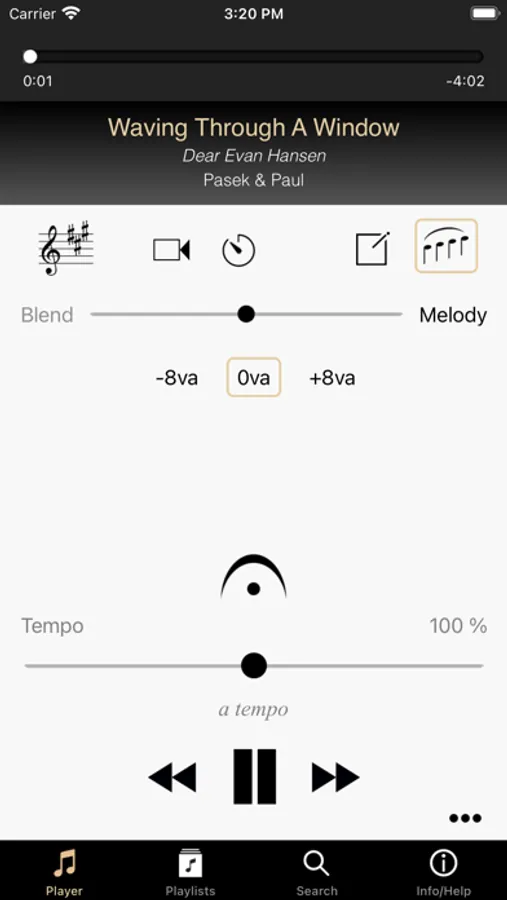
In this app, you can control and customize piano accompaniments for singing, including changing keys, adjusting tempo, and blending melody. Includes over 1,000 vocal exercises, more than 75 accompaniments, and features for saving custom versions.
AppRecs review analysis
AppRecs rating 4.5. Trustworthiness 82 out of 100. Review manipulation risk 25 out of 100. Based on a review sample analyzed.
★★★★☆
4.5
AppRecs Rating
Ratings breakdown
5 star
80%
4 star
6%
3 star
3%
2 star
6%
1 star
6%
What to know
✓
Low review manipulation risk
25% review manipulation risk
✓
Credible reviews
82% trustworthiness score from analyzed reviews
⚠
Pricing complaints
Many low ratings mention paywalls or pricing
About Appcompanist
Over 1,000 Vocal Exercises and 75 complete piano accompaniments are included in the FREE version, all with full app functionality.
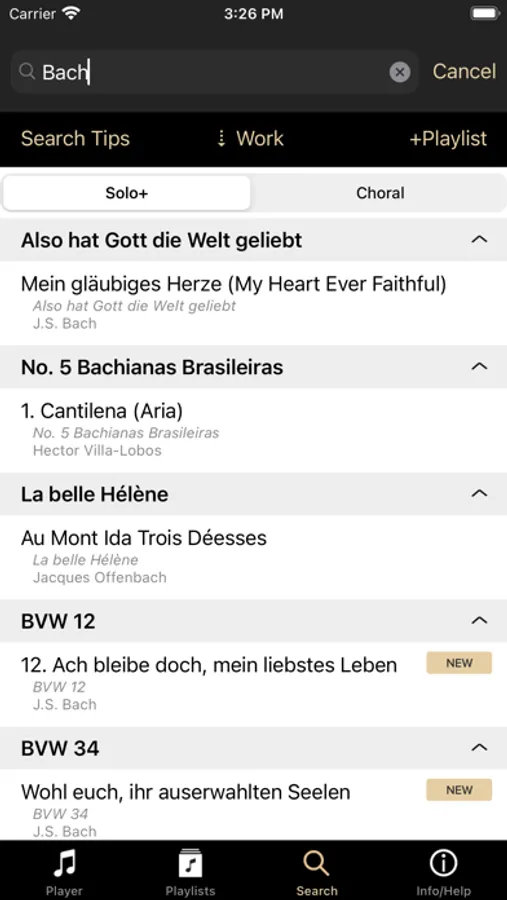
The fast growing Appcompanist library includes thousands of flexible piano accompaniments of opera arias, art songs, musical theater solos, jazz standards, pop/rock songs, choral pieces, complete works, and more. Hundreds of recordings are added each month by user request.
Features:
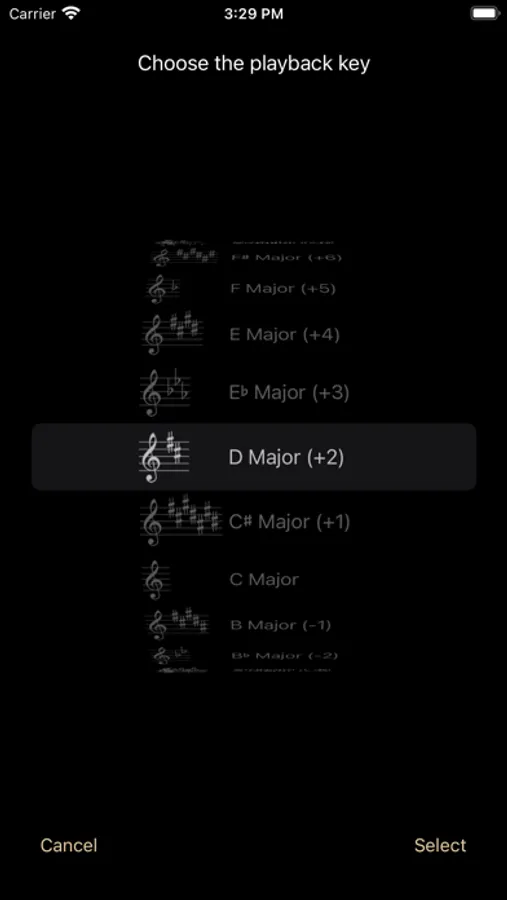
• Instantly transpose to play any accompaniment in ANY key.
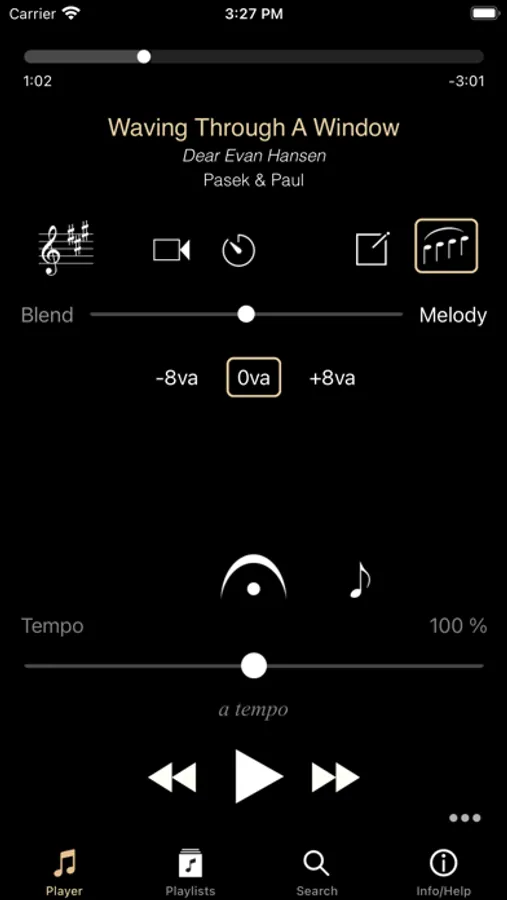
• Actively control tempo to create ritardandos, accelerandos, and rubato.
• Use the patented Fermata Button to hold and sustain the accompaniment, then enter in perfect sync with the piano after pauses, fermatas, cadenzas, and vocal pick-ups.
• Turn a melody guide track on or off any time during play, in one of three octaves, and adjust the level of melody you hear against the accompaniment.
• Check the next melody pitch when stopped and time your entrance.
• Save the tempo and fermata changes you make during play to create your own Custom Version that can be controlled just like the original accompaniment.
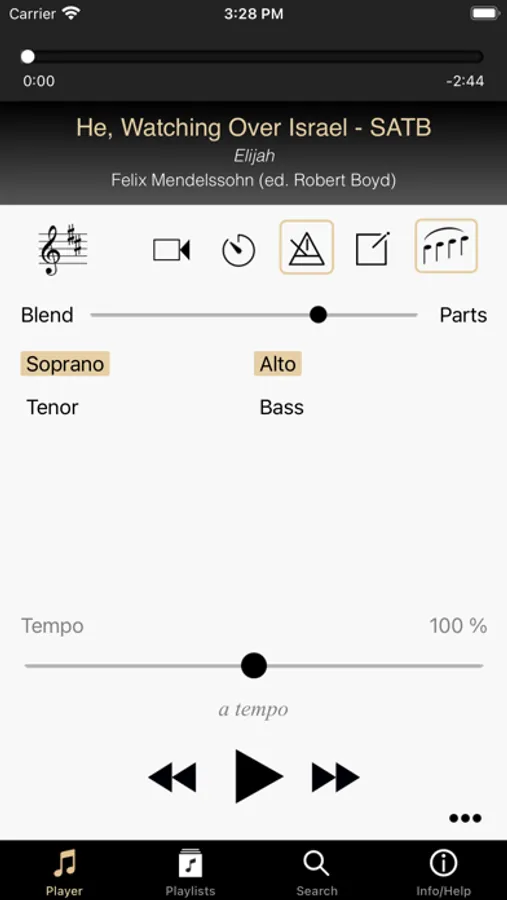
• For easy choral & ensemble part-learning, select one or more voice parts to emphasize against the accompaniment.
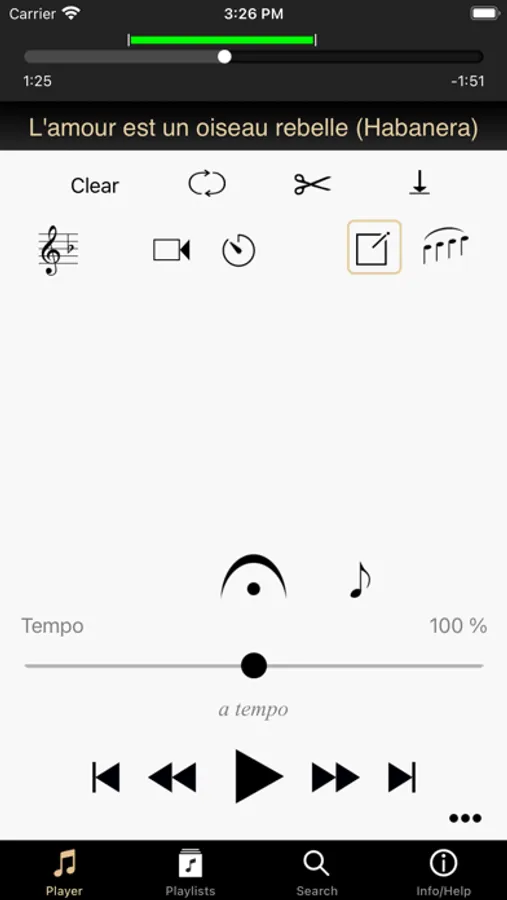
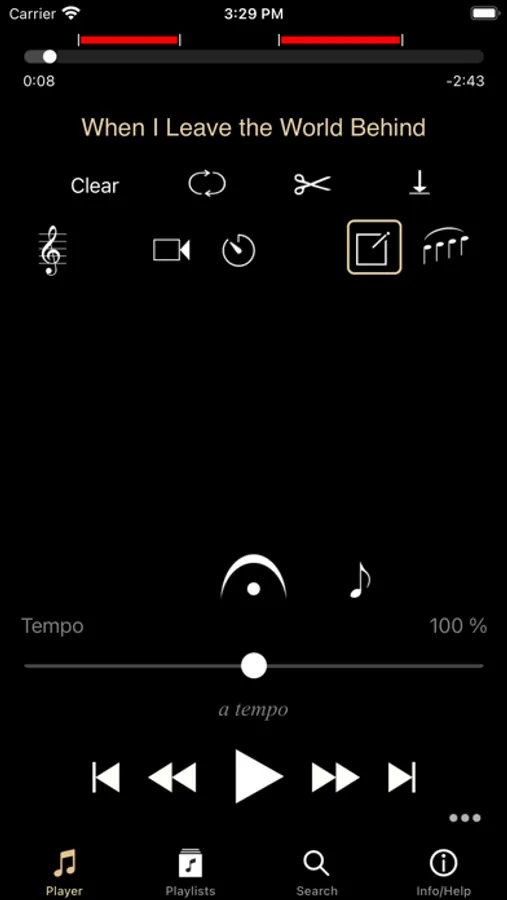
• Add markers, cuts and loops for easy navigation and practice.
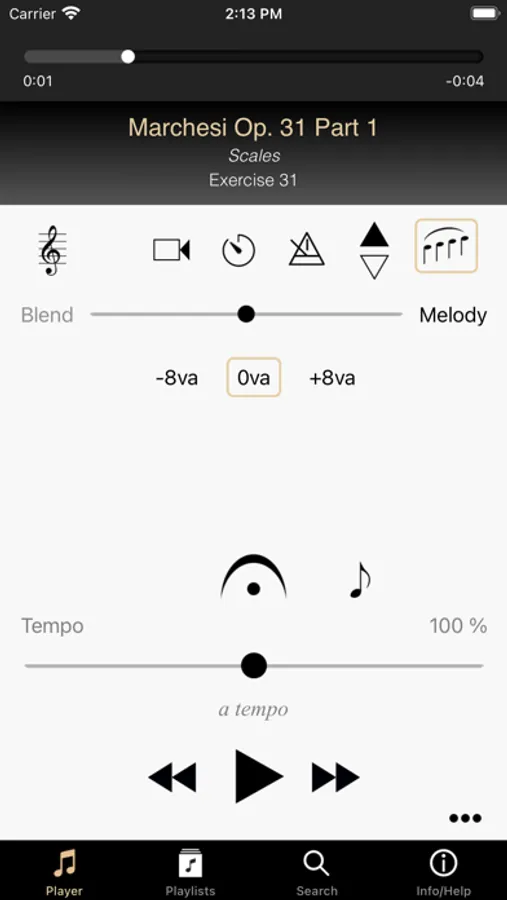
• For repeating vocal exercises, choose the direction (up, down, or same key) prior to each repeat.
• Create video recordings while using the playback features.
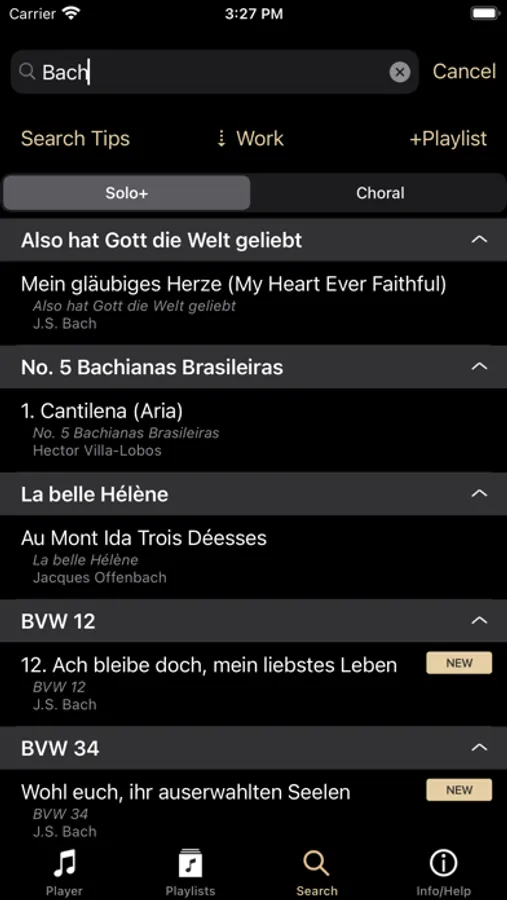
• Keyword search, filter, and sort the library list to find the perfect piece.
Subscription Details:
Note: All prices shown are in US dollars. Prices in the app will reflect current exchange rates from US Dollars to your local currency.
Contemporary Voice Collection Titles Only
US $9.99 per month / US $99.99 per year
Classical Voice Collection Titles Only
US $9.99 per month / US $99.99 per year
Complete Collection of All Titles
US $14.99 per month / US $149.99 per year
• All of the above subscriptions come with a 1-month free trial for new subscribers: If you cancel for any reason within that period you will not be charged. If you continue, your paid subscription begins at the end of your free trial and renews automatically.
Pick-Six Subscription
US $3.99 per month
Pick any 6 songs from the Complete Collection and access them as often as you like during your monthly term. You may change any or all of your selections at the beginning of each new monthly term. You can have a maximum of 6 selected songs during any monthly billing period. The Pick Six subscription does not include a free trial.
• Payment will be charged to iTunes Account at confirmation of purchase.
• Subscription automatically renews unless auto-renew is turned off at least 24-hours before the end of the current period.
• Account will be charged for renewal within 24-hours prior to the end of the current period.
• Subscriptions may be managed by the user and auto-renewal may be turned off by going to the user's Account Settings after purchase.
Terms of Use can be found at https://www.appcompanist.com/terms_of_service.html
Appcompanist Screenshots
Tap to Rate:
Reviews for Appcompanist
Blackhand12
Useful but bugged
UI is really bad for Apple users around subscriptions
Elena2435
Amazing
This has been a life saver for practicing songs at tempo. Even when sheet music isn’t within reach. One tiny issue I have is that certain songs don’t have the certain “official” keys. For example, a piece that’s written in a minor key, but on the app the keys are all in major. Not a dealbreaker at all, just something I noticed.