In this simple vertical calendar app, you can view schedules, add memos, and switch between multiple calendars. Includes memo notes, switchable views, and full-screen mode for sharing schedules.
AppRecs review analysis
AppRecs rating 4.5. Trustworthiness 69 out of 100. Review manipulation risk 26 out of 100. Based on a review sample analyzed.
★★★★☆
4.5
AppRecs Rating
Ratings breakdown
5 star
94%
4 star
3%
3 star
2%
2 star
1%
1 star
0%
What to know
✓
Low review manipulation risk
26% review manipulation risk
✓
High user satisfaction
94% of sampled ratings are 5 stars
✓
Authentic reviews
No red flags detected
About ColumnCalendar and Memo
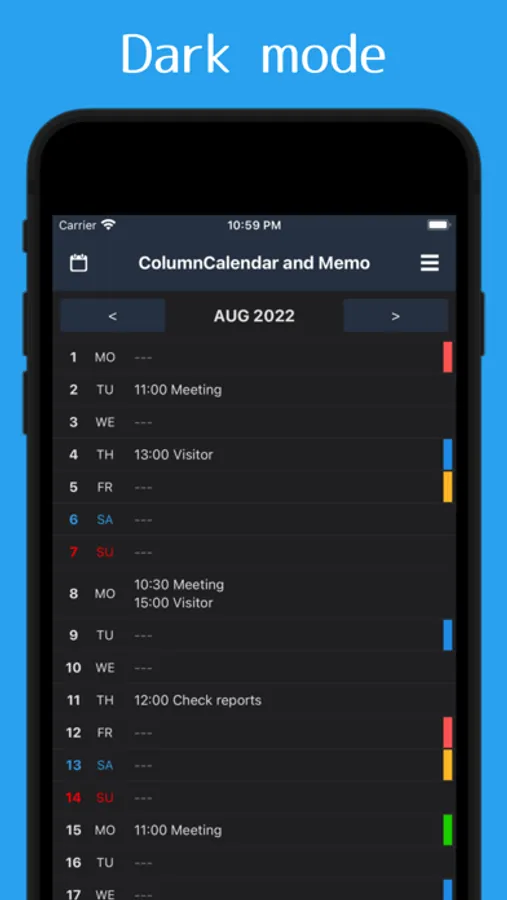
No complex function! This is a simple and easy reading vertical calendar application.
You can also use it as a schedule book, such as writing down the meeting schedule!
Main Functions
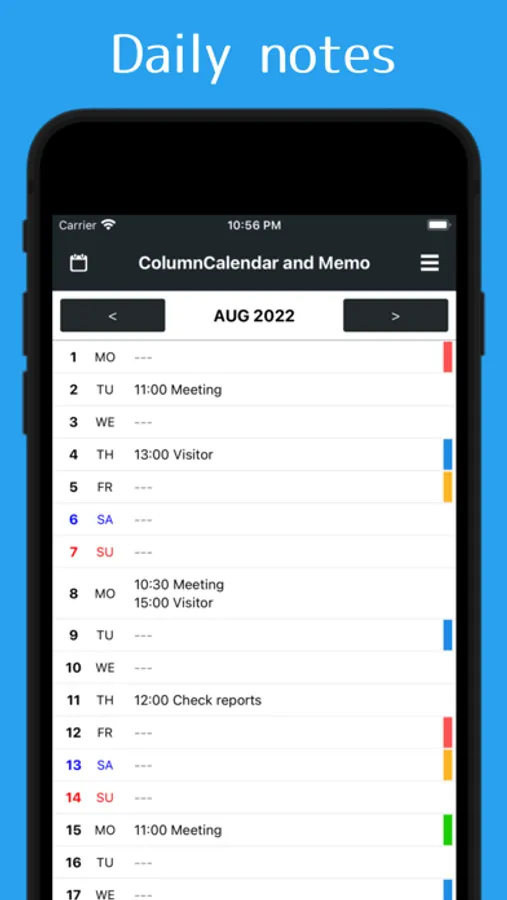
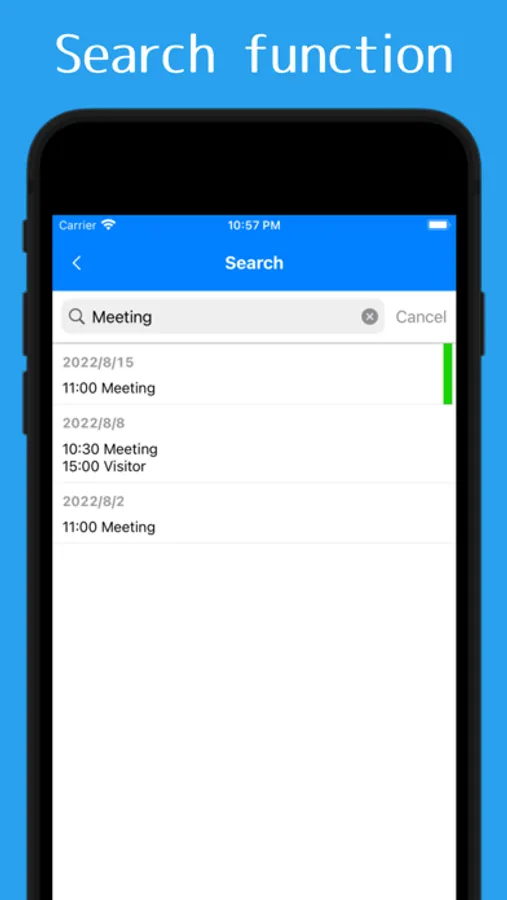
- There is a memo function that can be written by each day
- Memo can switch between simple display of headings only and full text display
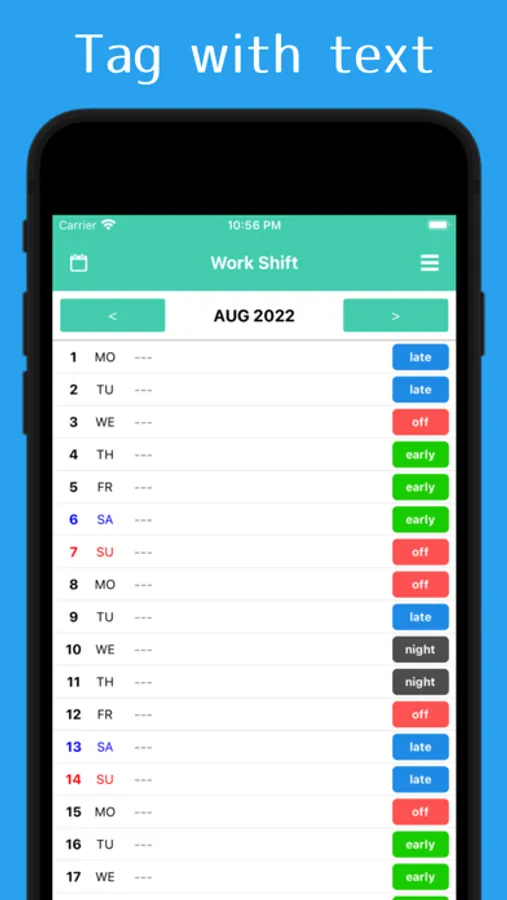
- 5 sticky notes can be attached as marks for each date. Convenient for shift management and so on!
- Sticky notes can be selected from casual type of landmark type and button type that can write down letters
- Three calendars can be switched for different purposes, such as for work or private use
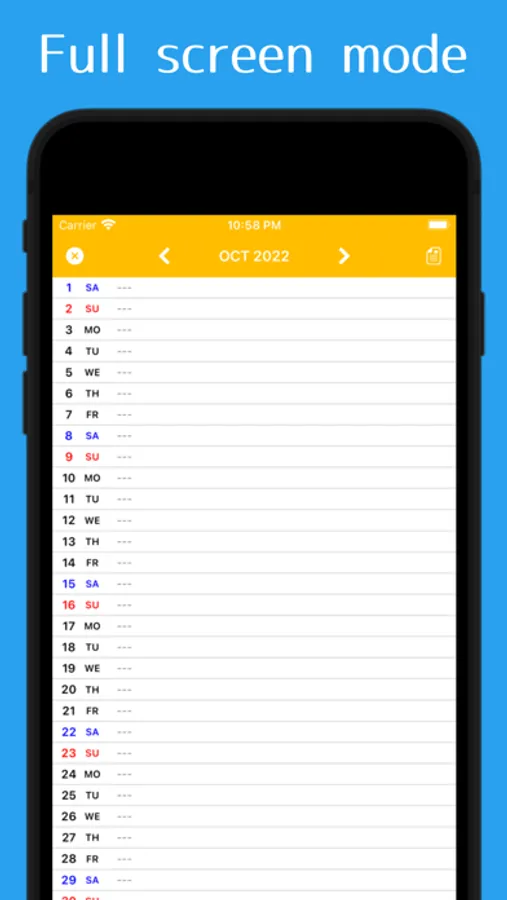
Full screen mode which can display all day without scroll from 1st to end!
It is also useful to take screenshots of full screen mode and share the schedule to family etc!
If you are using a memo as a diary, and you want to show only the sticky note to the other people, only the memo will be hidden if you tap the icon in the upper right of the screen.
* Full screen mode is for viewing only. Please edit the memo from the normal mode.
* If you want to delete the already entered memo, please long press the prescribed line.
"ColumnCalendar and Memo" can be used for free at all.
You can also use it as a schedule book, such as writing down the meeting schedule!
Main Functions
- There is a memo function that can be written by each day
- Memo can switch between simple display of headings only and full text display
- 5 sticky notes can be attached as marks for each date. Convenient for shift management and so on!
- Sticky notes can be selected from casual type of landmark type and button type that can write down letters
- Three calendars can be switched for different purposes, such as for work or private use
Full screen mode which can display all day without scroll from 1st to end!
It is also useful to take screenshots of full screen mode and share the schedule to family etc!
If you are using a memo as a diary, and you want to show only the sticky note to the other people, only the memo will be hidden if you tap the icon in the upper right of the screen.
* Full screen mode is for viewing only. Please edit the memo from the normal mode.
* If you want to delete the already entered memo, please long press the prescribed line.
"ColumnCalendar and Memo" can be used for free at all.
ColumnCalendar and Memo Screenshots
Tap to Rate:
Reviews for ColumnCalendar and Memo
VixPic
Clean and simple
I use it to share the babysitting schedule with the family. That is all I put on this calendar so everything is easy to read. They love it too!
Urban style dog
Good
Very useful