
AppRecs review analysis
AppRecs rating 3.0. Trustworthiness 78 out of 100. Review manipulation risk 24 out of 100. Based on a review sample analyzed.
★★★☆☆
3.0
AppRecs Rating
Ratings breakdown
5 star
38%
4 star
9%
3 star
6%
2 star
6%
1 star
41%
What to know
✓
Low review manipulation risk
24% review manipulation risk
✓
Credible reviews
78% trustworthiness score from analyzed reviews
⚠
Mixed user feedback
Average 3.0★ rating suggests room for improvement
About WoodPicker
Getting started on a woodworking plan is hard to do. Once you’ve painstakingly detailed a design, you need to select the best pieces of lumber to fulfill all the parts in the project and somehow keep track of each one. It’s not uncommon to spend hours at the lumberyard trying to figure out how to efficiently place the parts for your project on the best available picks of wood. WoodPicker is designed to greatly improve the experience of choosing lumber at the lumberyard so you can cut it into parts with minimal waste. With WoodPicker, you can now concentrate on picking the best lumber and be on your way in a fraction of the time.
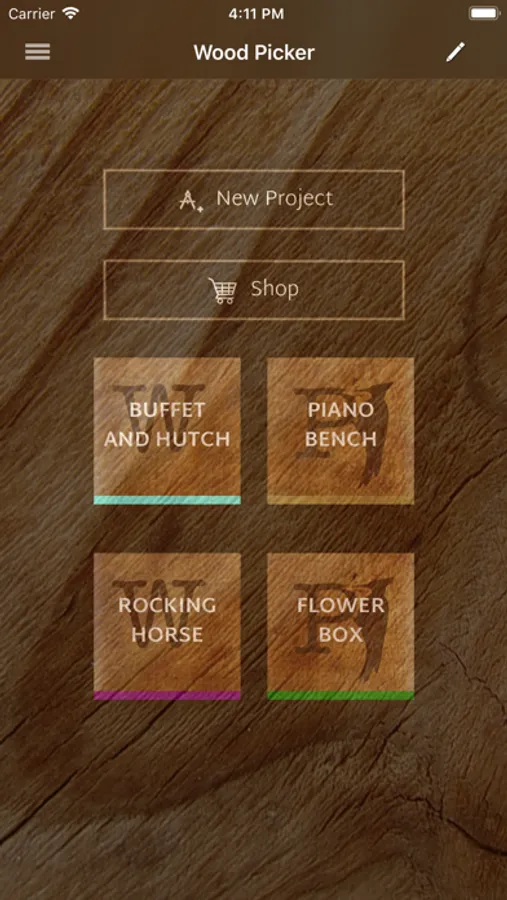
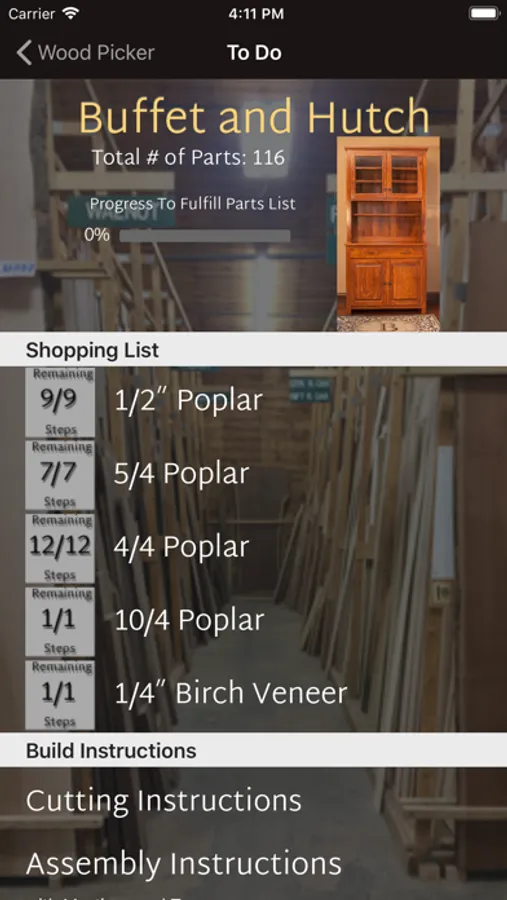
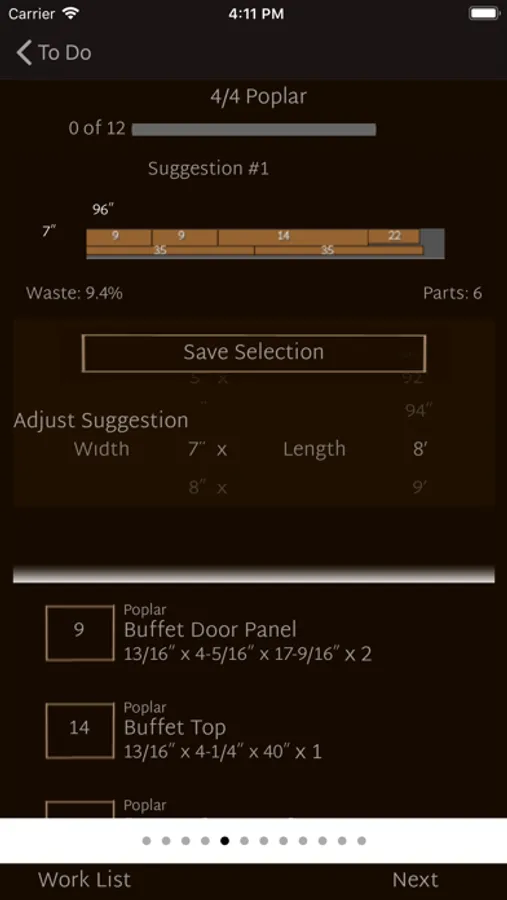
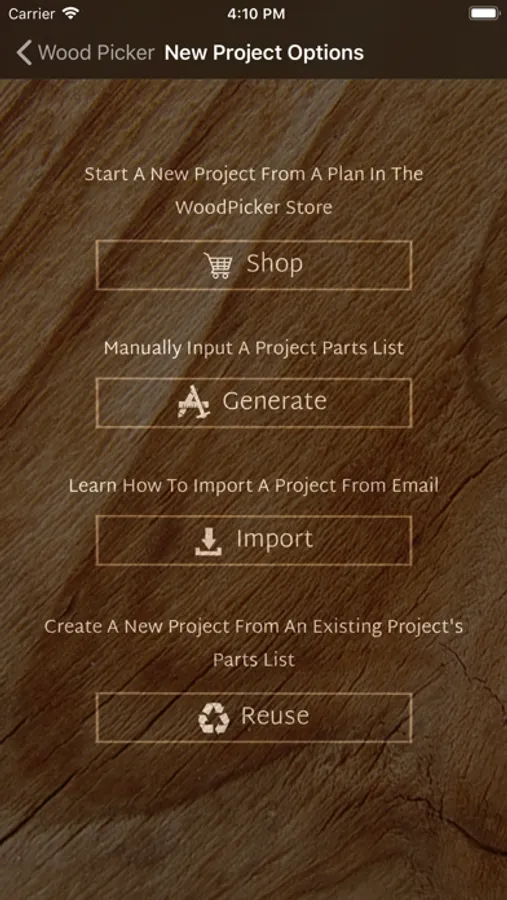
Here's how it works: WoodPicker will take your list of parts from your project plan and create suggestions of board dimensions to fulfill the parts list. If you can't find a board that matches the suggestion, no worries. Just change the suggested dimension and WoodPicker will automatically determine how to lay your parts on your chosen board. And when you've picked enough lumber for your project, WoodPicker will speed up your cutting time by providing a printable summary that illustrates the best layout for your project’s parts.
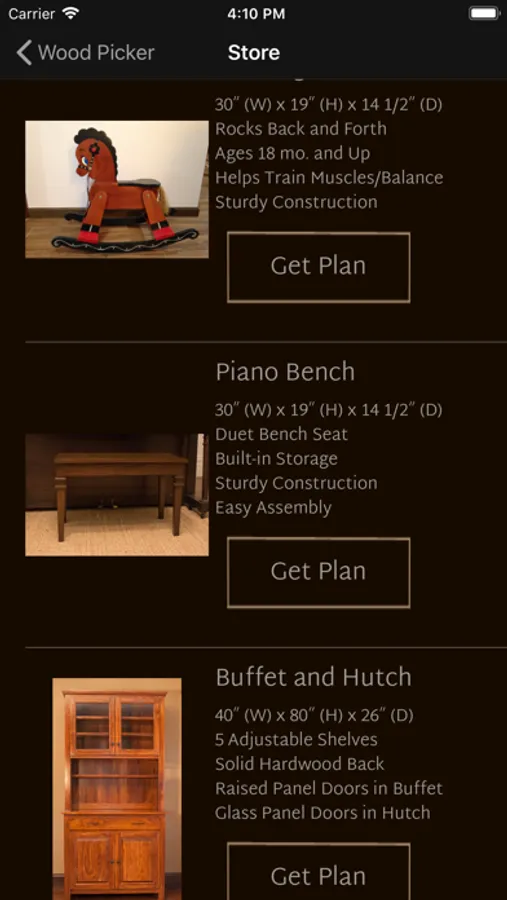
If designing a project from scratch is overwhelming, WoodPicker also provides a growing list of project plans with illustrated cutting and assembly instructions that you can purchase to get you started even faster. All plans are FREE with the WoodPicker Pro in-app purchase.
If you design your own plan in a program like SketchUp, you can easily import it into WoodPicker Pro with the CutList extension. Or, enter your parts list through the WoodPicker user interface. This requires the WoodPicker Pro in-app purchase.
So whether you are a craftsman picking lumber for furniture or a weekend warrior with a backyard project, I’m confident that this app will speed up your job.
WoodPicker Screenshots
Tap to Rate:
Reviews for WoodPicker
Stuke
Just updated, and still can’t build a trial part
The dimension selector is still scroll wheels, and not until you specify everything about the first pet are you hit with the upgrade required to proceed. Well, that was a wate of time! I’m interested the sketch up integration but can’t even think how well that would work, and I’m pretty sure given my experience thus far…it is not even possible to test unless I shell out $9.99. Nice try but need significant t work for UI/UX. And, if you want people to try before buy, then you need to actually ‘allow’ that!
qrtyikgdsyop
Scam
It will not let u make your own design without spending money!!