
AppRecs review analysis
AppRecs rating 4.5. Trustworthiness 65 out of 100. Review manipulation risk 22 out of 100. Based on a review sample analyzed.
★★★★☆
4.5
AppRecs Rating
Ratings breakdown
5 star
80%
4 star
10%
3 star
0%
2 star
0%
1 star
10%
What to know
✓
Low review manipulation risk
22% review manipulation risk
✓
High user satisfaction
80% of sampled ratings are 5 stars
About OpenText Service Management
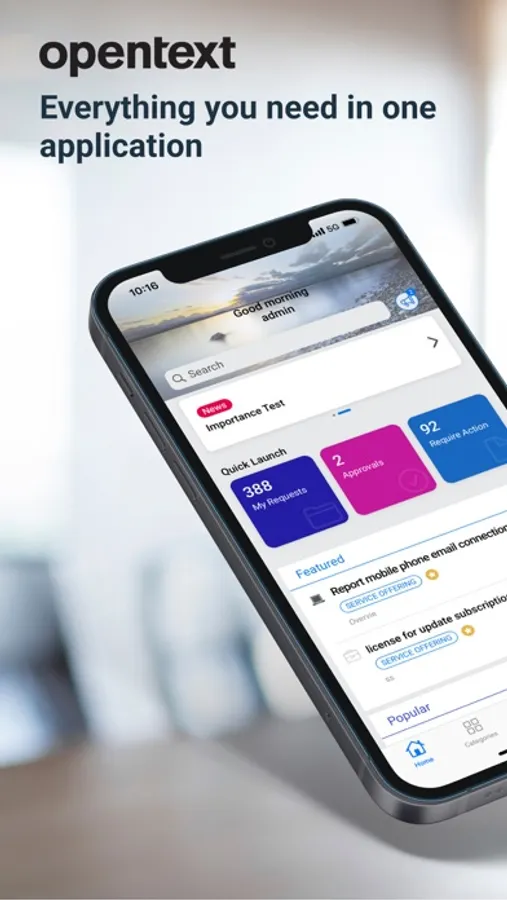
The Enterprise Service Management mobile app is the mobile version of Service Management Automation.
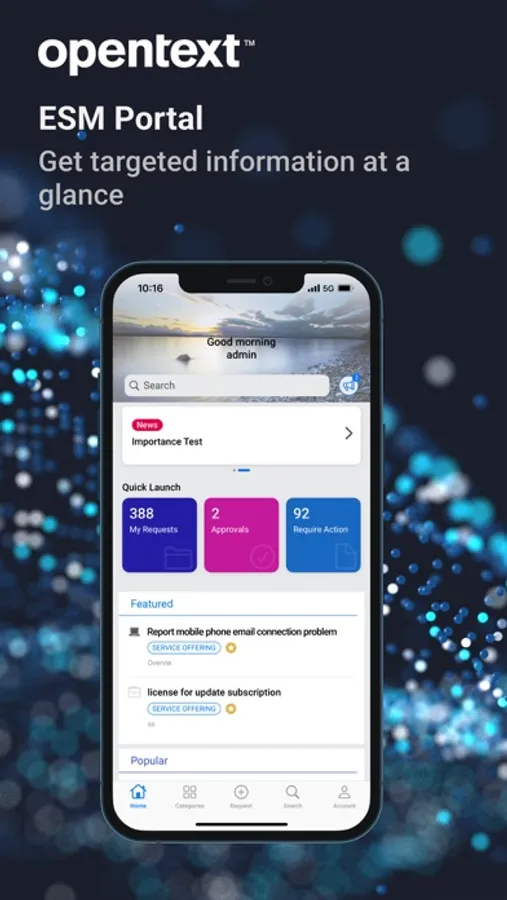
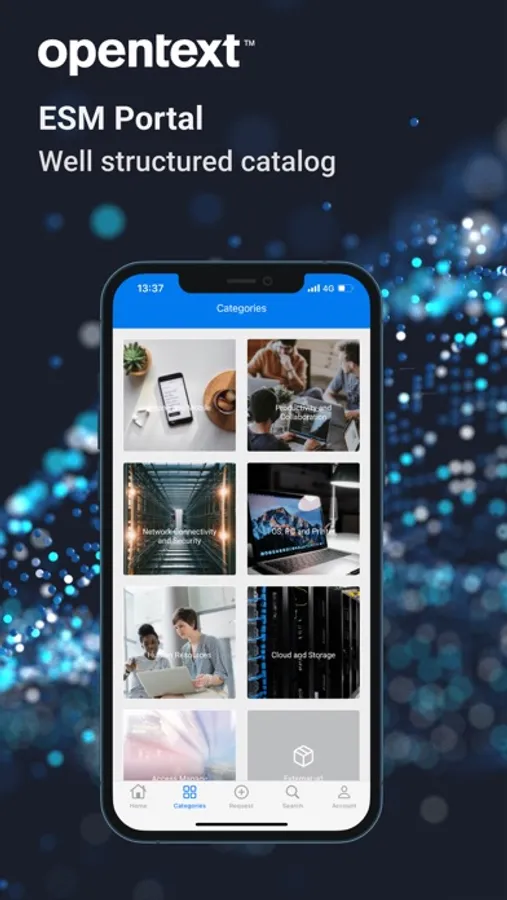
Via Service Portal mode, end-users can:
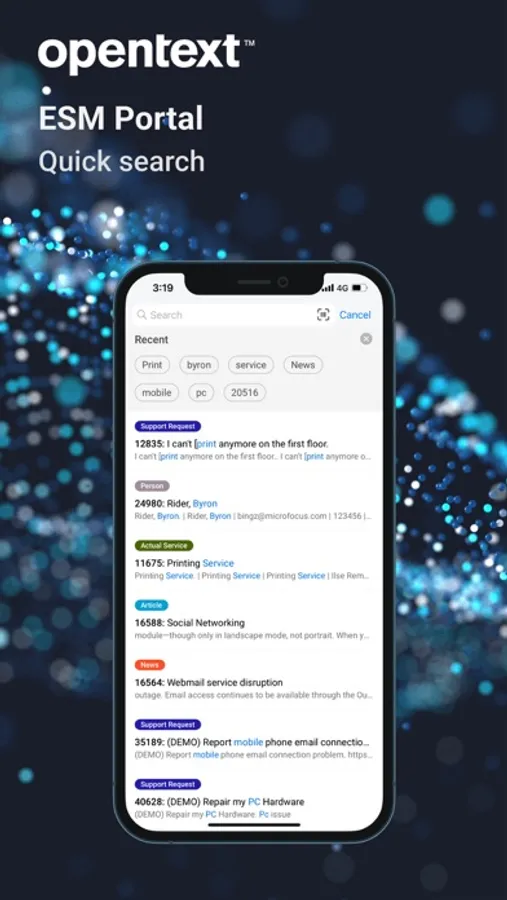
Search service or support offerings, knowledge articles and news
Browse the service or support offerings
Create new service or support requests
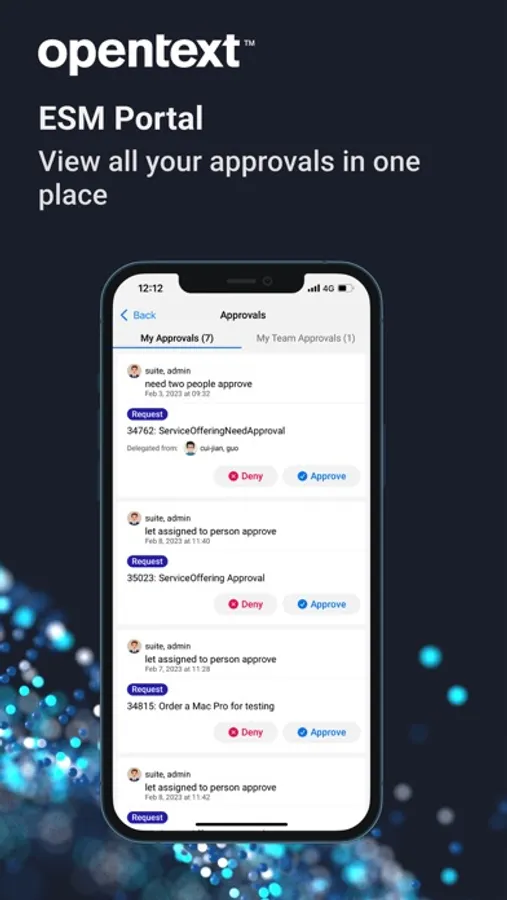
Approve or deny the request approvals or change approvals
Accept or reject resolved requests
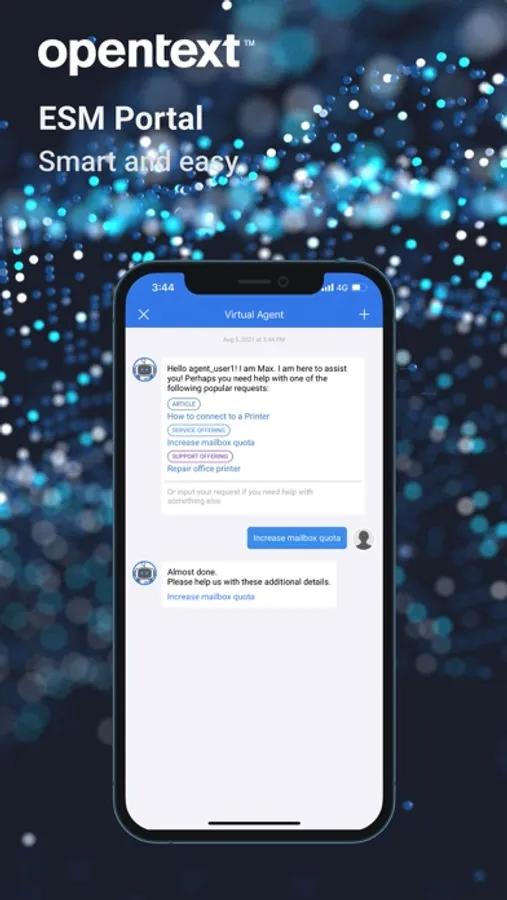
Smart ticketing and Virtual Agent support
Switch between different tenants
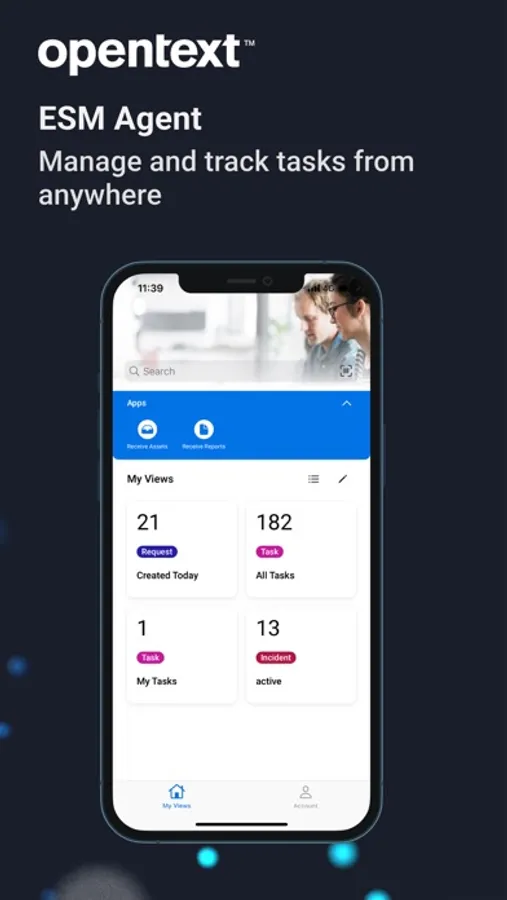
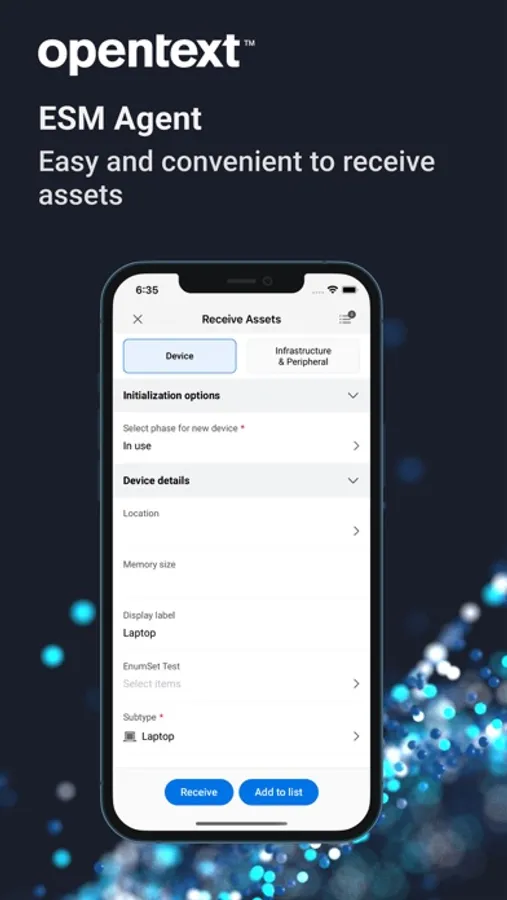
Via agent mode, agent users can:
Search for specific requests/incidents, CIs, people, and knowledge articles or news
View the requests/tasks/incidents in my views
Filter request/task/incident list. For example, filter the requests in a specific priority
Update the detailed information of a request/task/incident
Post comments to a request/task/incident
Add solution or suggested solution to a request/incident
View the detailed information of Person records and contact the person by tapping the phone number, the email address or the location
For full details of our new release please go to OpenText online documentation :
https://docs.microfocus.com/doc/Mobile/SMAX/ReleaseNotes
https://docs.microfocus.com/doc/Mobile/SMA-SM/ReleaseNotes
https://docs.microfocus.com/doc/Mobile/SaaS/ReleaseNotes
IMPORTANT: This software requires connectivity to the OpenText Service Management Automation Suite. You may activate the mobile app by scanning a QR code from your company’s Service Management Automation Service Portal web site. You may also contact your IT administrator for an activation URL.
Via Service Portal mode, end-users can:
Search service or support offerings, knowledge articles and news
Browse the service or support offerings
Create new service or support requests
Approve or deny the request approvals or change approvals
Accept or reject resolved requests
Smart ticketing and Virtual Agent support
Switch between different tenants
Via agent mode, agent users can:
Search for specific requests/incidents, CIs, people, and knowledge articles or news
View the requests/tasks/incidents in my views
Filter request/task/incident list. For example, filter the requests in a specific priority
Update the detailed information of a request/task/incident
Post comments to a request/task/incident
Add solution or suggested solution to a request/incident
View the detailed information of Person records and contact the person by tapping the phone number, the email address or the location
For full details of our new release please go to OpenText online documentation :
https://docs.microfocus.com/doc/Mobile/SMAX/ReleaseNotes
https://docs.microfocus.com/doc/Mobile/SMA-SM/ReleaseNotes
https://docs.microfocus.com/doc/Mobile/SaaS/ReleaseNotes
IMPORTANT: This software requires connectivity to the OpenText Service Management Automation Suite. You may activate the mobile app by scanning a QR code from your company’s Service Management Automation Service Portal web site. You may also contact your IT administrator for an activation URL.
OpenText Service Management Screenshots

Tap to Rate:
Reviews for OpenText Service Management
Mjefpul
This App Does Nothing
I downloaded this app since the company I work for uses this service. After opening this app, it requires use of a QR code, which I can't use. It also recommends navigating to the website but the company login is required.