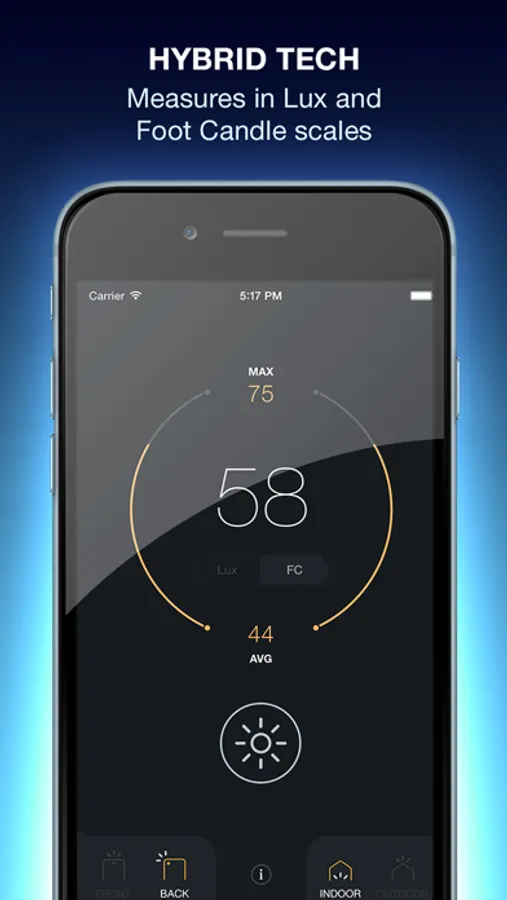
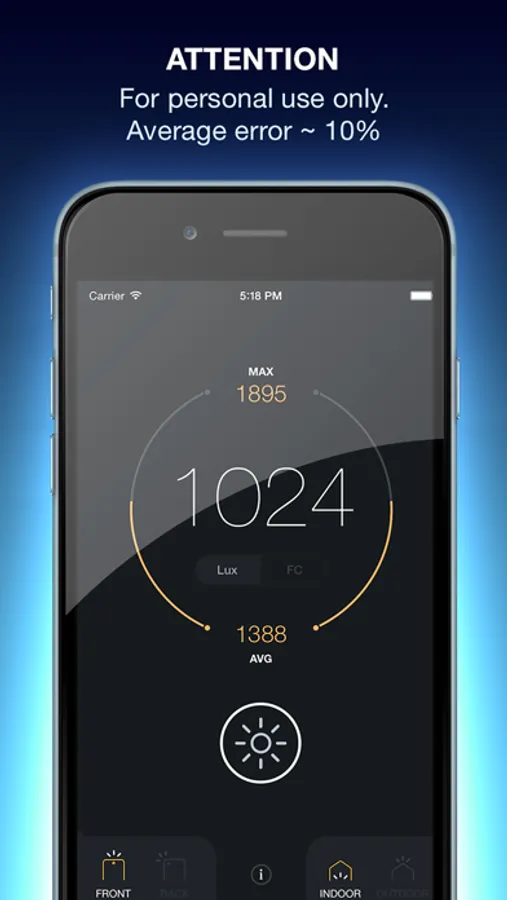
With this light meter app, you can measure light intensity and adjust camera settings directly from your phone. Includes real-time lux and foot candle measurements, customizable controls, and histogram plotting.
AppRecs review analysis
AppRecs rating 3.7. Trustworthiness 64 out of 100. Review manipulation risk 30 out of 100. Based on a review sample analyzed.
★★★☆☆
3.7
AppRecs Rating
Ratings breakdown
5 star
60%
4 star
13%
3 star
6%
2 star
3%
1 star
18%
What to know
✓
Good user ratings
73% positive sampled reviews
✓
Authentic reviews
Natural distribution, no red flags
⚠
Pricing complaints
Many low ratings mention paywalls or pricing
About Lux Light Meter Pro
Features:
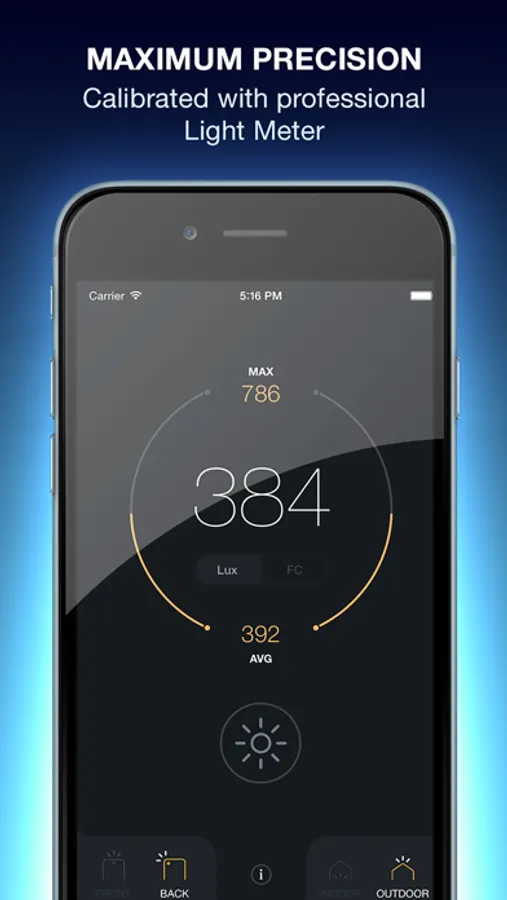
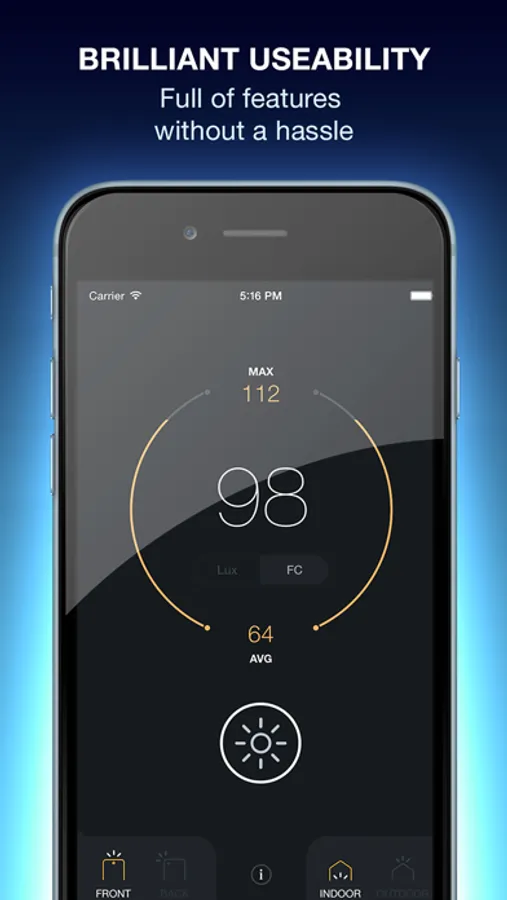
- intuitive and customizable controls
- for front and back cam
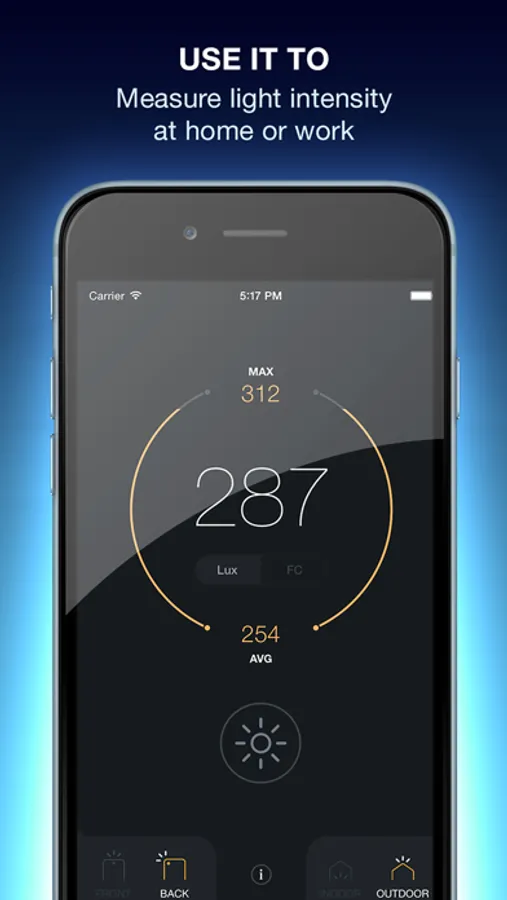
- collects light intensity data in real time
- instant lux and foot candle measurements
- real-time color temperature measurements
- real-time histogram plotting
- customizable settings for shutter speed, ISO, aperture
- preview and adjust diaphragm settings before shooting
Have any questions or suggestions? Write to us: sparkappsfeedback@gmail.com
Terms of Use - https://www.iubenda.com/terms-and-conditions/82717056
Privacy Policy - https://www.iubenda.com/privacy-policy/82717056
Lux Light Meter Pro Screenshots
Tap to Rate:
Reviews for Lux Light Meter Pro
atropal
Looks great, doesn’t work
Why do lumens only show up as the values 2 → 55 → 94 → 145 → 214 … with the actual number flickering around /- 3 for each? Try this experiment: move the spot along a brightness gradient. Or change your computer monitor brightness. You'll never see a number /- 3 away from those values. Tested it on 3 different iPhones. So if error margins < 50 lumens are unacceptable to you, avoid.
645Caspian
Don’t pay
Tried to use the 3 day free trial, did not work whatsoever. Reinstalled and tried to restore purchases but still could not use any paid features