AppRecs review analysis
AppRecs rating 1.0. Trustworthiness 65 out of 100. Review manipulation risk 29 out of 100. Based on a review sample analyzed.
★☆☆☆☆
1.0
AppRecs Rating
Ratings breakdown
5 star
0%
4 star
0%
3 star
0%
2 star
0%
1 star
100%
What to know
✓
Low review manipulation risk
29% review manipulation risk
⚠
Mixed user feedback
Average 1.0★ rating suggests room for improvement
About Quote Creator - iQuote
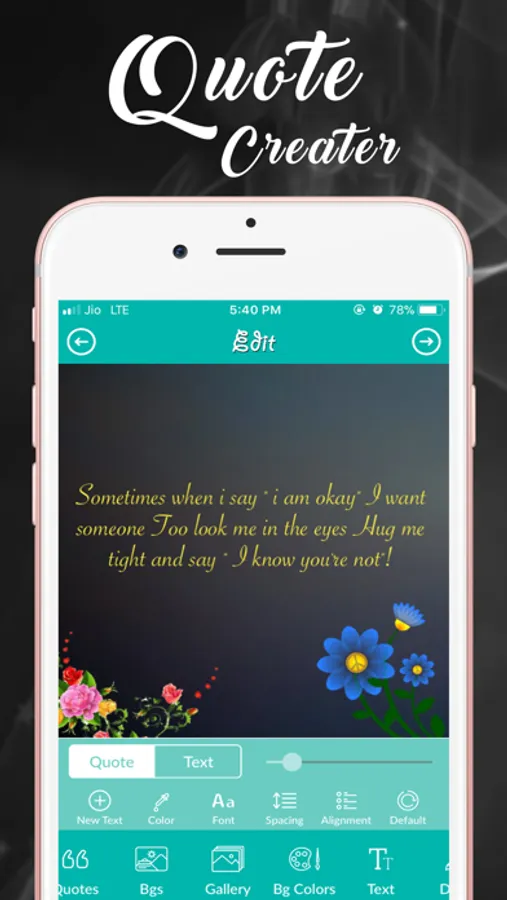
iQuote - Quote Creator is the best and easiest way to create and share your quotes with the world. After customizing your own quote, you can save / share with the world via Instagram, Facebook, Twitter, WhatsApp or other apps.
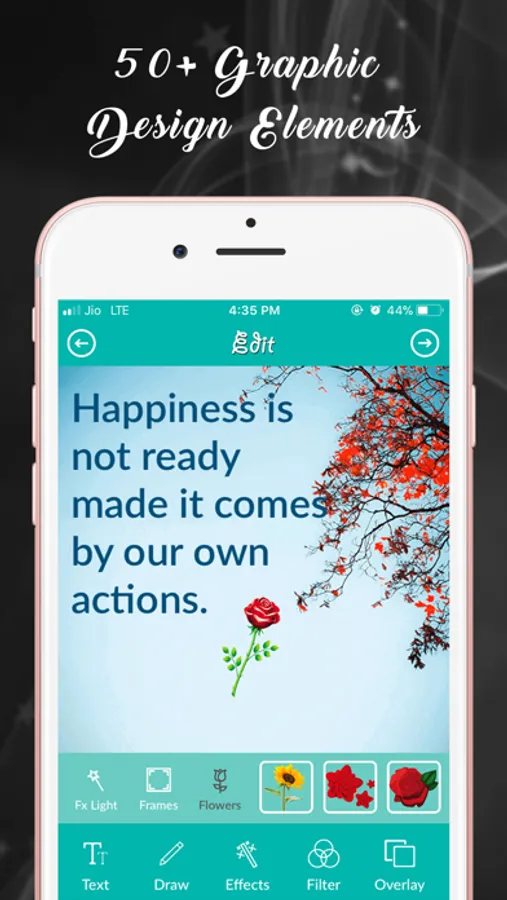
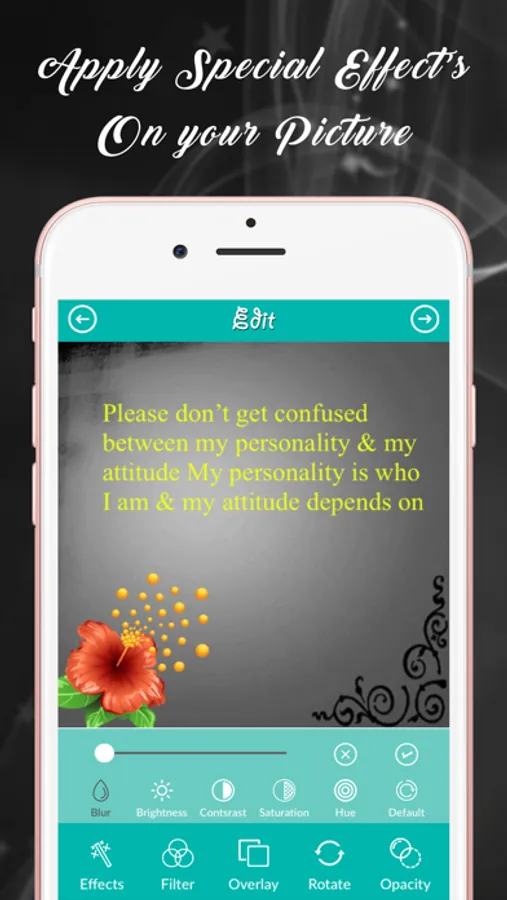
iQuote - Quote Creator is an app with so many designing tools like Color fill, drawing, eraser, unique shapes, photo background effects, blending, masking, image blur, photo filters, typography, flip, set opacity and many more.
Key Features:-
- Beautiful and user friendly design.
- Set amazing background from gallery.
- Set amazing background from camera.
- Set amazing background from backgrounds provided by app.
- Background Color - you can set your favorite color as a background.
- Add text to pictures.
- Add inspiring words to images.
- Add captions to photos.
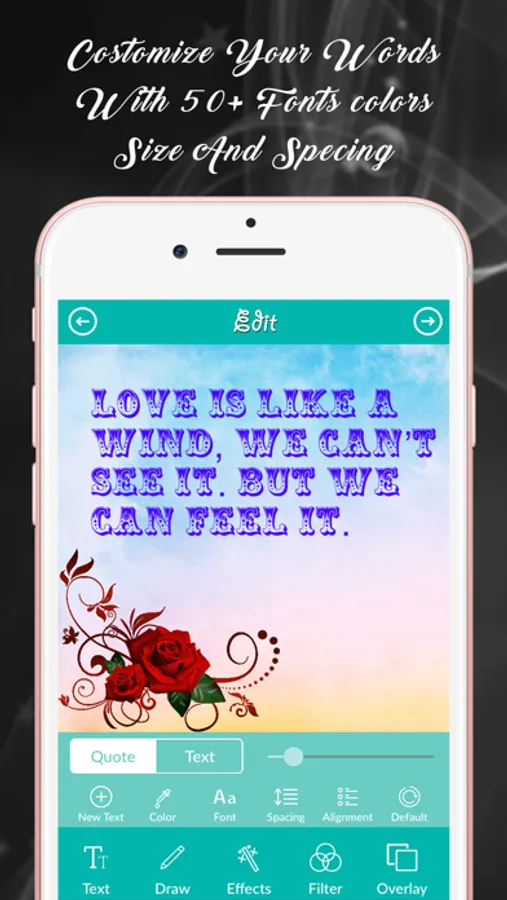
- You can set Font colors and Size.
- You can set Text Spacing & Alignment.
- Draw anything on image & picture.
- Undo, redo, erase your drawing.
- Set different color of drawing brush.
- You can give photo effects like Blur, Brightness, Saturation, Contrast and Colors to your background.
- You can give photo filter on background.
- You can set overlay on background.
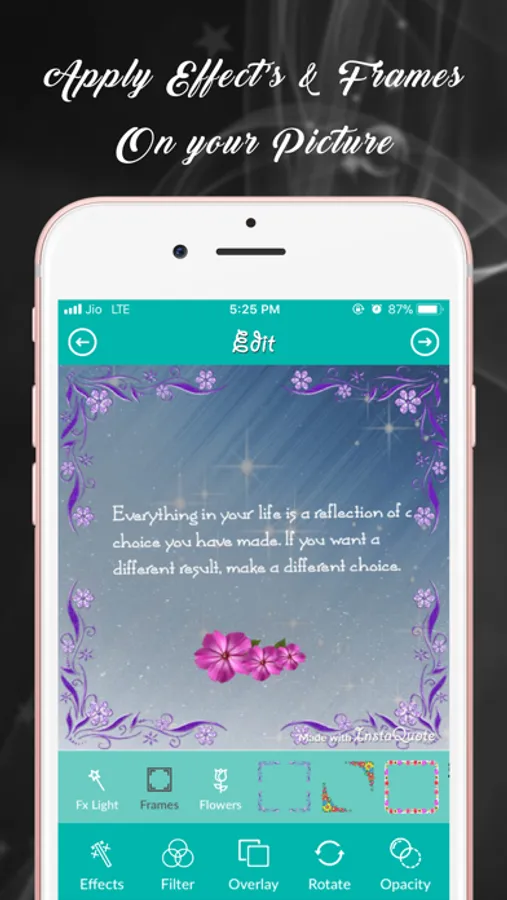
- You can set frame, image on background.
- You can rotate, anti-rotate, flip horizontal, flip vertical background.
- You can set opacity of text and background.
- You can save your own template.
- Choose fantastic quotes randomly .
- You can save your quote.
- You can share your quote with Instagram, Facebook, Twitter, WhatsApp and other apps.
Now start to create amazing quote with iQuote - Quote Creator.
We love your feedback/suggestion - send us an email at shaktieinfotech@gmail.com anytime!
Quote Creator - iQuote Screenshots
Tap to Rate:
Reviews for Quote Creator - iQuote
soonrgrl1977
So buggy!
This app is really buggy. You can’t change the colour of text. When you resize text it doesn’ resize properly. Some times the font does change either and you have to start again. Waste! Don’t bother.
DragonSlayer!
More concerned with ads than selling the app
Constant ads prevent you from actually really going through a test run with this app. U can't sell it if people are so annoyed that they delete it.