
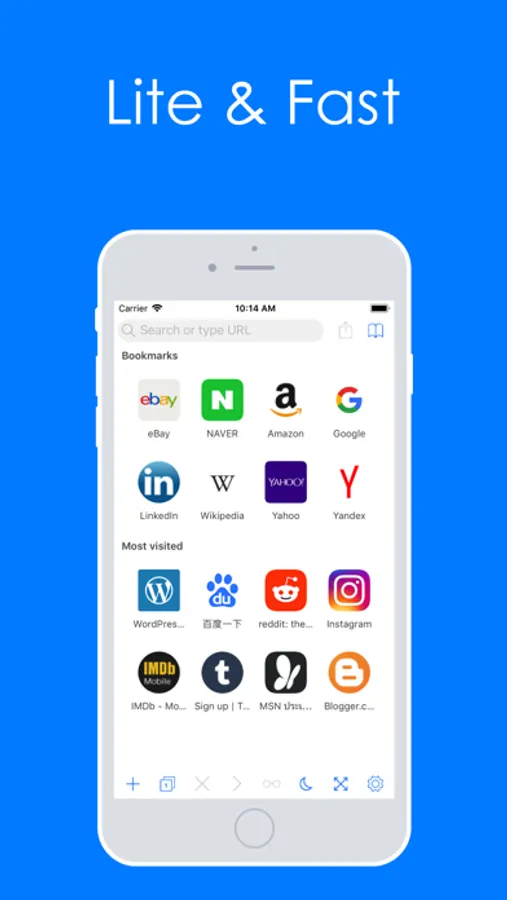
With this web browser, you can navigate websites quickly and customize views with dark mode and swipe gestures. Includes private browsing, adblock, and password management features.
AppRecs review analysis
AppRecs rating 4.2. Trustworthiness 74 out of 100. Review manipulation risk 21 out of 100. Based on a review sample analyzed.
★★★★☆
4.2
AppRecs Rating
Ratings breakdown
5 star
71%
4 star
4%
3 star
11%
2 star
4%
1 star
11%
What to know
✓
Low review manipulation risk
21% review manipulation risk
✓
Credible reviews
74% trustworthiness score from analyzed reviews
✓
High user satisfaction
75% of sampled ratings are 4+ stars (4.2★ average)
About Pure Web Browser
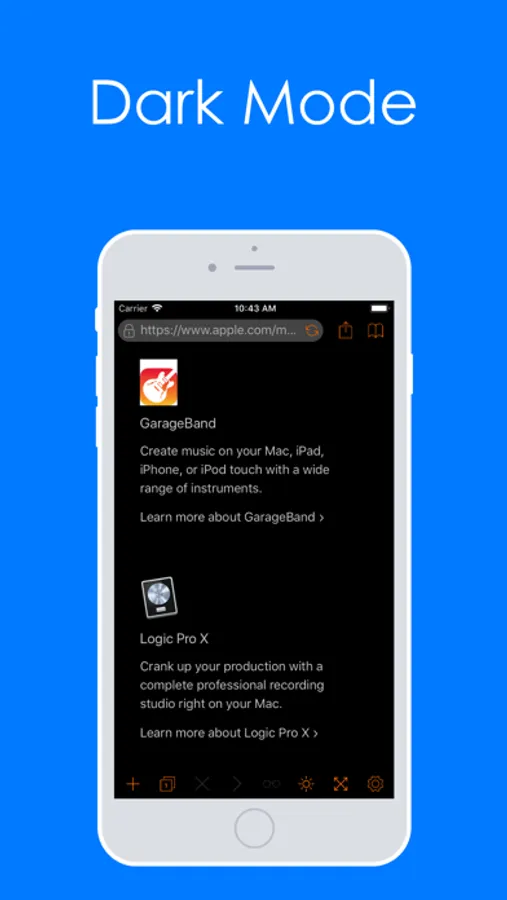
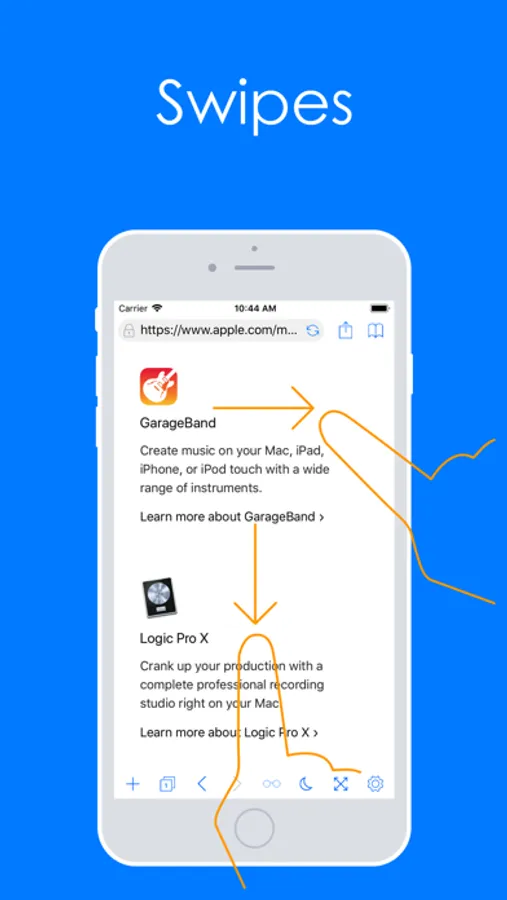
Enjoy dark mode, tabbed browsing, and swipe gestures for seamless navigation.
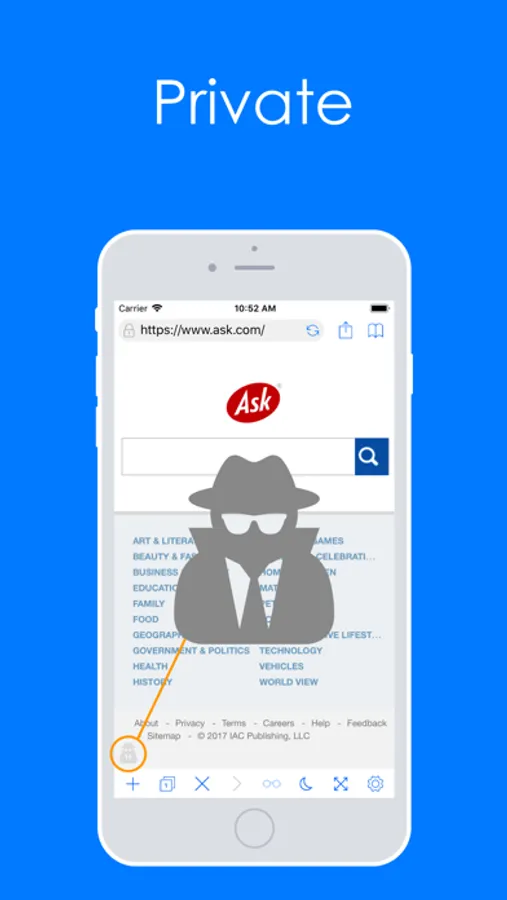
Pure provides private browsing, adblock, and password management to keep you secure online.
User Interface Features
- Dark Mode
- Dark Mode Style Options (Static/Dynamic)
- Tabbed Browsing
- Full-Screen Browsing
- Font and Color Customization
- Swipe Gestures Support
- Keyboard Shortcuts Support
Browsing Features
- Sortable Bookmarks and Bookmark Folders
- Download Manager
- Find on Page
- Reader View
- Request Desktop Site
- Website Translator
- Search Suggestions
- Change/Add Default Search Engine
- Capture Website Screenshot
- Autofill Passwords
- Change User Agent
- Manage MIME Types
- Individual Website Settings
- Adjust Video Playback Speed
Privacy & Security Features
- Adblock
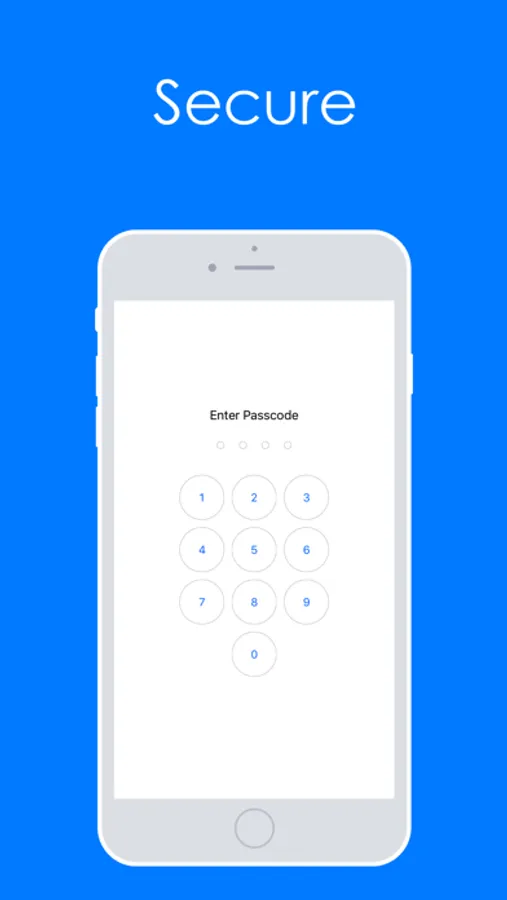
- Unlock with Passcode/Touch ID
- Private Browsing
- Password Management
- Clear Website Data
Pure Web Browser Screenshots

Tap to Rate:
Reviews for Pure Web Browser
BAR112
Good browser
I am just checking to see what it can do; pleased so far. It captured a webpage screenshot! Love that feature. Seems fast too.
Disconnected Data
Pure Browser
This is the browser that adds to what Safari lacks in an outdated Apple I-Phone 5s. The opened context menu is somewhat more clear and concise than the default Safari for what is being viewed. I just tried it with a Wiki Books text book called Useful Information for the Practical Man or something like that. I could only get the title and table of contents, but I can check each separate chapter or article in that book to get it into offline mode. It is the available tools, options, and operations within a browser’s context menu that make an awesome browser. Apple’s Safari has enough tools, options, and operations, but Safari is limited without one or more added third party apps to save files.