In this app, you can scan QR codes to automatically count laps and calculate total distances for multiple students. Includes automatic distance calculation, QR code scanning, and result exporting.
AppRecs review analysis
AppRecs rating 3.1. Trustworthiness 77 out of 100. Review manipulation risk 22 out of 100. Based on a review sample analyzed.
★★★☆☆
3.1
AppRecs Rating
Ratings breakdown
5 star
31%
4 star
15%
3 star
23%
2 star
8%
1 star
23%
What to know
✓
Low review manipulation risk
22% review manipulation risk
✓
Credible reviews
77% trustworthiness score from analyzed reviews
About QR Laps
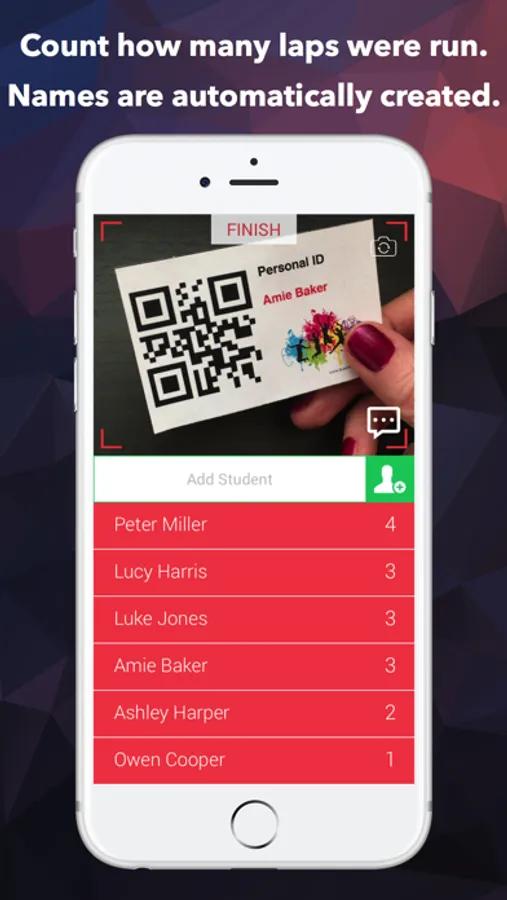
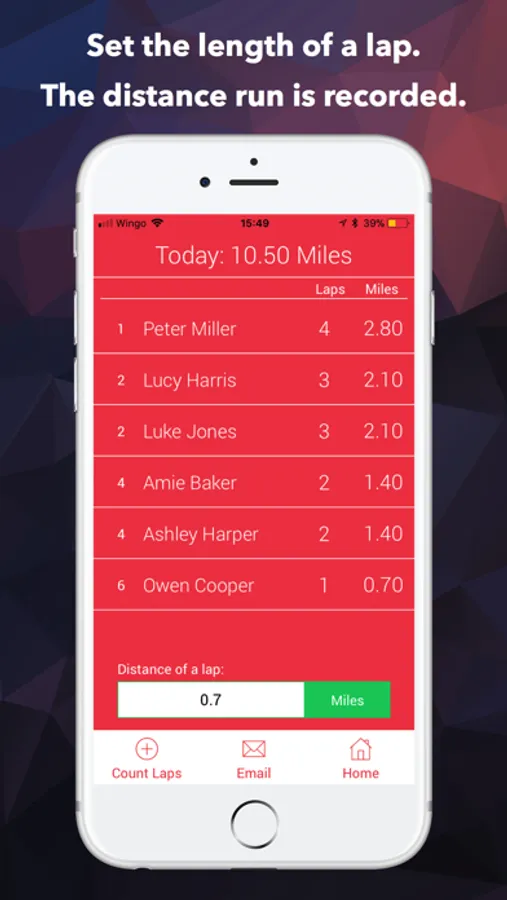
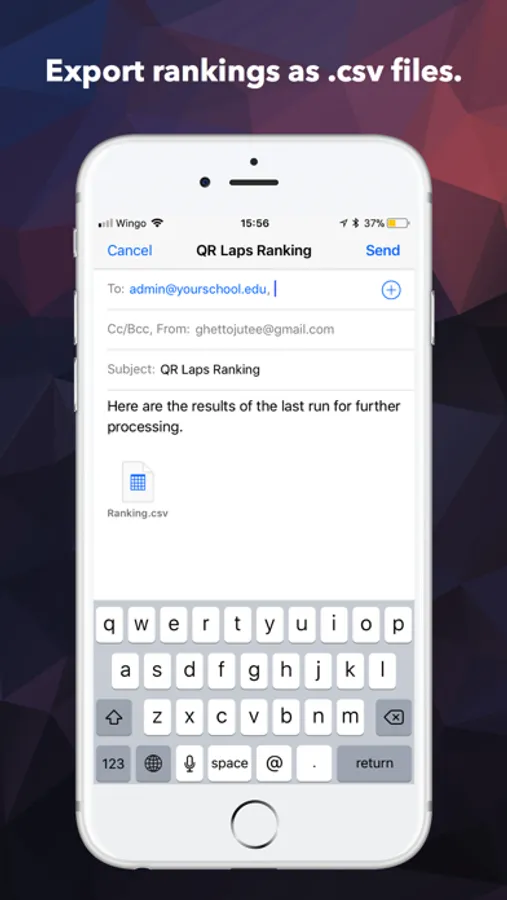
Everything happens without a single click and without entering a single name! The app counts how often a QR code is shown. The students have their QR code scanned after each round. Enter a lap length and the app automatically calculates the total distance run and creates a ranking list. This can be exported as a .csv file for further processing.
INFO
This app is based on the popular QR Counter and has been adapted to the wishes of sports teachers. The highlights are the automatic distance calculation, the prevention of cheating and the acoustic lap counter.
HIGHLIGHTS
→ NO CLICKS
→ NO TYPING OF NAMES
→ GET A RANKING
→ SAVE AUTOMATICALLY
Close the app and work on the same data the next day. All data is saved automatically.
→ EXPORT
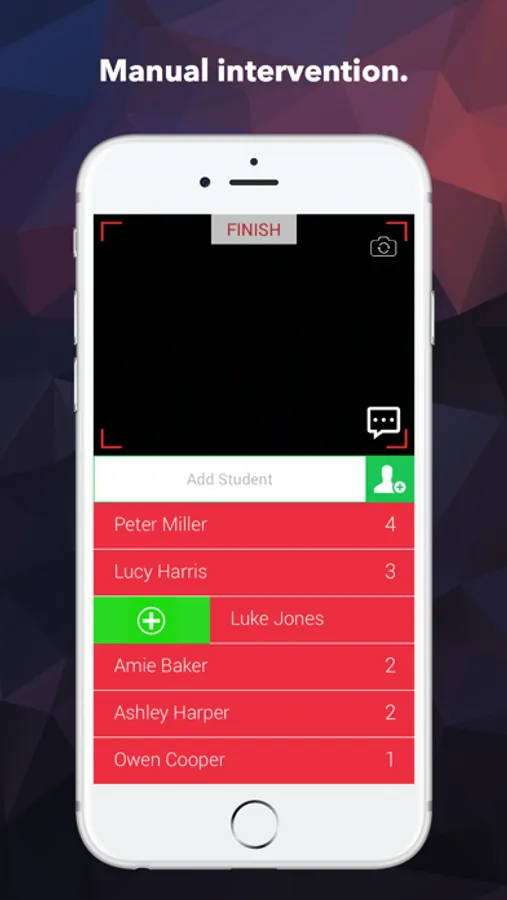
→ MANUAL INTERVENTION
Change the result by swiping right to add 1 point. Swipe left to remove 1 point. If there is a person without QR code, it is possible to manually add a counter.
→ SELECT THE UNIT OF MEASUREMENT
miles, yards, feets, kilometers
→ AUDIO FEEDBACK
The app calls the number of running laps after each scan.
→ CHANGE CAMERA
Choose between front or back camera.
→ NO CHEATING POSSIBLE
After each scan, the code is locked for 10 seconds.
→ MISSING QR CODE?
It's possible to add a counter manually. Just type in the name and click the add button.
Tip for maximum performance: Use any smartphone for up to 12 students. This avoids traffic jams.
→ CREATE MULTIPLE QR CODES ONLINE AT http://www.teaching-apps.com
Simply type in all names/items at once and get multiple QR codes in a PDF, which you can then print and save. It couldn’t be any easier! Each QR code is embedded in a student ID card in a credit-card size. These cards can be used for different apps and uses.
QR Laps Screenshots

Tap to Rate:
Reviews for QR Laps
Vancouver25
Needs longer delay to prevent cheating
Too bad…this app (and a custom Google sheet we created) had the potential to revolutionize the way we track laps in our PE classes. But the delay of 10 seconds is not long enough to prevent cheating with our setup. I like the developer’s philosophy of “keep it simple” but he doesn’t want to add an option for a longer timeout between scans…so we will (and our entire district) be using a much more complicated and costly solution. If you are a teacher that can stand right next to your device all period and police the scan then this might work. We need to be a little more interactive with our classes so being a scanner “police” doesn’t fit in with our teaching philosophy.
MD PE
Help!
I have loved this app, but today I accidentally hit delete on my running lap count for my students😭. Is there ANY way to recover my numbers?