In this astronomy app, users can control Sky-Watcher telescope mounts to slew, align, and track celestial objects using Wi-Fi or Bluetooth LE. Includes star catalog browsing, mount emulation, third-party app access, and support for polar alignment and camera control.
AppRecs review analysis
AppRecs rating 2.4. Trustworthiness 82 out of 100. Review manipulation risk 21 out of 100. Based on a review sample analyzed.
★★☆☆☆
2.4
AppRecs Rating
Ratings breakdown
5 star
25%
4 star
8%
3 star
13%
2 star
12%
1 star
42%
What to know
✓
Low review manipulation risk
21% review manipulation risk
⚠
Mixed user feedback
Average 2.6★ rating suggests room for improvement
⚠
High negative review ratio
54% of sampled ratings are 1–2 stars
About SynScan Pro
This is the Pro version of the SynScan app and contains features suited for expert users using equatorial mounts.
Features
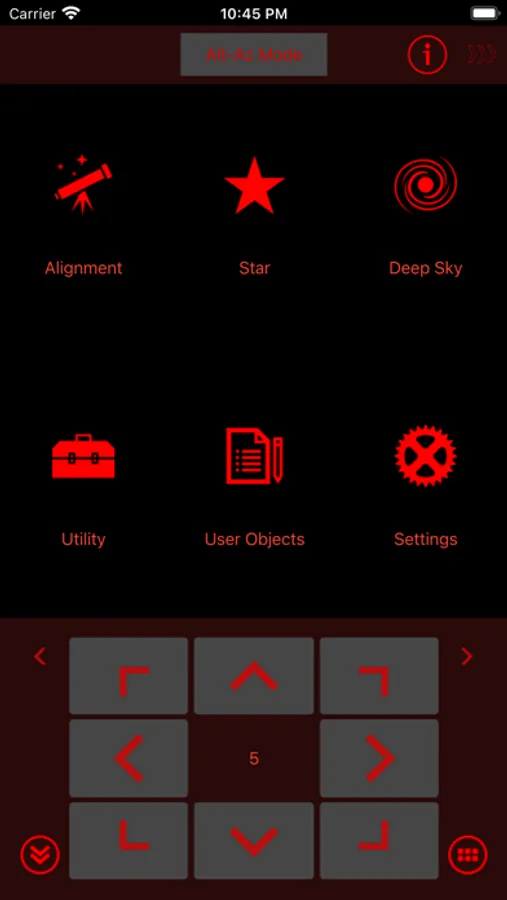
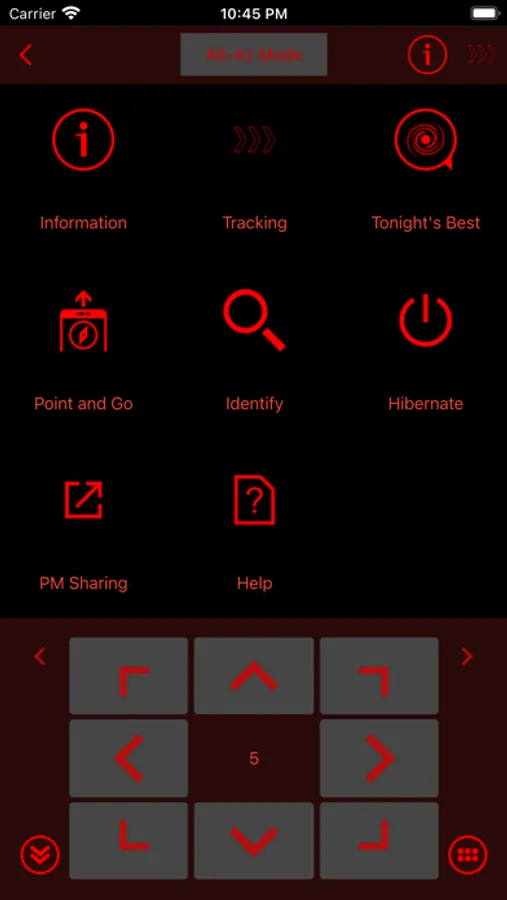
- Control telescope mount to slew, align, GOTO and track.
- Point And Track: track celestial objects (including the Sun and planets) without aligning.
- Support gamepad navigation.
- Browse a catalog of stars, comets, and deep sky objects. Or, save your own objects.
- Provide access to mount for use by third-party apps, including ASCOM clients, SkySafari, Luminos, Stellarium Mobile Plus, Stellarium Desktop or customer-developed apps. Also set up mount alignment for Luminos, Skysafari.
- Support access to the mount and the SynScan app from any platform that supports TCP/UDP connections.
- Provide emulator mount for testing and practicing.
- Track fast-moving earth satellites by working with the PreviSat app on Windows PC or the Lumios app on iOS devices.
- Perform polar alignment with or without a polar scope.
- Control shutter release (SNAP) port to trigger an attached camera. (Requires mount with SNAP port and adapter cable that matches camera.)
- Use ASCOM to perform autoguiding on mounts that do not have autoguider (ST-4) port.
- Other mount controls: auto home, PPEC, park.
SynScan Pro Screenshots
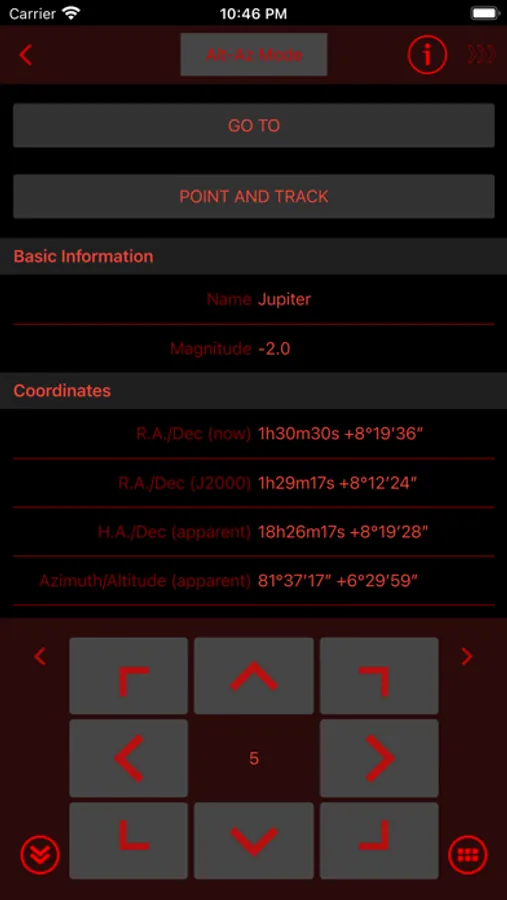
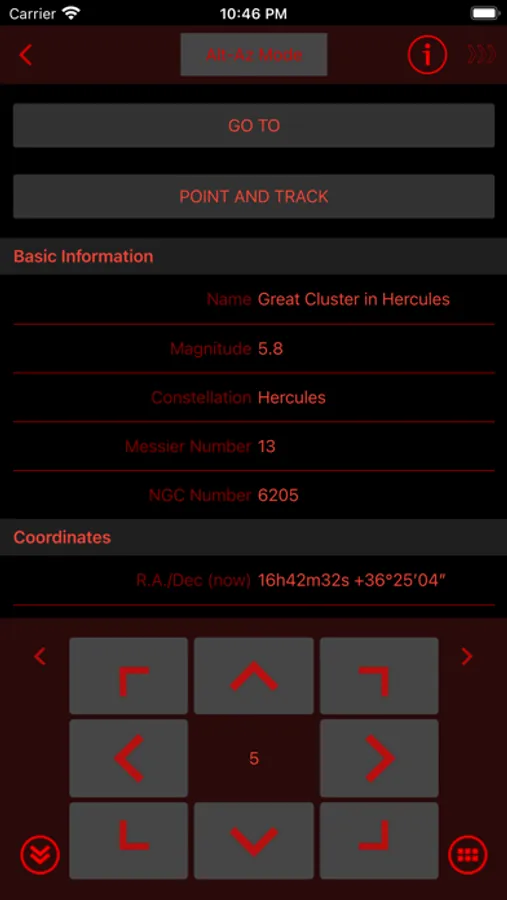
Tap to Rate:
Reviews for SynScan Pro
Eon,
Needs to be reinstalled every session
When it works it works fine, but for some reason if you try to use the app a second time after you finished a first session, it will just not work at all, you go to the star alignment and it will go to a completely wrong area and possible hurt your equipment by trying to make it go below the horizon. I’ve tried the reset alignment button and it just doesn’t do anything So if you got it to work once but not again, I would try to reinstall the app Also the design of the app is very weird, you’d imagine ‘polar scope’ (a critical piece of alignment) would be in alignment but it’s in : Utility, Advanced, Polar Scope ? And of course the aforementioned issue where it fails to completely reset alignment
ScienceControl
Stops tracking when disconnected
If the app loses connection mount stops tracking, this is in iOS 18.1. Not sure what’s happening but worked find in previous OS. When you reconnect the scope shows no tracking