
Arcadia High Mobile
Arcadia Unified School District
4.2 ★
58 ratings
Free
With this mobile app, you can access school news, community updates, and student bulletins, as well as save articles and customize your profile. Includes features for managing notifications, browsing articles, and adjusting app settings.
AppRecs review analysis
AppRecs rating 4.2. Trustworthiness 72 out of 100. Review manipulation risk 23 out of 100. Based on a review sample analyzed.
★★★★☆
4.2
AppRecs Rating
Ratings breakdown
5 star
74%
4 star
2%
3 star
7%
2 star
2%
1 star
16%
What to know
✓
Low review manipulation risk
23% review manipulation risk
✓
Credible reviews
72% trustworthiness score from analyzed reviews
✓
High user satisfaction
76% of sampled ratings are 4+ stars (4.2★ average)
About Arcadia High Mobile
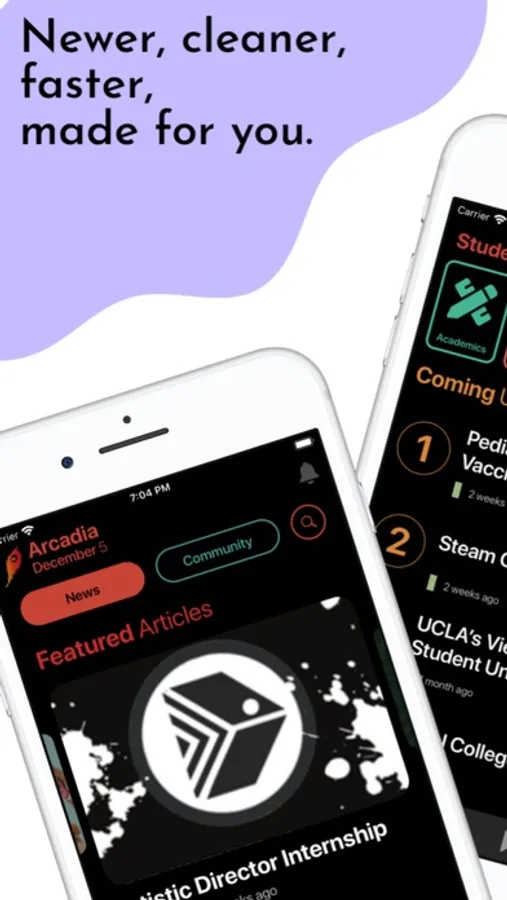
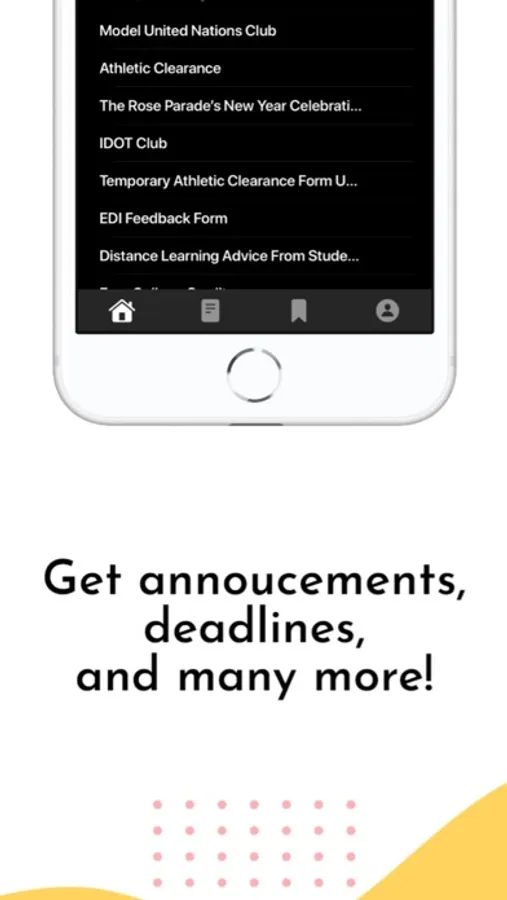
Home Page: Two sections—News (Featured, General, AUSD, and ASB) and Community (Counselor's Corner, Library Shelves, DCI, Arcadia Quill, Apache News, and Keepin' it Arcadia) are highlighted on this page. Full-length articles sourced from the Arcadia High School Website/Bulletin, AHS/AUSD Instagram feed, AHS/AUSD Facebook feed are conveniently collected here as well.
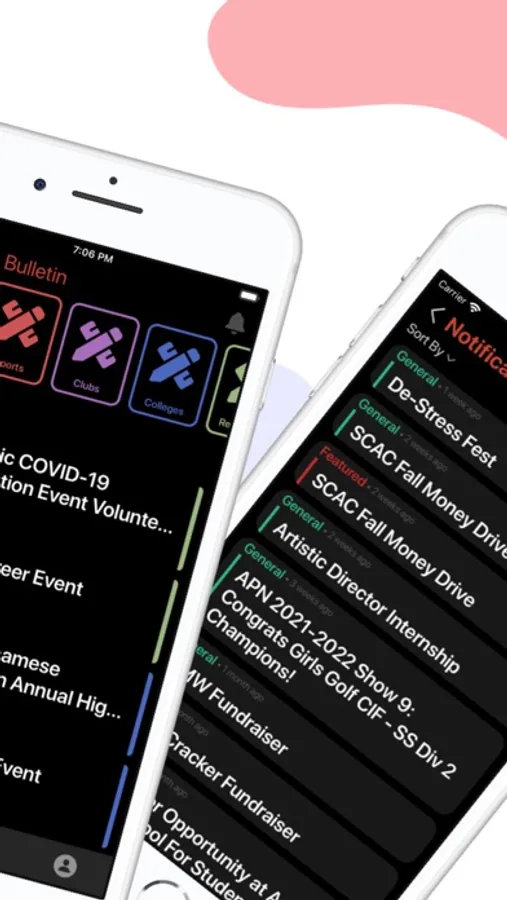
Student Bulletin: For more specific school-related updates, the bulletin covers five sections: Academics, Sports, Clubs, Colleges, and References. These sections have information regarding numerous topics such as Academic Team Tryouts, Sports Events, Club Informational Meetings, Scholarships, Important Resources, etc.
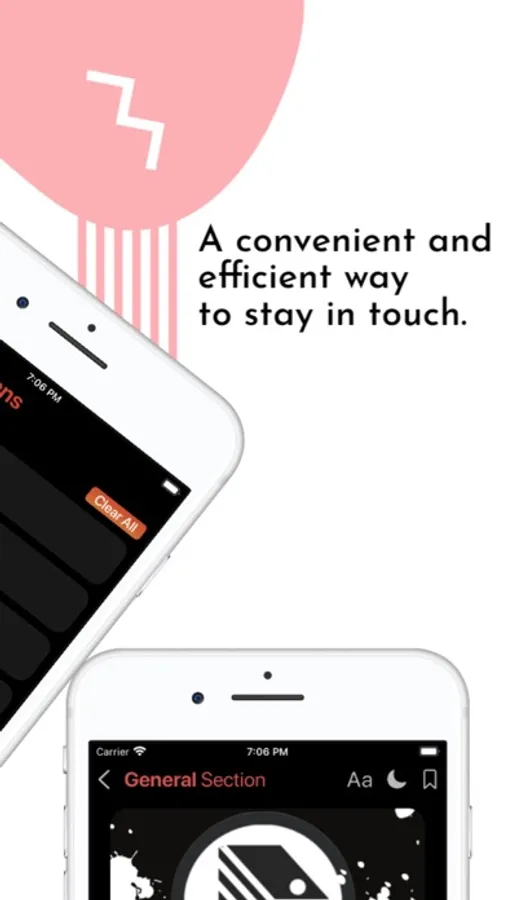
Saved Page: Once the user finds important articles to save, they are located on this page, where they can sort the news by Time, Title, and Author. A Clear All button on the top right will clear all saved articles.
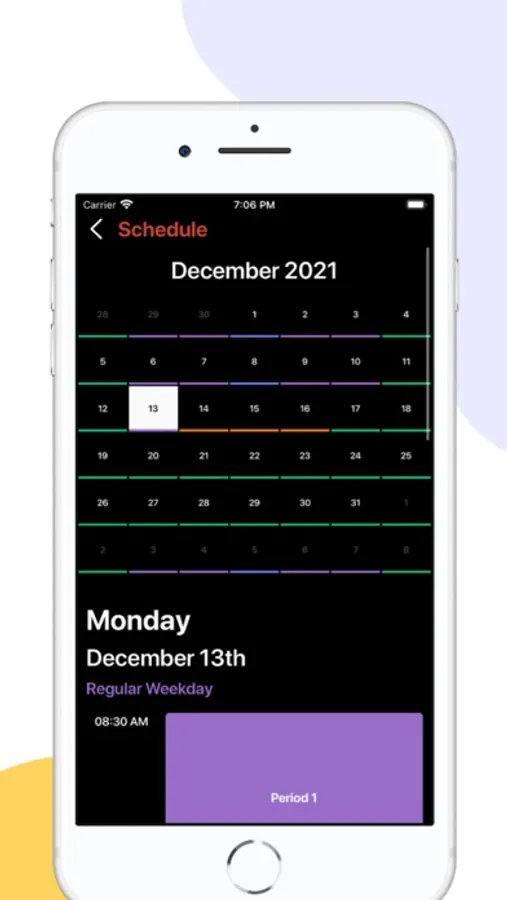
Your Profile: A page where the user can access settings to generate a more personalized experience. These settings include the Google Account Sign In, Schedule, and Options for Notifications. They can also find miscellaneous information like the About Us, Terms and Agreement, and App Version below.
Notifications Page: If the user misses any notifications, they can use this page to check those articles or check the articles of notifications they've already seen.
Student Bulletin: For more specific school-related updates, the bulletin covers five sections: Academics, Sports, Clubs, Colleges, and References. These sections have information regarding numerous topics such as Academic Team Tryouts, Sports Events, Club Informational Meetings, Scholarships, Important Resources, etc.
Saved Page: Once the user finds important articles to save, they are located on this page, where they can sort the news by Time, Title, and Author. A Clear All button on the top right will clear all saved articles.
Your Profile: A page where the user can access settings to generate a more personalized experience. These settings include the Google Account Sign In, Schedule, and Options for Notifications. They can also find miscellaneous information like the About Us, Terms and Agreement, and App Version below.
Notifications Page: If the user misses any notifications, they can use this page to check those articles or check the articles of notifications they've already seen.
Arcadia High Mobile Screenshots
Tap to Rate:
Reviews for Arcadia High Mobile
LupoPC
Ok
Jeff held forced me to download
donelijsupport
Foran
Excellent app, easy to use!