
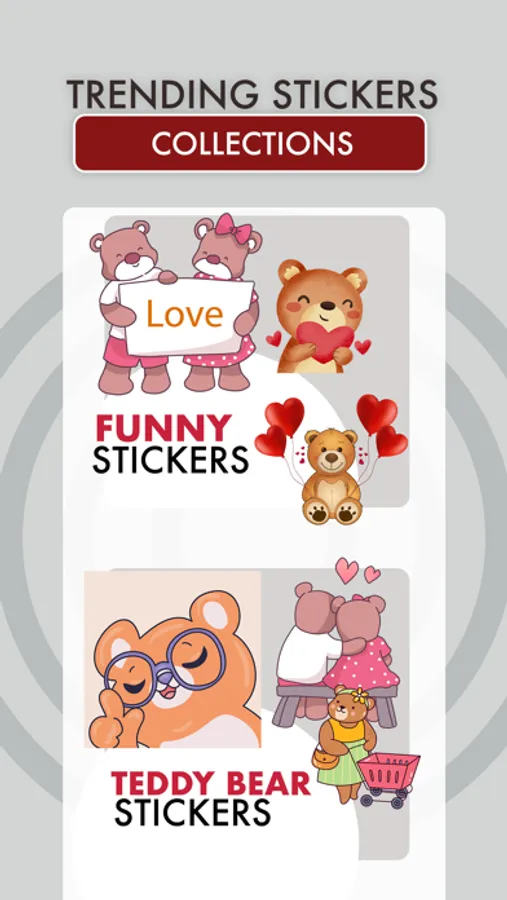
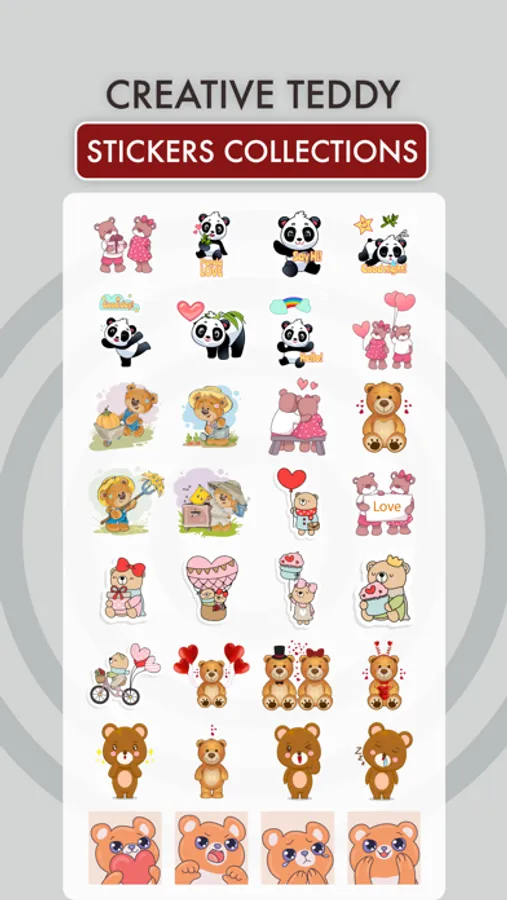
About Fun With Teddy Bear
Downloads Fun With Teddy Bear for iMessage
How to Use and Install:
- Open iMessage from your iPhone.
- Click on the Appstore icon.
- Tap the four oval icon on the lower left corner to open the app drawer.
- From there, tap the plus icon labelled 'Store' to access the Messages App Store.
- Click on manage store.
- Select the your's Stickers app .
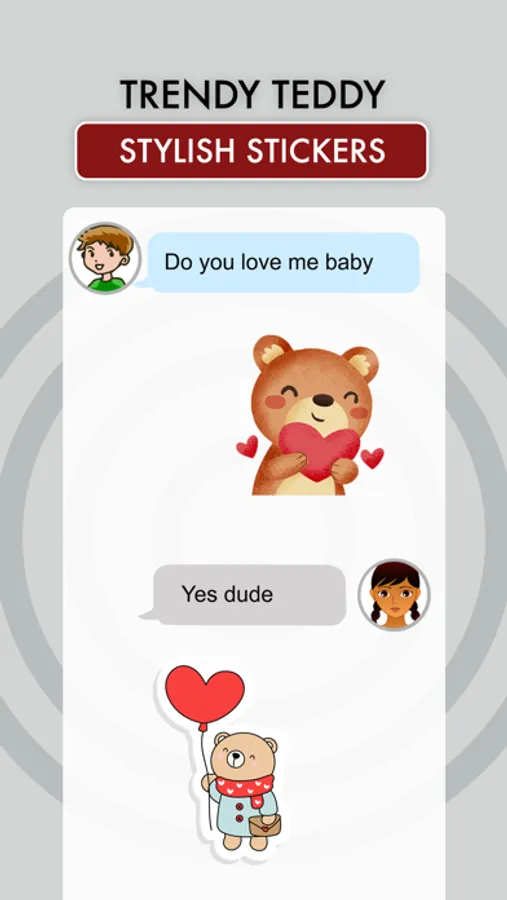
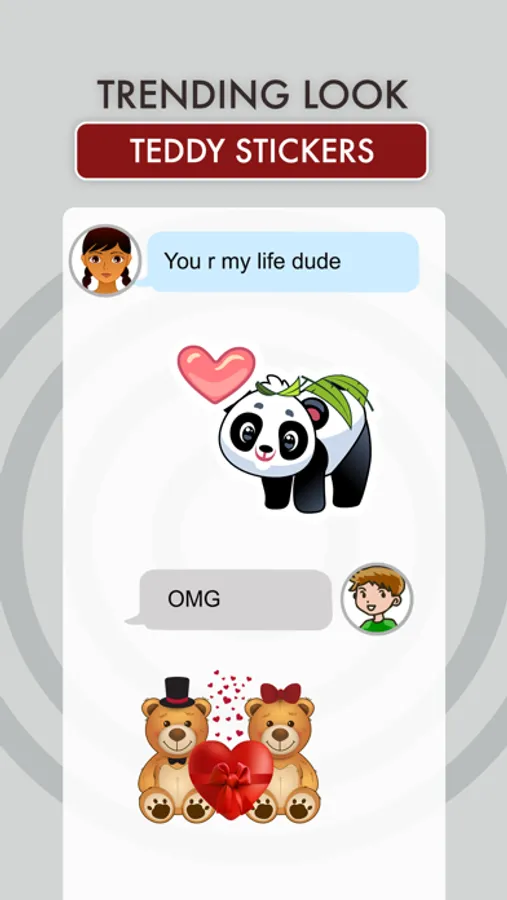
- Just with a single tap send stickers.
- Also simply long touch and peel off the stickers to add them with your texts!!
How to Use and Install:
- Open iMessage from your iPhone.
- Click on the Appstore icon.
- Tap the four oval icon on the lower left corner to open the app drawer.
- From there, tap the plus icon labelled 'Store' to access the Messages App Store.
- Click on manage store.
- Select the your's Stickers app .
- Just with a single tap send stickers.
- Also simply long touch and peel off the stickers to add them with your texts!!
Fun With Teddy Bear Screenshots

Tap to Rate: