In this service and installation app, you can connect and configure Symbio controllers using Bluetooth or Wi-Fi, view system status, and edit operational parameters. Includes remote access setup, firmware updates, diagnostics, and backup features.
AppRecs review analysis
AppRecs rating 1.8. Trustworthiness 69 out of 100. Review manipulation risk 26 out of 100. Based on a review sample analyzed.
★☆☆☆☆
1.8
AppRecs Rating
Ratings breakdown
5 star
19%
4 star
4%
3 star
2%
2 star
0%
1 star
75%
What to know
✓
Low review manipulation risk
26% review manipulation risk
⚠
Mixed user feedback
Average 1.9★ rating suggests room for improvement
⚠
High negative review ratio
75% of sampled ratings are 1–2 stars
About Symbio® Service & Installation
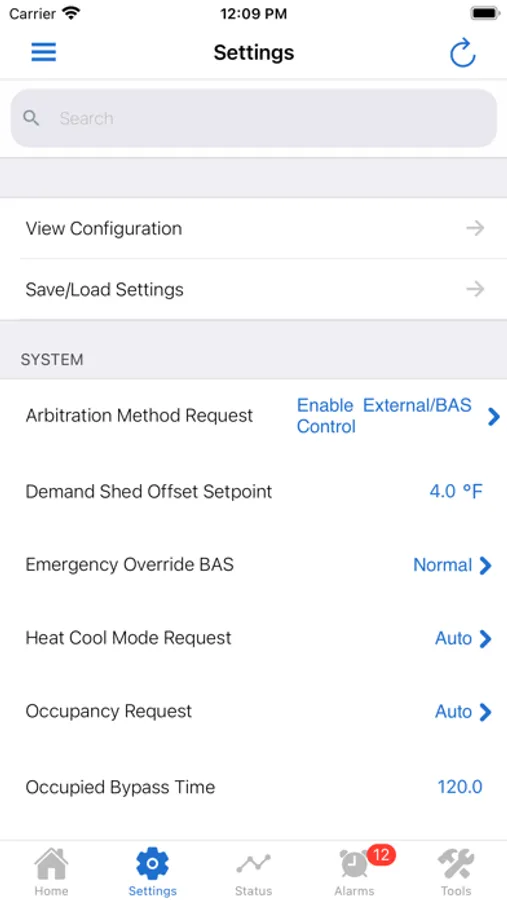
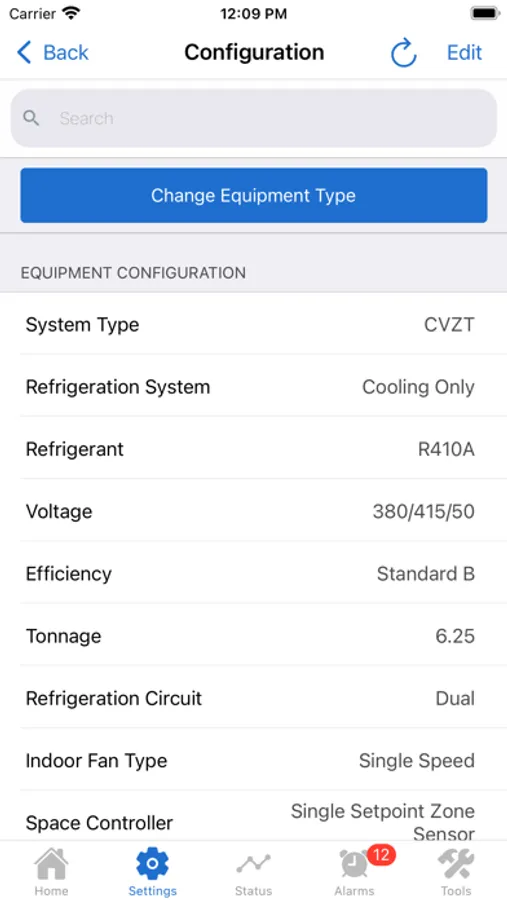
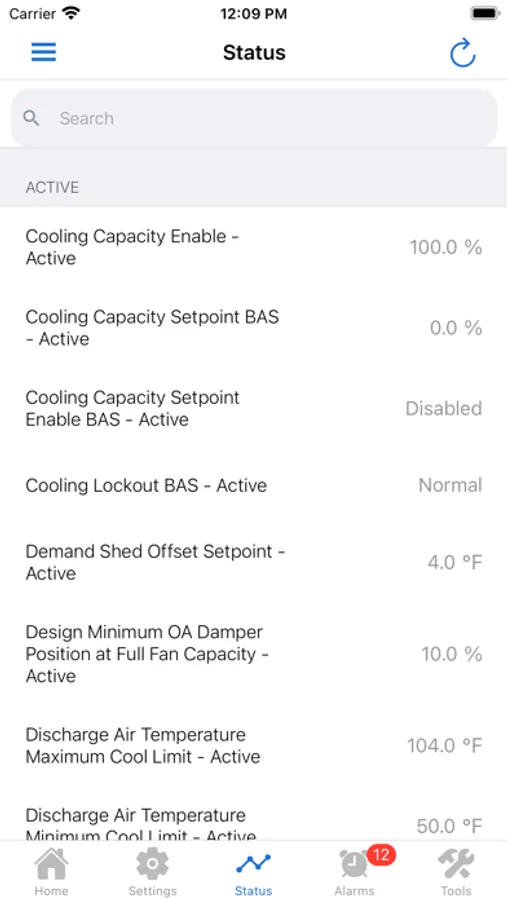
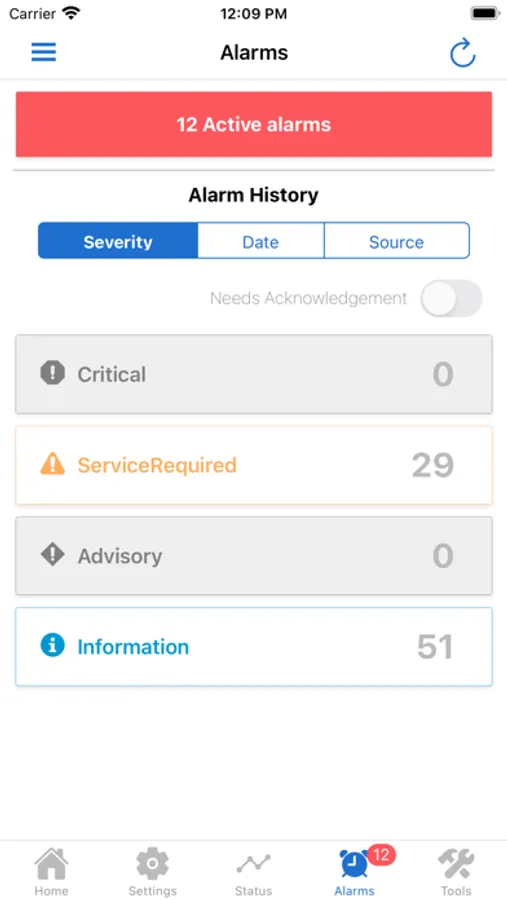
The Symbio® Service and Installation free app has all that you need to start up and service a Symbio 700 controller without a PC or other software service tool.
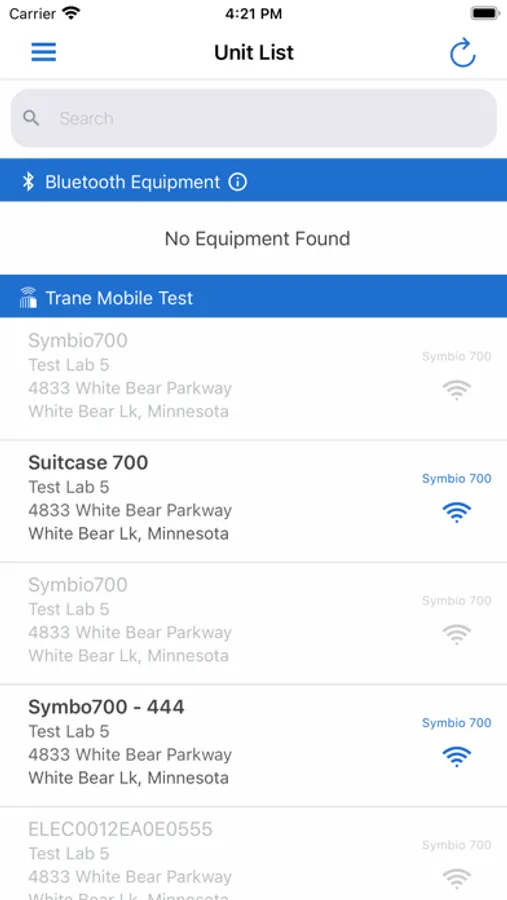
The app connects a Symbio 700 controller using Bluetooth BLE or Trane Connect Secure Remote Access when available.
The app also supports Symbio 800 chiller and IntelliPak controllers using Wi-Fi or Trane Connect Secure Remote Access to set up, monitor and service equipment.
Using the app, you can
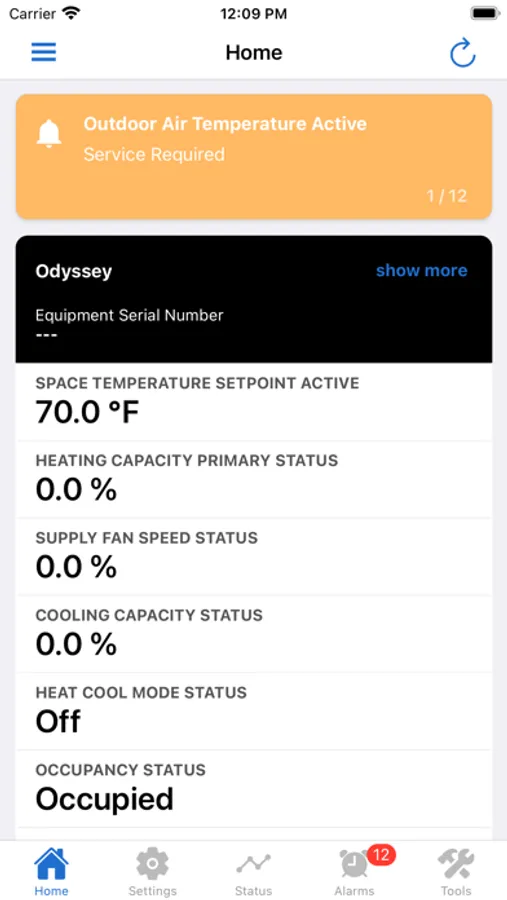
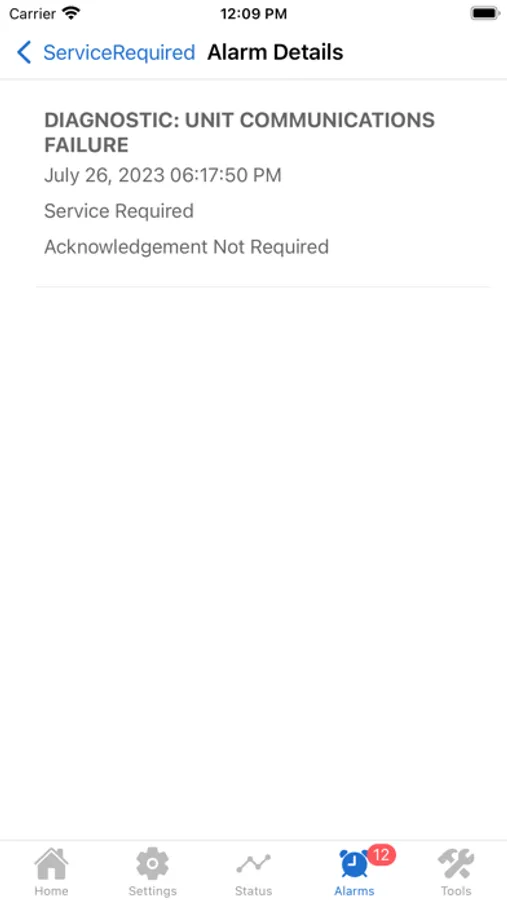
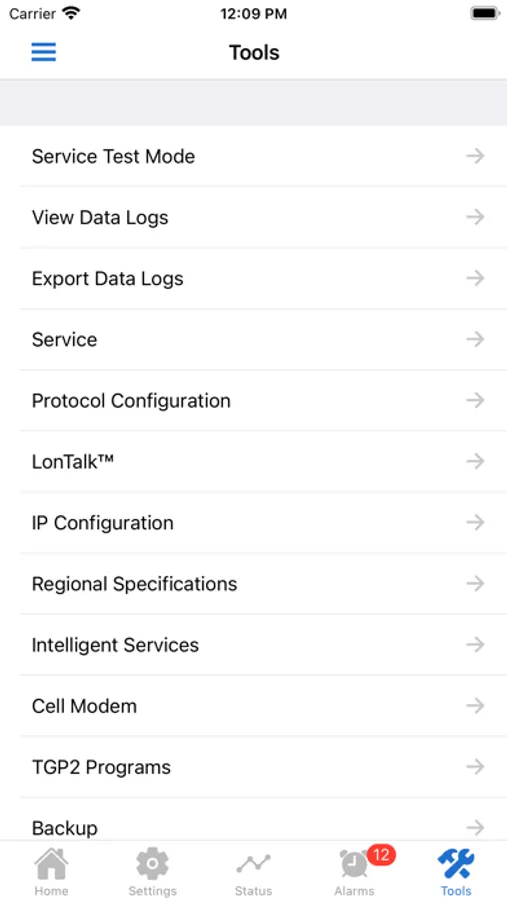
• View the equipment status, alarms, and diagnostics
• Configure the controller to match the installed equipment options (Symbio 700 only,)
• View and edit setpoints and other operational parameters,
• View and edit schedules,
• Configure the controller to communicate to a BAS or Trane Connect for remote access
• Back up and restore controllers
• Update firmware from a USB drive
• LLID binding and Manual Control Settings (Symbio 800 only)
• View data logs
• Initiate test modes (Symbio 700 only)
The app connects a Symbio 700 controller using Bluetooth BLE or Trane Connect Secure Remote Access when available.
The app also supports Symbio 800 chiller and IntelliPak controllers using Wi-Fi or Trane Connect Secure Remote Access to set up, monitor and service equipment.
Using the app, you can
• View the equipment status, alarms, and diagnostics
• Configure the controller to match the installed equipment options (Symbio 700 only,)
• View and edit setpoints and other operational parameters,
• View and edit schedules,
• Configure the controller to communicate to a BAS or Trane Connect for remote access
• Back up and restore controllers
• Update firmware from a USB drive
• LLID binding and Manual Control Settings (Symbio 800 only)
• View data logs
• Initiate test modes (Symbio 700 only)
Symbio® Service & Installation Screenshots
Tap to Rate:
Reviews for Symbio® Service & Installation
blt1971
Polarity
My iPhone app is not allowing it to open service or change polarity. iPhone Symbio app freezes.
Rayen1178
Service technician
After the latest information and or update this app is working properly. Thank you.