AppRecs review analysis
AppRecs rating 3.7. Trustworthiness 79 out of 100. Review manipulation risk 19 out of 100. Based on a review sample analyzed.
★★★☆☆
3.7
AppRecs Rating
Ratings breakdown
5 star
50%
4 star
14%
3 star
7%
2 star
14%
1 star
14%
What to know
✓
Low review manipulation risk
19% review manipulation risk
✓
Credible reviews
79% trustworthiness score from analyzed reviews
✓
Good user ratings
64% positive sampled reviews
About FlinkCounter
With this simple counting app you don't have to look on your device to make sure you hit a small +1 button, because in FlinkCounter the whole screen is the button.
Perfect also on the Apple Watch.
• Supports Apple Watch complications
Playing Golf?
Check out my "FlinkGolf - Scorecard" app which offers a counter for every hole.
Less is More:
- NO in-app purchases
- NO ads
- NO storing of any private data
- NO internet connection needed (100% offline)
- NO accounts/logins
Works on iPhone, iPad, iPod and Apple Watch.
FlinkCounter Screenshots
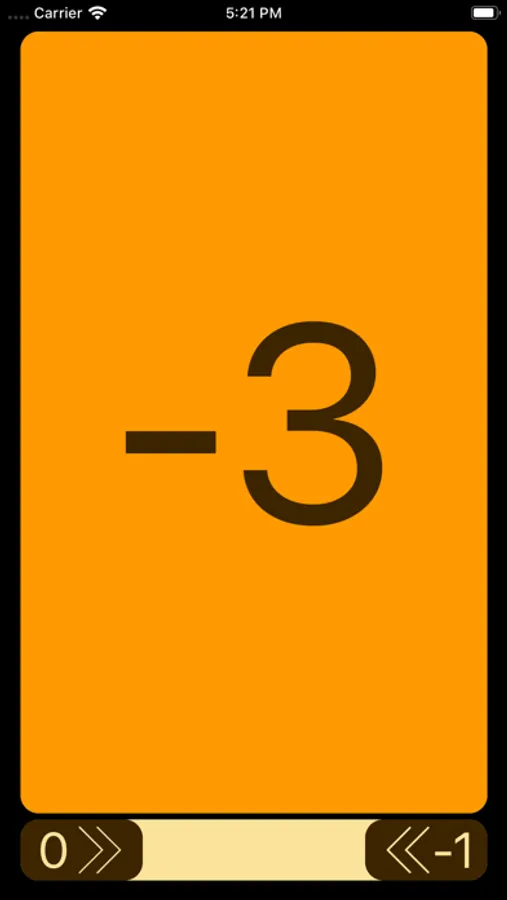
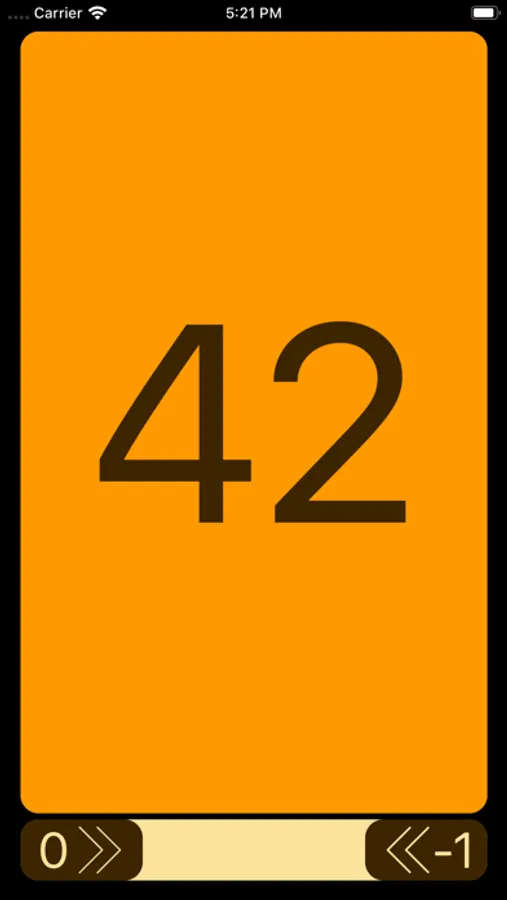
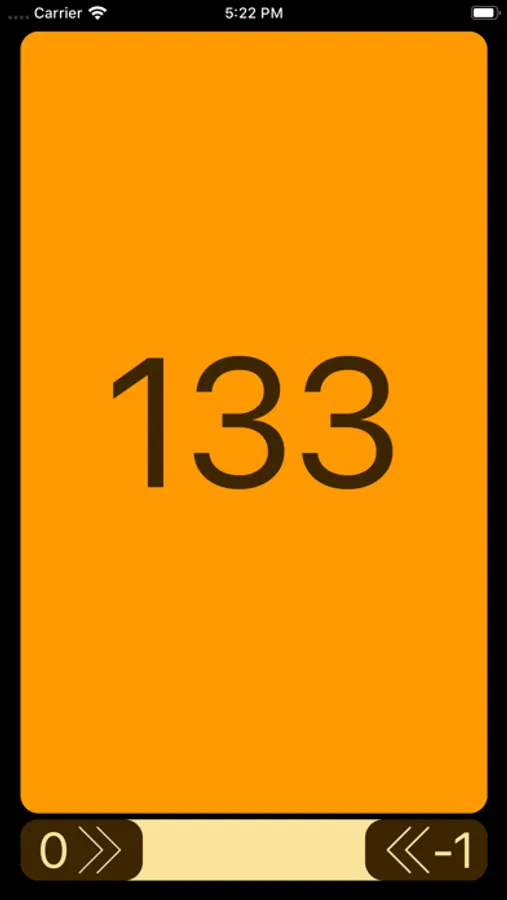
Tap to Rate:
Reviews for FlinkCounter
Anni222
Assinine
No way to figure out how to start counting again after you're done with a project. You can use it once. It's stuck at that number. No info, no way to reset and start over DON'T BOTHER.
Unsatisfied v2
I like it but reset button needs to be bigger
I count per hole and reset it after each so I use the reset button often. However, trying to hit the tiny, thin reset button while driving a golf cart and thinking about my next shot isn’t easy. I often miss hit the reset button and nothing happens. I also hate the reset confirmation alert that comes up. Please change it or give option to count each hole individually and not total. (Total count only makes me nervous because it gives too much room for error.)