Use this calculator app to perform voice-based calculations with a cute dinosaur theme and access calculation history. Includes features like arithmetic exercises, multiple difficulty levels, and no sign-in requirements.
AppRecs review analysis
AppRecs rating 4.2. Trustworthiness 63 out of 100. Review manipulation risk 27 out of 100. Based on a review sample analyzed.
★★★★☆
4.2
AppRecs Rating
Ratings breakdown
5 star
79%
4 star
7%
3 star
7%
2 star
0%
1 star
7%
What to know
✓
Low review manipulation risk
27% review manipulation risk
✓
High user satisfaction
79% of sampled ratings are 5 stars
About Dino Voice Calculator:MathTool
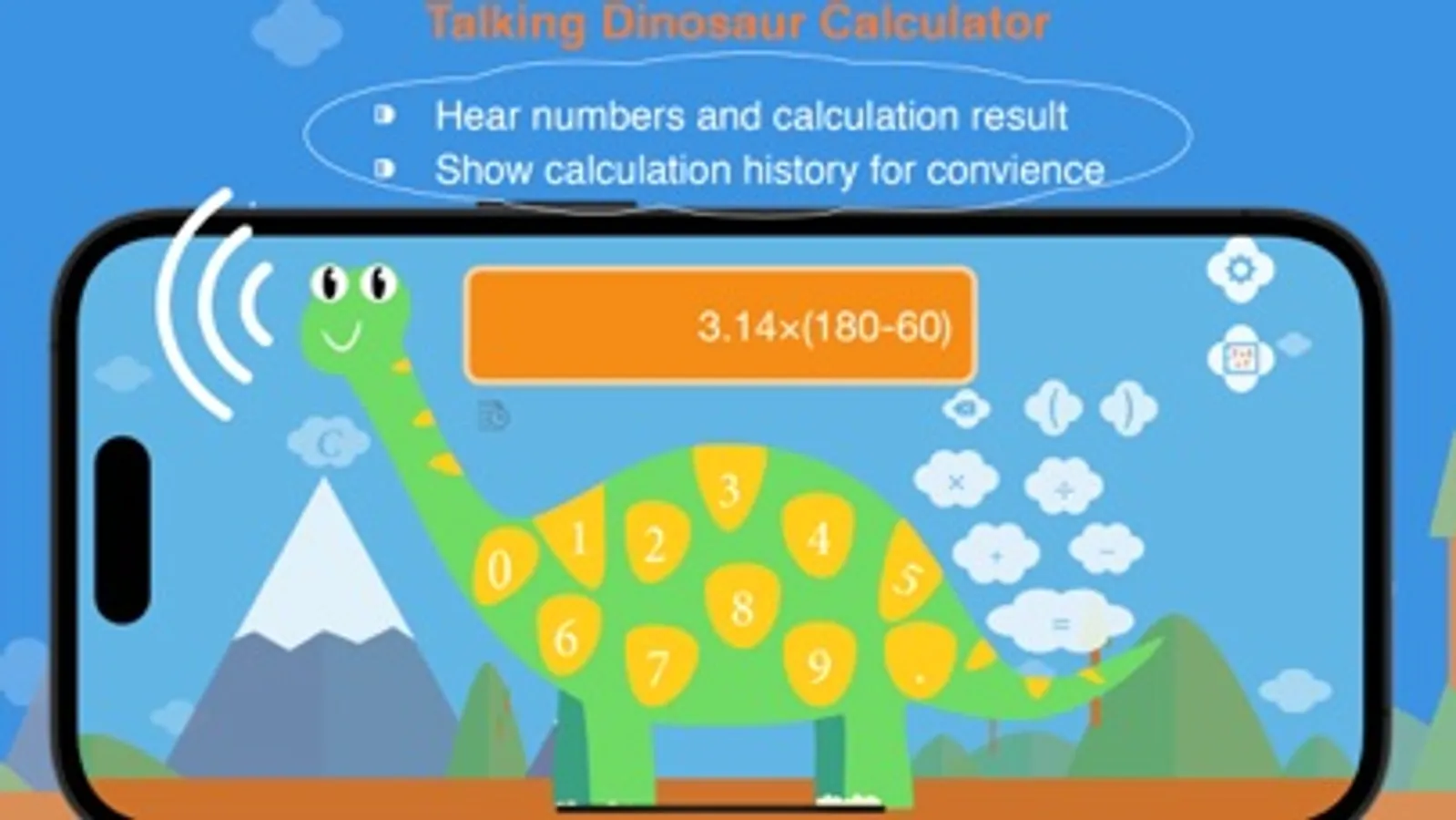
Unique Dinosaur Theme Design
- Break away from traditional calculator layouts with numbers cleverly distributed on dinosaur body spots, creating a novel and adorable visual experience.
Smart Voice Feedback System
- Automatic voice announcements when tapping numbers and symbols
- Voice output of calculation results without needing to look at screen
- System voice support with moderate speed and clear pronunciation
Convenient Calculation History Management
- Automatically saves the last 10 calculation records
- Long-press history records to copy results
- One-tap reuse of historical results for improved efficiency
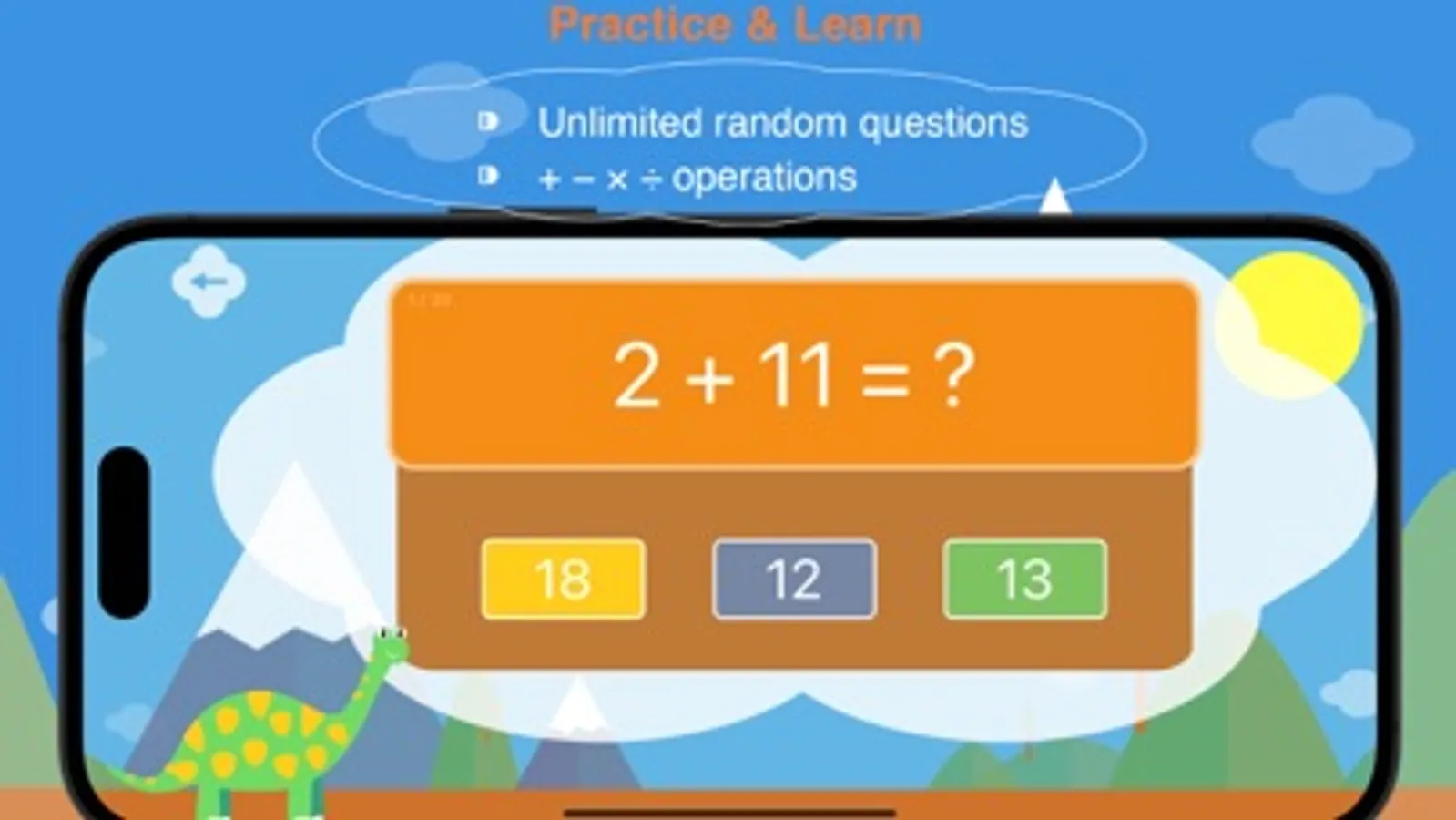
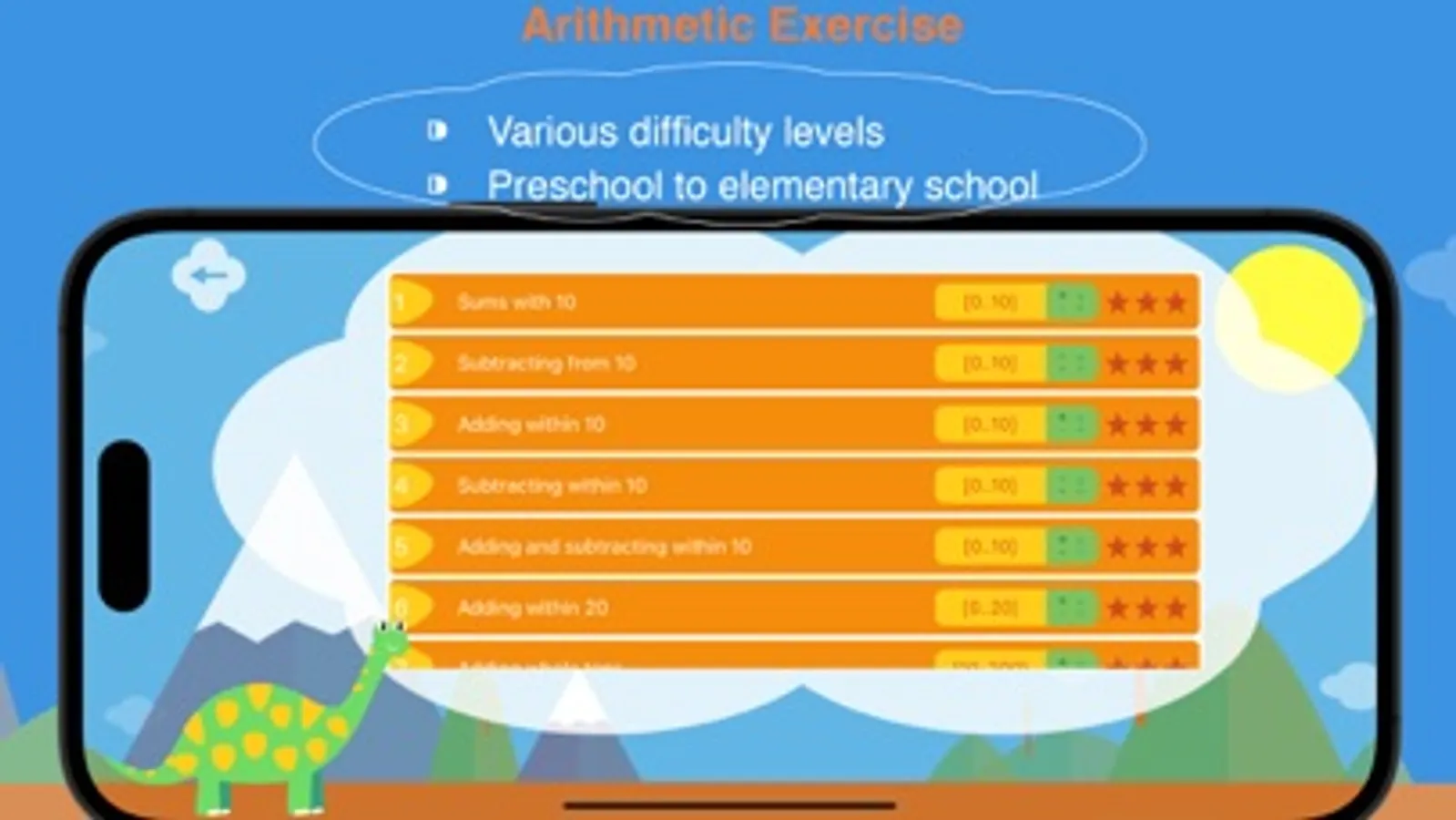
18 Difficulty-Graded Practice Levels
- Complete coverage from basic to advanced
- Basic Operations: Addition/subtraction sums to 10, within 10 operations
- Advanced Practice: Within 20, 50, 100, 1000 operations
- Multiplication Training: 1x1 to 5x5, 5x5 to 9x9 multiplication tables
- Comprehensive Operations: Multiplication/division within 81, whole tens multiplication, four operations within 1000
Privacy Protection
- No registration or login required
- No personal information collection
- Local data storage for security and reliability
Use Cases
- Math learning and practice
- Basic arithmetic exercises
- Home learning assistance
- Classroom teaching tool
- Break away from traditional calculator layouts with numbers cleverly distributed on dinosaur body spots, creating a novel and adorable visual experience.
Smart Voice Feedback System
- Automatic voice announcements when tapping numbers and symbols
- Voice output of calculation results without needing to look at screen
- System voice support with moderate speed and clear pronunciation
Convenient Calculation History Management
- Automatically saves the last 10 calculation records
- Long-press history records to copy results
- One-tap reuse of historical results for improved efficiency
18 Difficulty-Graded Practice Levels
- Complete coverage from basic to advanced
- Basic Operations: Addition/subtraction sums to 10, within 10 operations
- Advanced Practice: Within 20, 50, 100, 1000 operations
- Multiplication Training: 1x1 to 5x5, 5x5 to 9x9 multiplication tables
- Comprehensive Operations: Multiplication/division within 81, whole tens multiplication, four operations within 1000
Privacy Protection
- No registration or login required
- No personal information collection
- Local data storage for security and reliability
Use Cases
- Math learning and practice
- Basic arithmetic exercises
- Home learning assistance
- Classroom teaching tool
Dino Voice Calculator:MathTool Screenshots
Tap to Rate:
Reviews for Dino Voice Calculator:MathTool
Lemaster🤩
LOVE
Yay for the update lol lol I’m so glad I can help you too lol lol I don’t want to be able right to turn around you too ha lol 😝😜😅🤪😂😋😋😚😅😎🥹😎😊
The5thAether
Need unit’s commas
Overall it’s good but I’d really like it if you added the commas (or periods) to separate thousands so it’s easier for my child to see when he’s working on saying large numbers