
AppRecs review analysis
AppRecs rating 2.2. Trustworthiness 52 out of 100. Review manipulation risk 29 out of 100. Based on a review sample analyzed.
★★☆☆☆
2.2
AppRecs Rating
Ratings breakdown
5 star
30%
4 star
0%
3 star
0%
2 star
0%
1 star
70%
What to know
⚠
Mixed user feedback
Average 2.2★ rating suggests room for improvement
About Seetime Smart
“Seetime smart” APP is a new comprehensive smart home APP.it supports varieties of home automation devices. By using the APP, users control different traditional home appliance and lighting anytime and anywhere.
Function
1. Quick configuration, enjoy smart life
2. Support different devices,provide smart home experience of high quality.
3. Create personalized smart scenes, press one button to execute.
4. Works with Amazon Alexa, control device by voice.
5. Support smart linkage, realize interconnection for multi-devices.
6. Infrared remote control, support most infrared appliance in the market.
7. Abundant sensor data access
8. Cloud user analyze,deep learn user habits
9. Group control and multiple user control
10. Experiment with APP function before device connection
11. Local and remote control
12. Set timer and event remind
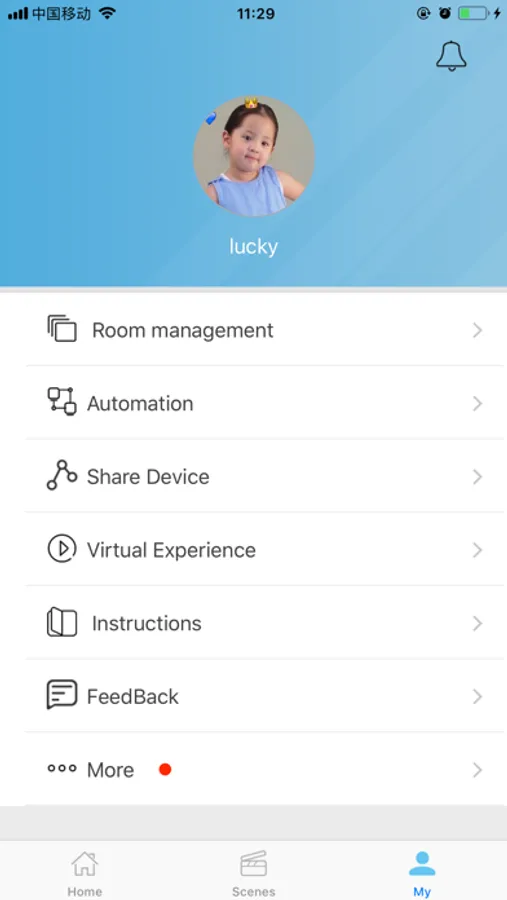
Seetime Smart Screenshots
Tap to Rate:
Reviews for Seetime Smart
timothy_kender
I wish there was ANYTHING better...
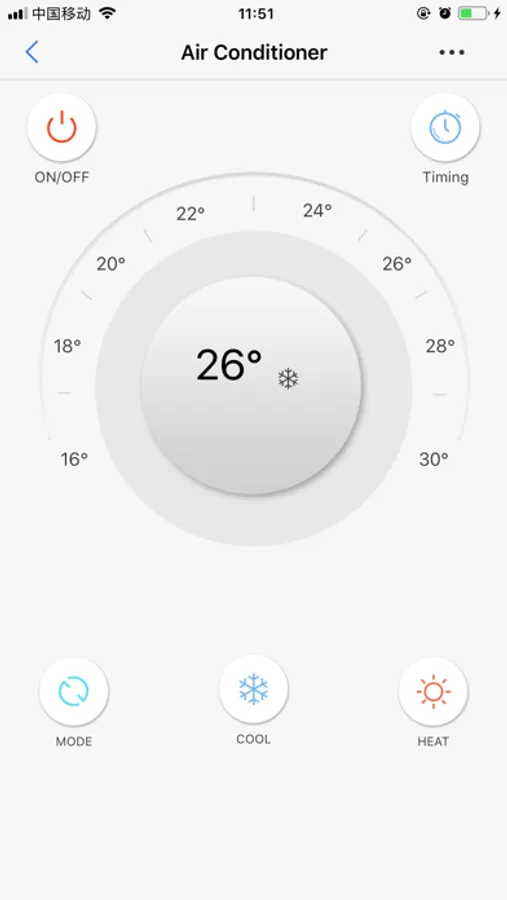
This controller’s software is poorly written because it is written in Chinese and then translated into Chinglish. It’s tricky to read what is intended. Their tech support is awful because they don’t read or understand English emails. My simple LG AC/HEAT has power on and off, temp up/down, MODE for heat/ac/fan, fan speed, and a timer button. Their application doesn’t have that kind of flexibility. It insists I set a temperature with a fan speed with a heat or ac setting, I just want to turn it on or off, or raise or lower a temperature. If only it could be so simple! Their support doesn’t understand how to make that happen. I wrote to explain that they can set up macro buttons whereby I assign a command to a macro button. It could be such a simple arrangement but they don’t even understand it. I asked for alternative software to control my unit, but they don’t know what I mean. I admit there is a DIY setting where one can try to press a button to train it for that, but the button training wants to link to a specified temperature. My AC/HEAT doesn’t have a set temperature command, just up or down. Why not let m have a button press for up or down? They can’t imagine an up or dow button. God bless the Chinese. Sigh.
DJ-Fono
Update changed the language
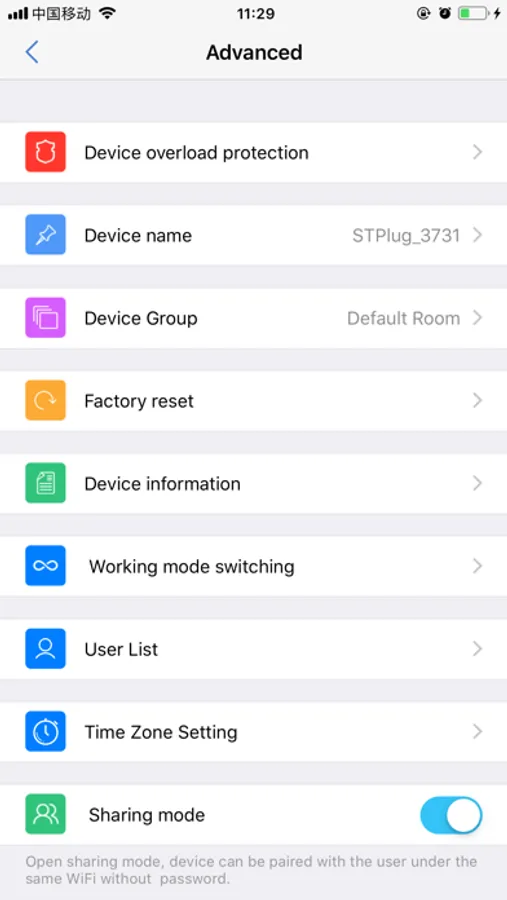
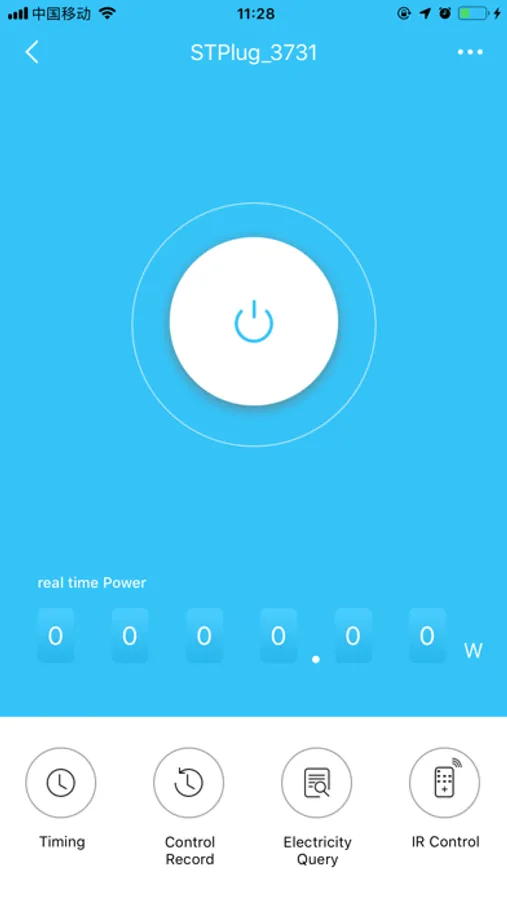
This app was good until the update changed the language and now I cannot use it or my smart plug.