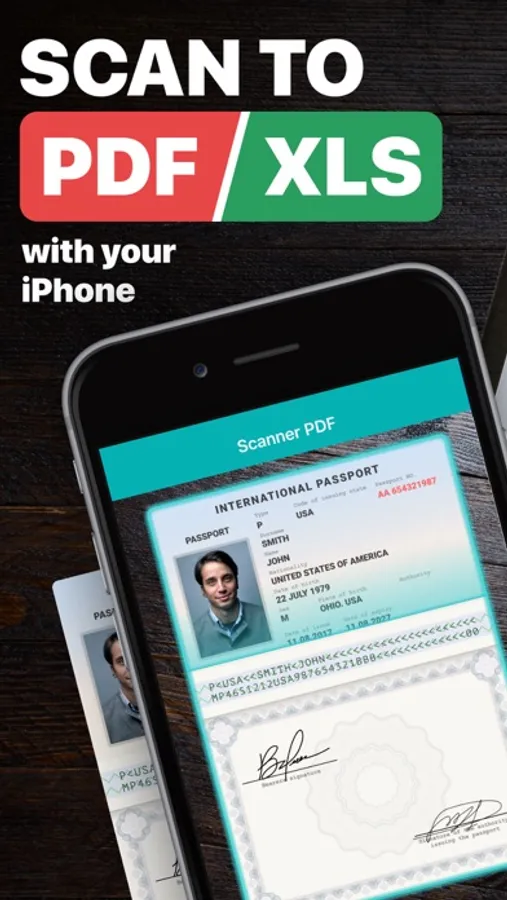
In this document scanning app, you can capture paper documents, convert them into high-quality PDFs or JPEGs, and share or export files easily. Includes OCR text recognition, e-signing, stamping, cloud backup, and faxing features.
AppRecs review analysis
AppRecs rating 3.9. Trustworthiness 77 out of 100. Review manipulation risk 34 out of 100. Based on a review sample analyzed.
★★★☆☆
3.9
AppRecs Rating
Ratings breakdown
5 star
81%
4 star
8%
3 star
4%
2 star
2%
1 star
5%
What to know
✓
Credible reviews
77% trustworthiness score from analyzed reviews
⚠
Ad complaints
Many low ratings mention excessive ads
⚠
Pricing complaints
Many low ratings mention paywalls or pricing
About Scanner PDF – scan document
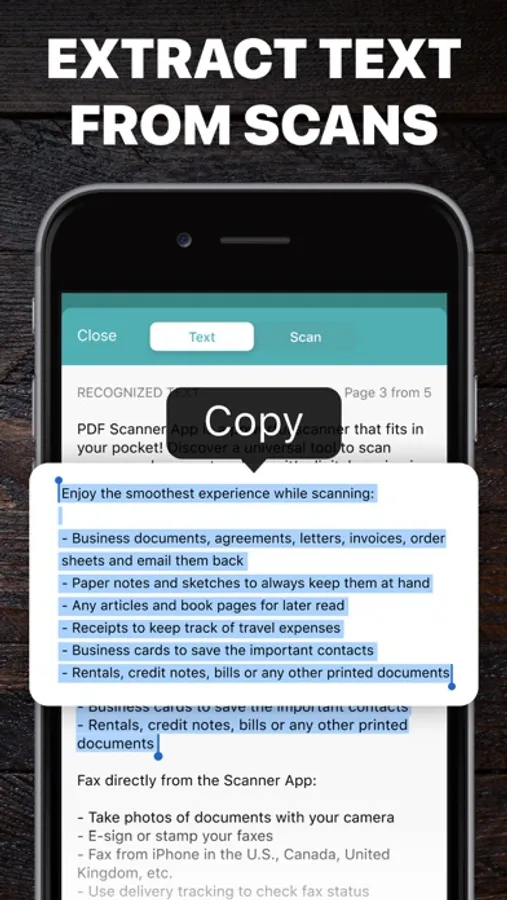
Enjoy the smoothest experience while scanning:
- Business documents, agreements, letters, invoices, order sheets and email them back
- Paper notes and sketches to always keep them at hand
- Any articles and book pages for later read
- Receipts to keep track of travel expenses
- Business cards to save the important contacts
- Rentals, credit notes, bills or any other printed documents
Recognize text on your scans with OCR:
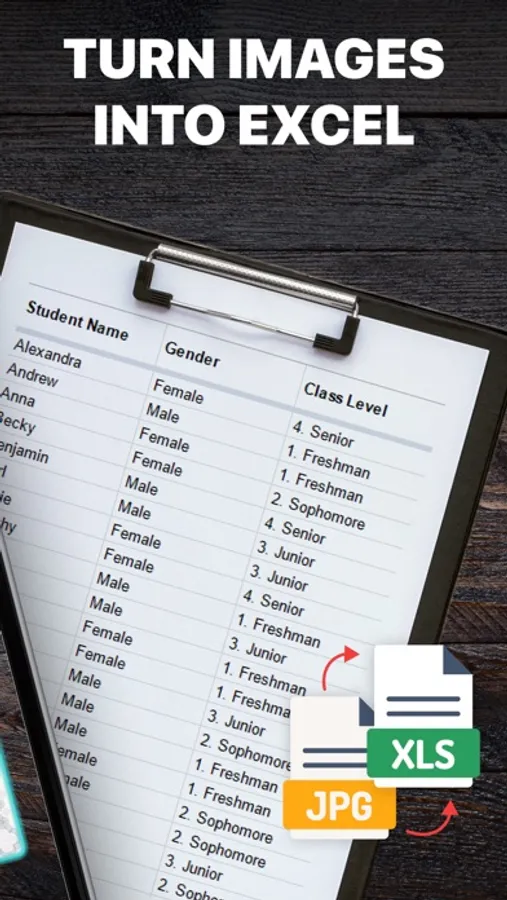
- Extract and edit text from books, bills, scans, etc.
- Printed and handwritten text will be automatically recognized
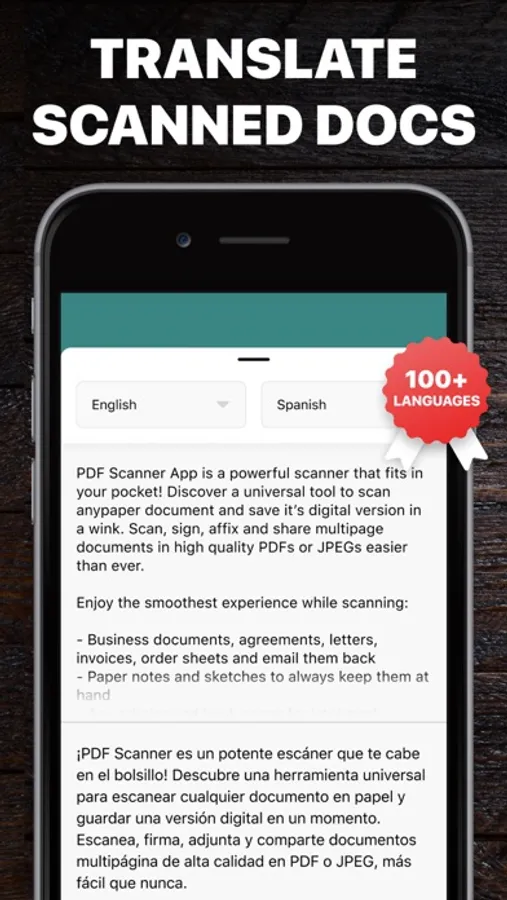
- Translate recognized text into 100+ languages
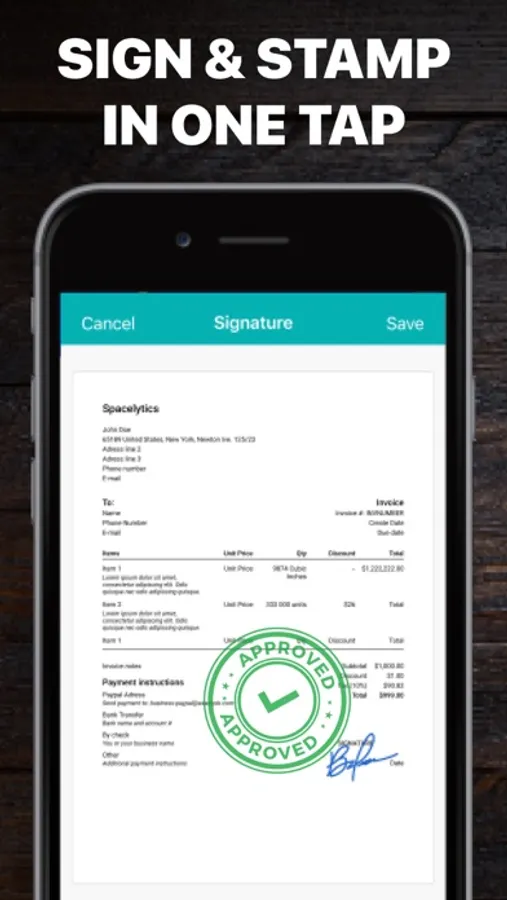
E-sign and stamp documents right on your device:
- Put one or several signatures and stamps into the app
- Add them to any scanned pages in a tap
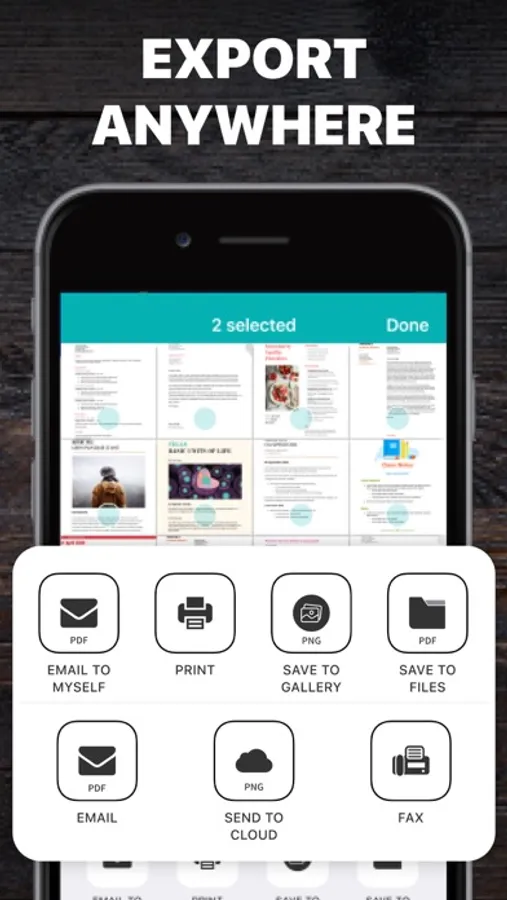
Share your scans via:
- Email or message documents as PDF, JPEG, or PNG, or save to Photos
- Export to Dropbox, Evernote, Google Drive or open in any 3rd party application
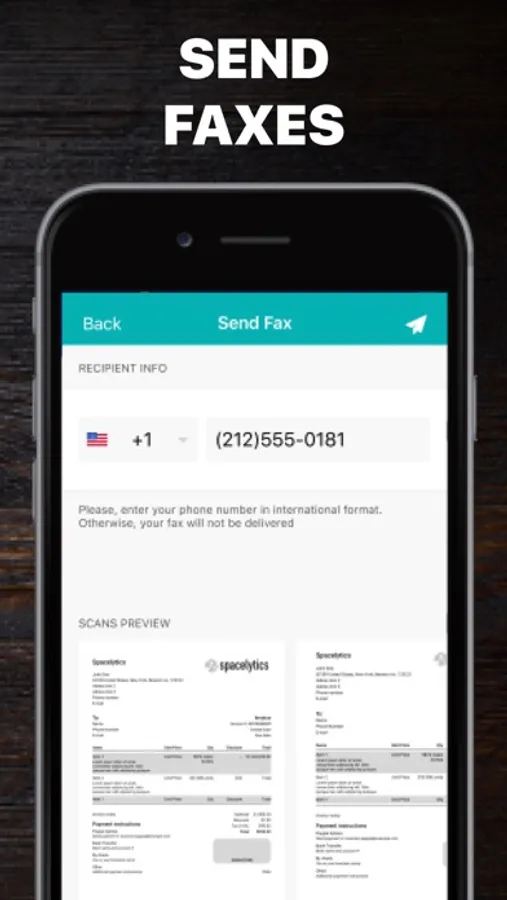
Fax directly from the Scanner App:
- Take photos of documents with your camera
- E-sign or stamp your faxes
- Fax from iPhone in the U.S., Canada, United Kingdom, etc.
- Use delivery tracking to check fax status
Have all your files within Cloud Storage:
- All your Scanner App files in Cloud Storage are backed up safely so you don’t lose them
Keep all the important docs at your fingertips and beat back the paper clutter easy breezy!
We offer a great feature for our users called Business Pack! Now you can use one subscription to access both “Scanner PDF – Scan Documents”, "Call Recorder for Me", "Second Phone Number for Me" and "Invoice Maker app" apps simultaneously. Our “Second Phone Number for Me” app gives users the ability to have one more number without an additional sim card. One phone, two numbers! "Call Recorder" helps you to record phone calls. "Invoice Maker app" is an amazing tool for invoice creating. Great for small business!
Business Pack subscription gives access to "Scanner PDF - Scan Documents", "Call Recorder for Me", "Second Phone Number for Me" and "Invoice Maker app" apps simultaneously. Basic premium subscription gives access to "Scanner PDF - Scan Documents" app only.
Choose from different subscription options!
Business Pack subscriptions:
- 1 Week Business Pack
- 1 Month Business Pack
- 6 Months Business Pack
- 1 Year Business Pack
Basic premium Scanner subscriptions:
- 1 Month Subscription
- 6 Months Subscription
- 1 Year Subscription
* Subscription with a free trial period will automatically renew to a paid subscription.
* Please note: any unused portion of a free trial period (if offered) will be forfeited when you purchase a premium subscription during the free trial period.
* You can cancel a free trial or subscription anytime by canceling your subscription through your iTunes account settings. This must be done 24 hours before the end of a free trial or subscription period to avoid being charged. The cancellation will take effect the day after the last day of the current subscription period, and you will be downgraded to the free service.
Help
Additional Subscription Information
– Payment will be charged to your iTunes Account at confirmation of purchase
– Your subscription will automatically renew unless auto-renew is turned off at least 24-hours before the end of the current period
– Your account will be charged for renewal within 24-hours prior to the end of the current period and the cost will be identified.
– Subscriptions may be managed by the user and auto-renewal may be turned off by going to the user’s Account Settings after purchase
Privacy Policy: https://neosus.net/privacy-policy-page/
Terms of Use: https://neosus.net/terms-of-use/
Scanner PDF – scan document Screenshots
Tap to Rate:
Reviews for Scanner PDF – scan document
d1ng01969
Paid version ripped me off
I found out the hard way that there were other options for subscribing to their service, and not just the $4.99/week version. Sadly, I was supposed to have access to three other apps under this subscription, that I would have used, and maybe it would have been worth it. But the app developers do a terrible job trying to hide the subscription, and unfortunately also hide the benefits. I canceled because I didn’t know.
Kevm12
Scanner
Good tool, but for the subscription price + all the pop ups and ads I get while trying to scan, may look elsewhere next time