AppRecs review analysis
AppRecs rating 3.9. Trustworthiness 75 out of 100. Review manipulation risk 23 out of 100. Based on a review sample analyzed.
★★★☆☆
3.9
AppRecs Rating
Ratings breakdown
5 star
73%
4 star
0%
3 star
0%
2 star
0%
1 star
27%
What to know
✓
Low review manipulation risk
23% review manipulation risk
✓
Credible reviews
75% trustworthiness score from analyzed reviews
✓
Good user ratings
73% positive sampled reviews
About Lincoln+Alexa
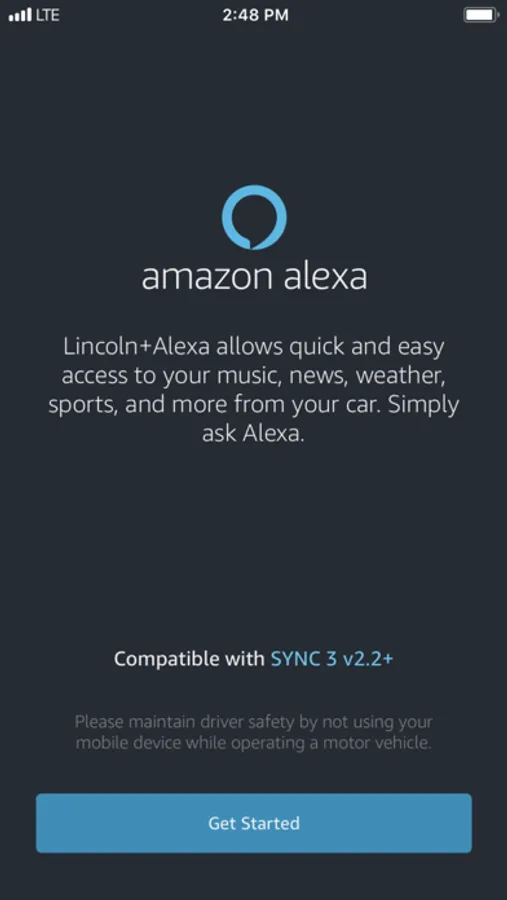
Bring Lincoln+Alexa with You on the Road: Access to Alexa in your Lincoln is now as easy as connecting your phone, starting the Lincoln+Alexa app and speaking to Alexa. Even with road noise, Alexa listens and provides you with the same information and access to Skills and features as you can get with an Echo in your home. Alexa’s familiar voice and responses then play through your vehicle’s speakers. You can access thousands of Alexa skills and services that Echo customers already enjoy. Pump yourself up on the way to the gym by saying, “Alexa, play my workout playlist.” Continue the book you were listening to, even during your commute to work. Check whether you have dinner plans on the drive home by asking, “Alexa, what’s on my calendar tonight?”
• Alexa Capabilities: You will have access to most the same capabilities as you do from home, including controlling your smart home devices, ordering pizza, checking the weather, getting your favorites sports teams scores, checking and updating your schedule and more.
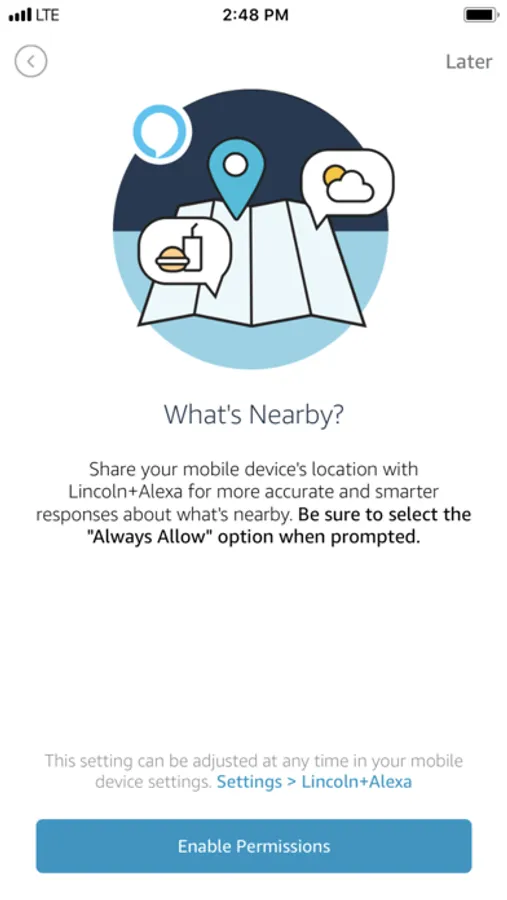
• Navigation: You can ask Alexa for a point of interest (POI) and ask Alexa to navigate to the POI. Alexa will hand off the POI to the onboard navigation when equipped or to your phone to provide you with turn by turn directions.
• Entertainment: Using Amazon Music, TuneIn, and iHeartRadio you will be able use Alexa to play music (skip, fast forward, rewind, play, and pause) and even make song purchases. The vehicle’s display will show artist, song, and album art information.
SYNC 3 Software Version 2.2 or higher is required. You can check the Software Version on the SYNC 3 touchscreen by pressing: Settings > General > About SYNC. The top line will show the current Software Version (SYNC 3, Software Version: X.X). Customers can upgrade to the current Software Version using automatic home Wi-Fi updates* or a USB download from owner.lincoln.com.
*Wi-Fi updates may not be available for SYNC 3 versions not equipped with navigation.
• Alexa Capabilities: You will have access to most the same capabilities as you do from home, including controlling your smart home devices, ordering pizza, checking the weather, getting your favorites sports teams scores, checking and updating your schedule and more.
• Navigation: You can ask Alexa for a point of interest (POI) and ask Alexa to navigate to the POI. Alexa will hand off the POI to the onboard navigation when equipped or to your phone to provide you with turn by turn directions.
• Entertainment: Using Amazon Music, TuneIn, and iHeartRadio you will be able use Alexa to play music (skip, fast forward, rewind, play, and pause) and even make song purchases. The vehicle’s display will show artist, song, and album art information.
SYNC 3 Software Version 2.2 or higher is required. You can check the Software Version on the SYNC 3 touchscreen by pressing: Settings > General > About SYNC. The top line will show the current Software Version (SYNC 3, Software Version: X.X). Customers can upgrade to the current Software Version using automatic home Wi-Fi updates* or a USB download from owner.lincoln.com.
*Wi-Fi updates may not be available for SYNC 3 versions not equipped with navigation.
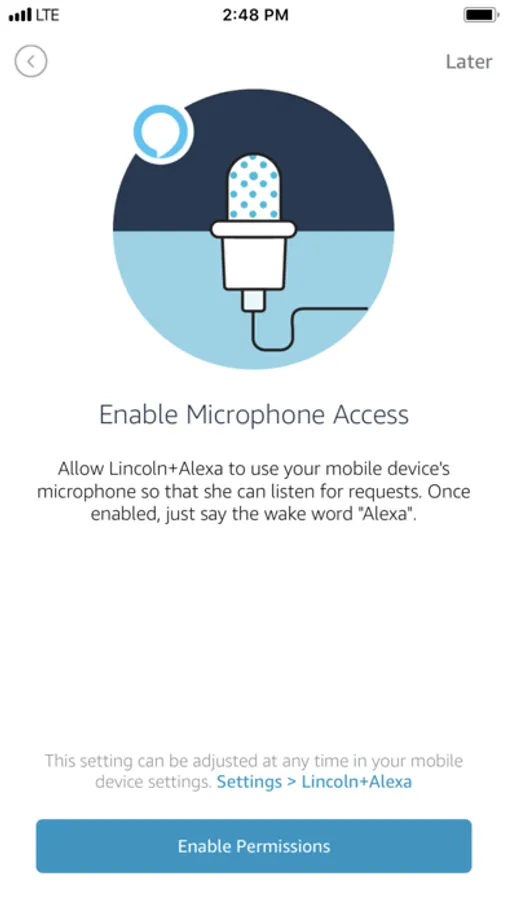
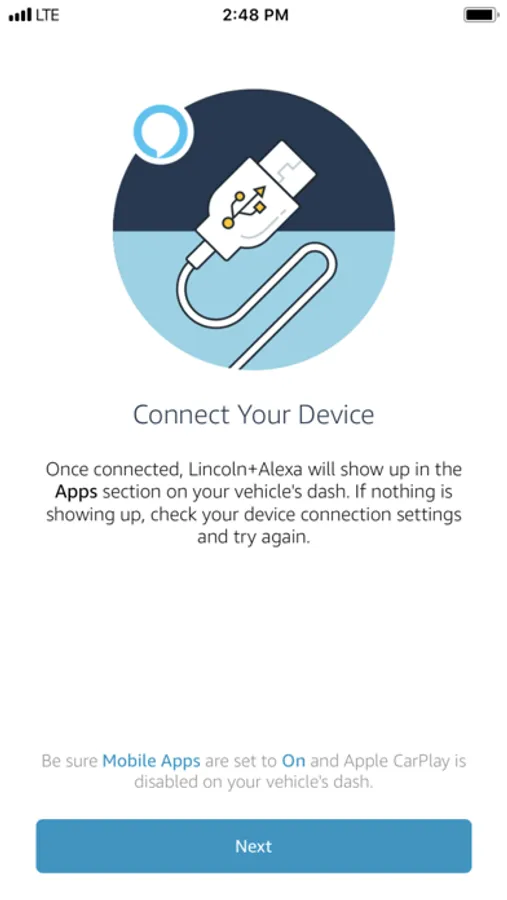
Lincoln+Alexa Screenshots
Tap to Rate:
Reviews for Lincoln+Alexa
Poorscratcher
Cool app
Nice app
Sanghvi5m
Lincoln Alexa
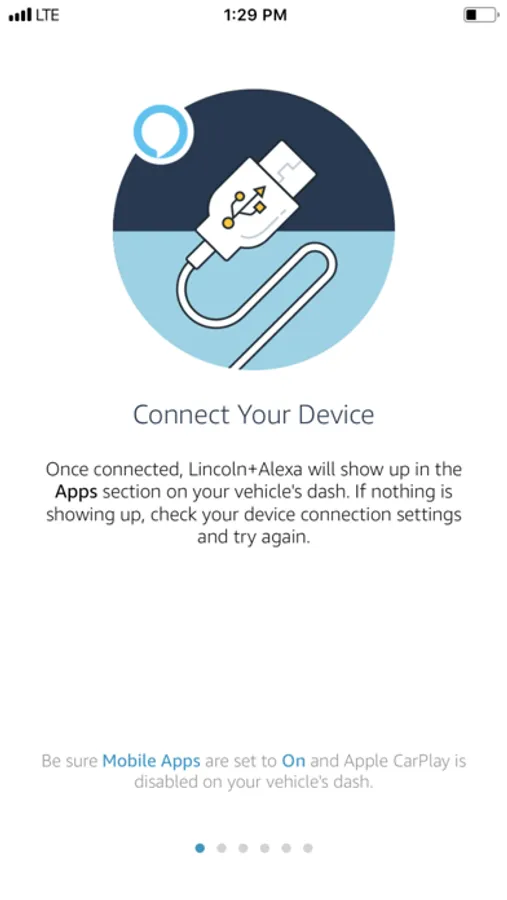
It seems after connecting with usb and shows connected to car and still asking to connect usb to phone to car and is not opening Alexa Lincoln app in the car to play So there is bug or not and need to get fixed Or need new update