In this photo editing app, you can capture frames from videos and save them as images. Includes support for downloading videos from Photos, Music, Podcasts, and TV apps.
AppRecs review analysis
AppRecs rating 4.4. Trustworthiness 77 out of 100. Review manipulation risk 23 out of 100. Based on a review sample analyzed.
★★★★☆
4.4
AppRecs Rating
Ratings breakdown
5 star
79%
4 star
7%
3 star
1%
2 star
1%
1 star
11%
What to know
✓
Low review manipulation risk
23% review manipulation risk
✓
Credible reviews
77% trustworthiness score from analyzed reviews
✓
High user satisfaction
86% of sampled ratings are 4+ stars (4.4★ average)
About Frame Grab
◇◇◇ How to Use ◇◇◇
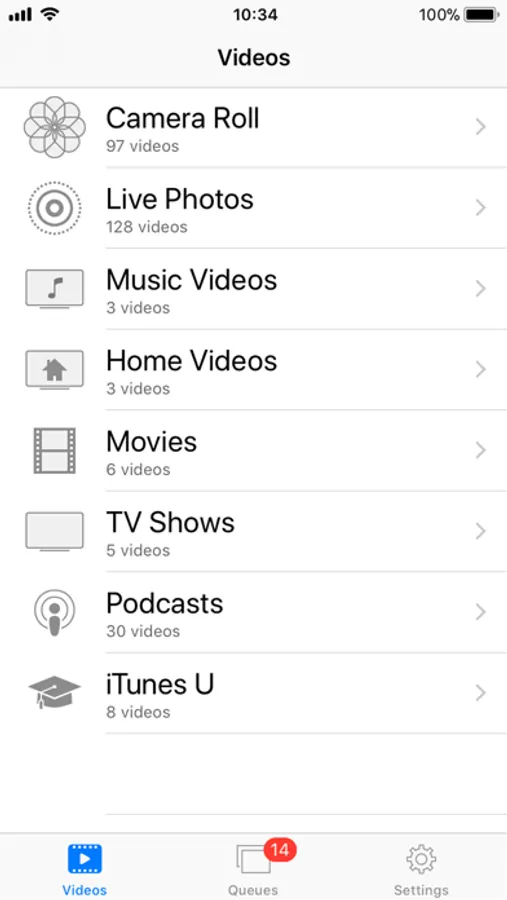
◆When you launch the app, a list of video categories appears: Photos, Live Photos, Music Videos, Home Videos, Movies, TV Shows, and Podcasts.
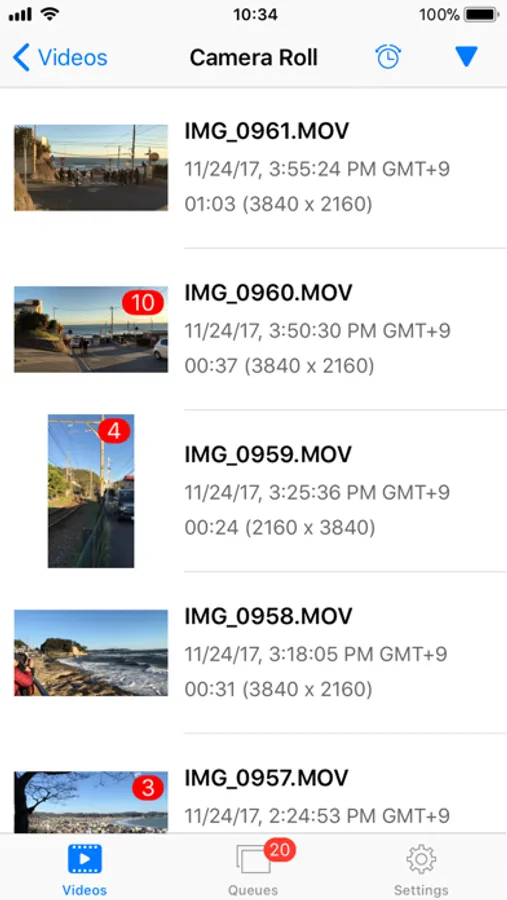
◆Tap a category to view its videos, then tap a video to open the player view.
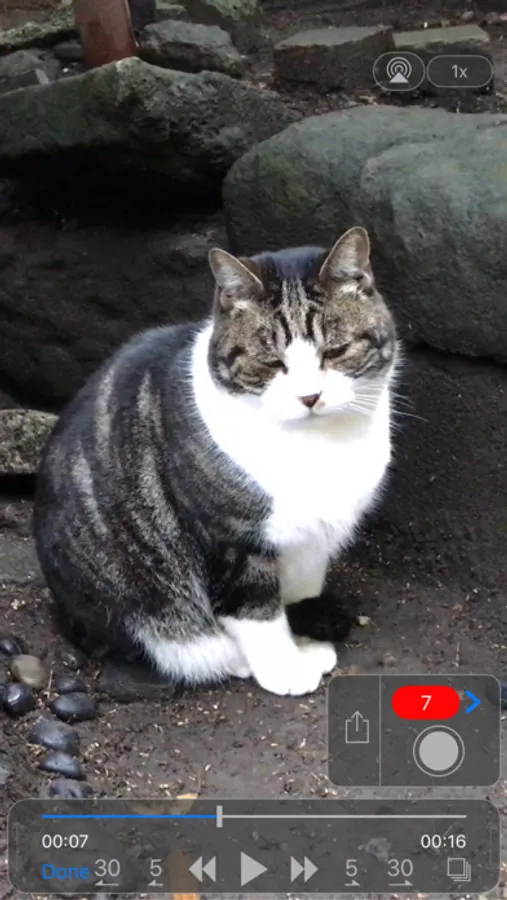
◆Move the playhead to the desired frame. Use the buttons on either side of the play button to step forward or backward one frame at a time.
◆Save Option 1:
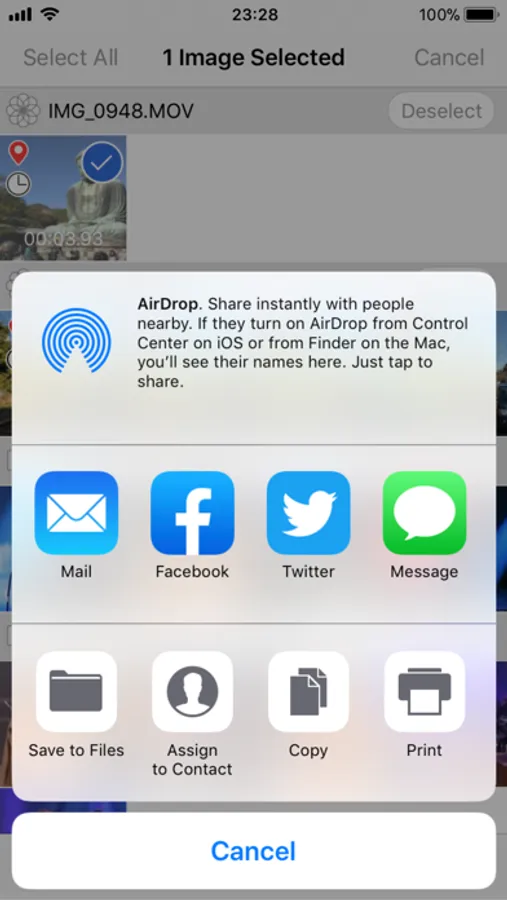
Tap the Share button to save the displayed frame to the Photos app, or share it with other apps and services.
◆Save Option 2:
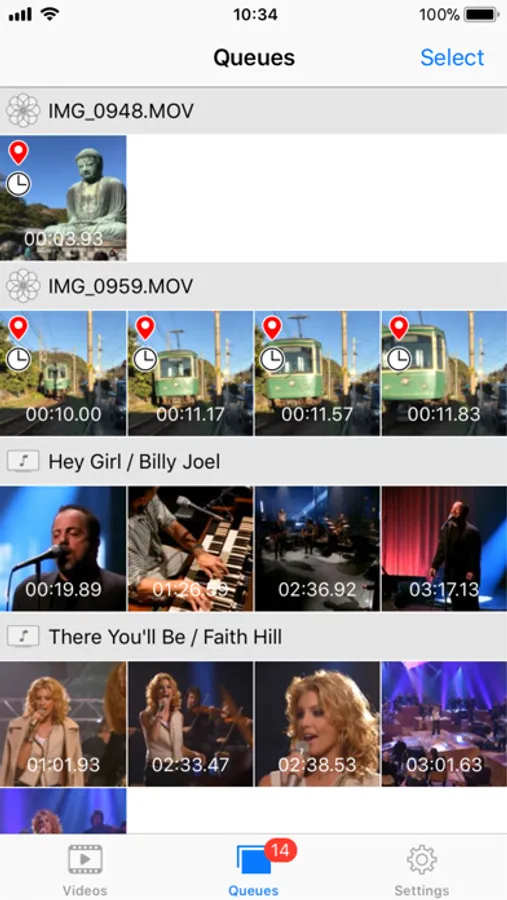
Tap the gray circle button to temporarily save the displayed frame to the Queue. Repeat this for other frames as needed. When you’re ready, tap the red badge showing the number of queued items to open the Queue and save multiple frames at once to the Photos app, or share them with other apps and services.
◇◇◇ Settings ◇◇◇
◆Live Photos:
Choose whether to show Live Photos videos.
◆Quality:
Low, Low-Mid, Hi-Mid, High
◆Size:
Actual size of original video
Half size of original video
Maximum 1920, 960 or 640 pixels
◆Location Info:
Choose whether to embed location data as Exif metadata in the extracted photos. Applies only if the video contains location information.
◆Date-Time Info:
Choose whether to embed the shooting date and time as Exif metadata in the extracted photos.
◇◇◇ Other Features ◇◇◇
◆Playback Speed:
0.5x, 1.0x, 1.25x, 1.5x, 2x
◆Continuous Grabbing:
Extract multiple frames at user-defined intervals and save them to the Queue.
◇◇◇ Note ◇◇◇
◆No recording feature included.
◆Protected videos — such as movies downloaded from the Apple TV Store — cannot be displayed.
◆Images in the Queue may be cleared when either the app or the OS is updated.
◆Videos recorded on iPhone or iPad store only the location where the recording started. Images extracted from the same video will contain the same location information.
Frame Grab Screenshots
Tap to Rate:
Reviews for Frame Grab
streetberries
Works well
Does the job! For DSLR video or iPhone. Can’t find out how to pay to remove ads.
Annoyed2689
Great App!
Does exactly as you expect and well designed interface that is fast to pick up and use. Really appreciate the ability to turn on or off the date time encoding as I can ensure the photo line up with my videos or get posted to the end of the library. Thank you to the developers!