
AppRecs review analysis
AppRecs rating 1.6. Trustworthiness 80 out of 100. Review manipulation risk 29 out of 100. Based on a review sample analyzed.
★☆☆☆☆
1.6
AppRecs Rating
Ratings breakdown
5 star
0%
4 star
20%
3 star
0%
2 star
0%
1 star
80%
What to know
✓
Low review manipulation risk
29% review manipulation risk
✓
Credible reviews
80% trustworthiness score from analyzed reviews
⚠
Mixed user feedback
Average 1.6★ rating suggests room for improvement
About SubConnect
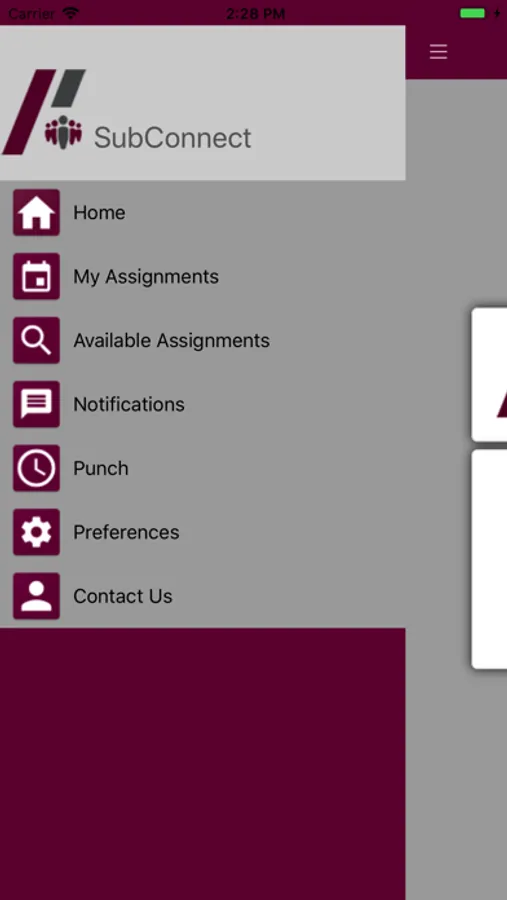
App Features include:
Job alerts via text, email, and push notification.
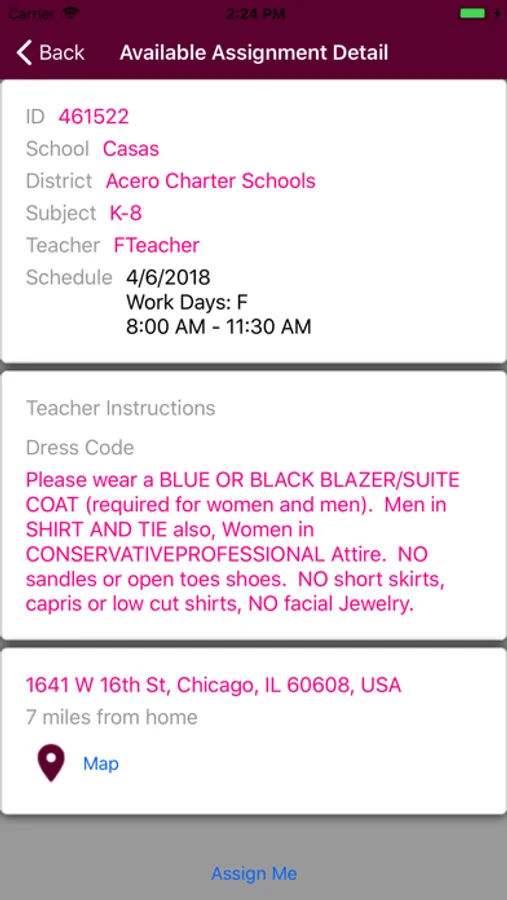
Accept available positions directly from the app.
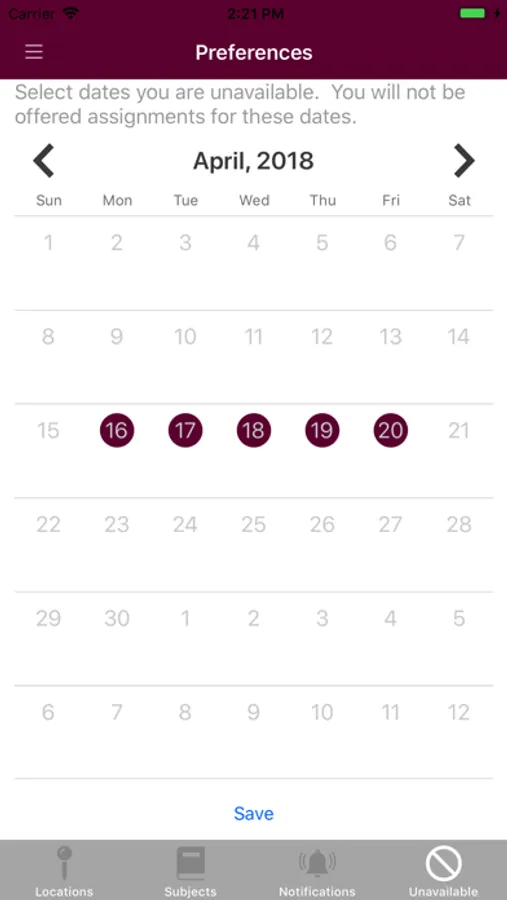
Calendar to manage your daily availability by selecting unavailable dates.
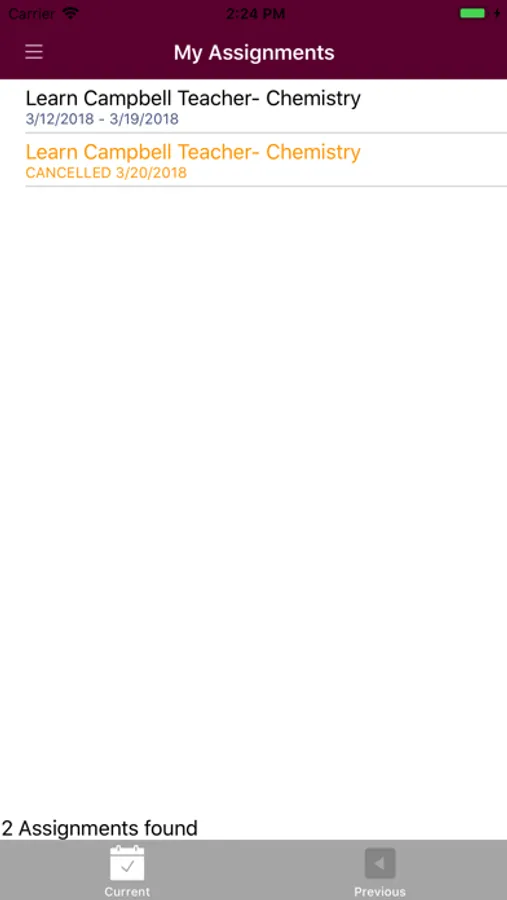
Full access to past and future assignments for personal reference.
Buttons to help you connect you to our live dispatch team via email and/or call.
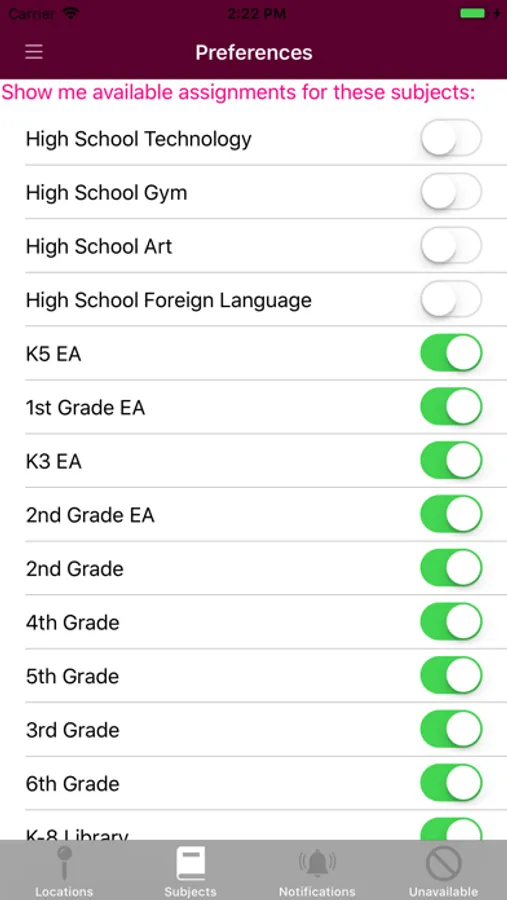
Filter your preferences by distance and by preferred teaching subjects.
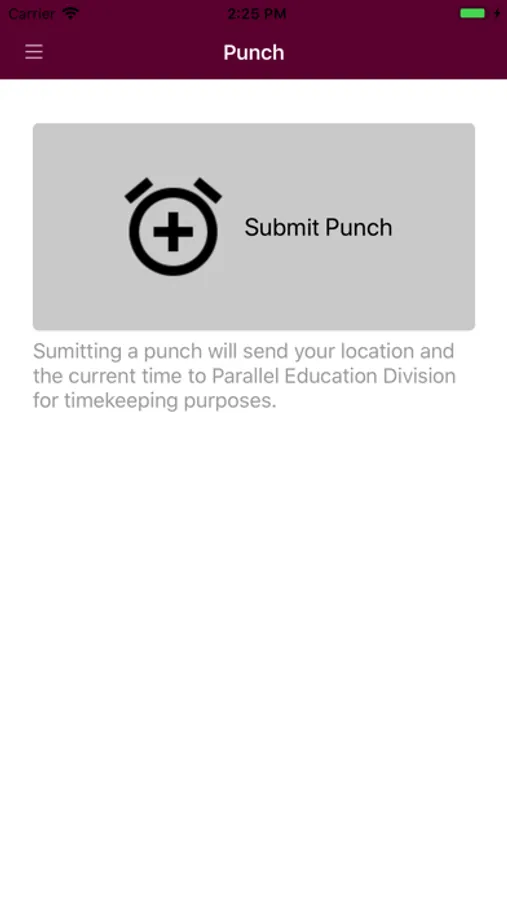
Punch-in/out feature to notify Parallel of the hours you’ve worked.
Launch a ride service request from the app.
Navigation links to help find directions to your scheduled assignment.
User must be an active employee with Parallel Education to be able to register with SubConnect.
SubConnect Screenshots
Tap to Rate:
Reviews for SubConnect
ThesharkqueenA
Zero stars is more like it
This is the worse app. It never loads, and when it does it says no jobs found. When I have assignments it will say there is none. It has never sent me notifications of anything. It doesn’t save days I can’t work. If I try the preferences it come up blank. The distance button does nothing too. Is hard to get jobs when it won’t filter jobs you don’t want. It has so many flaws. You would think an app fir education substitutes would be working. It is also very basic and could be more user friendly as in working???? Once it’s working maybe use a better interface this one is terrible buttons are to small and to close together. It’s just a bad app.
linwoodclw
Wish there was a rating below one star
This app has numerous flaws that would seem to be simple to fix. Accepted assignments are listed in the order they are assigned, not in chronological order. This means that I have to thumb through a long list of assignments to find the details of my job each day. The preferences page is supposed to stop potential assignments from being offered on days one is unavailable. Although I always indicate when I’m unavailable on this calendar, I am offered jobs on those days anyway. If I accept one of these jobs and go to add it to my personal calendar where I see I am unavailable, the only way to cancel is to call the switchboard, which is not open 24 hours. There is also page to indicate what types of assignments one is not interested in. I have indicated I am not interested in para/ea jobs (they pay $2/ hour less) but these positions are still offered to me.