
AppRecs review analysis
AppRecs rating 1.5. Trustworthiness 65 out of 100. Review manipulation risk 22 out of 100. Based on a review sample analyzed.
★☆☆☆☆
1.5
AppRecs Rating
Ratings breakdown
5 star
0%
4 star
0%
3 star
0%
2 star
0%
1 star
100%
What to know
✓
Low review manipulation risk
22% review manipulation risk
⚠
Mixed user feedback
Average 1.5★ rating suggests room for improvement
About TourSolver Mobile
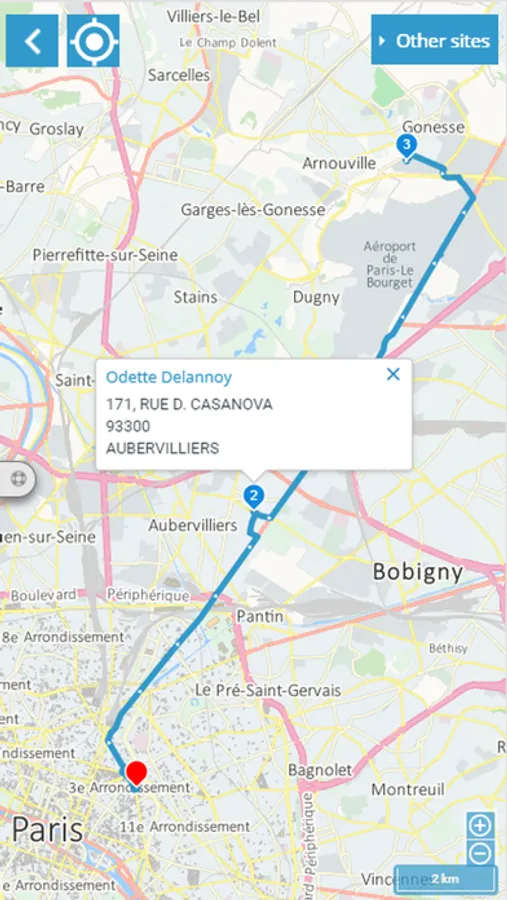
The information is sent back to the planner who can consult in real time the evolution of the tours and act accordingly.
Connection
Once the app has been launched, you can connect using the login details defined by the person in charge of tour optimisation. You must have a login (a valid e-mail address) and a password.
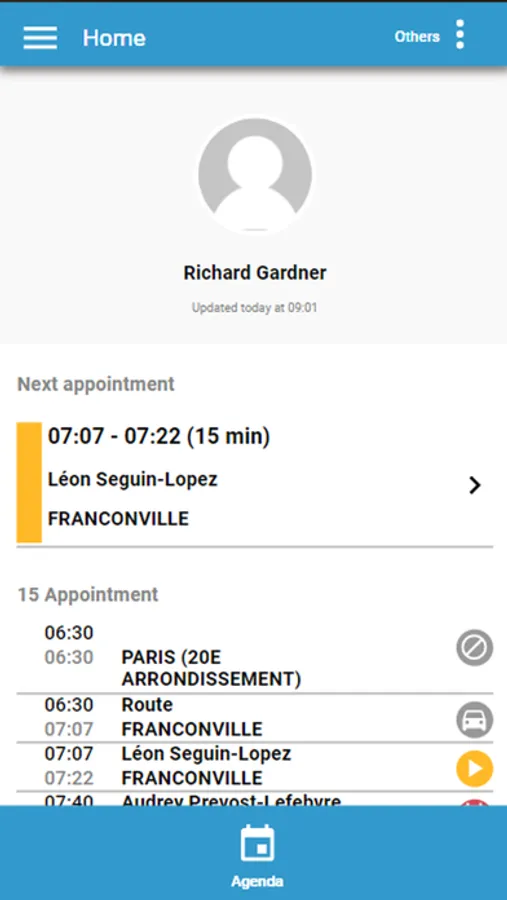
Home page
The home page shows the visits to be carried out today. If you have no visits today, go to the Agenda page to explore the next days (within the limit configured by the person in charge of tour optimisation).
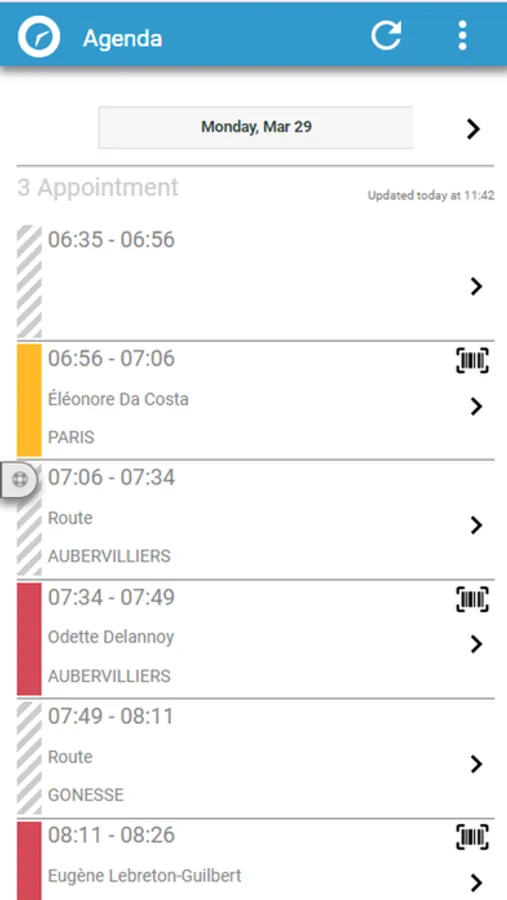
Agenda
The Agenda page shows the visits to be carried out today and the next few days, within the limit configured by the person in charge of tour optimisation. Explore the dates to which you have access.
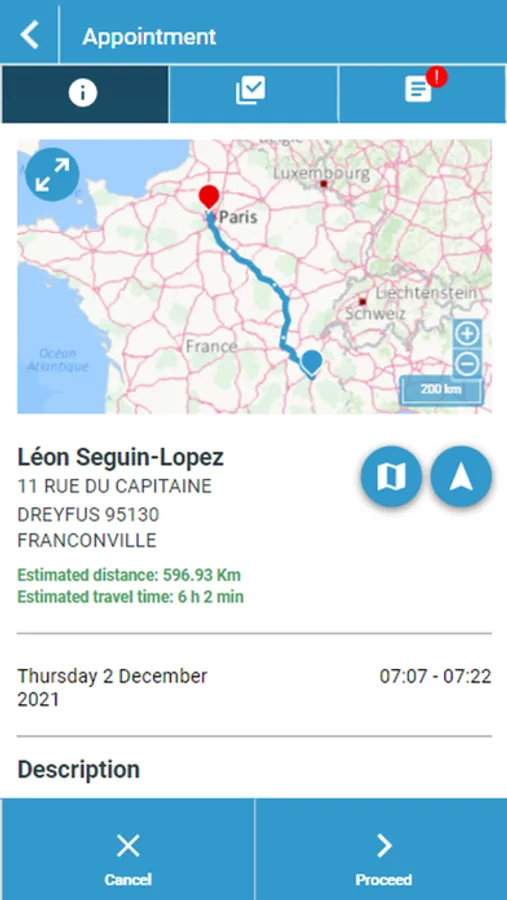
Visit record
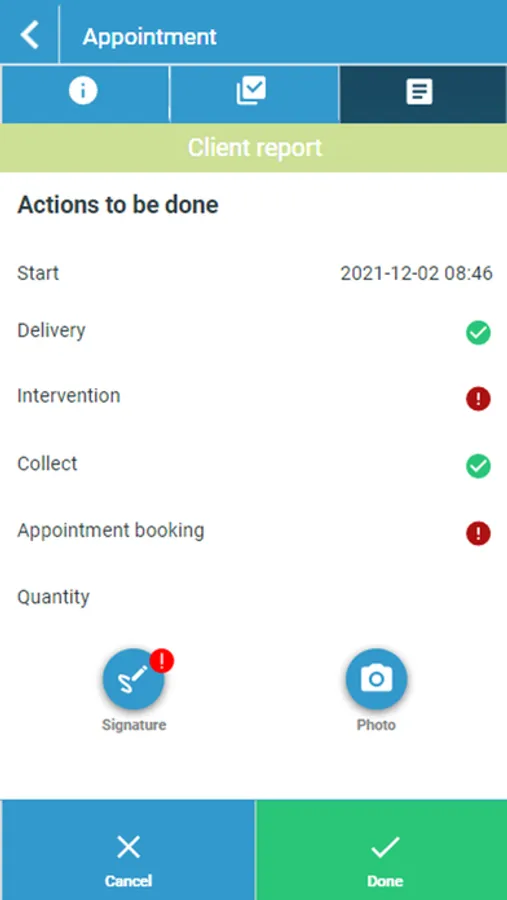
From the calendar, select a visit from the list of visits for the selected day, then consult the information relating to this visit.
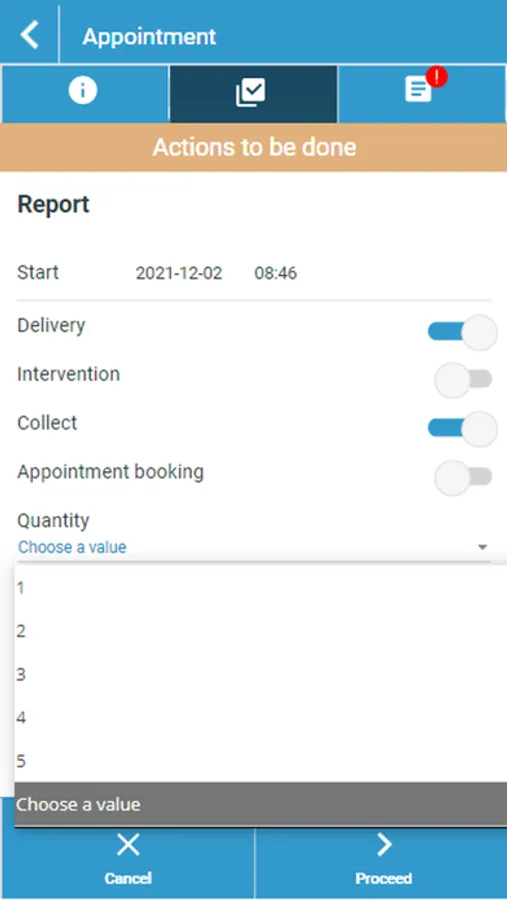
Several actions are then possible according to the configuration defined by your supervisor (in charge of the optimization of the rounds). This allows you to declare the different states of completion of the visits as they occur.
Restitution in TourSolver Cloud
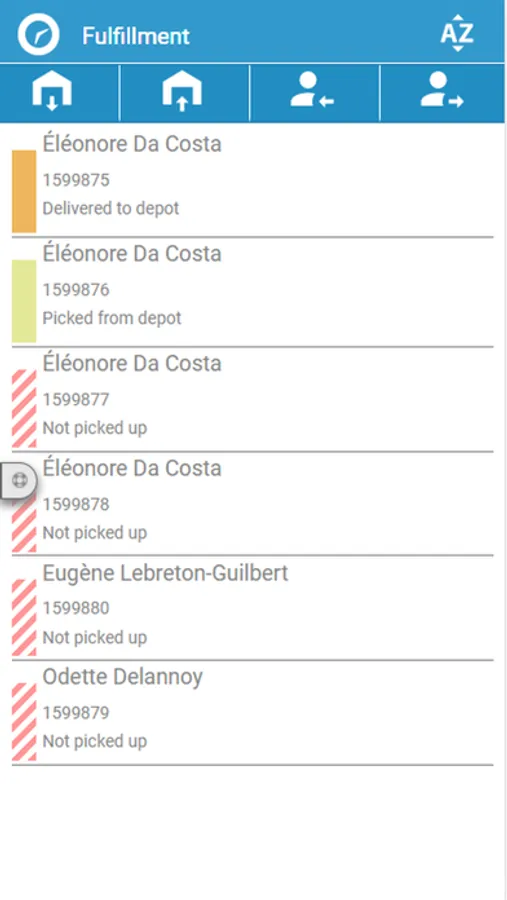
At any time, the TourSolver Cloud user in charge of tour optimization can follow the completion of tours in real time, by automatically updating the status of visits, as well as the completion times declared from the TourSolver Mobile app.
Product (or package) barcode scanning
Scan products (or parcels) labelled with QRCode or barcodes to ensure seamless supply chain traceability.
TourSolver Mobile Screenshots
Tap to Rate:
Reviews for TourSolver Mobile
Pajeaux
HORRIBLE
MOVE ON AND KEEP LOOKING FOR A BETTER APP. There isn’t a single good thing to say an out this app. Instead of fixing the NUMEROUS issues, they just add more buttons to be tapped. It already lags, freezes, deletes, logs you out (forcing you to hit begin again once you’ve arrived at your stop), needs constant manual refreshing and the colors they decided to use can barely be seen. Light grey/blue on top of a white background is not a good idea. When it decides it doesn’t want to scan, it freezes when you manually enter the number and you’re forced to restart the app. The app has to be restarted at least once while you’re in the middle of using it.