AppRecs review analysis
AppRecs rating 3.8. Trustworthiness 78 out of 100. Review manipulation risk 25 out of 100. Based on a review sample analyzed.
★★★☆☆
3.8
AppRecs Rating
Ratings breakdown
5 star
60%
4 star
0%
3 star
20%
2 star
0%
1 star
20%
What to know
✓
Low review manipulation risk
25% review manipulation risk
✓
Credible reviews
78% trustworthiness score from analyzed reviews
✓
Good user ratings
60% positive sampled reviews
About Control Orienteering Analysis
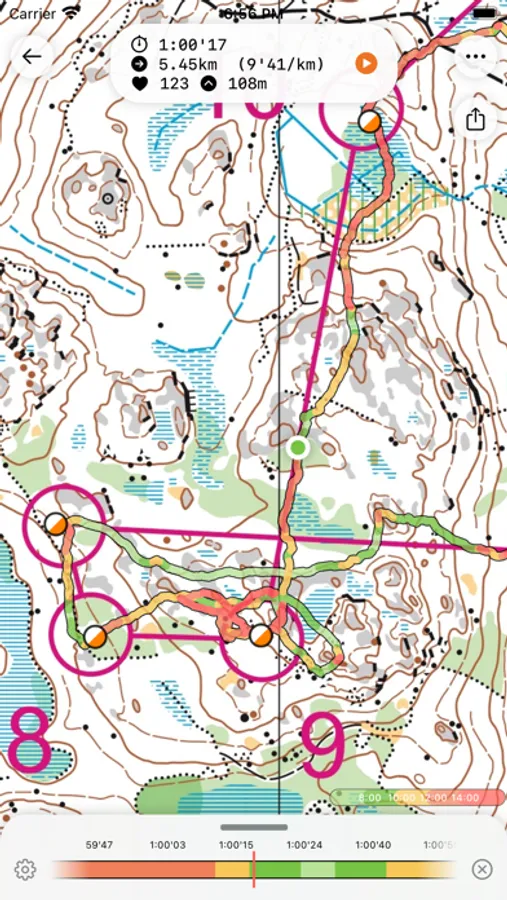
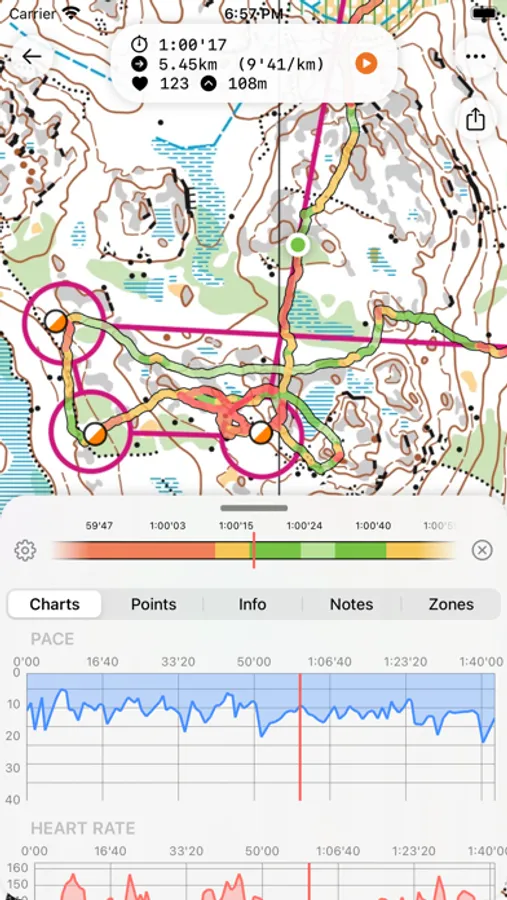
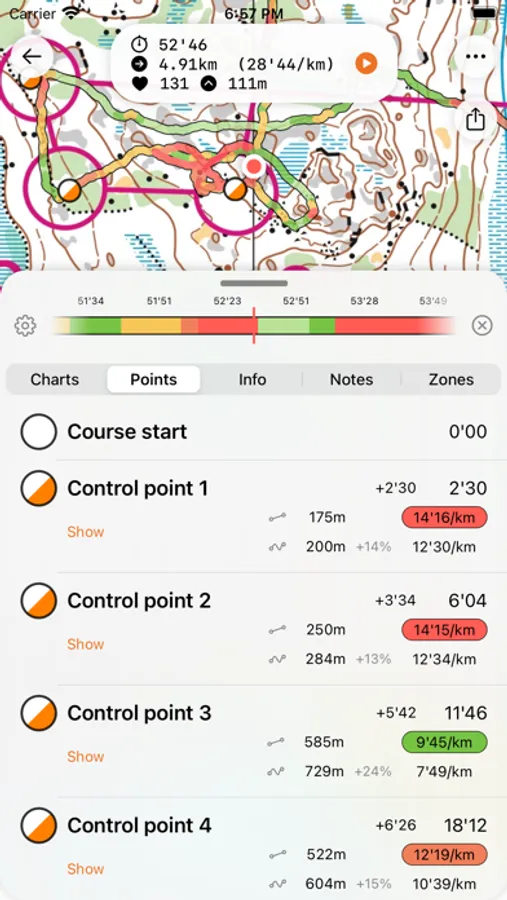
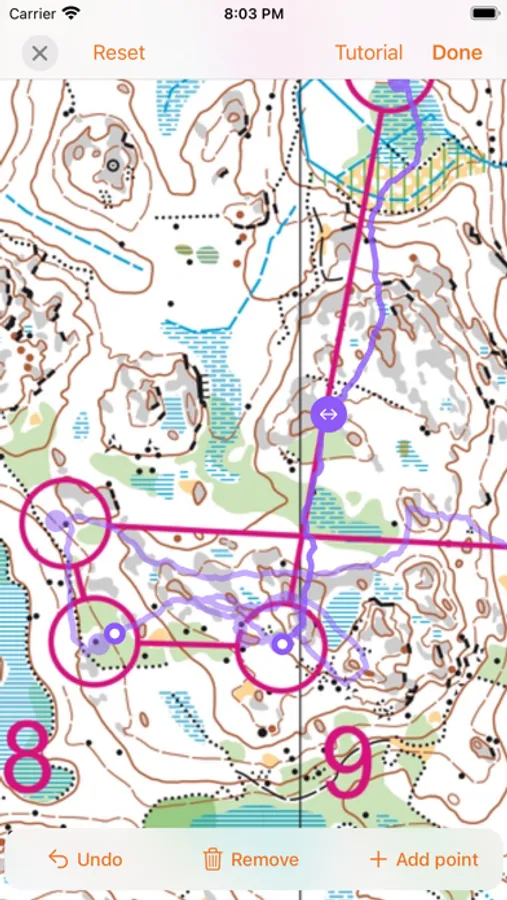
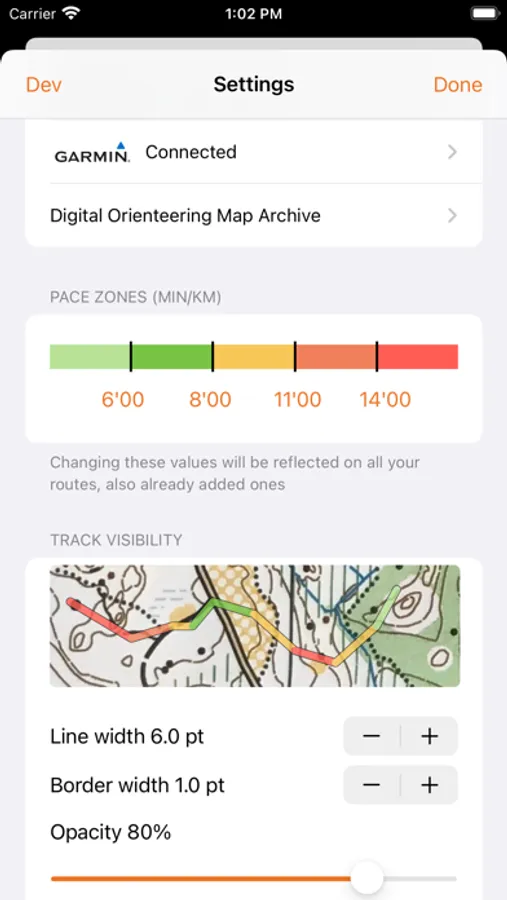
View the track on any map image you add to the app. Either import an image file from a scanner or take a picture right in the app, then calibrate and adjust the track. Browse your course point-by-point, see the pace, HR, altitude along the way. Mark notes for later use. Pace zone stats let you view the pace which you had in the different sectors of the track. You can also replay the track with the speed you want.
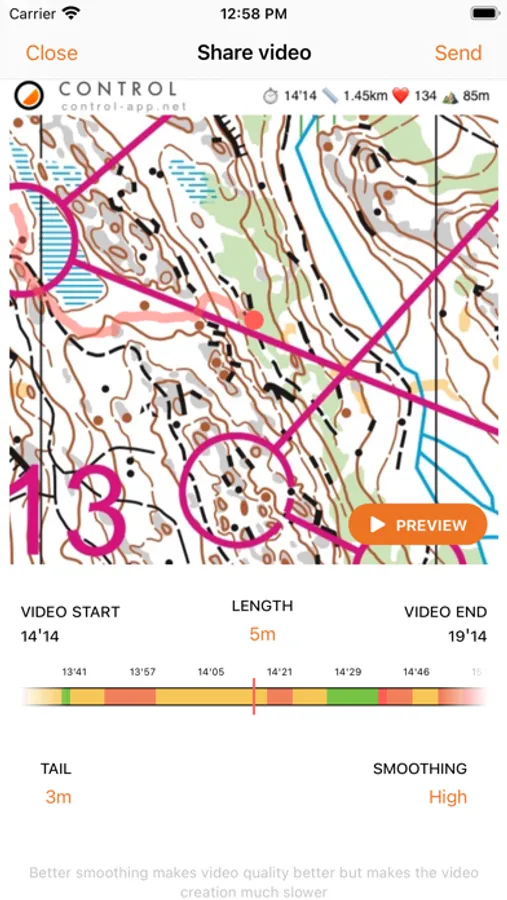
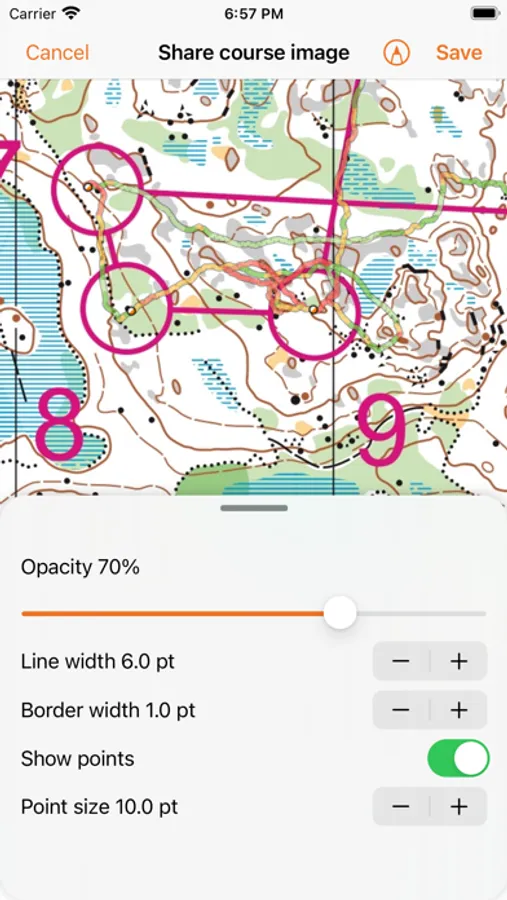
You can export the route you took in GPX format as well as a fully-customisable image of the orienteering map and your route. Export the track to Livelox or export track and the map to Digital Orienteering Map Archive. Save a video from a specific time with configurable length & gps tail length.
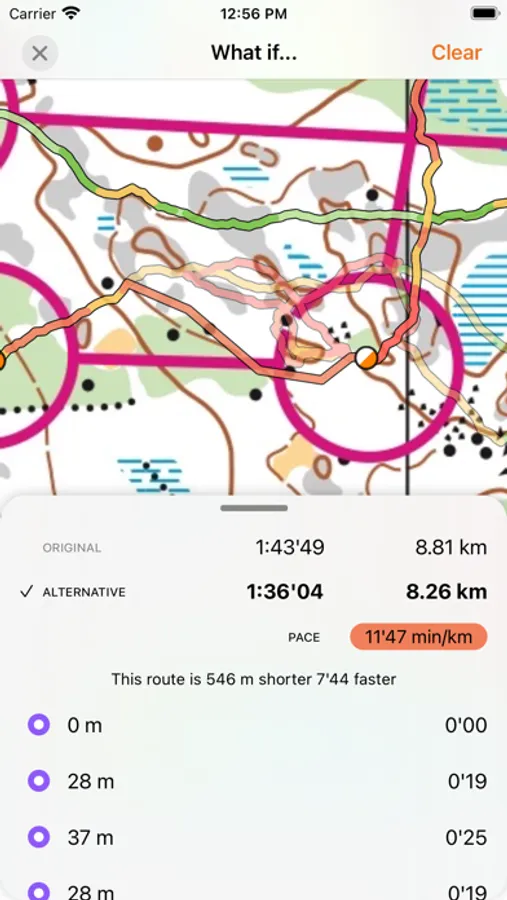
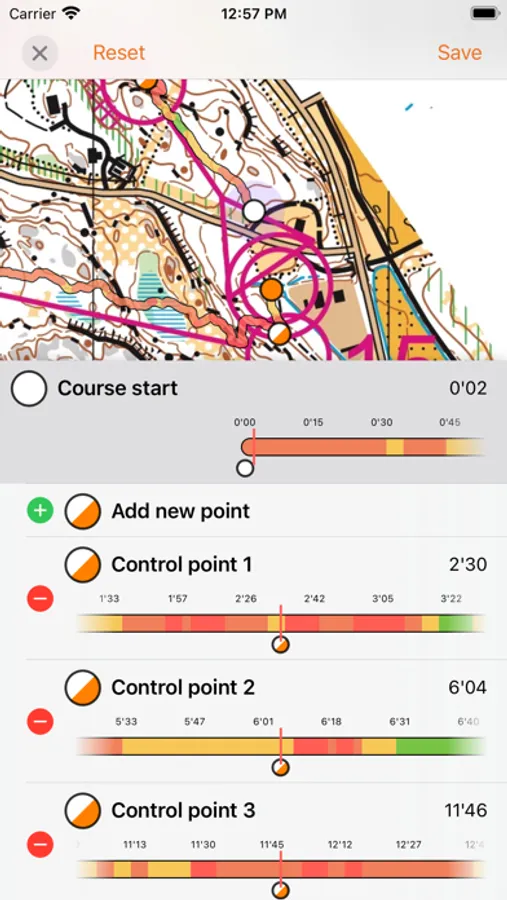
Compare routes lets you add another route on the same map for comparing different route choices. And with What If -functionality, you can even draw an alternate route and speculate how much better your time would've been without that one silly mistake.
Follow your favourite runners with Control Club. See their posts and post your own. React and comment to their performances and also compare their tracks to your own.
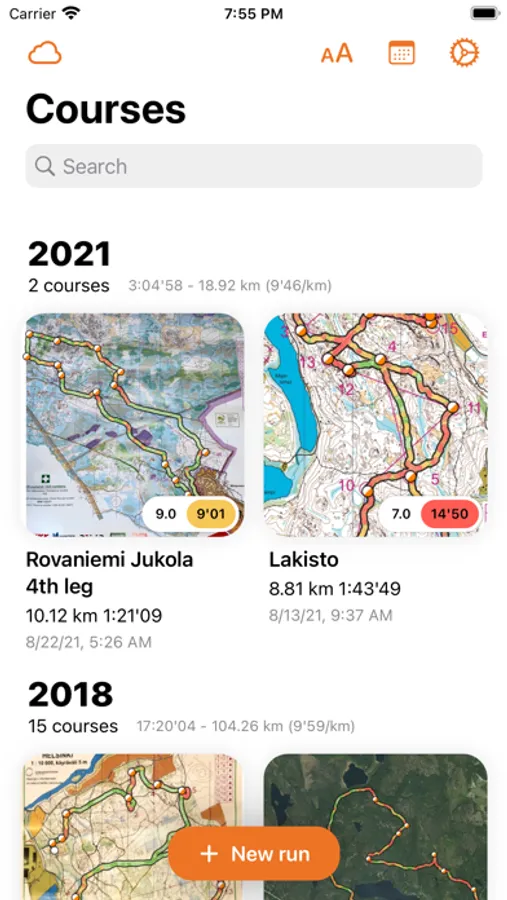
You can also enable iCloud syncing which enables you to see your courses on all your devices.
Basic app is completely free but for the more advance features you are required to get a Total Control subscription. We offer a free 2-week trial period for you to try it out, with all the features. You can cancel anytime.
With Control Apple Watch app you can track a route by carrying only your watch, it tracks the route completely offline. You can mark controls as you pass them. Also by just turning the Digital Crown. Afterwards, when you get back to your iPhone, the track is automatically synced to the iPhone app and to all your devices with iCloud.
Control's Privacy Policy: https://control-app.net/privacy-policy
End User License Agreement: https://control-app.net/eula
Control Orienteering Analysis Screenshots
Tap to Rate:
Reviews for Control Orienteering Analysis
TrailmasterMike
App failed
I just bought an Apple Watch. What a nightmare to set up!! Had to update my phone to ios17 Now the app won’t work. Almost all other apps I have tried work correctly. I also updated the app and it still didn’t work. Stuck on white splash screen.
Bill Of Canton
Simple on the course; full features for the file
This is just what I have been looking for. Efficient, uncluttered face on the Apple Watch, no unnecessary buttons to confuse while on the course. Flips to a no-buttons face while moving to avoid inadvertent Stop or Mark. Ingest the map using the iPhone camera; don’t have to find a scanner. Register the route with the map just like in Quick Route. Can transmit the route-on-map image using the usual iPhone “share” methods. Includes your marked Control points in the GPX file. Current version shows distance in units standard for your region, so Americans must go into iPhone settings to enter a fake residence to get readouts in kilometers, but the developer has on his To Do list to add an in-app miles-or-kilometers option.