AppRecs review analysis
AppRecs rating 2.7. Trustworthiness 71 out of 100. Review manipulation risk 33 out of 100. Based on a review sample analyzed.
★★☆☆☆
2.7
AppRecs Rating
Ratings breakdown
5 star
27%
4 star
12%
3 star
4%
2 star
15%
1 star
42%
What to know
✓
Credible reviews
71% trustworthiness score from analyzed reviews
⚠
Mixed user feedback
Average 2.7★ rating suggests room for improvement
About DATIS ePunch
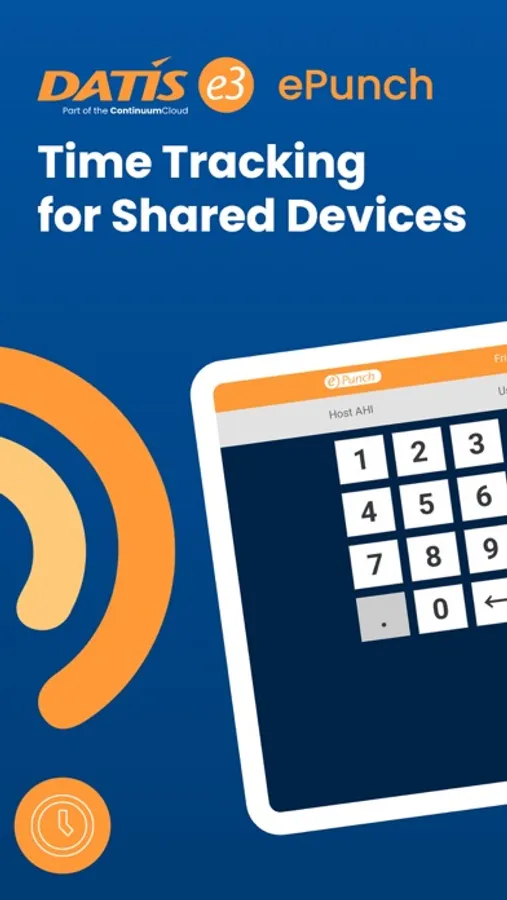
Important to Note:
-This application is for e3 users and ContinuumCloud clients only.
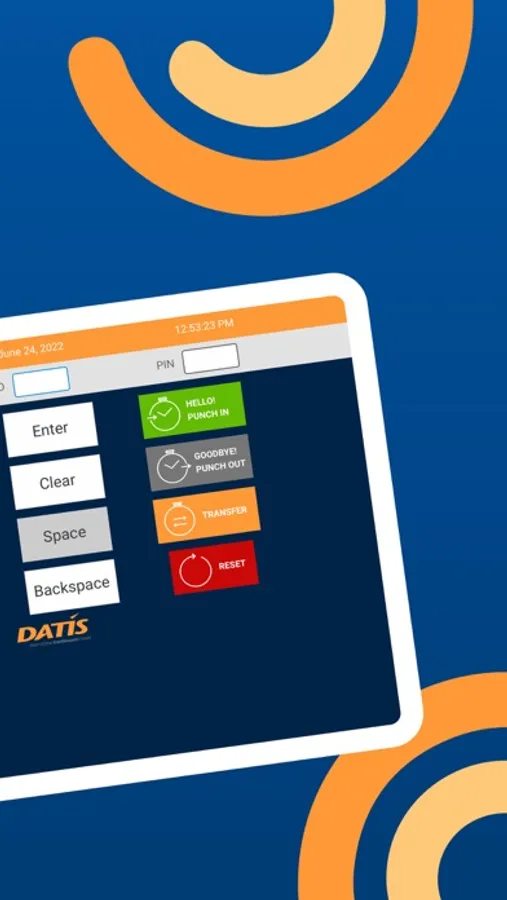
Key Features:
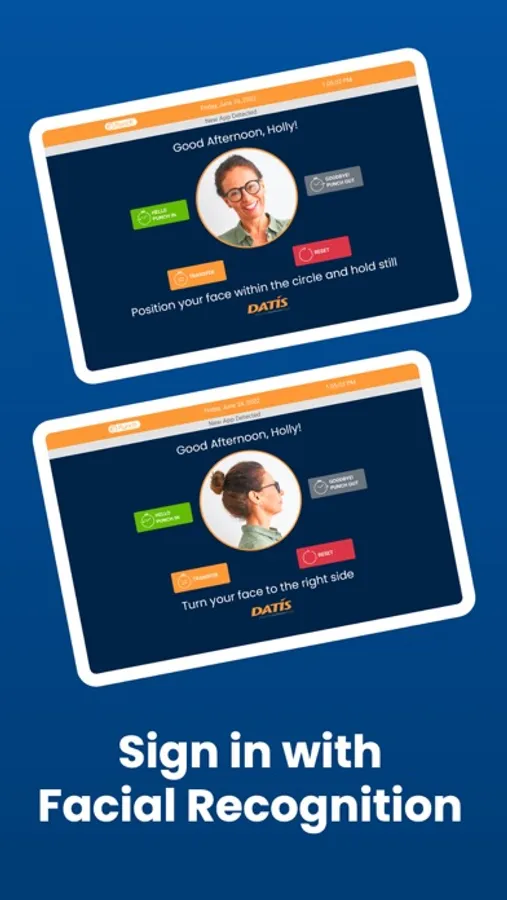
-Simple, user-friendly interface
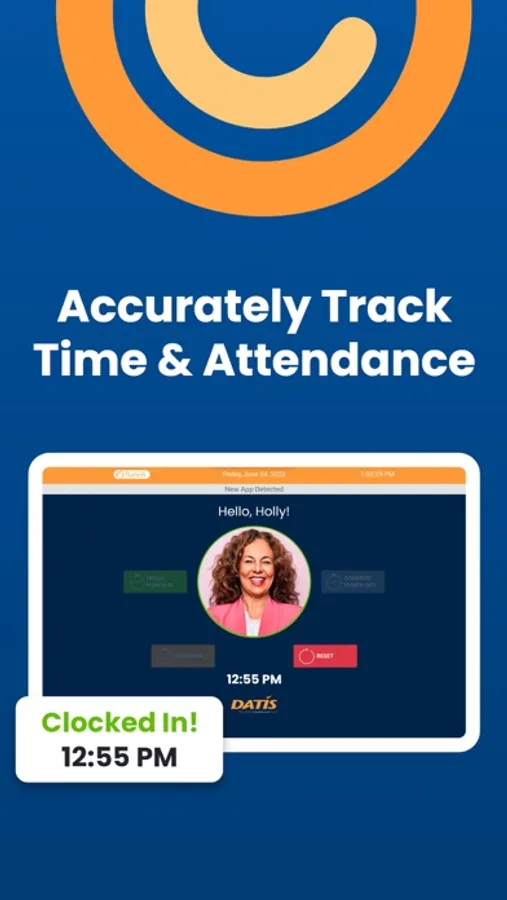
-Accurately tracks time & attendance
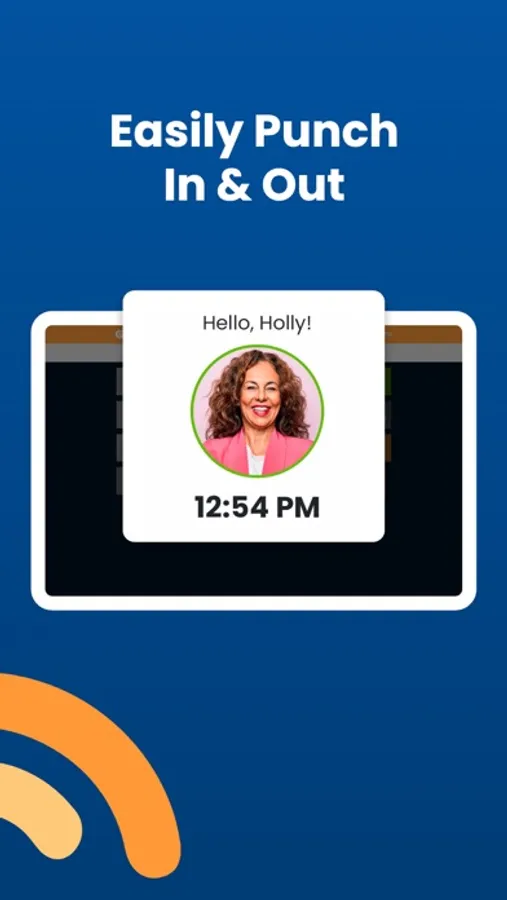
-Ability to punch in/out
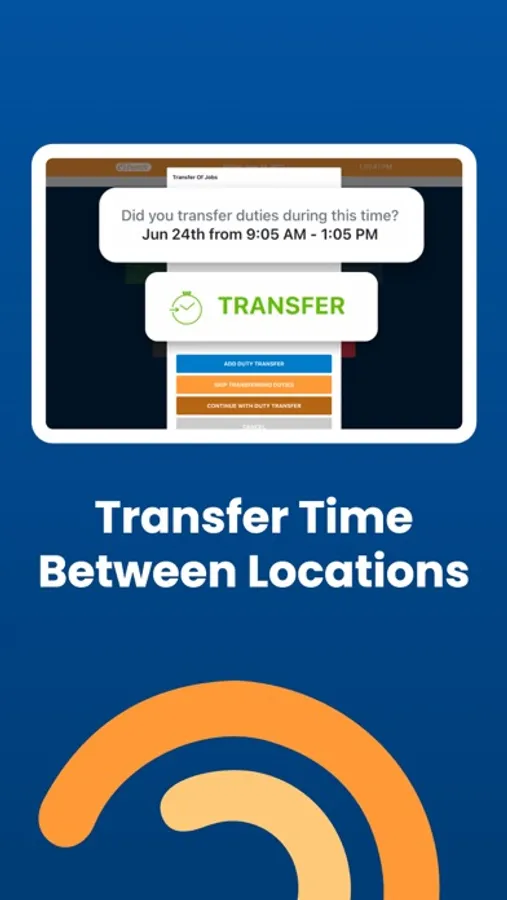
-Ability to transfer time between programs, departments, and more
-Facial recognition
Security:
-Time & attendance recorded on devices routed through ContinuumCloud's secure servers
-All usernames and passwords are protected
Support:
-Dedicated team of Support Specialists will respond to all application issues or complications.
DATIS ePunch Screenshots
Tap to Rate:
Reviews for DATIS ePunch
kiarajanettt
Doesn’t Show If Clocked On
I agree with many of the reviews. The screen will not change if clocked in or out. This leads to many mistakes in timesheets and double clocking in/ out!
MelWuh
NEEDS a clocked-in INDICATOR!!
PLEASE LISTEN to everyone who has repeatedly asked for a CLOCKED-IN INDICATOR to be added to the app. It would otherwise be a 5-star app, but this simple feature being overlooked (and multiple reviews and feedback from users not being listened to) takes its functionality down a lot. I’ll change my review if this simple feature is ever added! An indicator would save both employees and supervisors SO many headaches, missed punches, duplicate punches, etc. For something so simple to implement, and the context being for something so important and stressful as work and getting paid, this NEEDS to be fixed. It’s the most frustrating experience, when you can’t remember if you punched in/out or not yet and want to be able to check in the app but can’t do so. Then you have to be able to get to a laptop to do a full login to check it… and not every job has a computer/laptop immediately handy for doing this at the beginning/end of the day. There’ve been times I remembered to think to clock in at the beginning of my shift… but refrained from doing so because I thought I’d already punched it… and by the time I get to a computer to check it, it’s too late for me to fix, and I have to inconvenience my supervisor to help me. There was also a time the app wasn’t registering properly, I think due to a weak Internet connection that kept coming and going; I couldn’t tell whether the punch was registering or not! When it registers a punch as clocked in or out, there NEEDS to be an indicator. This could be as basic as an icon color change, a symbol, etc. And/or… even better… make there only be one button which changes its label dependent on whether or not you’re currently punched in! If you’re punched in, the button would only give the option to Punch Out. If you’re currently punched out, the button would only give the option to Punch In. I think a lot of people would be much happier with the app… I know I sure would!