In this voice recorder app, you can reliably record meetings, personal notes, speeches, lectures, and songs. Includes editing functions, file management, and sharing options.
AppRecs review analysis
AppRecs rating 4.3. Trustworthiness 73 out of 100. Review manipulation risk 27 out of 100. Based on a review sample analyzed.
★★★★☆
4.3
AppRecs Rating
Ratings breakdown
5 star
76%
4 star
15%
3 star
4%
2 star
1%
1 star
4%
What to know
✓
Low review manipulation risk
27% review manipulation risk
✓
Credible reviews
73% trustworthiness score from analyzed reviews
✓
High user satisfaction
76% of sampled ratings are 5 stars
About Voice recorder: Audio editor
voice recorder application is simple and easy to use.
You can reliably record your meetings, personal notes, speeches, lectures, songs with high quality. There is no time limits just depend on your remaining space of internal storage.
This application is a best choice. Other names which you can call it: voice recorder, audio recorder, sound recorder.
Features:
- record your meetings, personal notes, speeches, lectures, songs
- beautiful user interface, easy to understand.
- support high quality format file: mp3
- store file on internal storage or SD card
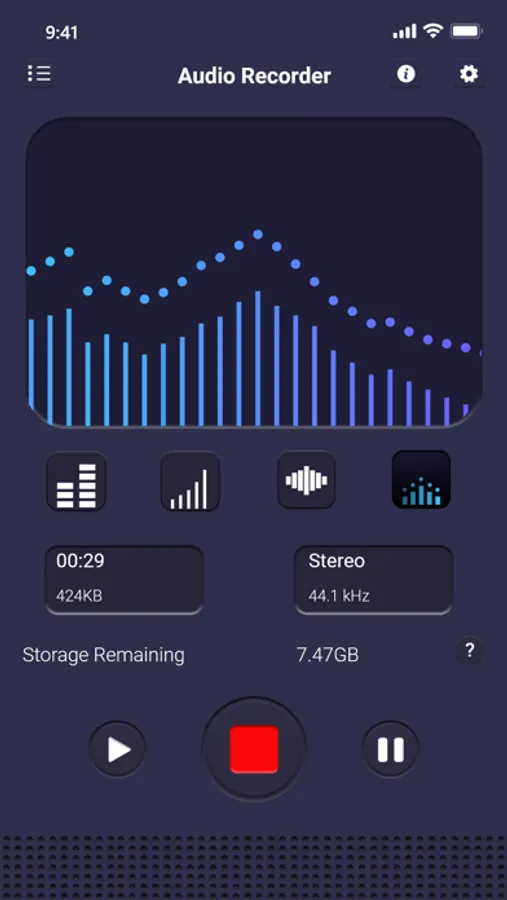
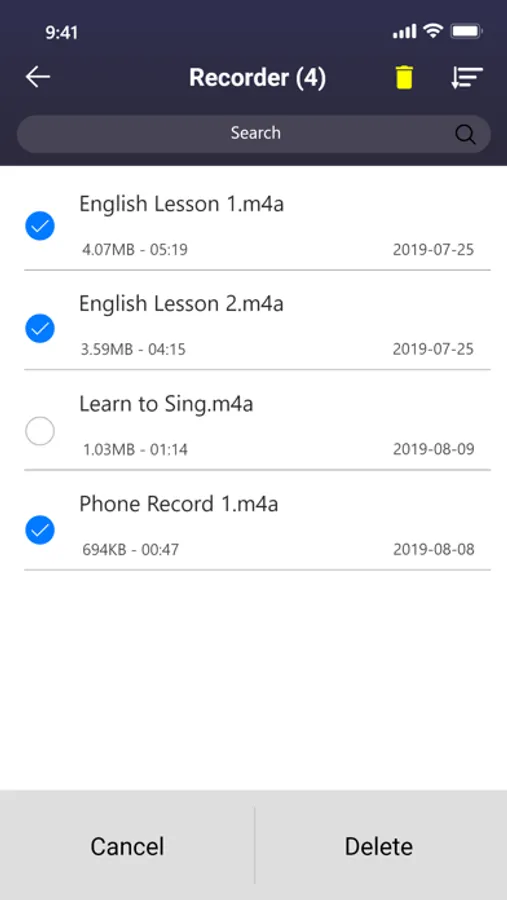
- have list of files with basic functions: search, arrange
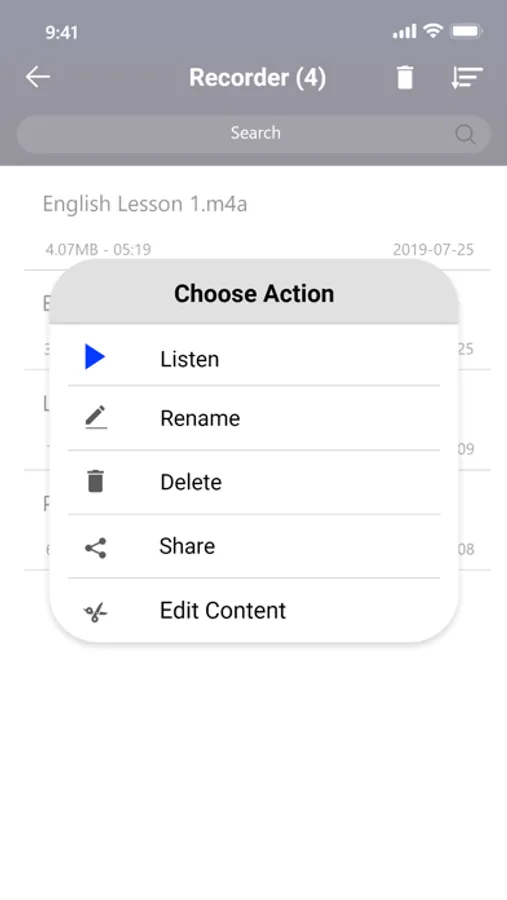
- have delete function, share function (via email, sms, mms, facebook, whatsapp, dropbox, etc.), view detail information
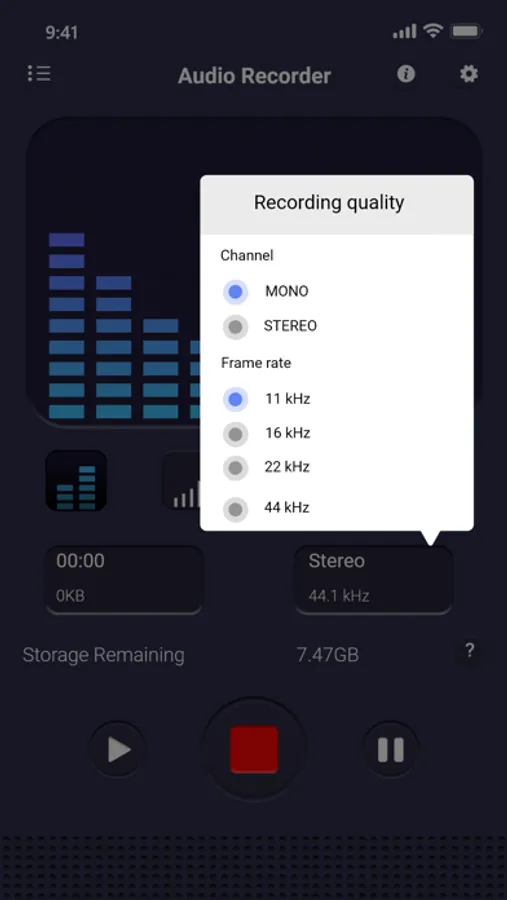
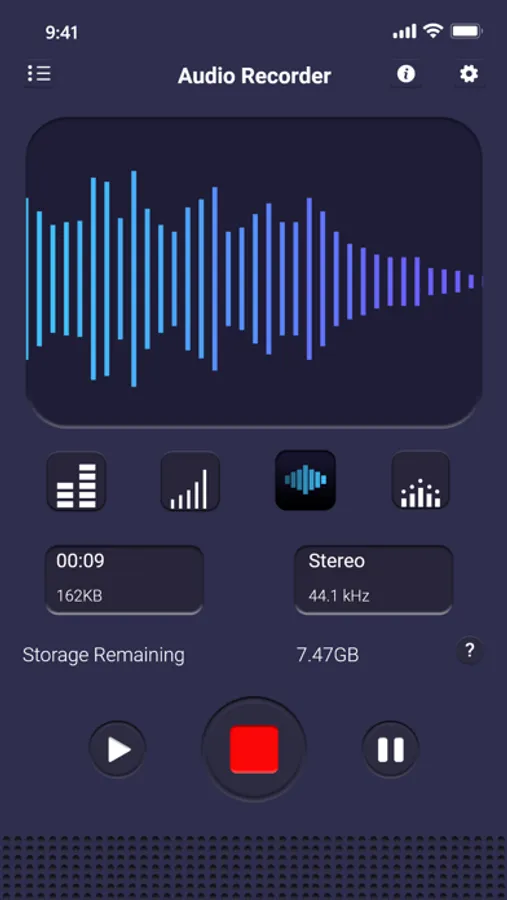
- encoding with adjustable sample rate (8-44 kHz)
- recording in background (even when display is off)
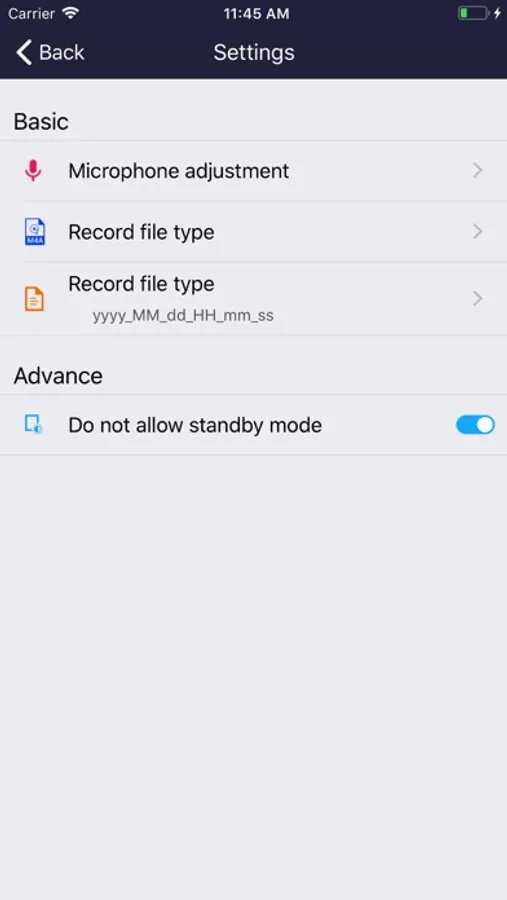
- microphone tool to adjust the sensitive
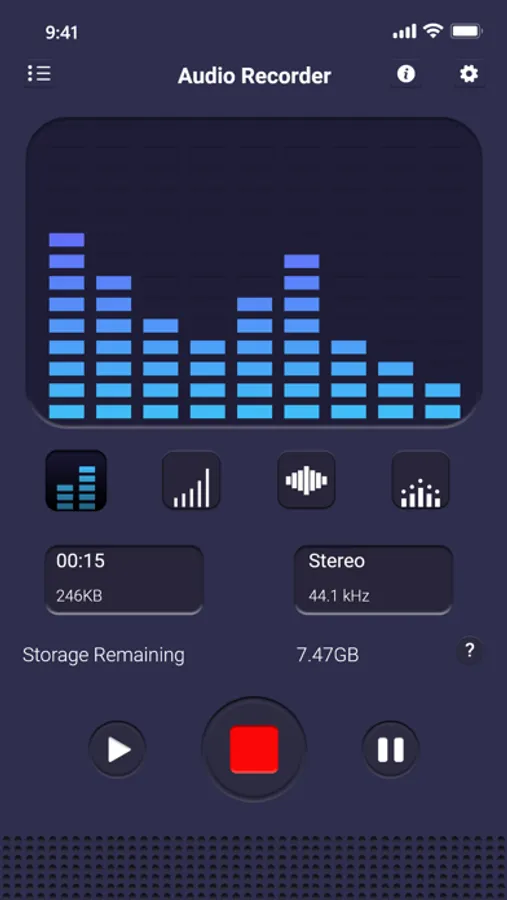
- save/pause/resume/cancel recording process control
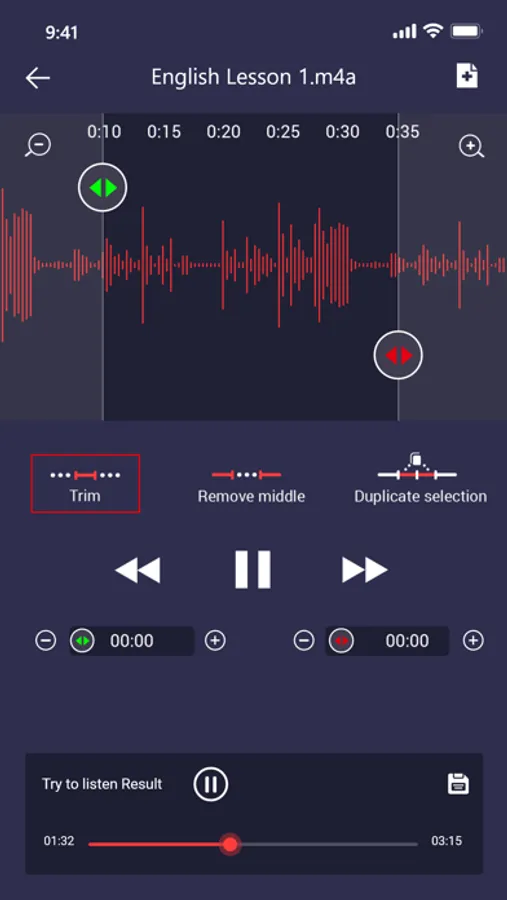
- function to edit recording files by cutting some parts not needed
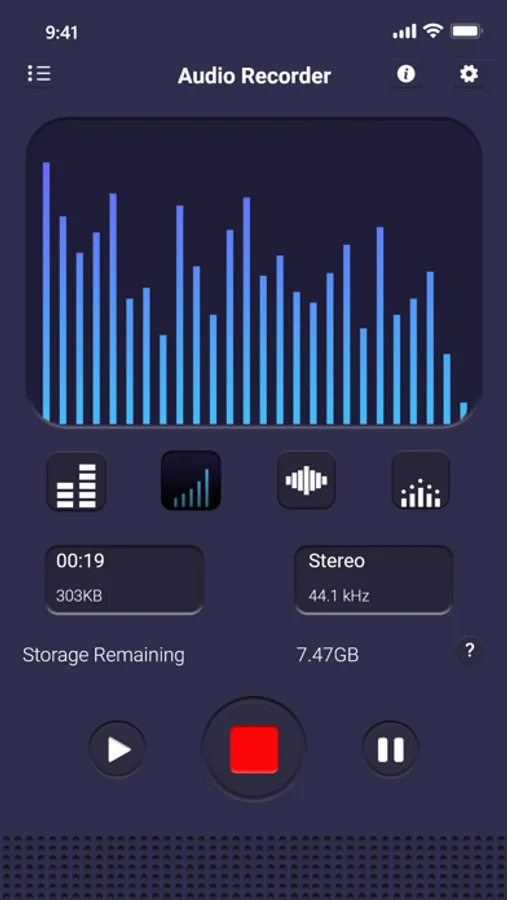
- show remaining space of internal storage or SD card
- not support call recorder
Hope you love this application.
Voice recorder: Audio editor Screenshots
Tap to Rate:
Reviews for Voice recorder: Audio editor
Timbreblue
Where is transcript?
Audio is five star but I’ve been searching for ten minutes for the transcript. I’ll upgrade rating if this is made possible. Even Google search was no help. It says the transcript is "attached to the app," but where?
DWW0
A very useful and quickly ready to record app?
I’m no expert, but this seemed very usable and was able to convert to a few other formats.